Various Complements
6 years ago by tadashi-aikawa
This plugin for Obsidian enables you complete words like the auto-completion of IDE.
YOLO
9 months ago by Lapis0x0
Agent-native AI assistant — chat, write, whiteboard, learning, all in one.
Dragger
4 months ago by ariestar
An Obsidian plugin for dragging and rearranging any block.
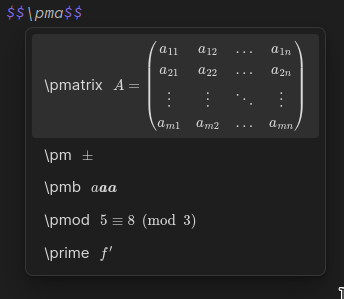
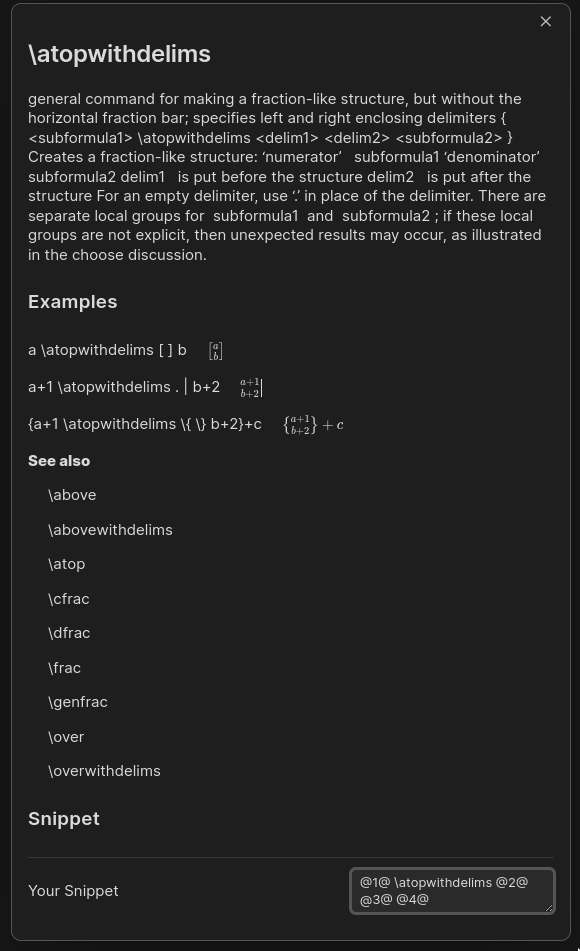
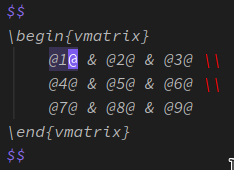
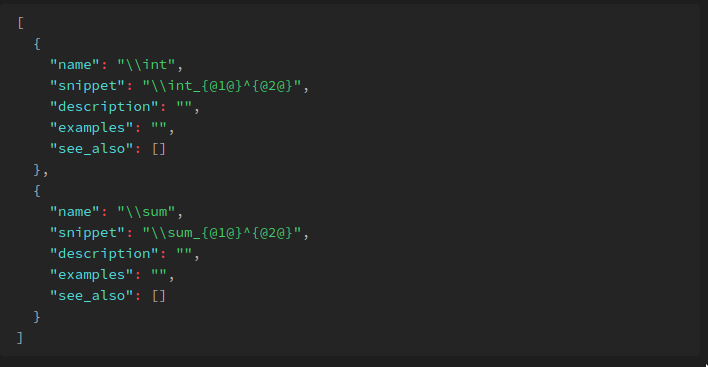
Extended MathJax
6 years ago by Xavier Denis & Ng Wei En
Markdown Tabs
3 months ago by xhuajin
Create and render a Tabs component in your notes.
Pixel Perfect Image
2 years ago by Johan Sanneblad
Pixel perfect 100% image resizing, copy to clipboard, show image in Finder/Explorer, and much more.
Sectionals
2 months ago by Aaron Bell
Edit Markdown by structure
Copilot auto completion
3 years ago by Jordi Smit
Side-Notes
3 months ago by Fried Fishsticks
Tufte-style sidenotes for Obsidian
Spellcheck Toggler
3 years ago by Julian Szachowicz
A plugin for Obsidian which gives you more control over the red-underline spellcheck behaviour.
Auto Correct Capitals Misspellings
2 years ago by Ummel
This plugin automatically corrects words where the first two letters are capitalized and the rest are lower case.
Write Good
2 years ago by Mark Hesketh
Obsidian plugin to help improve writing style
Nova
9 months ago by Shawn Duggan
Nova - AI plugin for Obsidian that edits your documents directly through natural conversation. Stop copying from chat, start collaborating with AI.
Proofreader
a year ago by pseudometa (aka Chris Grieser)
AI-based proofreading and stylistic improvements for your writing. Changes are inserted as suggestions directly in the editor, similar to suggested changes in word processing apps.
Hemingway Mode
3 years ago by Joaquín Bernal
Edit Link Alias
9 months ago by mnaoumov
Obsidian Plugin that adds edit link alias command.
Table Line Break Mobile
8 months ago by marcelflymark
Obsidian plugin: Insert a new line break inside a table cell using the <br> HTML element
Rich Text Editor Shortcuts
2 years ago by Joshua Wootonn
Create and toggle checkboxes, paste links wrapping your current selection, and toggle underline without leaving the keyboard.
Dataview Autocompletion
2 years ago by Daniel Bauer
Expand Selection
7 months ago by Alex Tait
Obsidian plugin to expand your editor selection to lines, sections (recursive), or the entire note
AI Revisionist
2 years ago by Synaptic Labs
Quick Nav
2 years ago by exoticknight
Enhance your editing experience by unleashing the hidden power of shortcuts.
Duplicate line
2 years ago by Marcin Sztolcman
Plugin for Obsidian: duplicate current line, or selection.
Type Chinese Like English
2 years ago by Hwenyi
在 Obsidian 中像是输入英文一样输入中文和 LaTeX
Variant Editor
a year ago by Kunal Jain
Obsidian plugin to create variants
Mode manager
2 years ago by dk949
Better management of reading/editing modes in obsidian
Base Source Editor
a month ago by fronglemog
Edit the YAML source of a Base without leaving Obsidian.
Editing Mode Hotkey
2 years ago by Signynt
Obsidian plugin to change the default editing mode (between Live Preview and Source) using a command or hotkey
Regex Line Filter
a year ago by 64MM4-KN1F3
A note filtering plugin for Obsidian
Select word
2 years ago by Connor Espino
RTL Math Text
a year ago by orelby
A plugin for Obsidian that adds support for right-to-left text in math expressions
Simple Editorial
2 months ago by Beppe
A minimal editorial markup plugin for writers using Obsidian.