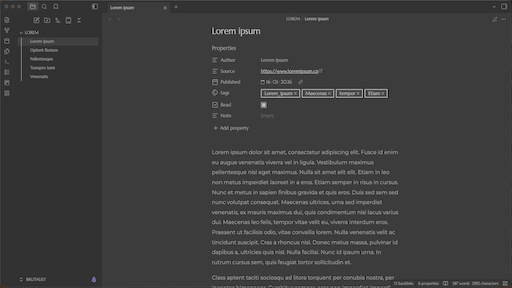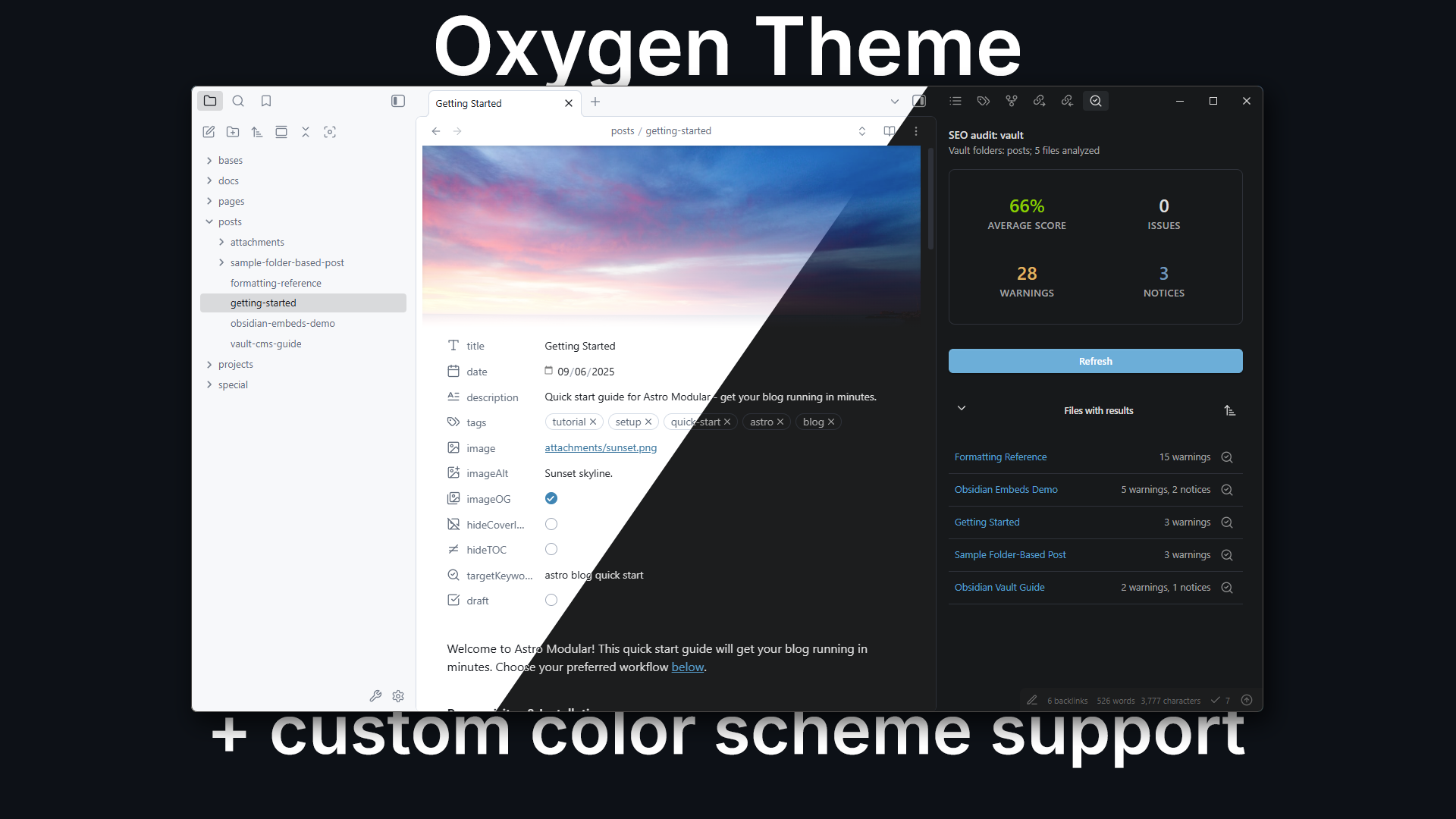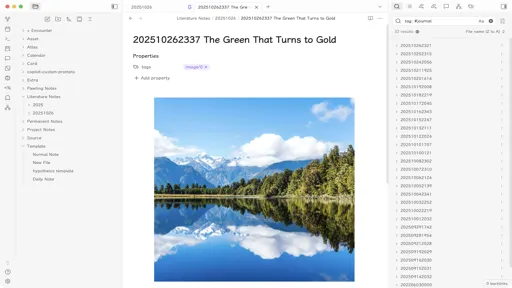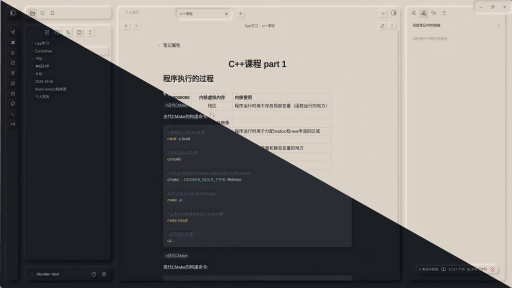
There are 6 new plugins, 4 new themes and 53 plugin updates during the week 2025-12-28 to 2026-01-03.
This week brings six fresh plugins that tackle everything from automatic templating to pomodoro timers, plus a beta release for custom views. The standout additions include Default Template for effortless note creation, Open in Terminal for developers who live in the command line and Asciinema Player for embedding terminal recordings right into your notes. We also got 53 plugin updates and four new themes that range from bold brutalist aesthetics to serene minimalism.
⭐ New Plugins
The Default Template plugin automatically applies a chosen template to every new note you create, eliminating the need for manual insertion each time. You select a template file once in settings, and the plugin handles the rest across all note creation methods whether you're using Ctrl+N, clicking non-existent links, or any other workflow. Folder templates let you assign different templates to specific directories with hierarchical fallback, so notes in different areas of your vault can have appropriate structures. You can exclude certain folders from template application entirely. The plugin processes template variables like `{{date}}`, `{{time}}`, and `{{title}}` with full Moment.js format string support, matching the behavior of the official Templates plugin.
The Open in Terminal plugin adds commands to launch your vault directory in your preferred terminal application. The core command opens a clean terminal window at your vault's root without running additional scripts. Beyond that, you can enable optional commands for Claude Code, Codex CLI, and Gemini CLI that open the terminal and automatically execute their respective tools. Settings let you specify which terminal app to use like Terminal or iTerm on macOS, cmd.exe or PowerShell on Windows, and gnome terminal or alacritty on Linux. The plugin handles platform-specific launch strategies cleanly, avoiding unnecessary shell overhead while offering debug logging for troubleshooting when needed.
The Asciinema Player plugin lets you embed terminal session recordings directly into your notes. It renders asciicasts recordings made with the Asciinema command-line tool using an interactive player that supports playback controls, speed adjustments and keyboard shortcuts. You can reference local cast files stored in your vault or pull them from remote URLs. The player offers extensive customization through options like terminal dimensions, themes, auto-play, looping and poster frames. Chapter markers appear in the playbar when defined in the recording. Since the plugin bundles the entire player library internally rather than loading it from an external CDN, it works reliably offline without depending on external services.
The Remember Scrollposition plugin keeps track of where you stopped reading in each note and automatically returns you to that exact spot when you reopen it. By default, it restores your position immediately upon opening a note, though you can configure it to restore only when you manually trigger a command or ribbon icon instead. This solves the annoyance of always starting at the top of long documents.
The Minidoro plugin brings a clean Pomodoro timer right into your workspace header. It displays a circular progress indicator that stays out of your way until you hover over it to access controls. You can start, pause, and reset sessions with simple clicks, and manually switch between work, short break, and long break modes when the timer is idle. The plugin lets you define custom durations for each session type and set how many work sessions should happen before triggering a long break. Automation options allow breaks to start automatically after work sessions and vice versa. Desktop notifications and sound alerts keep you informed when sessions end.
The Timelog plugin streamlines lab style project logging by removing the friction of manual timestamps and navigation. It automatically prefixes bullet points with the current time as you type, letting you focus on capturing thoughts rather than formatting. You can start each work session with a dated heading that matches your daily note format and instantly jump back to the most recent section whenever you need to add new entries. The status bar shows when logging is active and reflects your configured interval. Settings let you control timestamp frequency, customize the time format using Moment.js syntax, and optionally restrict automatic timestamps to list items only.
🅱️ Beta Plugins
- Custom Views - An Obsidian Plugin to create custom HTML views for your notes based on filter rules. - Github
🔁 Plugin Updates
We got 53 plugin updates in the last one week's time. You can see all the plugin updates on Obsidian Plugin Stats webapp.
Notable Updates
- Notebook Navigator - v2.0.0 - Changelog