
README file from
GithubQuietus
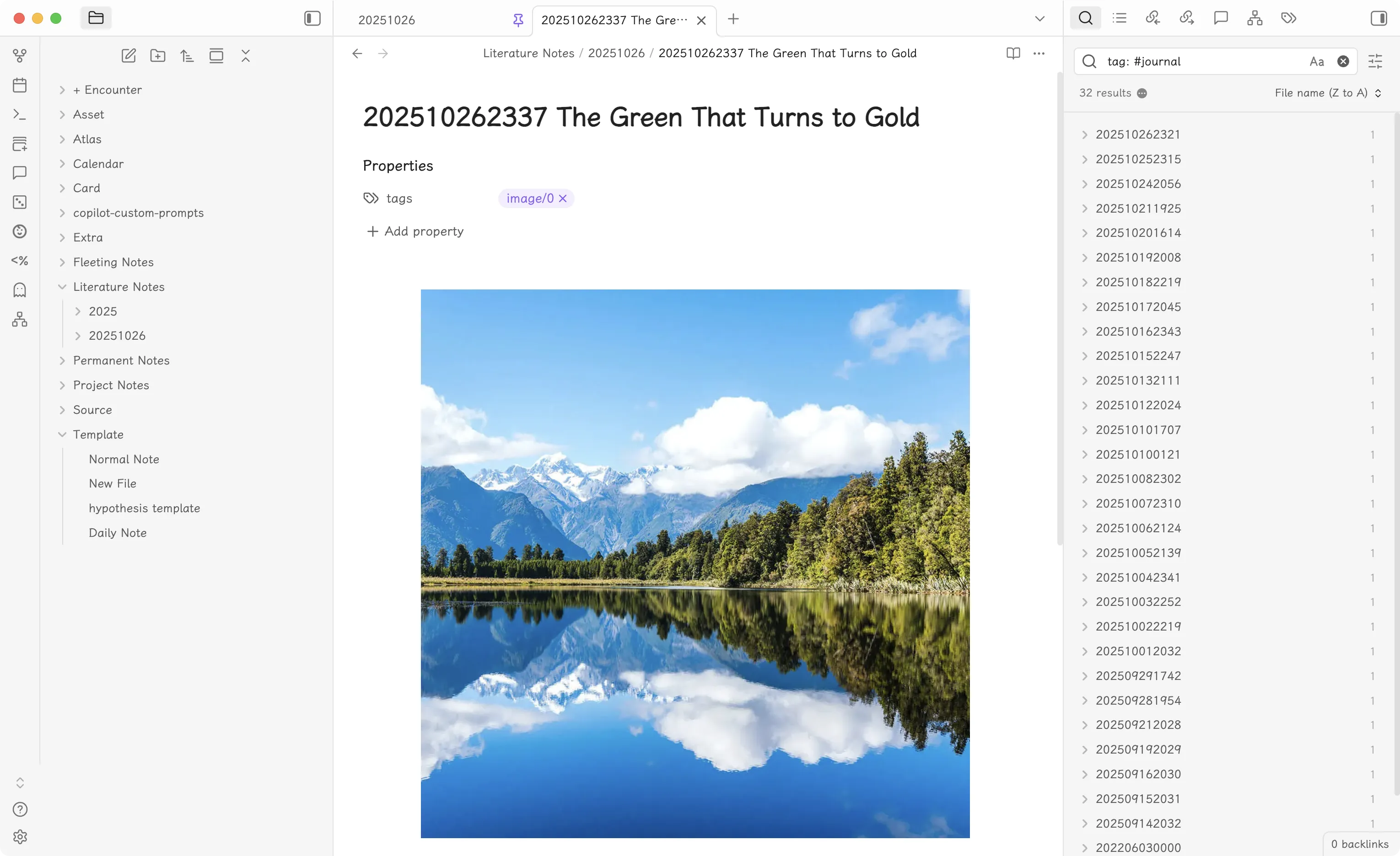
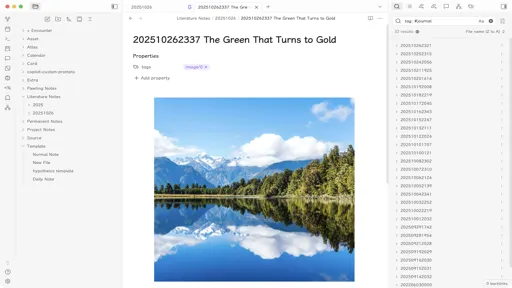
A minimalist and elegant Obsidian theme focused on clean typography and smooth interactions.
Features
- 🎨 Clean Visual Design: Minimalist interface with accent color customization
- 📝 Enhanced Typography: Uniform header sizes with prefix indicators (H1-H6)
- 🖼️ Smart Image Handling: Auto-centered images with smooth hover effects and max-height control
- 🔗 Stylish Links: Internal links with arrow prefix and highlight on hover
- ☑️ Custom Checkboxes: Clean checkbox design with custom check marks
- 📜 Smooth Scrollbars: Minimal, unobtrusive scrollbar styling
- 🌓 Dark & Light Mode: Full support for both themes
Installation
From Obsidian
- Open Settings in Obsidian
- Navigate to Appearance → Themes
- Click Manage and search for "Quietus"
- Click Install and use
Manual Installation
- Download
theme.cssfrom this repository - Copy the file to your vault's
.obsidian/themes/folder - Reload themes in Obsidian settings
- Select "Quietus" from the theme dropdown
Customization
You can customize the accent color by modifying the CSS variable in your theme.css:
body {
	--accent-color: #8a5cf5; /* Change this to your preferred color */
}
Screenshots
See the preview image above for the theme's appearance.
Support
If you encounter any issues or have suggestions, please open an issue on GitHub.
Author
Created by yuanzhixiang
License
MIT License