
README file from
GithubNichNeumor Theme
-
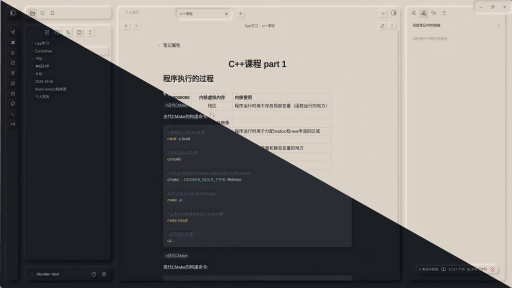
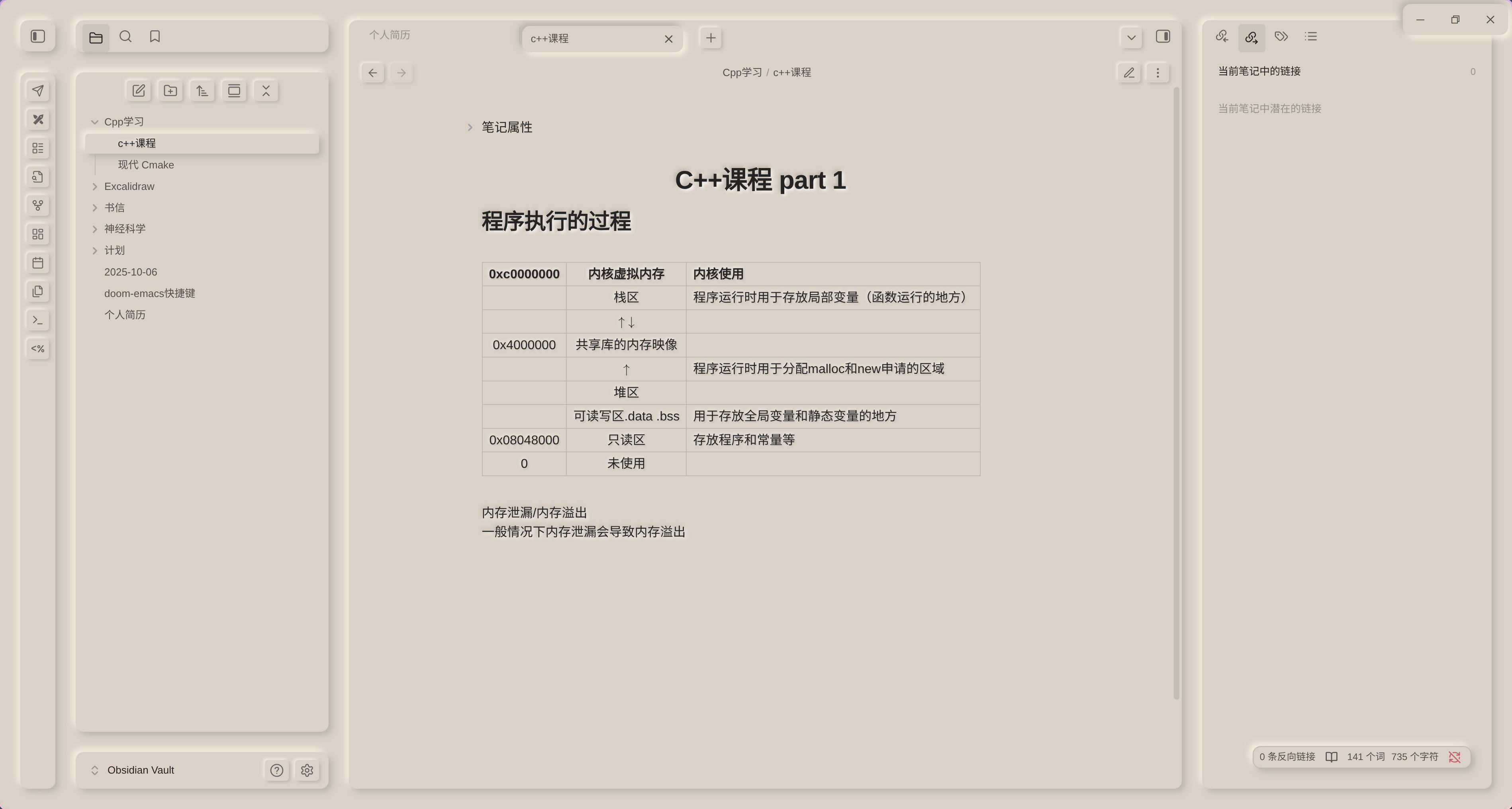
light theme
-
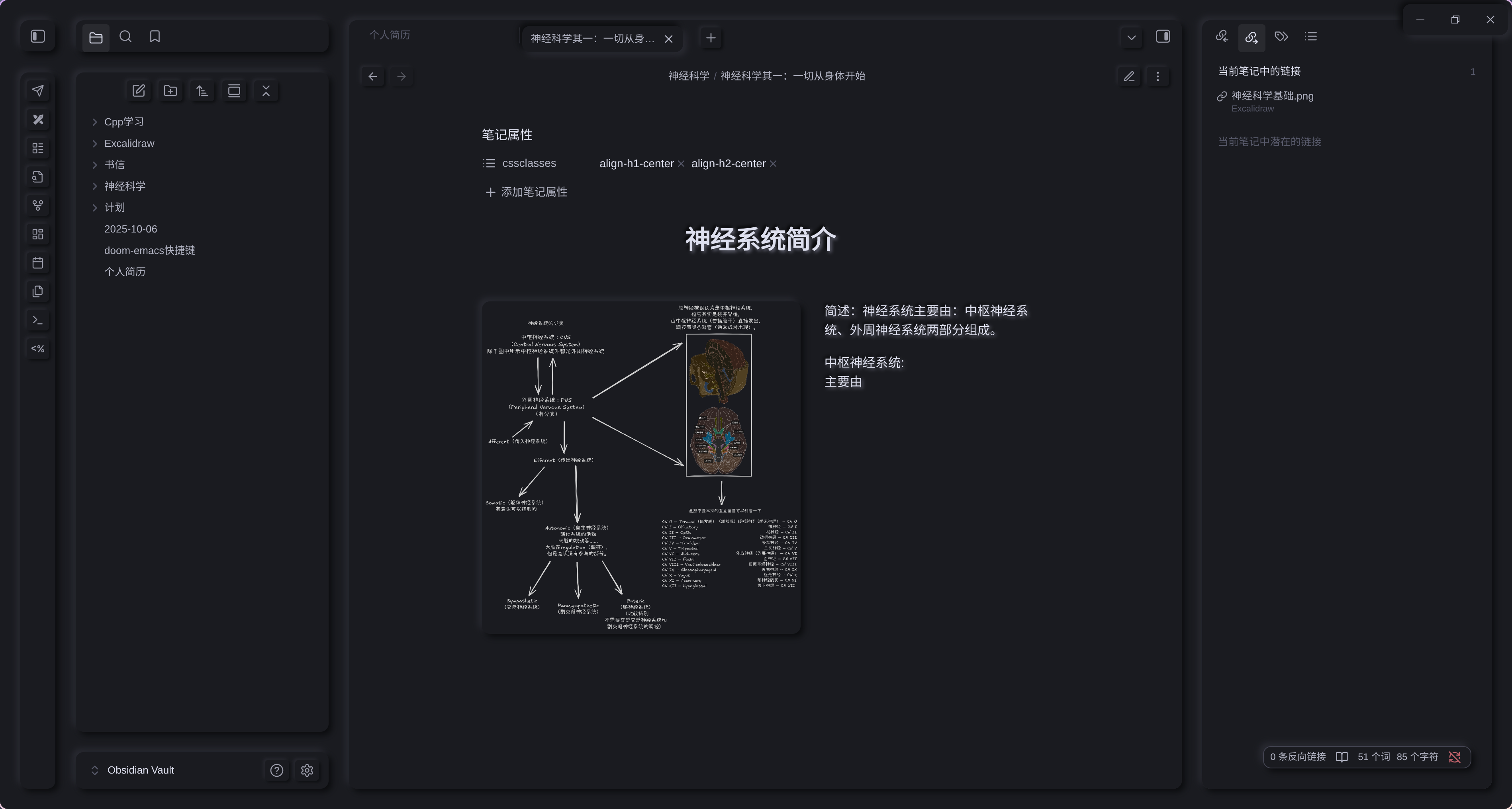
dark theme
Theme Features
🎨 Skeuomorphic Visual Design
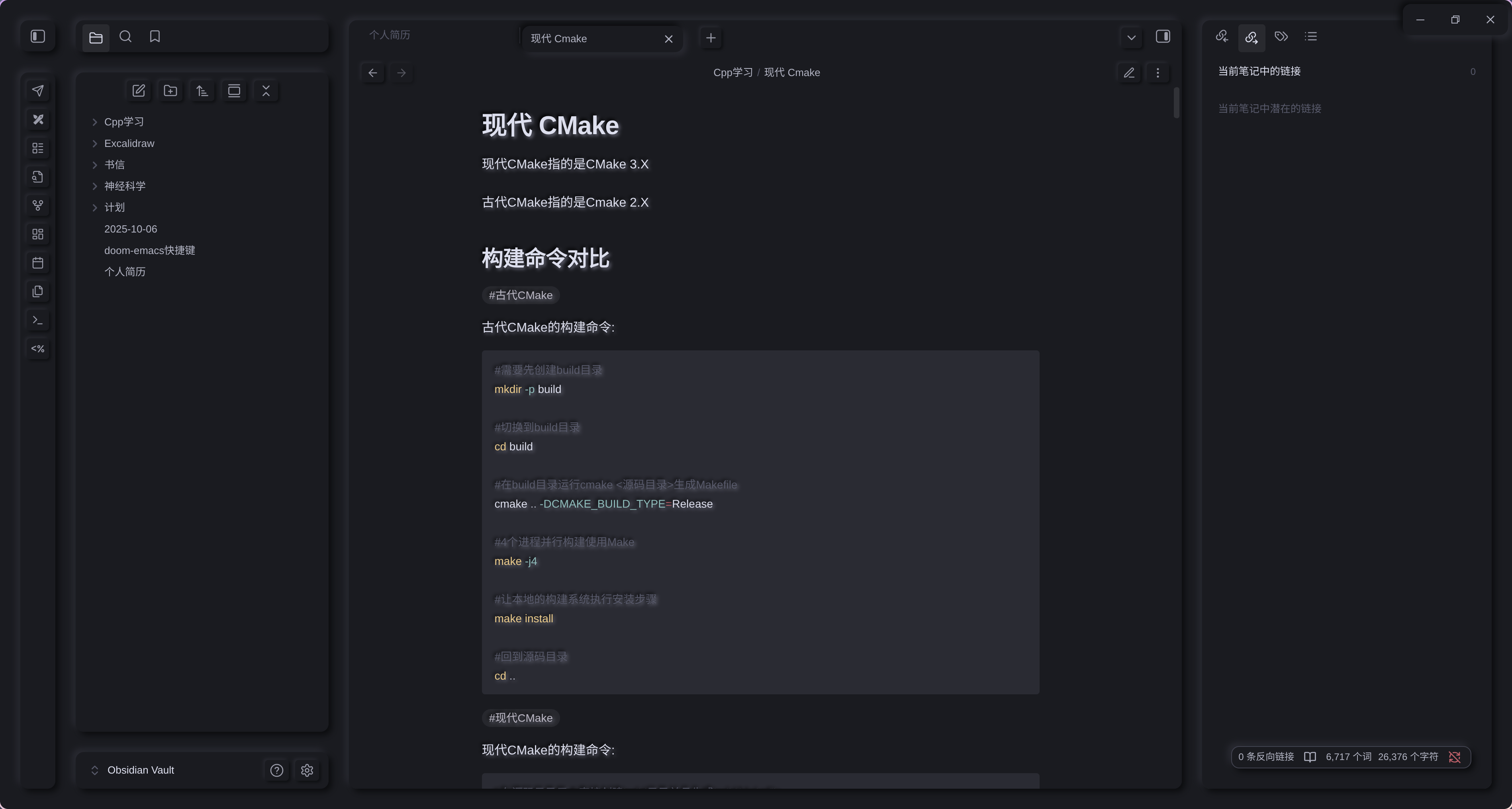
- Light and Dark Mode: Perfect support for both light and dark themes
- Physical Button Interaction: All buttons provide realistic press feedback effects
- Floating Menu System: Menus naturally emerge from paper background with clear hierarchy
- Embossed Images: Inserted images feature raised effects for enhanced dimensionality
- Printer-style Tables: Tables adopt printed output styling for paper-like texture
🖋️ Focused Writing Experience
- Low Saturation Color Scheme: Reduced visual distraction for focused content creation
- Typewriter Input Effects: Satisfying keypress animations with tactile feedback
- Centered Headers: Intelligent title centering through note properties
🖼️ Advanced Image Layout
Support flexible image floating positioning syntax for professional image-text layout:
- Float Positioning: Supports multiple image alignment options (left, right, center)
- Precise Size Control: Customizable image display dimensions
- Text Wrapping: Enables professional image-text mixed layout
🎯 Plugin Perfect Compatibility
- Excalidraw: Seamless hand-drawn diagram integration
- Better Export PDF: Optimized PDF export quality (#TODO: Add light/dark theme switching and font printing support)
- ProZen: Deep focus mode adaptation
- Style Settings: Personalized styling adjustments
Installation
- In Obsidian settings, go to
Settings→Appearance - Click
Manage→Browse Community Themes - Search for
NichNeumorand install - Enable the theme and enjoy the new writing experience
Usage Guide
Header Centering
Add to your note's frontmatter properties:
Image Floating Layout
Use extended syntax to control image position and size:
![img.png|left¢er&right|300(You can set the size)]
Basic Markdown Syntax Support
The theme fully supports all standard Markdown syntax elements:
- Text Styles: Bold, italic, highlight, strikethrough, etc.
- List Systems: Ordered lists, unordered lists, todo lists
- Header-aligned Support: Left-aligned, right-aligned, center-aligned headers

- Code Highlighting: Fine-tuned Nord color scheme
Technical Features
- Responsive Design: Adapts to various screen sizes
- Performance Optimized: Smooth animation transitions
- Accessibility: WCAG standards compliant
- Customizable Colors: Supports personalized color schemes
Development Notes
This theme is built with modern CSS techniques to ensure perfect compatibility with the Obsidian ecosystem. Refer to community styles for implementation details.
Contribution & Feedback
Welcome to submit issues or feature suggestions via GitHub to help improve this Obsidian theme focused on writing experience.
Make note-taking a delight with NichNeumor's ultimate focus experience
Your every donation guarantees the next meal for the little raccoon | Thank you! | Vielen Dank! | Grazie! | ありがとうございます! | 감사합니다!
Alipay
paypal: check