
README file from
GithubBlue Jeans
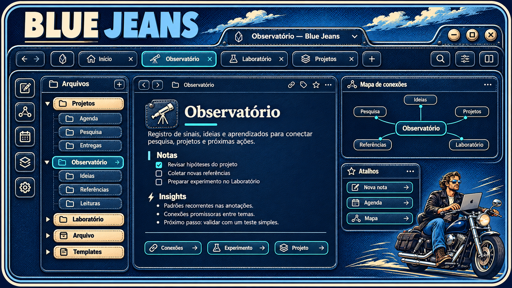
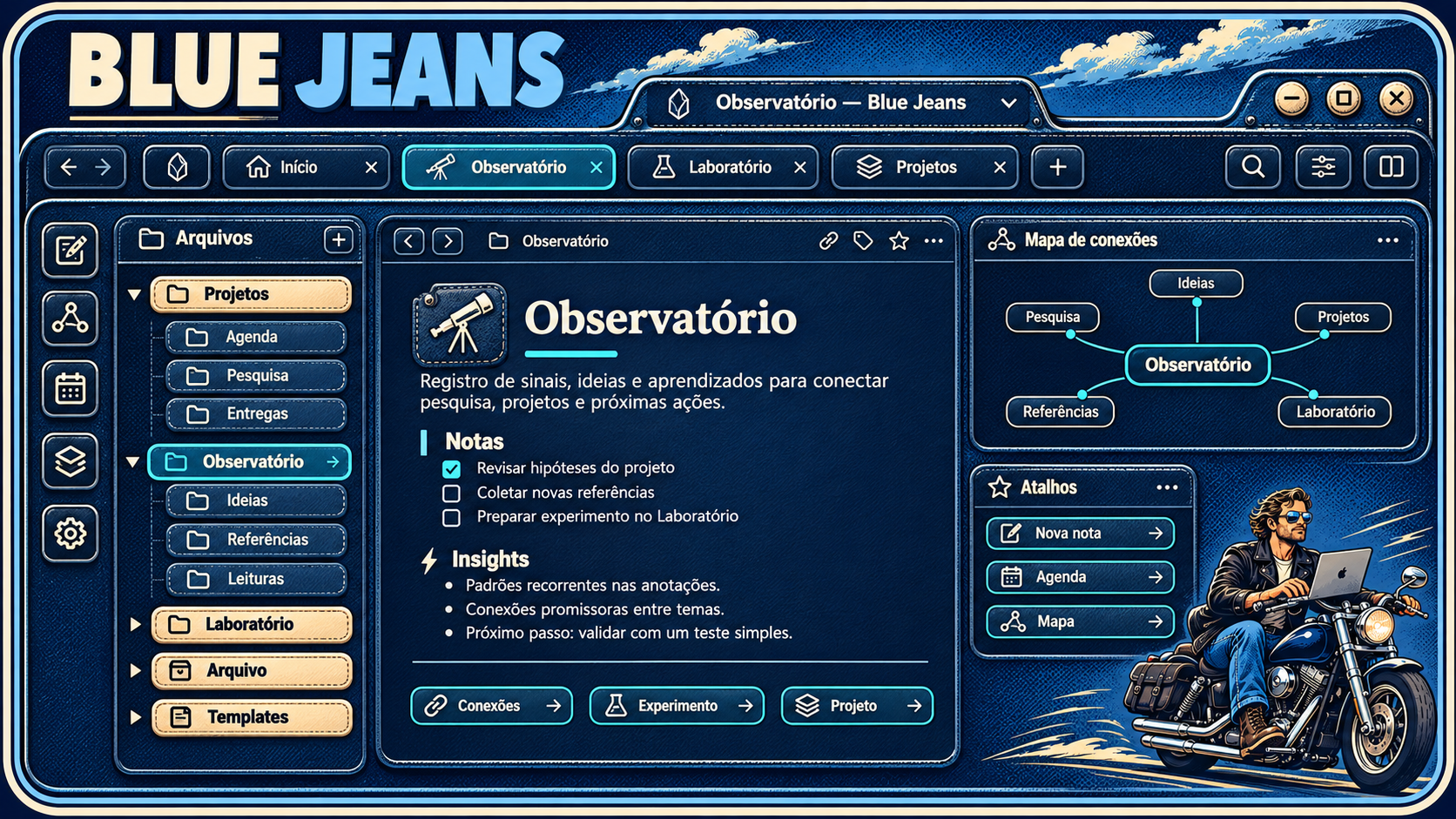
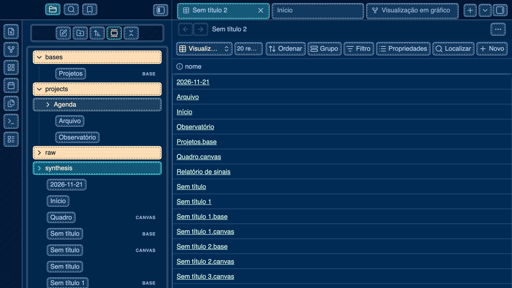
A blue-toned theme for Obsidian by Rander Carrijo. It supports light and dark modes, follows your Obsidian accent color, and gives links, tabs, and sidebar controls visible borders.
Install
Copy manifest.json and theme.css into .obsidian/themes/Blue Jeans/ inside your vault. Select Blue Jeans in Settings → Appearance → Themes.
Blue Jeans requires Obsidian 1.15.1 or later. On desktop, use Obsidian installer 1.15.1 or later.
Customize
Set your accent under Settings → Appearance. The optional Style Settings plugin adds controls for blur, opacity, corner radius, the default accent, and folder colors.
License
Blue Jeans is available under the MIT license. License