
README file from
Github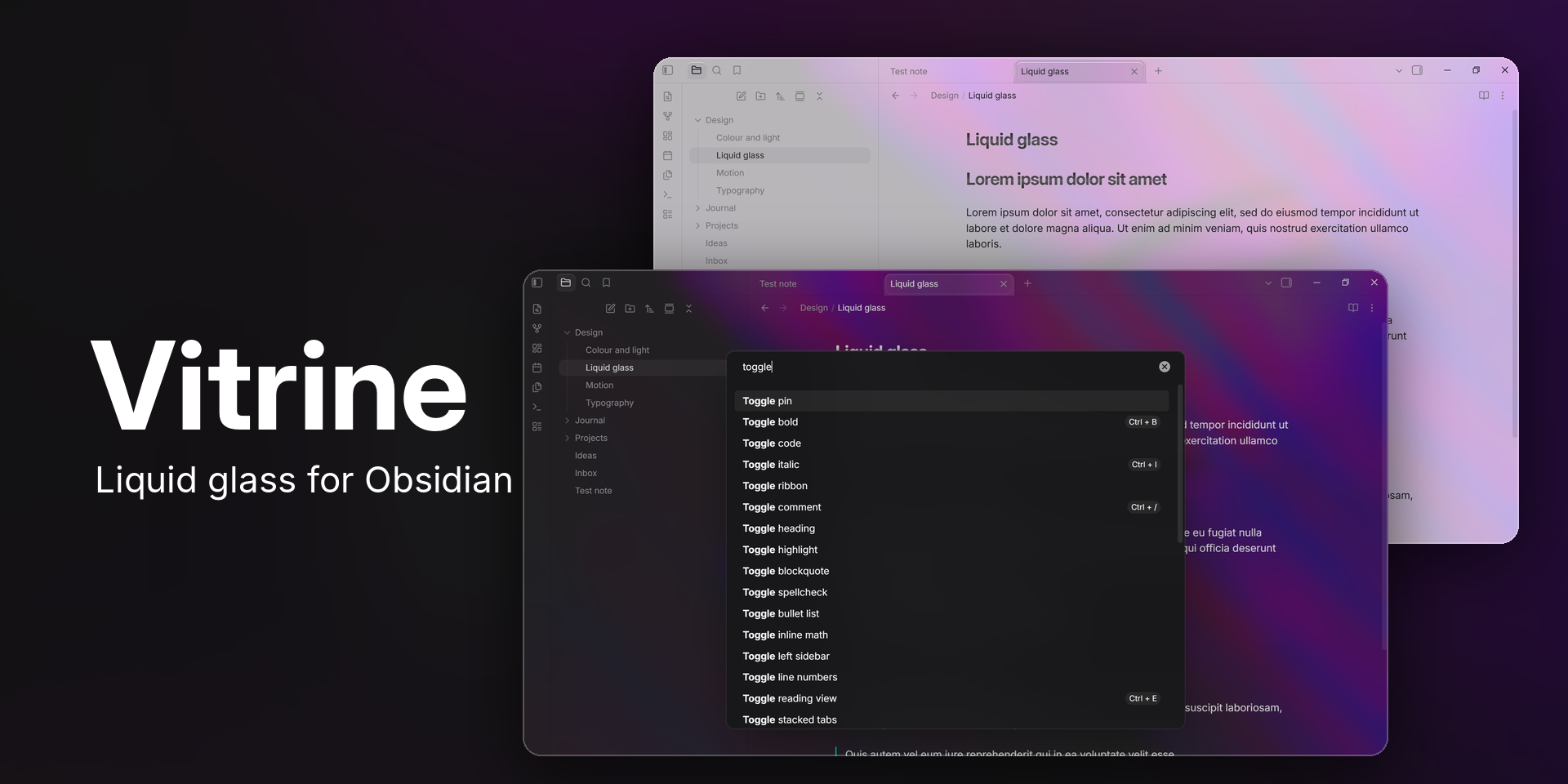
Frosted, translucent and refracting glass for Obsidian.
Overview
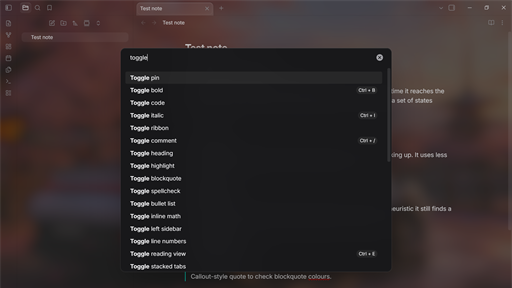
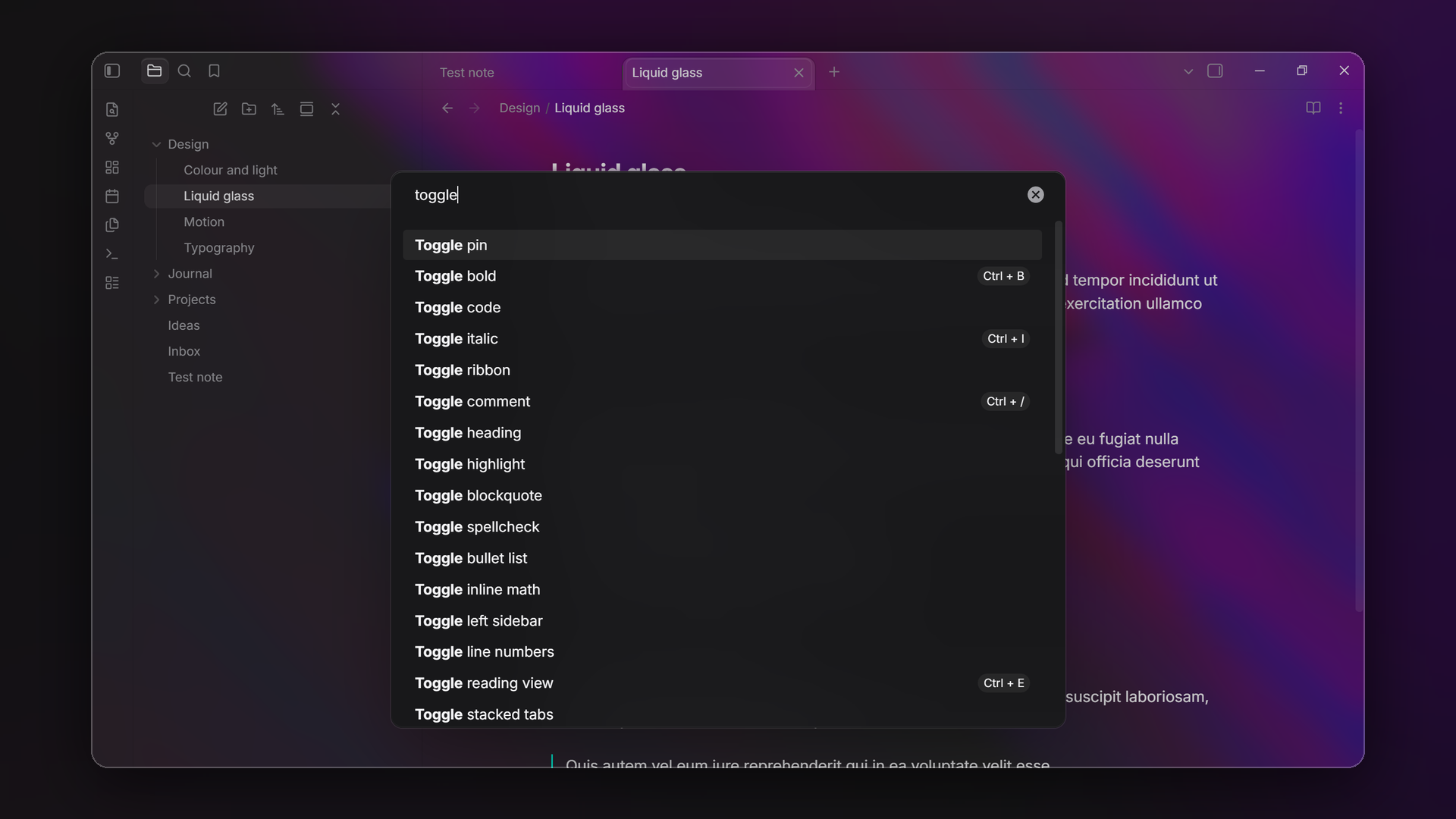
Glass panels. The command palette, modals, menus, popovers, notices and the status bar are frosted, with a thin outline and a bright top edge.
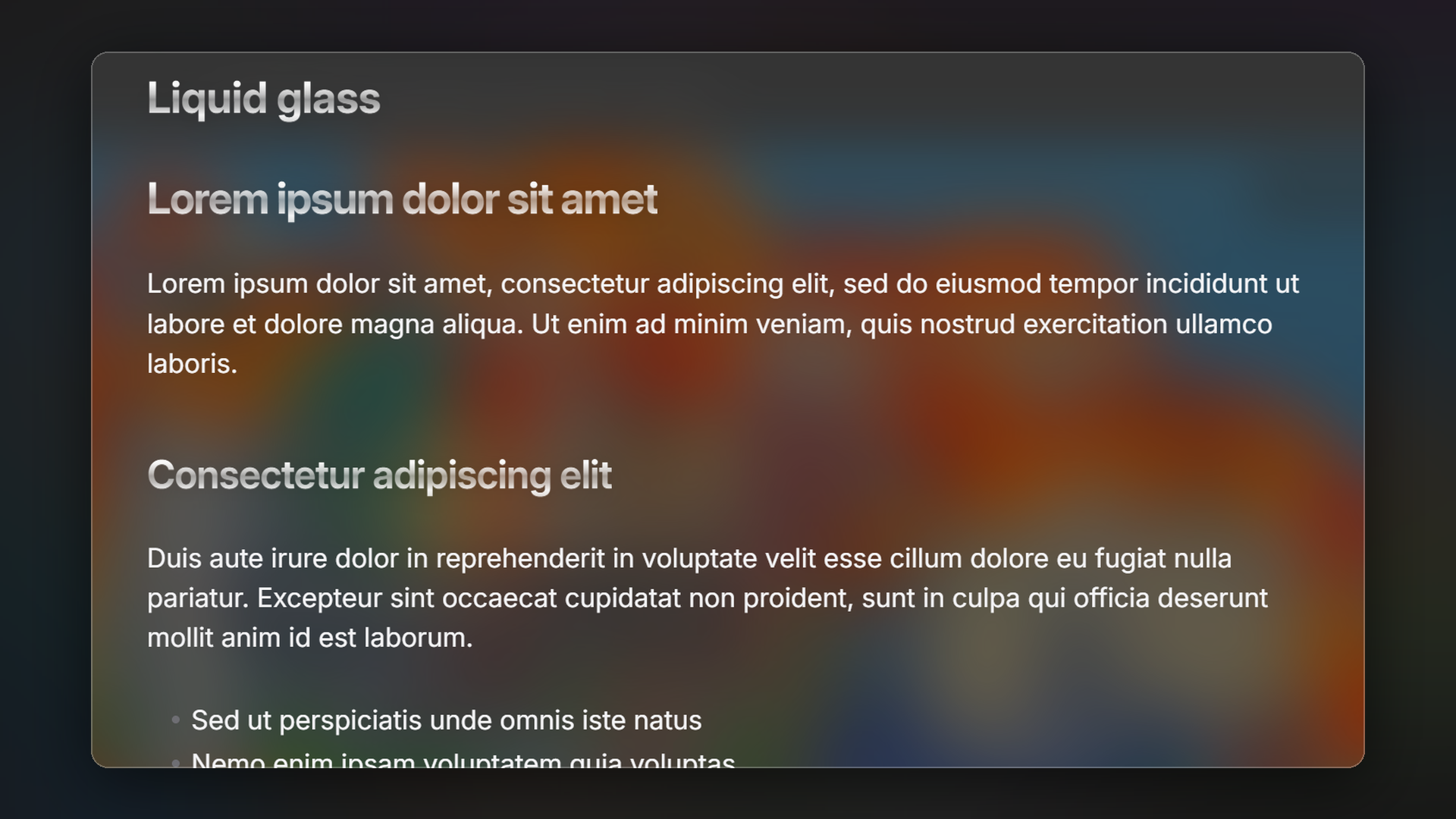
Glass headings. H1, H2 and the note title get glass lettering by default, in editing view and reading view.
Dark and light mode. Each has its own colours and edge lighting.
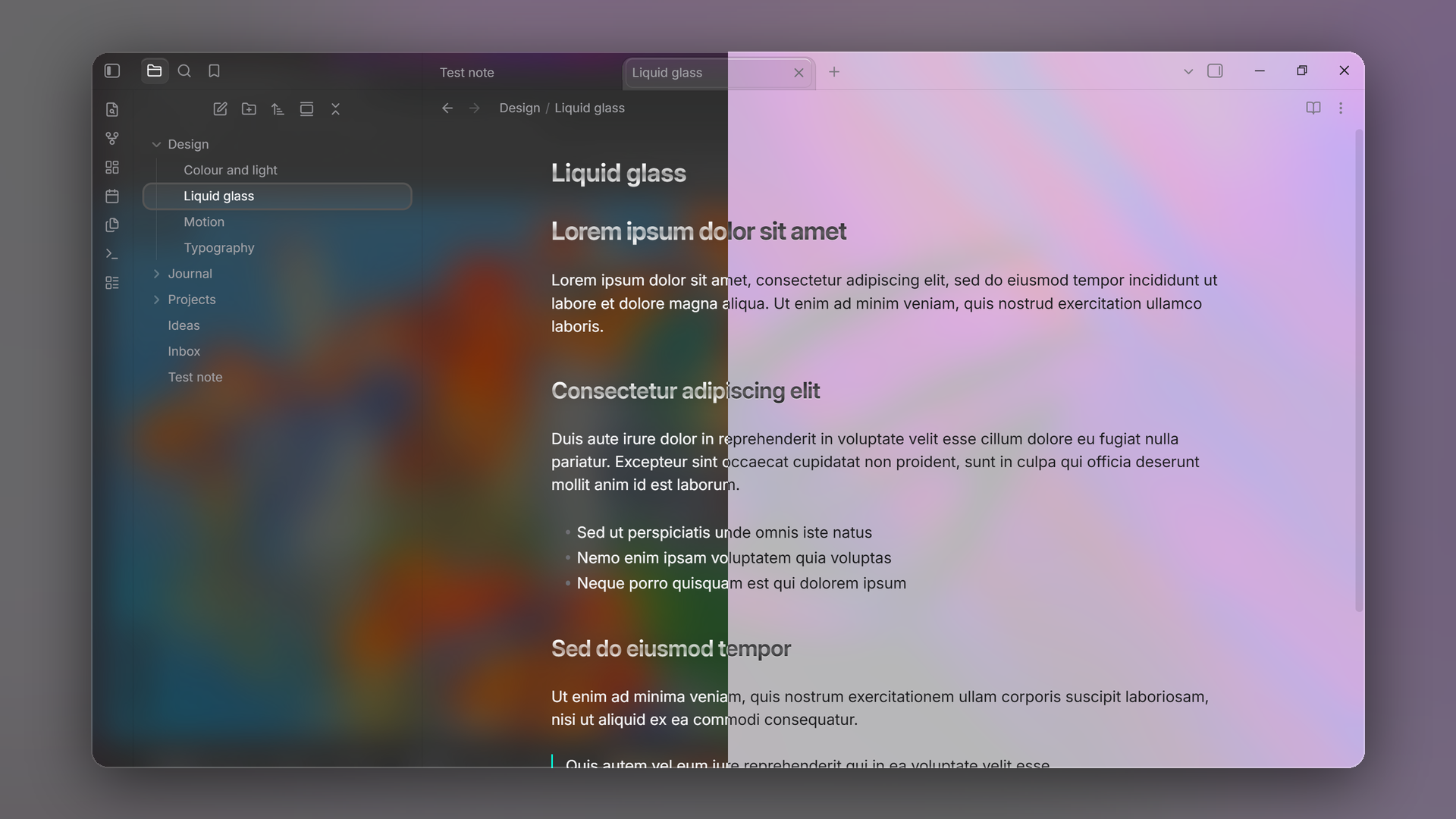
Built on Obsidian's own variables. Where Obsidian documents a variable for a surface, the theme sets that variable instead of overriding the element, so it keeps working across updates.
[!NOTE] Desktop only. The see-through window in these screenshots comes from the Vitrine plugin on Windows. The theme works on its own too, with a solid tinted window.
Installation
- Open Settings → Appearance.
- Next to Themes, choose Manage, search for Vitrine, and choose Install and use.
- Choose dark or light mode; both are supported.
To install by hand, download theme.css and manifest.json from the latest release into .obsidian/themes/Vitrine/ in your vault, then select the theme in Settings → Appearance.
Companion plugin
Vitrine plugin
Five presets and a Custom look, a translucent window that shows your wallpaper on Windows, refraction at panel edges, and settings for all of it.
Customization
The theme reads these CSS variables from <body>. Set them in a CSS snippet to change the look; the values below are the defaults.
body {
  --vt-blur: 24px;          /* blur behind floating panels */
  --vt-saturation: 180%;    /* colour that comes through panels */
  --vt-radius: 18px;        /* corner radius of large panels */
}
.theme-dark {
  --vt-dark-window-tint: 18%;   /* base colour over the window background */
  --vt-dark-panel-tint: 74%;    /* how solid floating panels are */
  --vt-dark-highlight: 22%;     /* light line along the top of panels */
  --vt-dark-ring: 10%;          /* thin outline around panels */
}
.theme-light {
  --vt-light-window-tint: 70%;
  --vt-light-panel-tint: 74%;
  --vt-light-highlight: 85%;
  --vt-light-ring: 10%;
}
When the plugin is enabled it sets these for you from the preset you choose, and any snippet values are replaced.
Limits
- If the window itself is made translucent on Windows, the browser stops drawing blur behind panels. The Vitrine plugin works around this; the theme alone can't.
- Only Obsidian 1.15.0 has been tested.
License
Vitrine is licensed under the MIT license.