
README file from
Github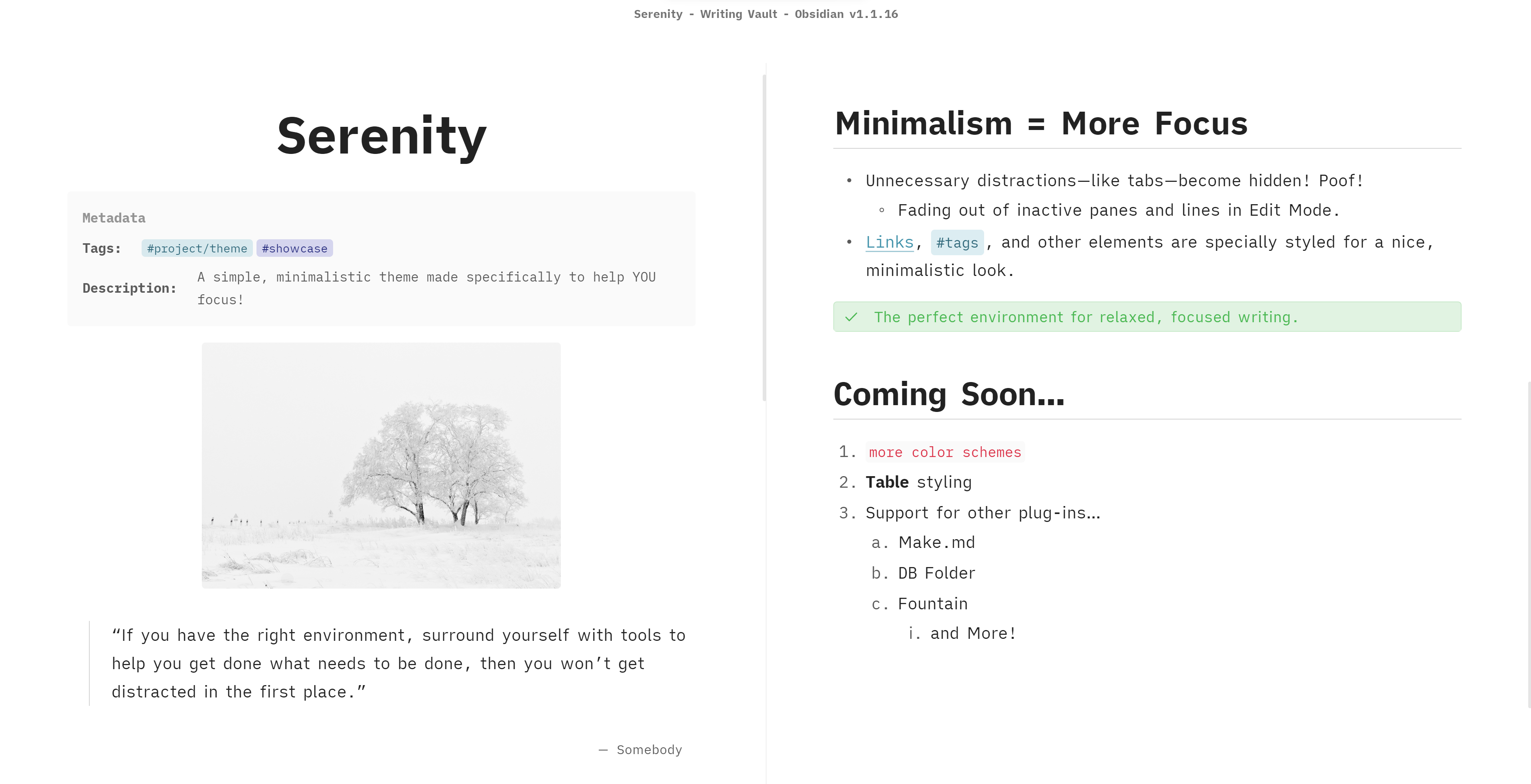
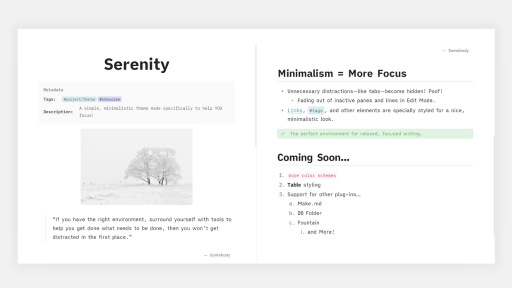
Serenity.
There is nothing. Only you and the words. And your mind. In sync.
All you have to do is train your mind on the words. And write.
Important Notice Regarding Network Fonts
Since themes are no longer allowed to use assets over the network, Serenity's style settings for additional fonts no longer work out of the box. BUT... If you would like to restore these fonts, you can use this snippet on your vault, and the fonts will work again.
Custom Checklists & Callouts
Checkbox States
Credit: Minimal theme
Syntax
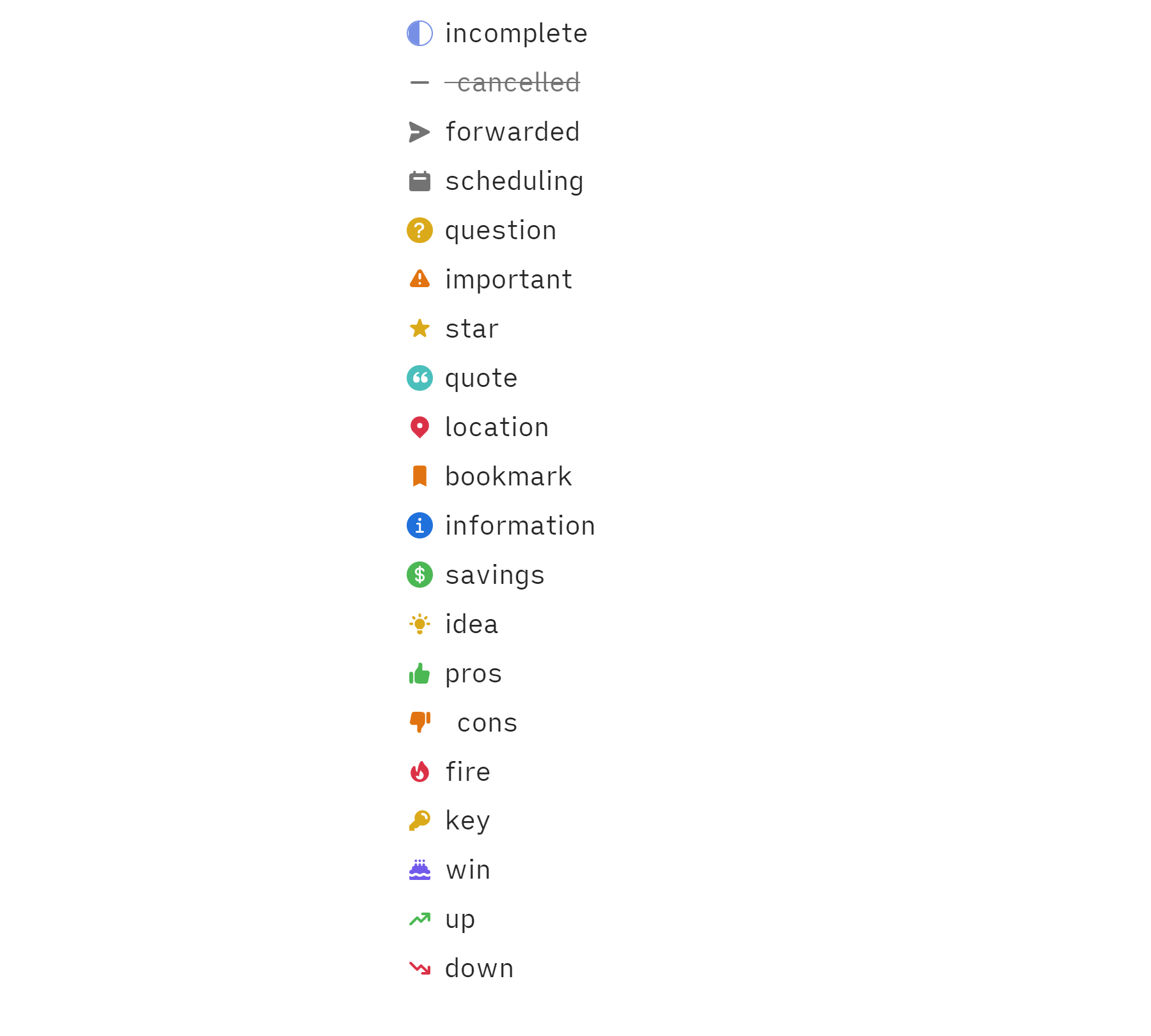
Syntax is the same as that of the Minimal theme.
- [/] incomplete
- [-]  cancelled
- [>] forwarded
- [<] scheduling
- [?] question
- [!] important
- [*] star
- [“] quote
- [l] location
- [b] bookmark
- [i] information
- [S] savings
- [I] idea
- [p] pros
- [c]  cons
- [f] fire
- [k] key
- [w] win
- [u] up
- [d] down
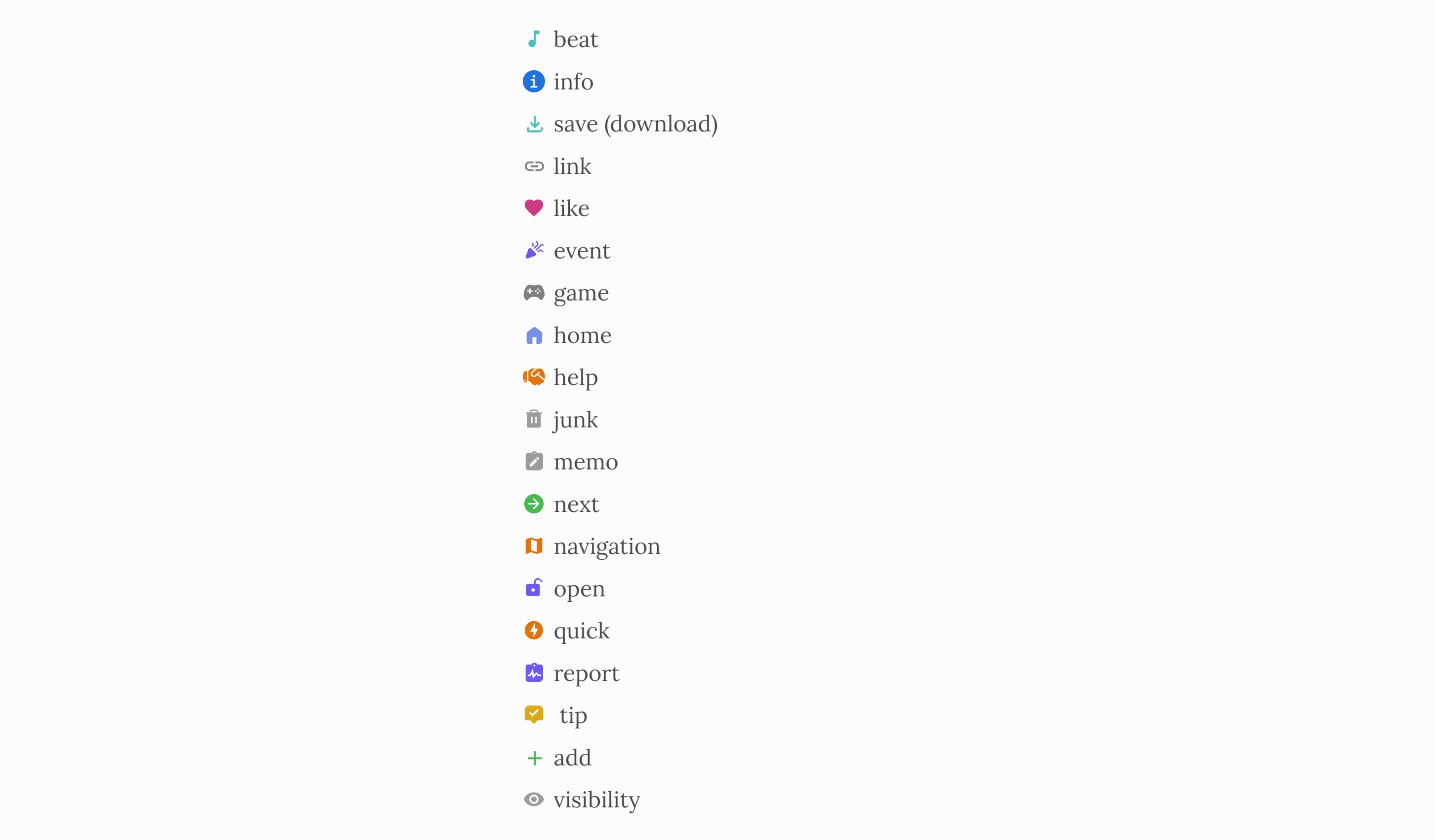
Plus some additional checkboxes.
- [@] person/user
- [B] beat
- [s] save (download)
- [a] link
- [L] like
- [e] event
- [g] game
- [h] home
- [H] help
- [j] junk
- [m] memo
- [n] next
- [N] navigation
- [o] open
- [q] quick
- [r] report
- [t]  tip
- [+] add
- [v] visibility
Speech Bubbles
Credit: AnuPpuccin Theme
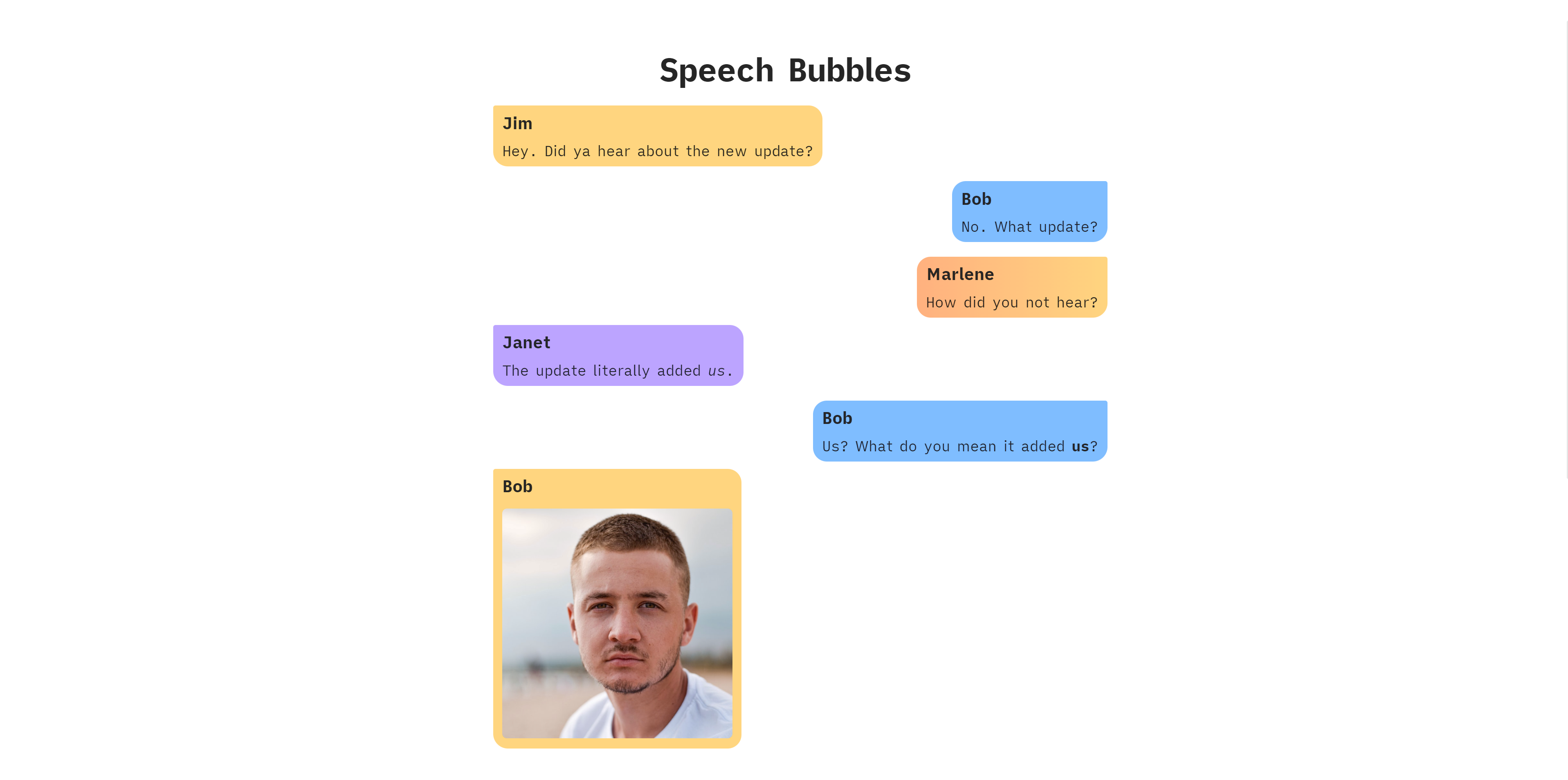
Syntax
Syntax for individual speech bubbles is the same as that of the AnuPpuccin theme.
- [0] Speech Bubble 1
- [1] Speech Bubble 2
- [2] Speech Bubble 3
- [3] Speech Bubble 4
- [4] Speech Bubble 5
- [5] Speech Bubble 6
- [6] Speech Bubble 7
- [7] Speech Bubble 8
- [8] Speech Bubble 9
- [9] Speech Bubble 10
Inside a speech bubble
The first bold text in a speech bubble will have its own line and will be treated like a title.
- [0] **Jim** Hi, I'm Jim.
This will have Jim show up as speech bubble title. Images on the same line as the speech bubble are also supported.
Custom Callouts
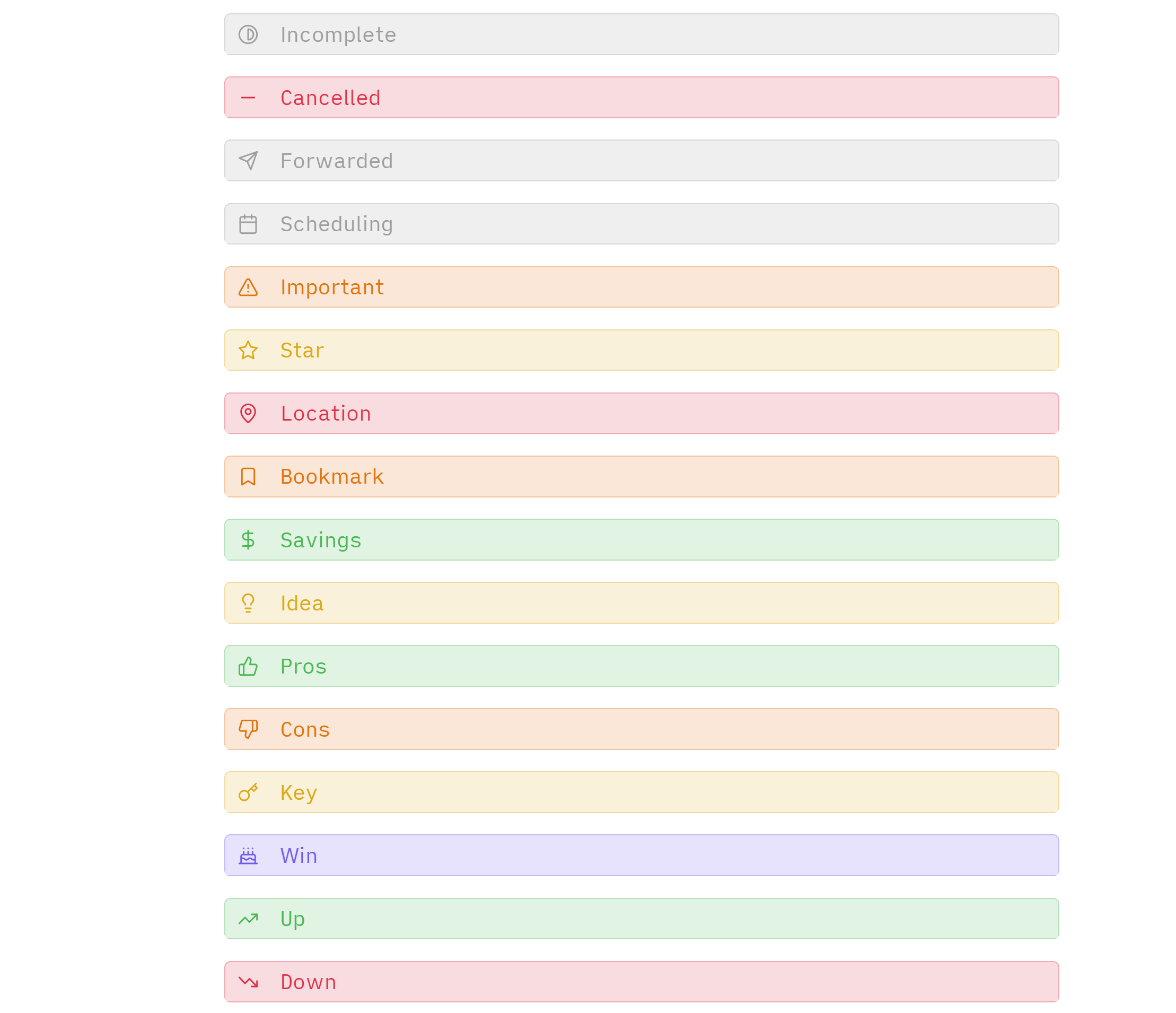
Keywords are the same as those for the checklists. For example, the cancelled callout is
>[!cancelled]or>[!-].
Custom HTML Attributes
data-comment
Initiate a custom "comment" tooltip on hover.
Example
<span data-comment="This is a comment">I will show a tooltip on hover!</span>
data-above
Show 'annotations' above the text on hover.
Example
<span data-above="I'm an annotation above the text!">I have annotations on hover!</span>
Extra Attribute Styling
The abbreviation element (<abbr title="This shows on hover">text</abbr>) has some extra styling applied to it to make it stand out more.
- Focus Active Sentence by artistcat1 - iA Writer-like sentence by sentence focus.
- Ninja Cursor by vrtmrz - activate with this theme for an iA Writer-like cursor.