
README file from
GithubOliva Quiet · Obsidian Theme
Quietly Brilliant. Calm Technology.
A minimalist, borderless Dark & Light theme for Obsidian crafted by OlivaLabs. Built around floating squircle cards, zero visual clutter, and a calibrated Digital / Electric Iris accent.
Designed for people who manage ideas, projects, and personal life in Obsidian—and spend long sessions building what matters. No distractions, no visual noise, no unnecessary clutter.
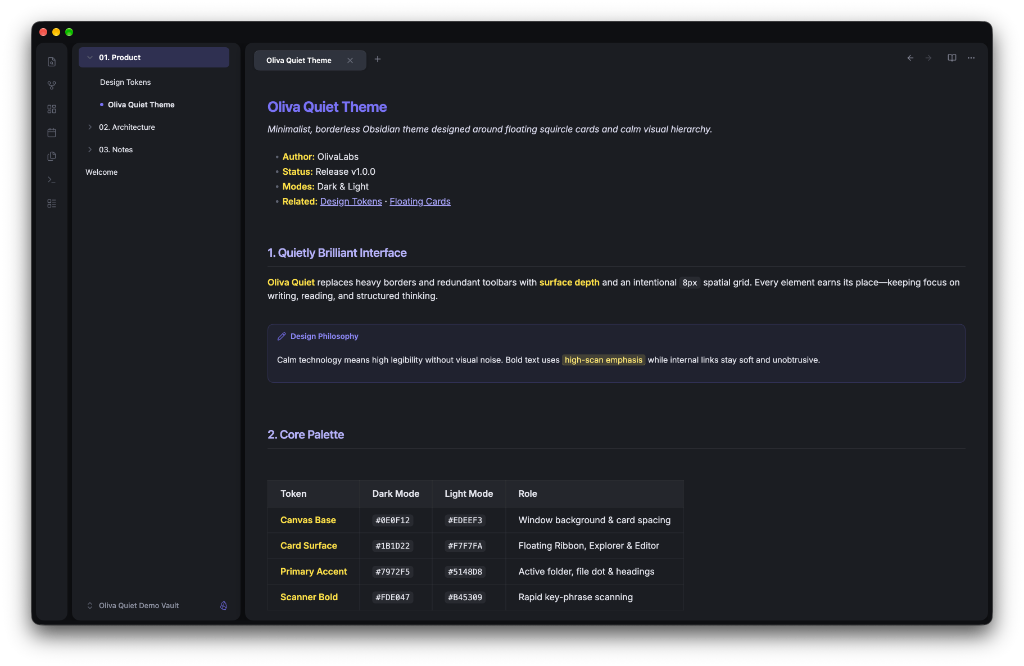
Preview
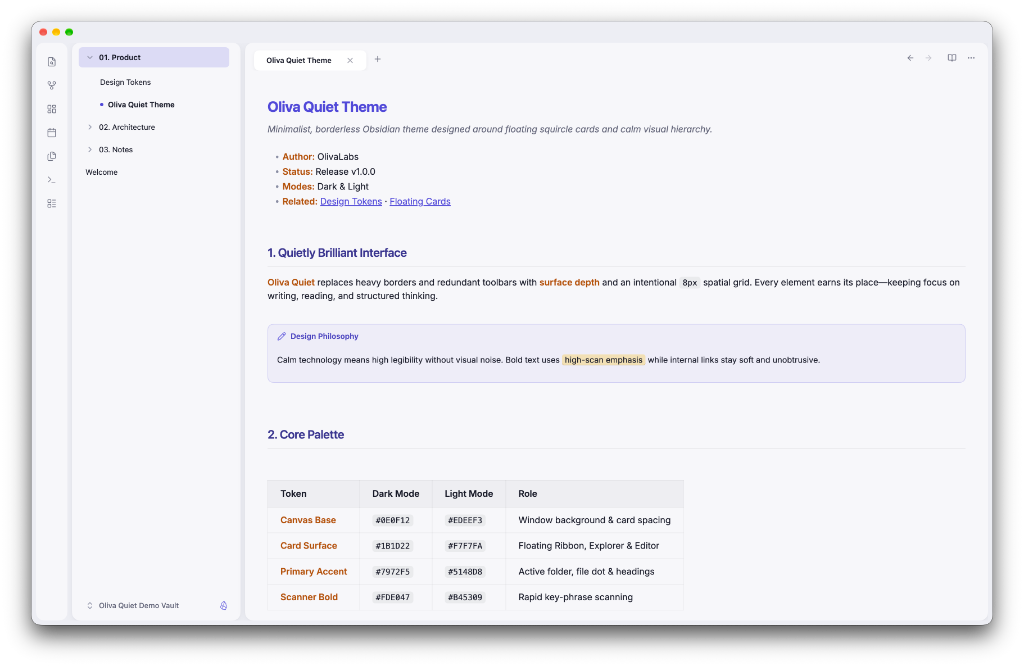
Light Mode (Cloud White & Digital Iris)
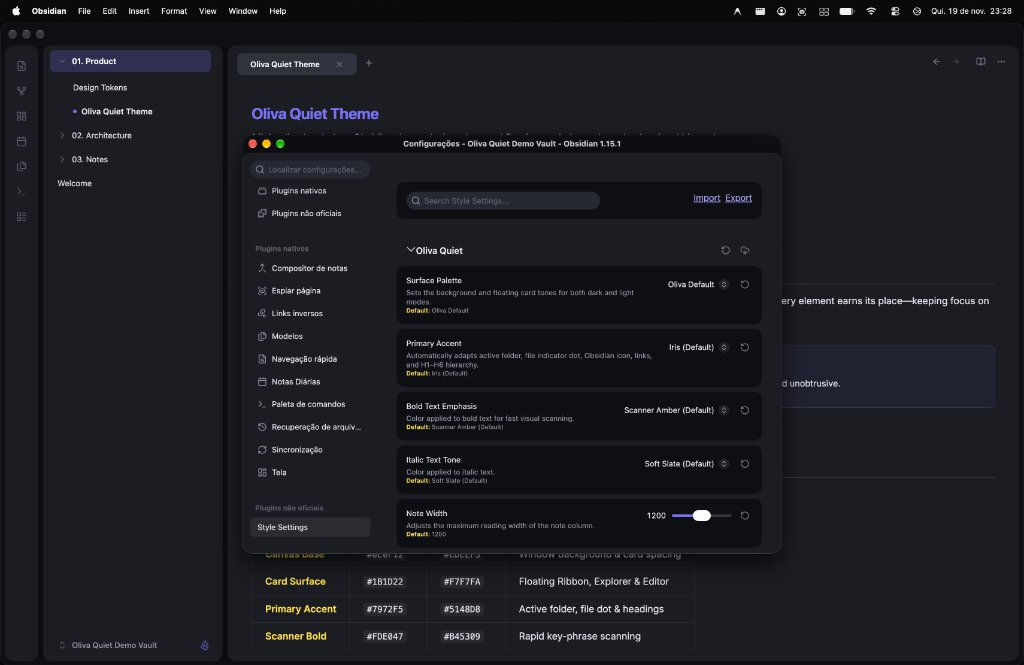
Style Settings Integration
Key Features
- Borderless Floating Card Architecture: Three distinct surfaces (Ribbon, File Explorer, and Editor panes) separated purely by depth, Apple-style squircle corners, and a uniform
8pxgrid. - Dual Mode (Dark & Light): Deep neutral graphite surfaces in Dark Mode and Cloud White (
#F7F7FA) over Silver (#EDEEF3) in Light Mode. - Zero Chrome Noise: Removes redundant sidebar tab bars, loose utility buttons, indentation guide lines, and right-sidebar clutter. Compact icon-only pinned tabs and an auto-hide status bar keep focus on your writing.
- Guided Reading Hierarchy: Harmonic accent-derived
H1–H6heading progression, subtle internal links, Quiet hairline callouts, and high-scan bold emphasis. - Native macOS Polish: Full support for hidden-frameless traffic lights, Apple San Francisco UI typography, and seamless support for Bricolage Grotesque, Geist Sans, and Geist Mono when installed locally.
- Style Settings Integration: Choose between 3 mode-agnostic surface palettes (Oliva Default, Modern Slate, Warm Stone), 5 curated accent colors, bold/italic tones, and note width.
Installation (Manual / Pre-release)
- Download
theme.cssandmanifest.jsonfrom this repository. - Place them inside your vault at
.obsidian/themes/Oliva Quiet/. - Open Obsidian Settings → Appearance → Themes and select Oliva Quiet.
Optional Typography (100% Offline-Safe)
Oliva Quiet makes zero external network requests. It uses native system fonts (SF Pro on macOS) out of the box, and automatically upgrades when these open-source fonts are installed locally on your machine:
- Headings:
Bricolage Grotesque - Body:
GeistorInter - Code:
Geist Mono
Crafted by OlivaLabs
Curious minds. Useful things.
olivalabs.com.br