README file from
GithubPhoenix Theme for Obsidian
My personal CSS theme for Obsidian.
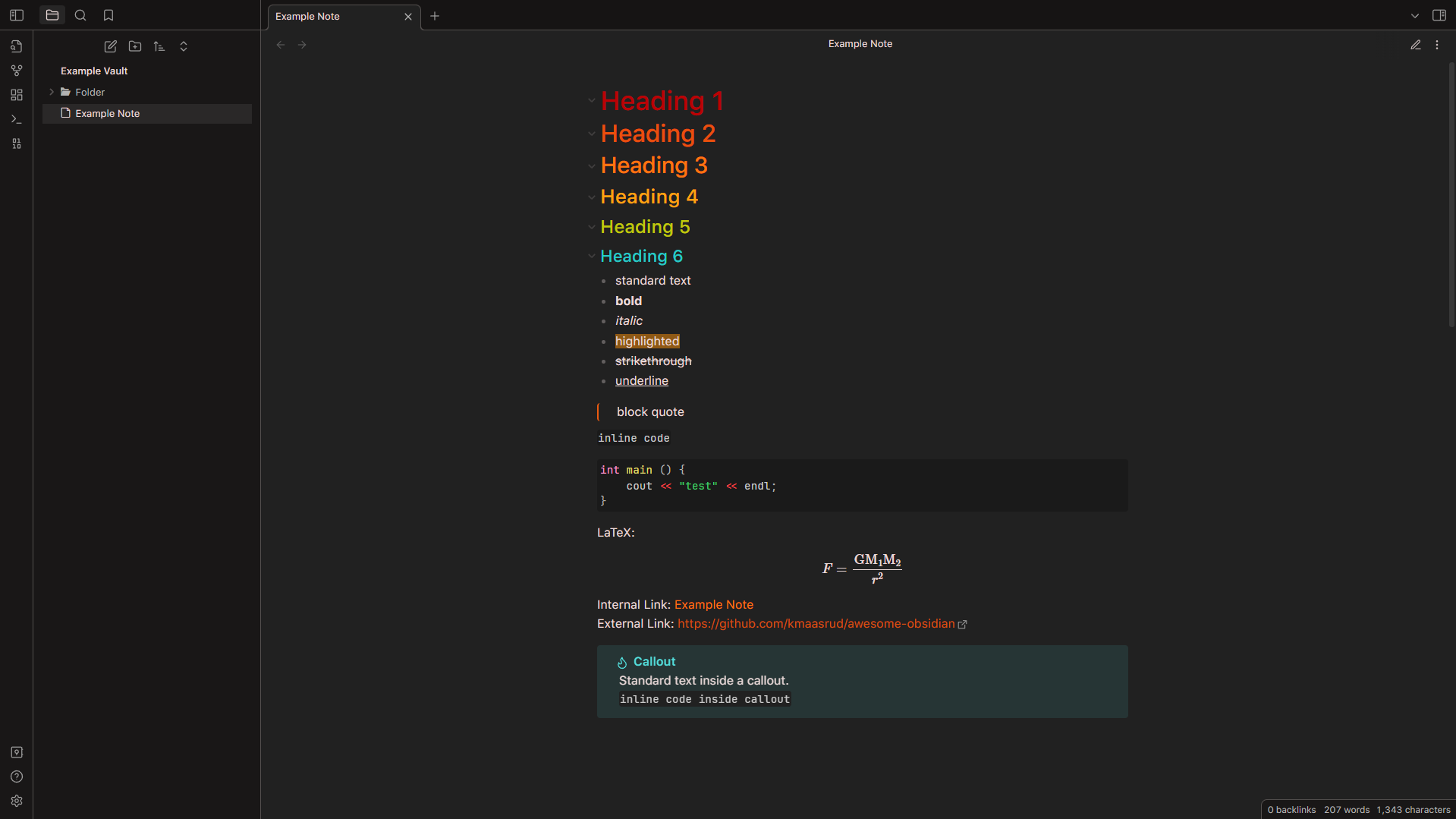
Mostly red, orange, yellow, grey, and black color palette, with a tinge of blue and green.
Latest verified compatible version: Obsidian v1.6.7 (older versions are not guaranteed to be functional, but most everything after 1.0.0 should be).
Originally based the gruvbox and Atom themes, heavily modified since. Created with occasional assistance from the Obsidian community discord.
This theme is primarily meant to be used in Live Preview (WYSIWYG) mode, so the preview side isn't as polished and may appear different than intended. Additionally, while the light theme is functional, I primarily use the dark theme, so I don't often update or notice issues with the light theme. Feel free to open an issue if you encounter a problem.
Installation
Automatic
- In Obsidian, under
Appearancesettings, clickManageunderThemes, and search forPhoenix. - Click on the entry for Phoenix, then click
Install and use.
Manual
- Download the latest zipped file from Releases, extract, and place the
theme.cssandmanifest.jsonin a folder namedPhoenixin your.obsidian\themesfolder. - In Obsidian, under
Appearancesettings, under theThemesentry, selectPhoenixfrom the dropdown menu.
Recommended Snippets and Plugins
I recommend using the following snippets for the best experience:
- Phoenix Checkboxes
- Phoenix Print
- Phoenix Callouts
- Phoenix File Outlines
- Custom Icons Differing Files and Folders
- Subtler Folding Gutter Arrows
- Editor Syntax Highlighting
- LaTeX Environments
Screenshots
Edit Mode
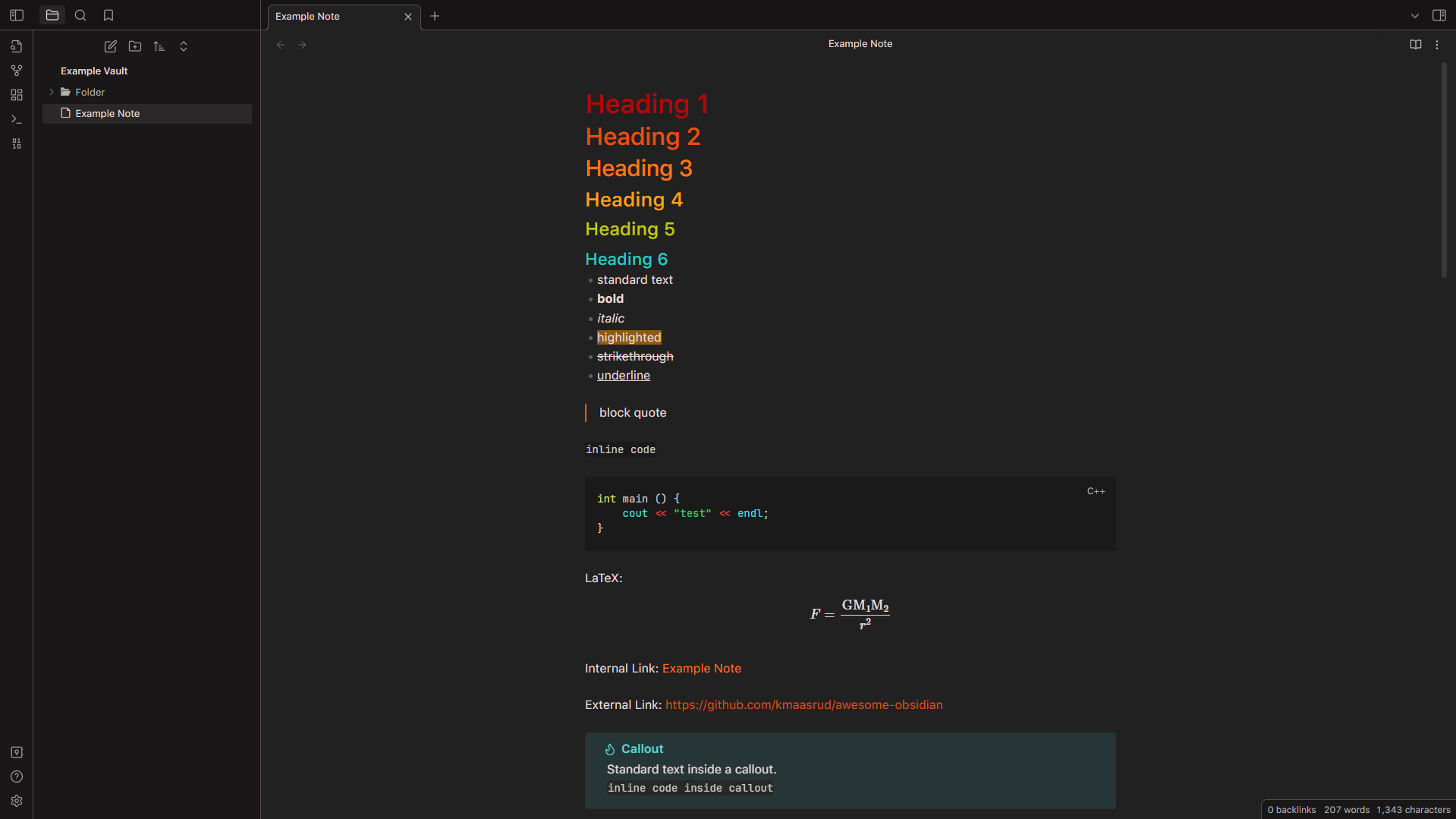
Preview Mode