

README file from
Github
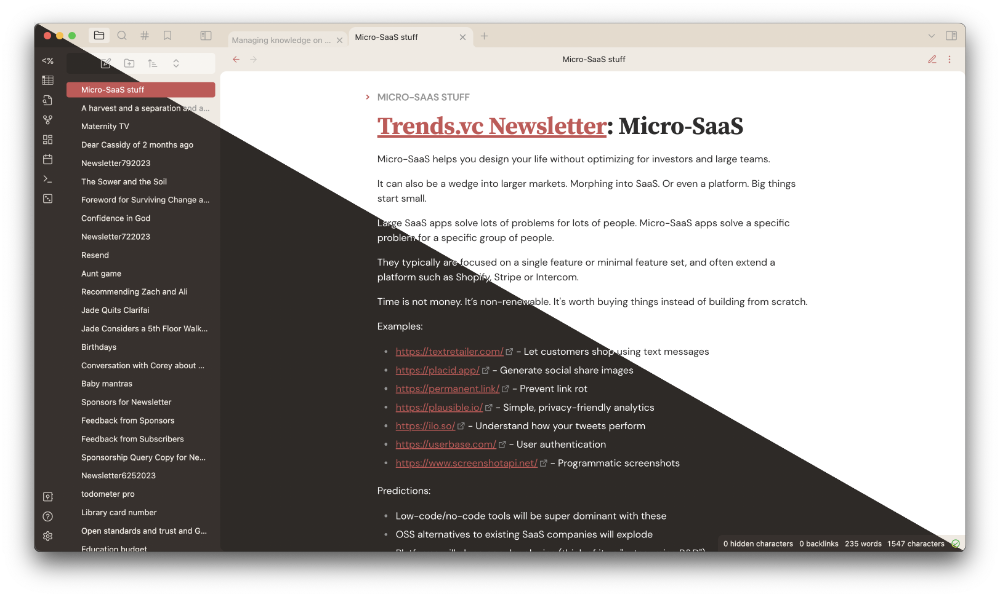
To use
Install it!
You can do this in Obsidian itself:
- Open Obsidian Settings
- Go to Appearance and click
Manage - Under community themes search for "cardstock" and click
Use
Or, you can clone this repository into your .obsidian/themes folder in your vault.
There are some font defaults that will work out of the box, but I recommend you install these fonts (for free!) for the full theme design: