
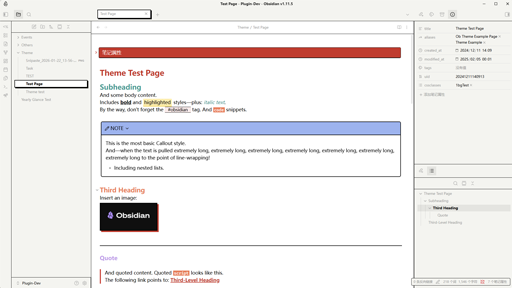
README file from
GithubObsidian Gumroad Theme
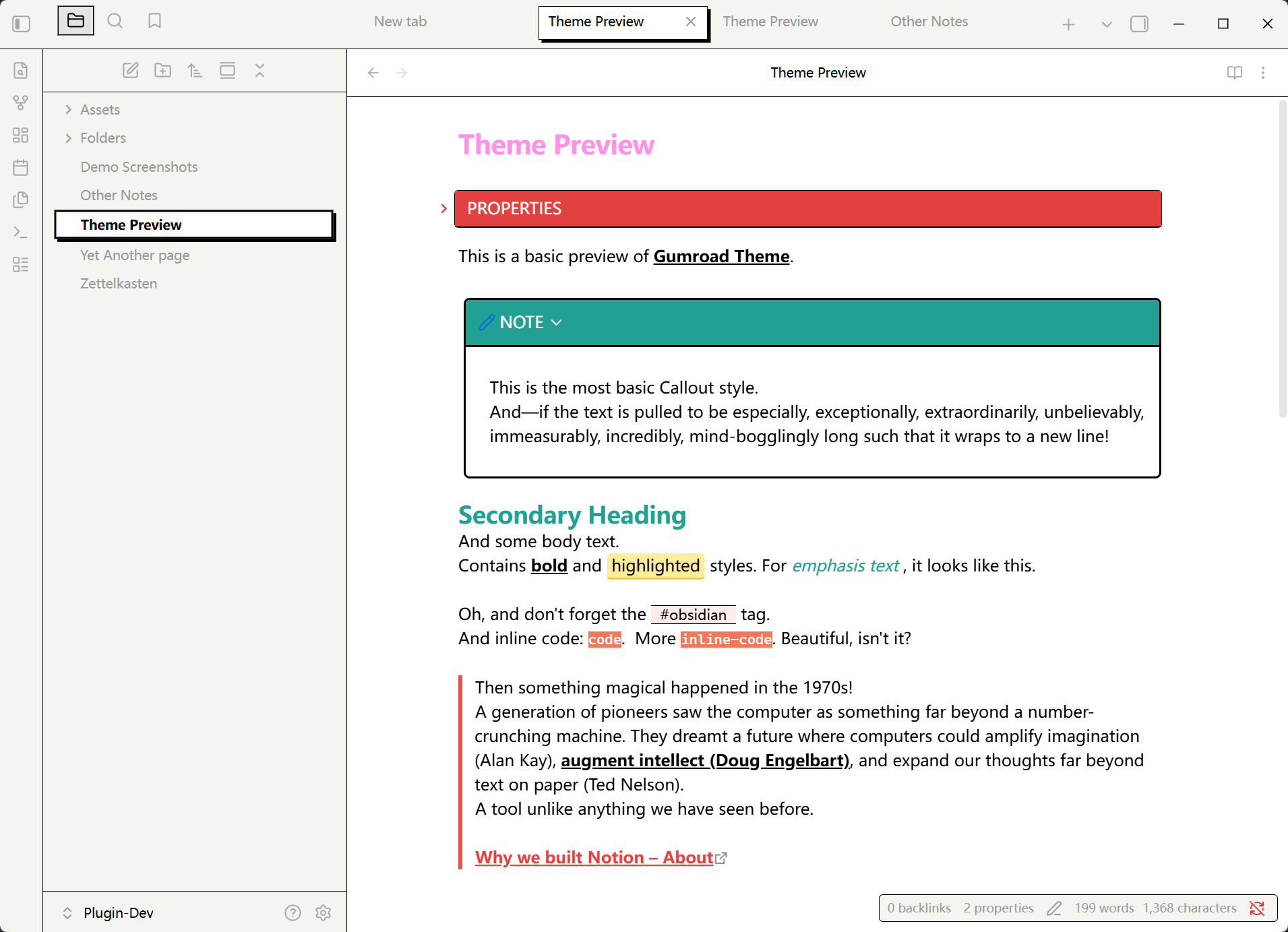
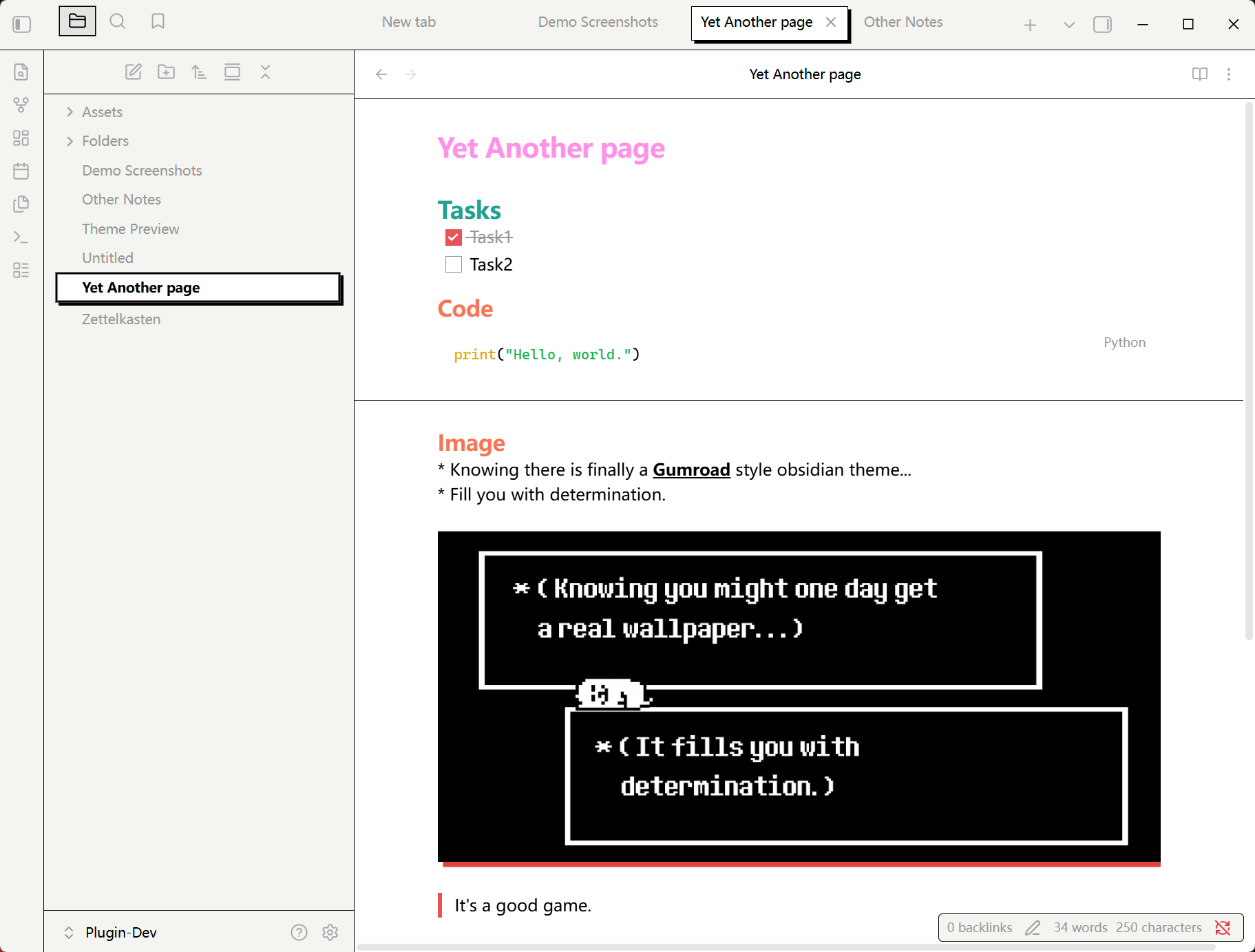
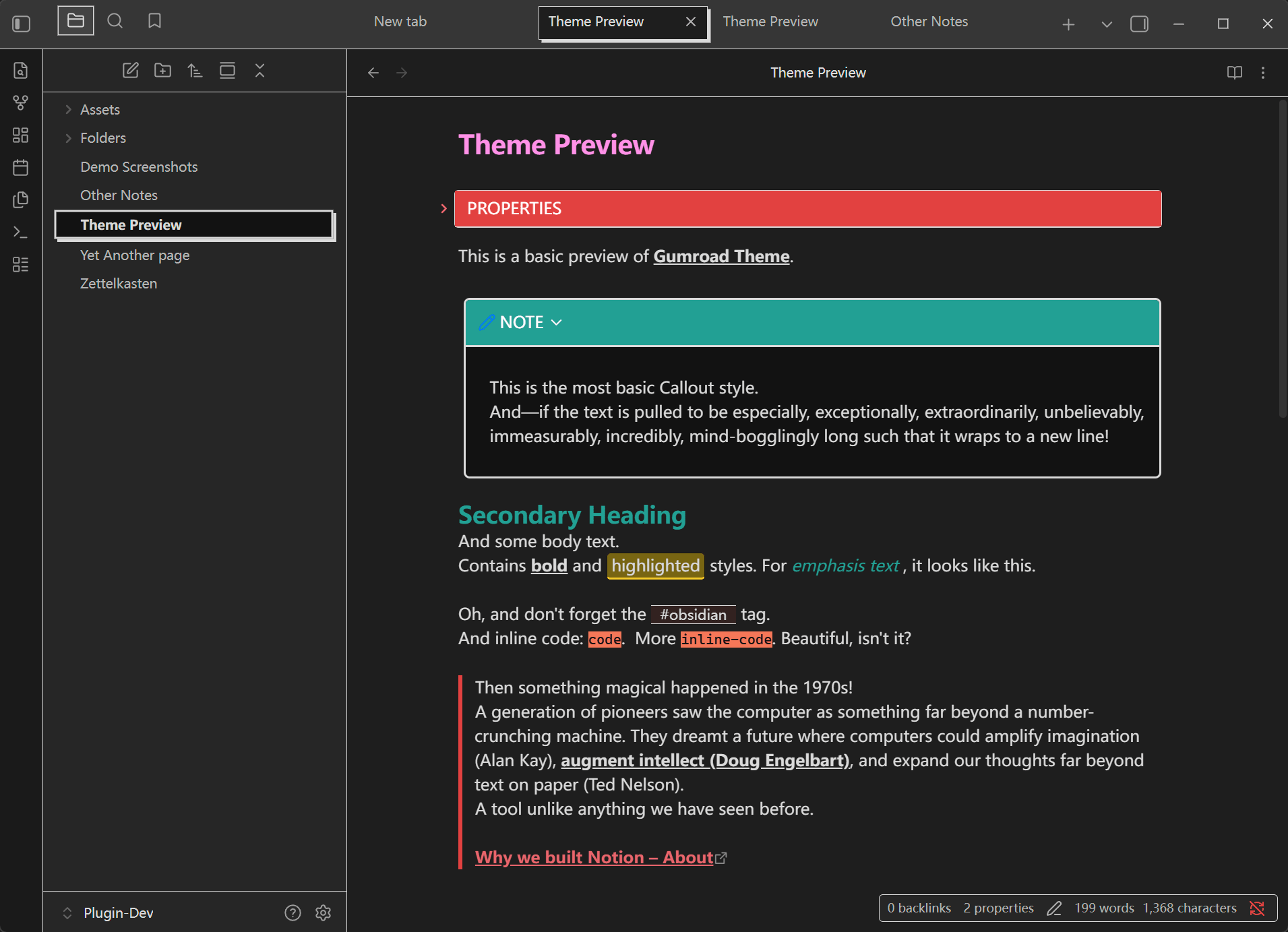
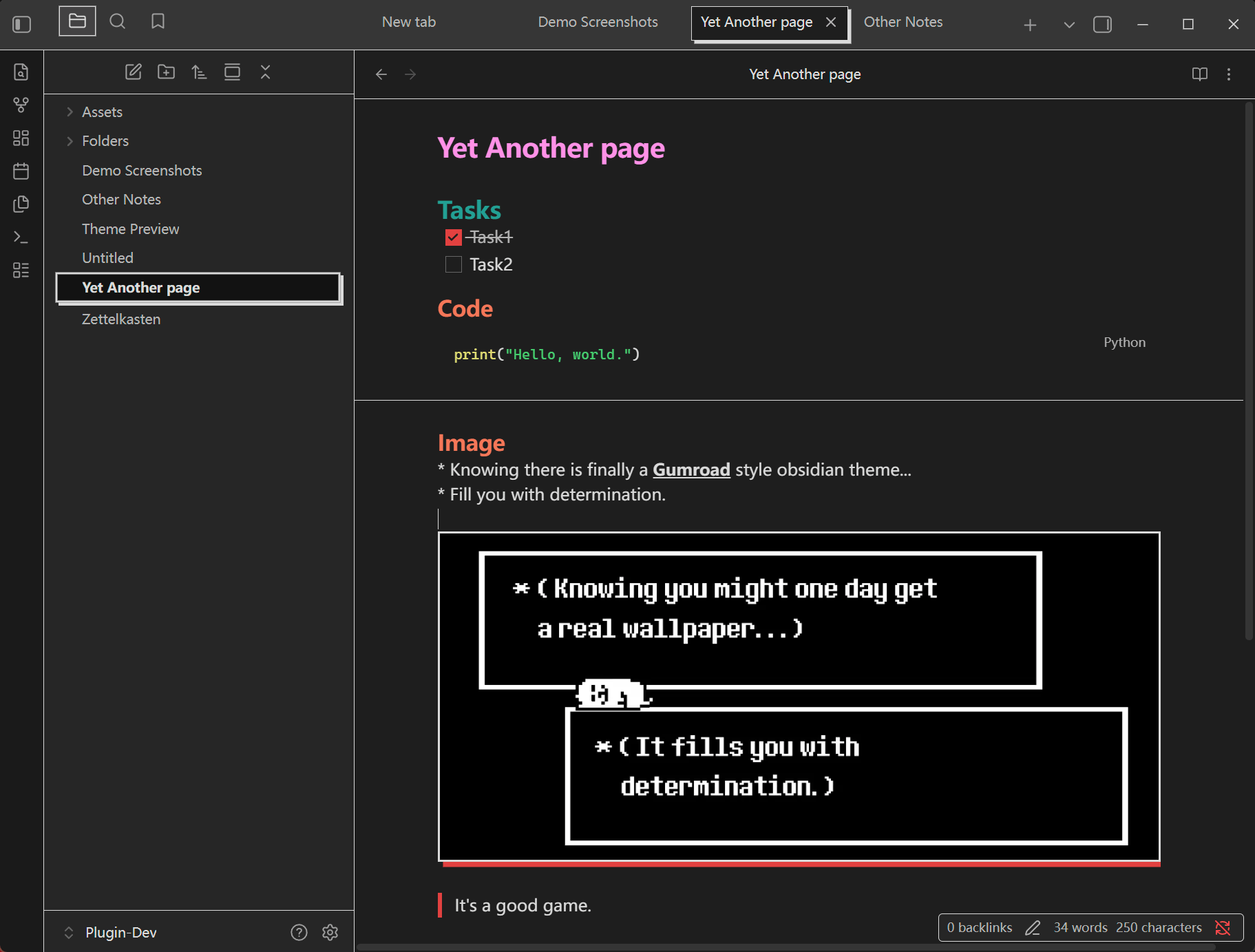
This is a custom theme for Obsidian, inspired by the clean and modern design of the Gumroad website. The theme uses custom CSS to bring a minimalist, professional, and visually appealing look to your Obsidian notes, closely resembling the Gumroad style.
[!warning] This theme is not affiliated with or endorsed by Gumroad. It is a fan-made project created for personal use and shared with the Obsidian community.
Additionally, this theme is still in very early development (starting from2025-12-23), so please use it with caution.
If you have any suggestions or feedback, feel free to post issues 🫡
Screenshots
Light theme
Dark theme
How to use
- Download the
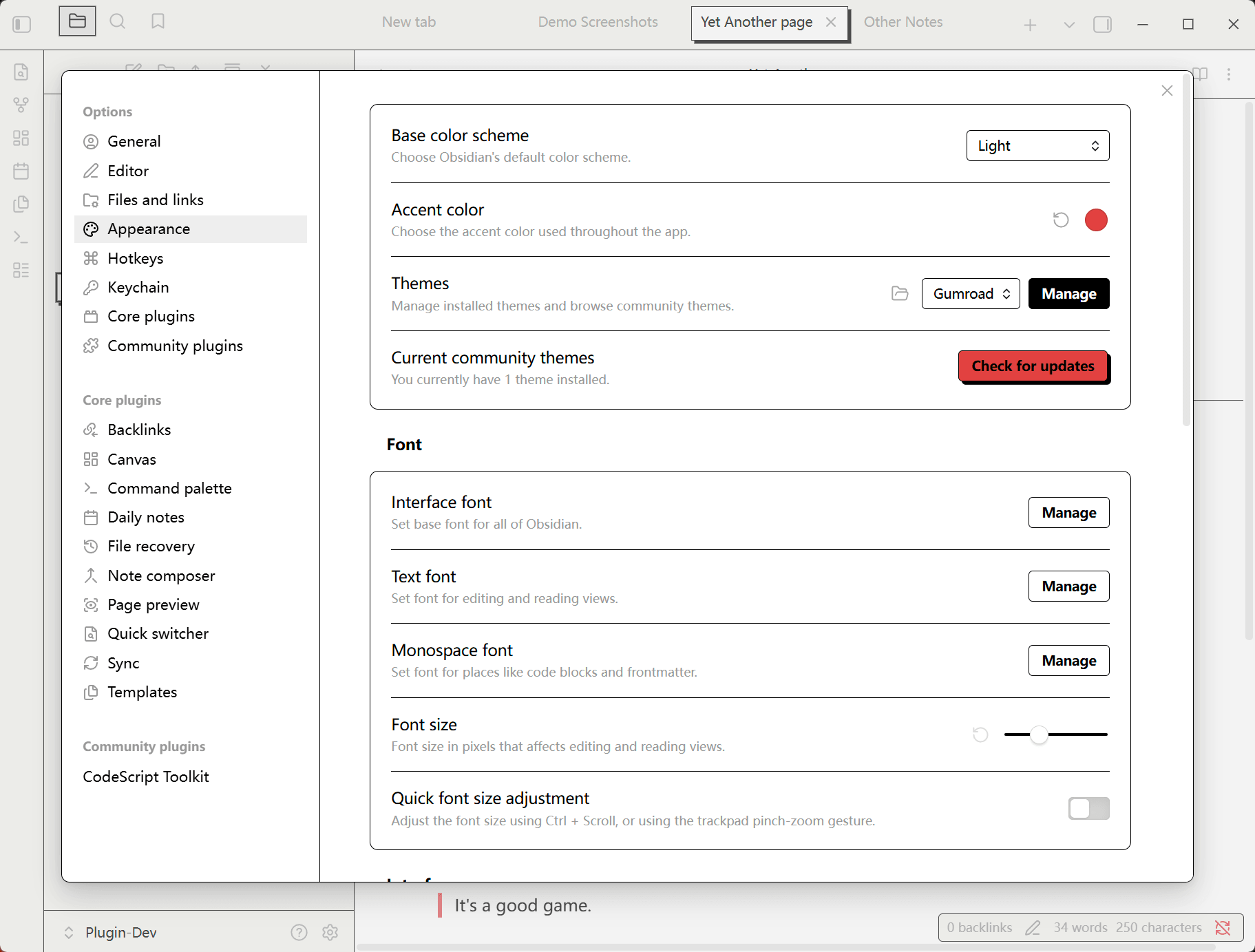
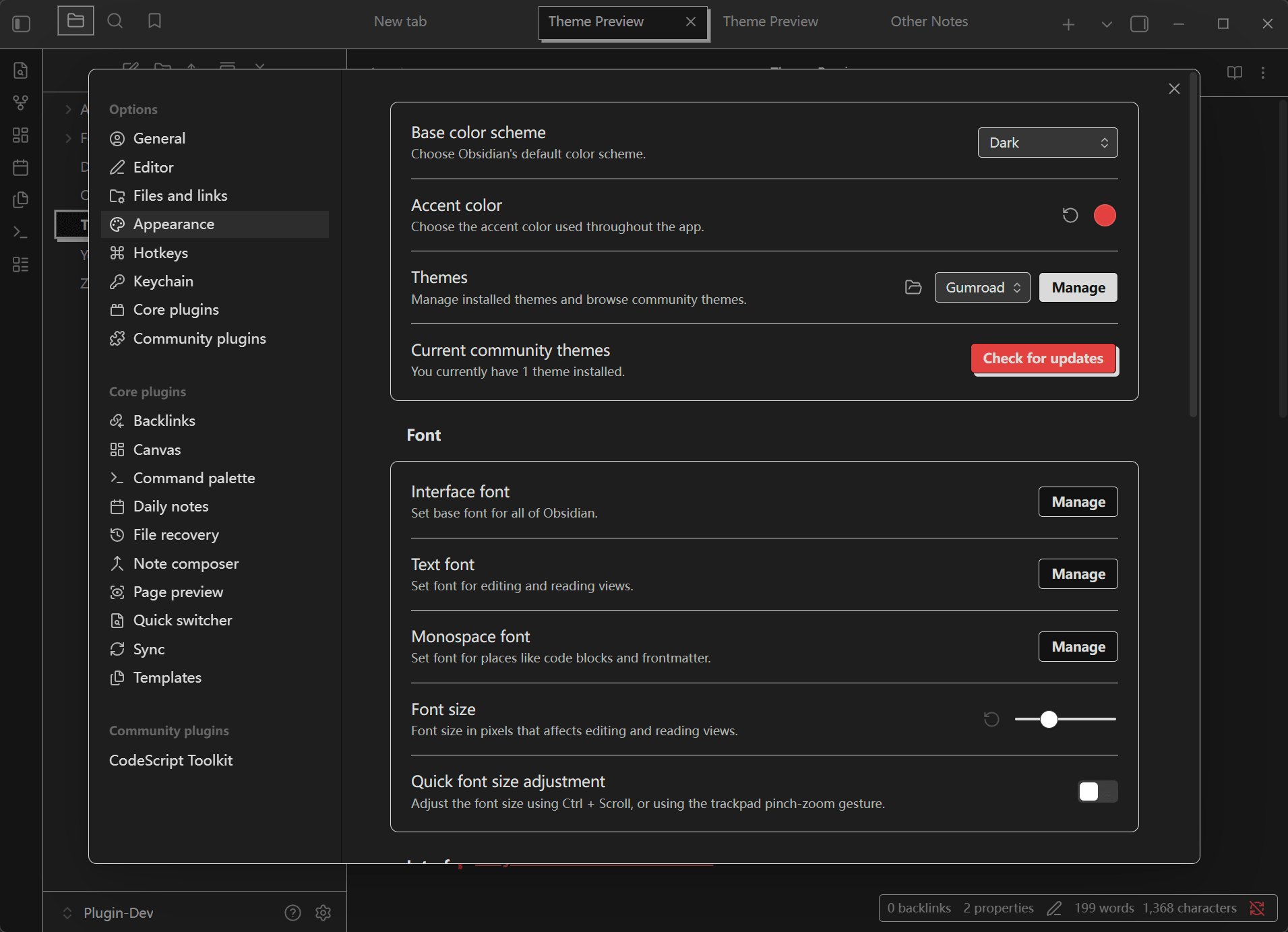
Gumroadfolder from this repository, put it in your Obsidian vault under.obsidian/themes/. - Open Obsidian and go to
Settings>Appearance. - Choose
Gumroadfrom the list of available themes. - Enjoy the new look of your Obsidian notes!