
README file from
GithubObsidian GitHub Flavored Markdown Theme
Features
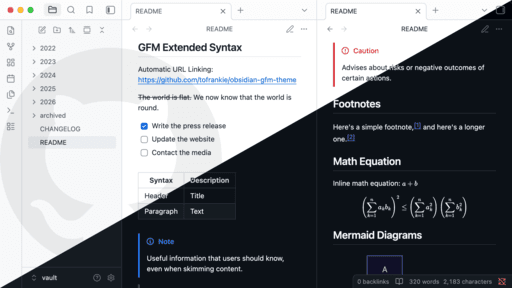
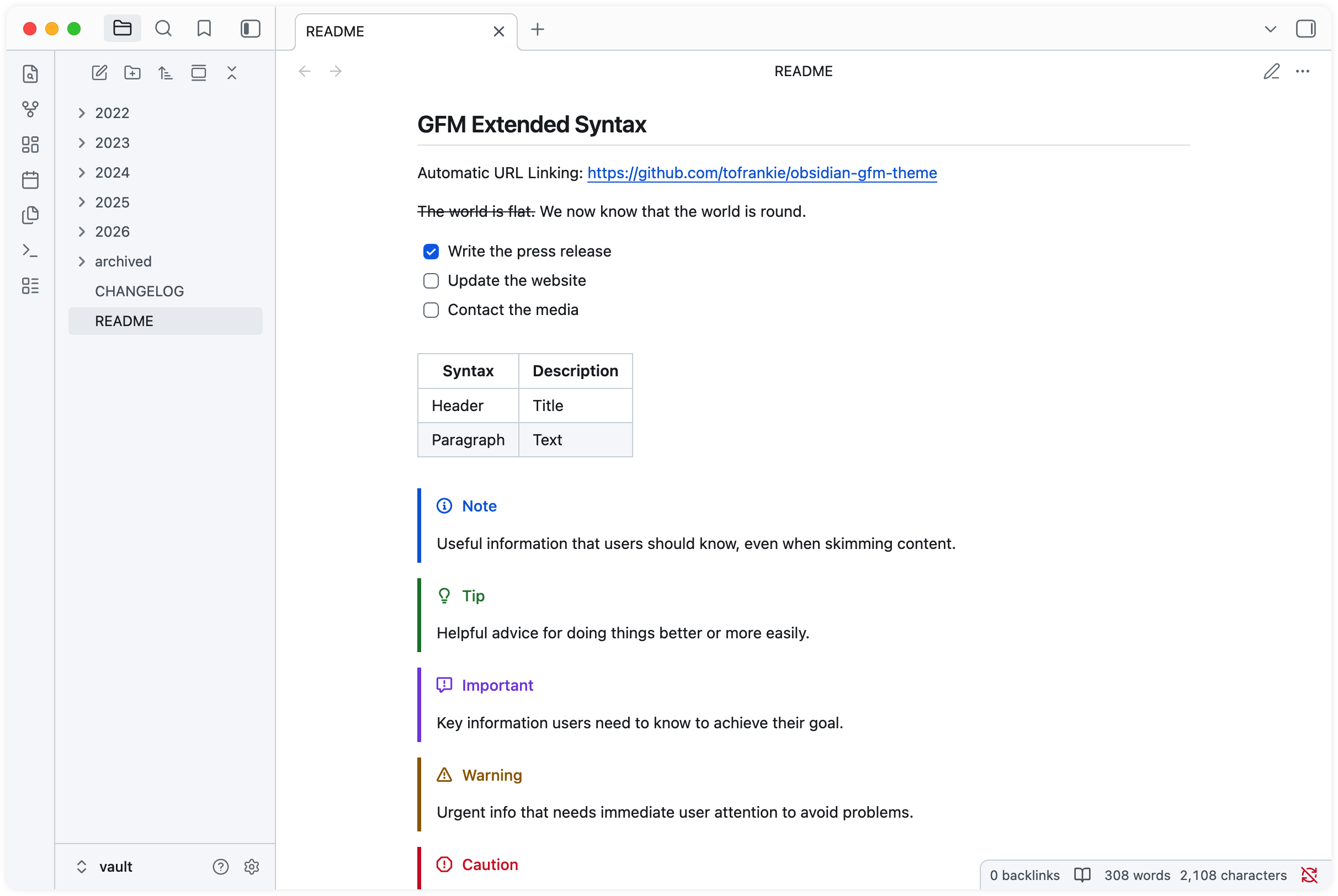
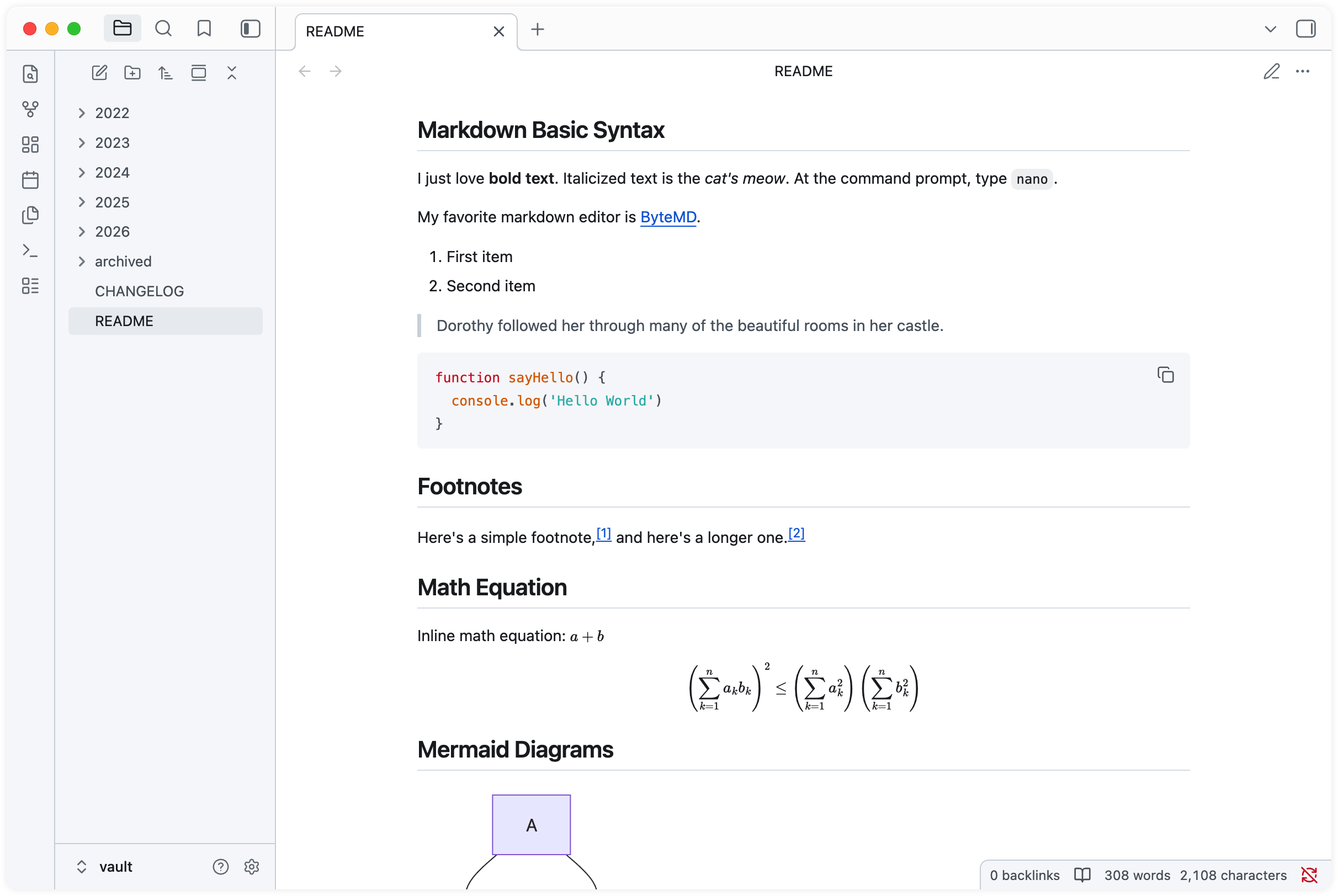
Forked from obsidian-theme-github, with Kanban styling retained, some custom settings removed, and a closer GFM experience.
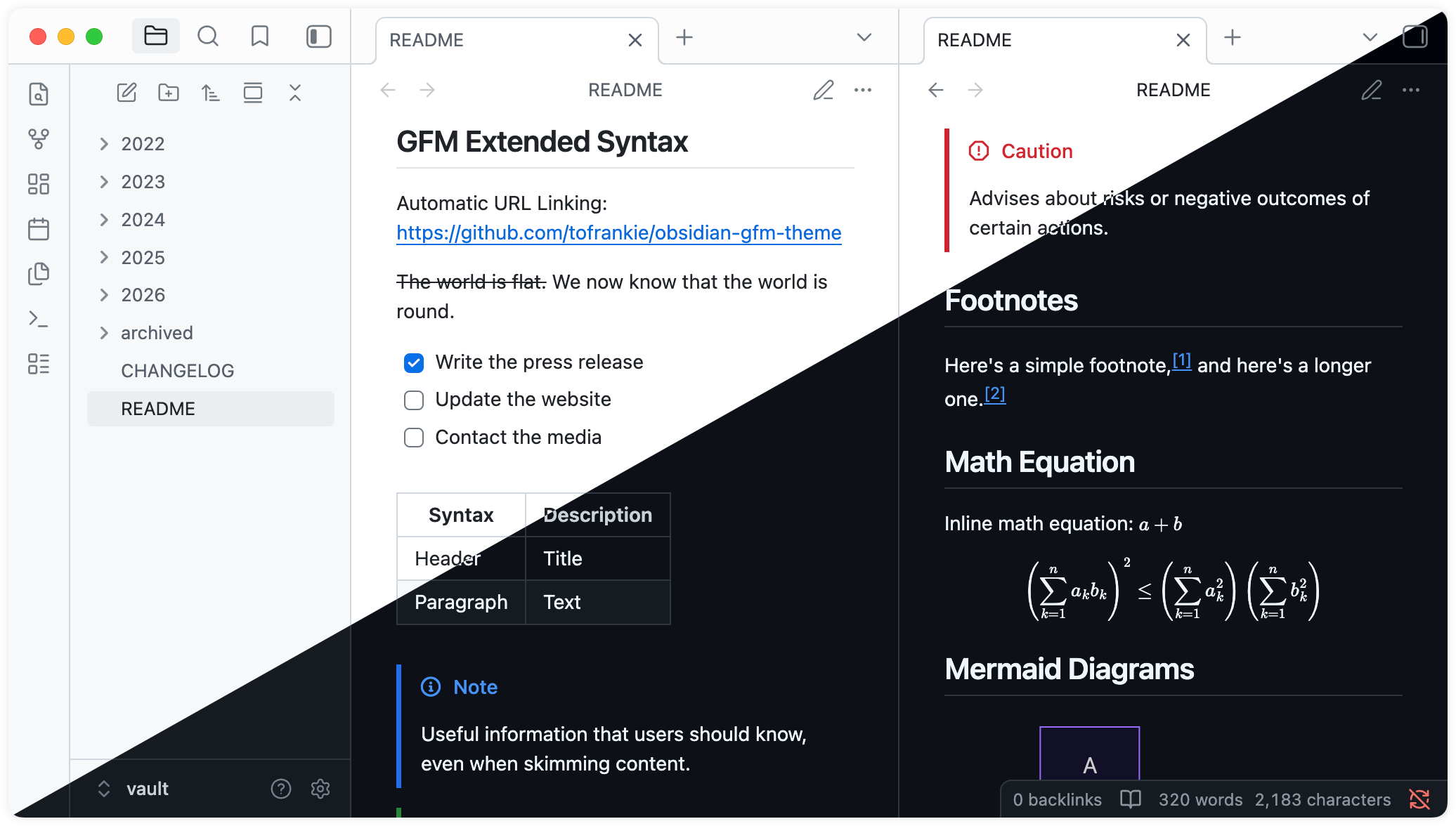
- Supports light and dark modes
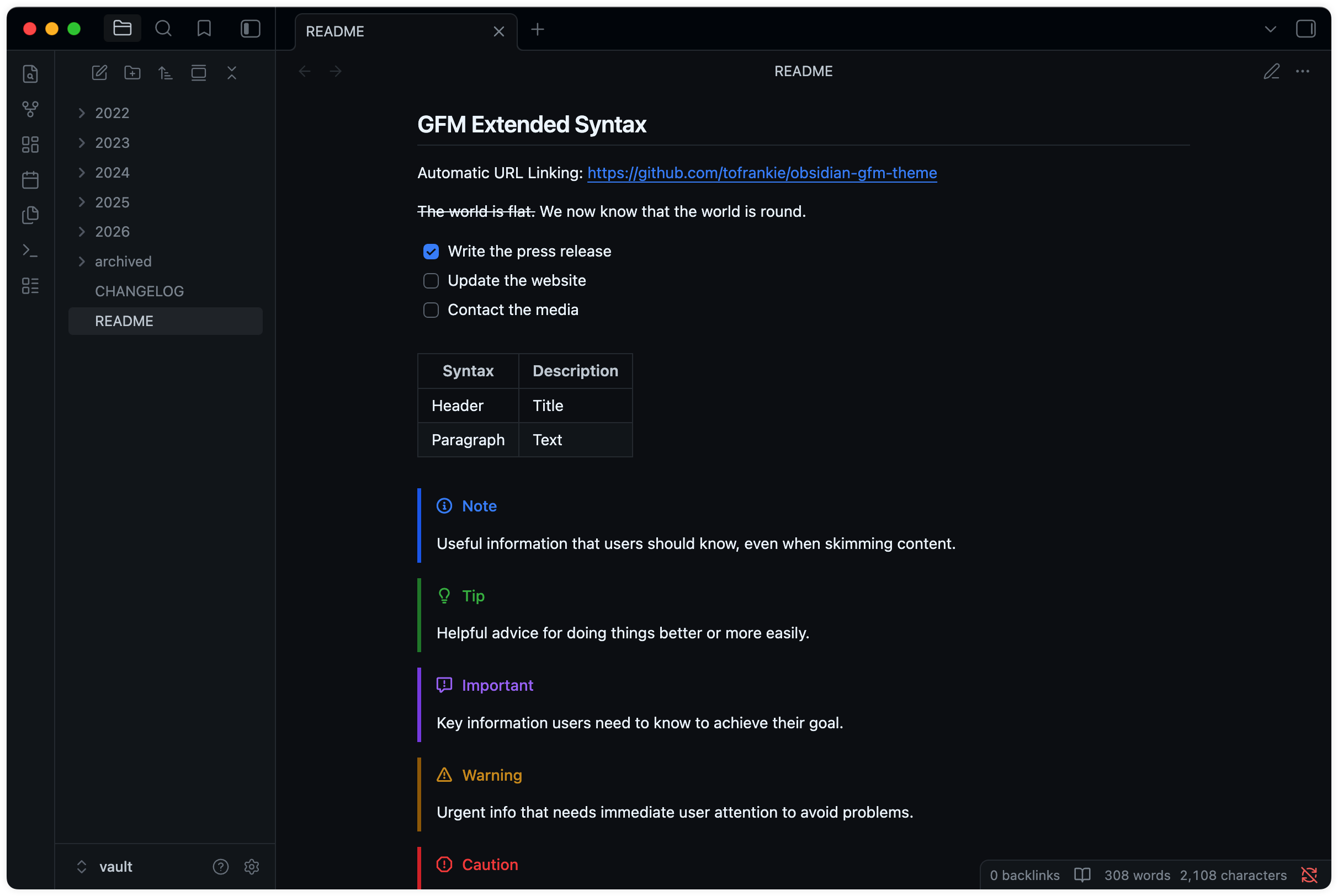
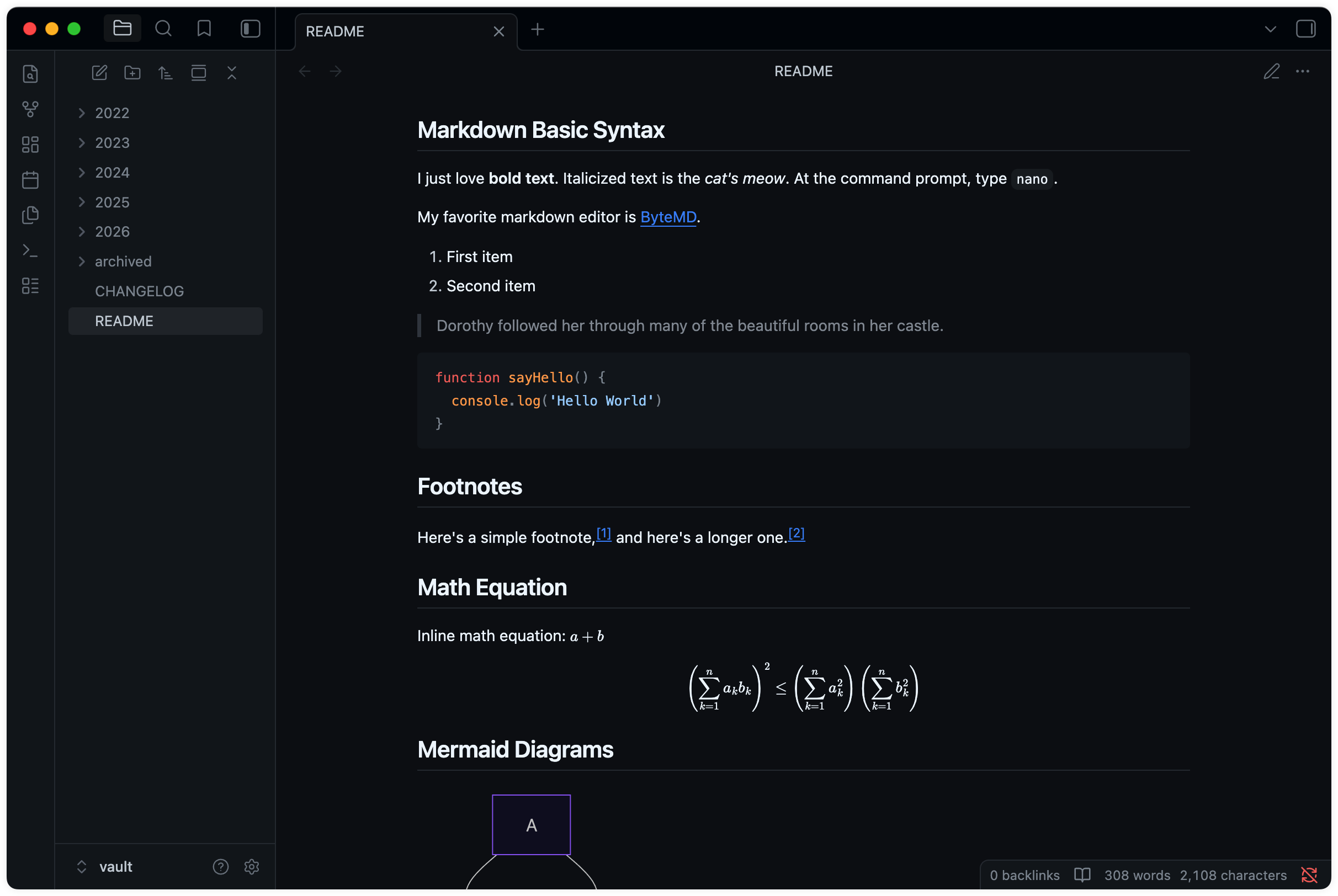
- Provides a native GFM experience
- Supports GFM Alerts
Preview
Theme Settings
Theme settings can be found in the Obsidian Style Settings plugin.
Current settings include:
- Kanban style toggle
- Color-blind-friendly color scheme variants
How to Install
This theme is available on the Obsidian Theme Store.
- Download the
theme.cssandmanifest.jsonfiles from the latest release - Go to
/your_vault/.obsidian/themes/and create a folder for the theme files - Paste the downloaded theme files into the created folder
- In Obsidian, go to Settings -> Appearance -> Themes and select GitHub Flavored Markdown from the dropdown menu
Contributing
See CONTRIBUTING.md for details.
Credits
Forked from obsidian-theme-github by krios2146 ❤️
License
MIT License © Frankie