
README file from
GithubSunflex
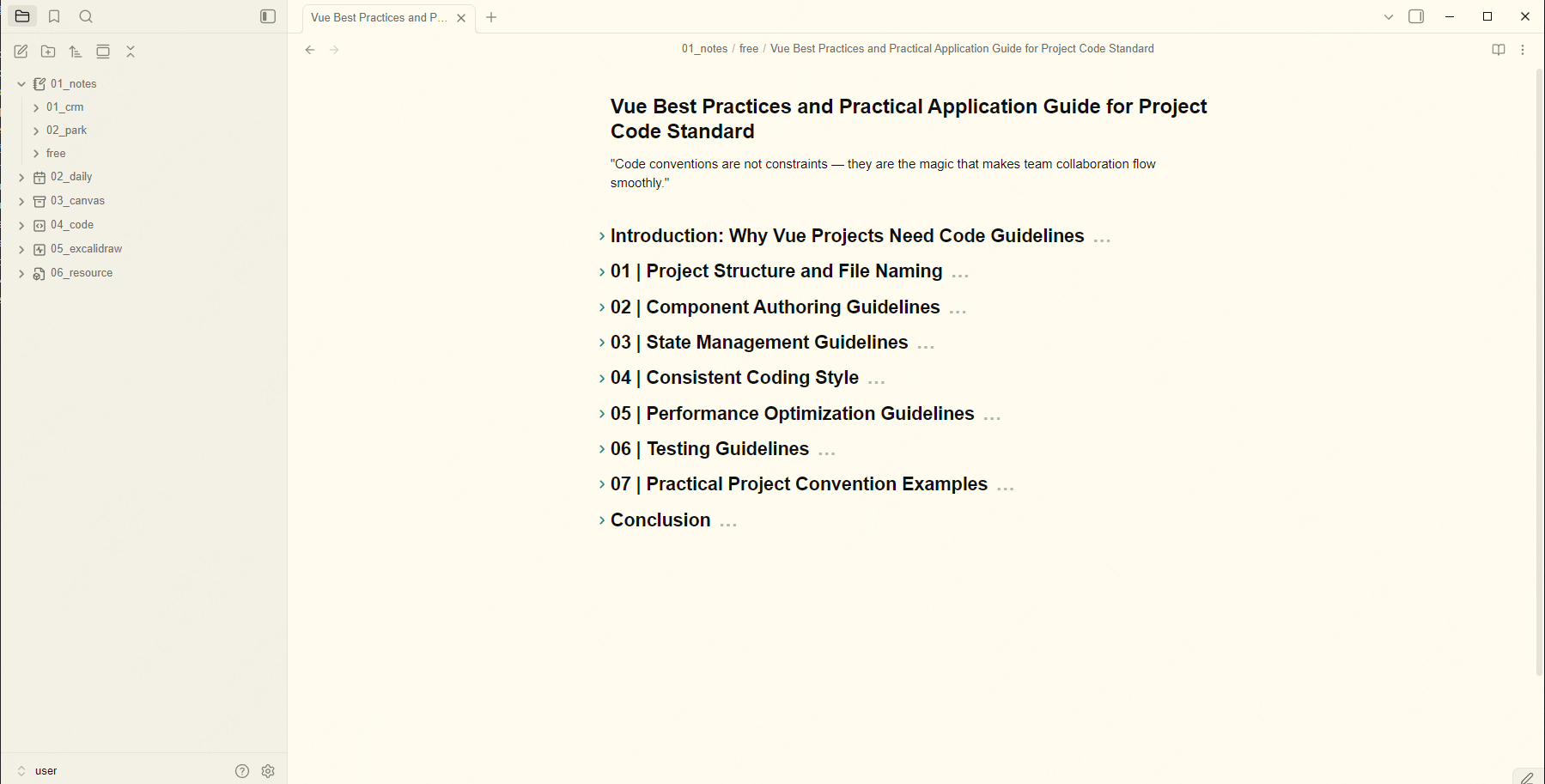
Sunflex is an Obsidian theme that adapts the Sunflex color scheme to Obsidian's native CSS variables, so it can be used as a standalone theme. It builds on top of the Minimal theme interface layer.
Screenshots
Features
- Based on the Sunflex color scheme for comfortable reading and writing
- Supports both Light and Dark modes
- Includes a true-black dark variant (enabled with the
minimal-dark-blackorblackclass) - Full 8-color semantic palette: red, orange, yellow, green, cyan, blue, purple, pink
Installation
From the community themes browser (recommended)
- Open Obsidian → Settings → Appearance
- Click Manage next to "Themes"
- Search for Sunflex and click Install
- Go back to Appearance and select Sunflex from the theme dropdown
Manual installation
- Copy the entire
Sunflexfolder (containingmanifest.json,theme.css, andREADME.md) into your vault's.obsidian/themes/directory - Restart Obsidian
- Open Settings → Appearance → Themes and select Sunflex
Usage
After installing, switch between Light and Dark from Settings → Appearance → Base color scheme. For deeper customization install the Style Settings plugin (see below).
Customization (Style Settings)
This theme is fully compatible with the Style Settings plugin, which exposes a granular UI for tweaking colors, fonts, and features without editing CSS.
Enabling Style Settings
- Install the Style Settings community plugin
- Enable it in Settings → Community plugins
- Open Settings → Style Settings → Minimal section
Available options
The Style Settings panel for this theme includes the following groups:
| Group | Description |
|---|---|
| Interface colors | Base hue/saturation/lightness, plus primary, secondary, and active backgrounds (bg1, bg2, bg3), and border colors (ui1, ui2, ui3) |
| Accent color | Primary (ax1), hover (ax2), interactive (ax3) accent colors, and text-on-accent (sp1) |
| Extended colors | Eight semantic colors (red, orange, yellow, green, cyan, blue, purple, pink) used for progress bars, syntax highlighting, colorful headings, and graph nodes |
| Components | Toggles for blockquotes, callouts (outlined), checkboxes (square shape, strikethrough), code scrolling, embeds (strict/underline/hide title), and tables |
| Typography | Heading size/weight/variant, body font, and various UI font sizes |
| Layout | Readable line width, max width, and focus mode |
| Color schemes | Preset schemes — Gruvbox, macOS, Nord, Notion, Rosé Pine, Sky, Solarized, Things, and true-black — selectable for light and dark |
Each setting exposes separate light and dark values so your two modes stay independent. Colors can be pasted as hex (#rrggbb) or HSL tuples.
Color variables
The theme defines the following base variables on body:
| Variable | Description |
|---|---|
--base-h |
Base hue |
--base-s |
Base saturation |
--base-l |
Base lightness (100 = white) |
--accent-h |
Accent hue |
--accent-s |
Accent saturation |
--accent-l |
Accent lightness |
Light and Dark modes override these variables in .theme-light and .theme-dark, and provide a complete --color-base-* and --color-* semantic color scale.
Recommended plugins
For the best experience, the following community plugins are supported:
- Minimal Theme Settings — hotkeys, fonts, and color scheme presets
- Style Settings — granular color and layout customization
- Hider — hide UI elements for a distraction-free view
License
MIT License
Copyright (c) 2023 Sunflex