
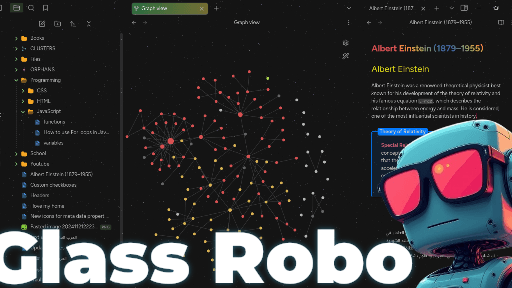
README file from
GithubPreface

Please do note that I've made this theme for myself, and it may not fit your use cases.
If you like my theme:
I've made this theme primarily for my own purposes and it's completely free, but if you do like it enough to consider throwing a few coins in my hat, here's a link.
Main Features
Note : Click on the features to see screenshots for each feature.
Additional Features
- Stars background that gives the sensation of diving into space.
- Gradient color for note title.
- Gradient color for strong text.
- 9 different theme for code block.
- Cool animations.
- New style for folding headers (H1 H2 H3 H4 H5 H6).
How to use style settings plugin
- Install style settings plugin then enable it.
- Once the plugin is enabled, go to Settings, Navigate to the "Style Settings" tab.
with style settings plugin you can :
- Enable/disable Stars background.
- Set background color.
- Select headers color scheme.
- Select headers style from 8 different styles.
- Enable/disable custom fonts.
- Show/hide navigation tree arrow.
- Show/hide callouts icons.
- Select callout style from 20 different styles.
- Select App theme from 6 different styles.
- Enable/disable callout title centering.
- Enable/disable
boldstrongtext gradient color. - Enable/disable auto hide.
- Select code block theme from 9 different styles.
Supported plugins
- Cluster.
- Hover editor.
- Kanban.
- callout-suggestions.
- spaced-repetition.