
README file from
GithubDanxia
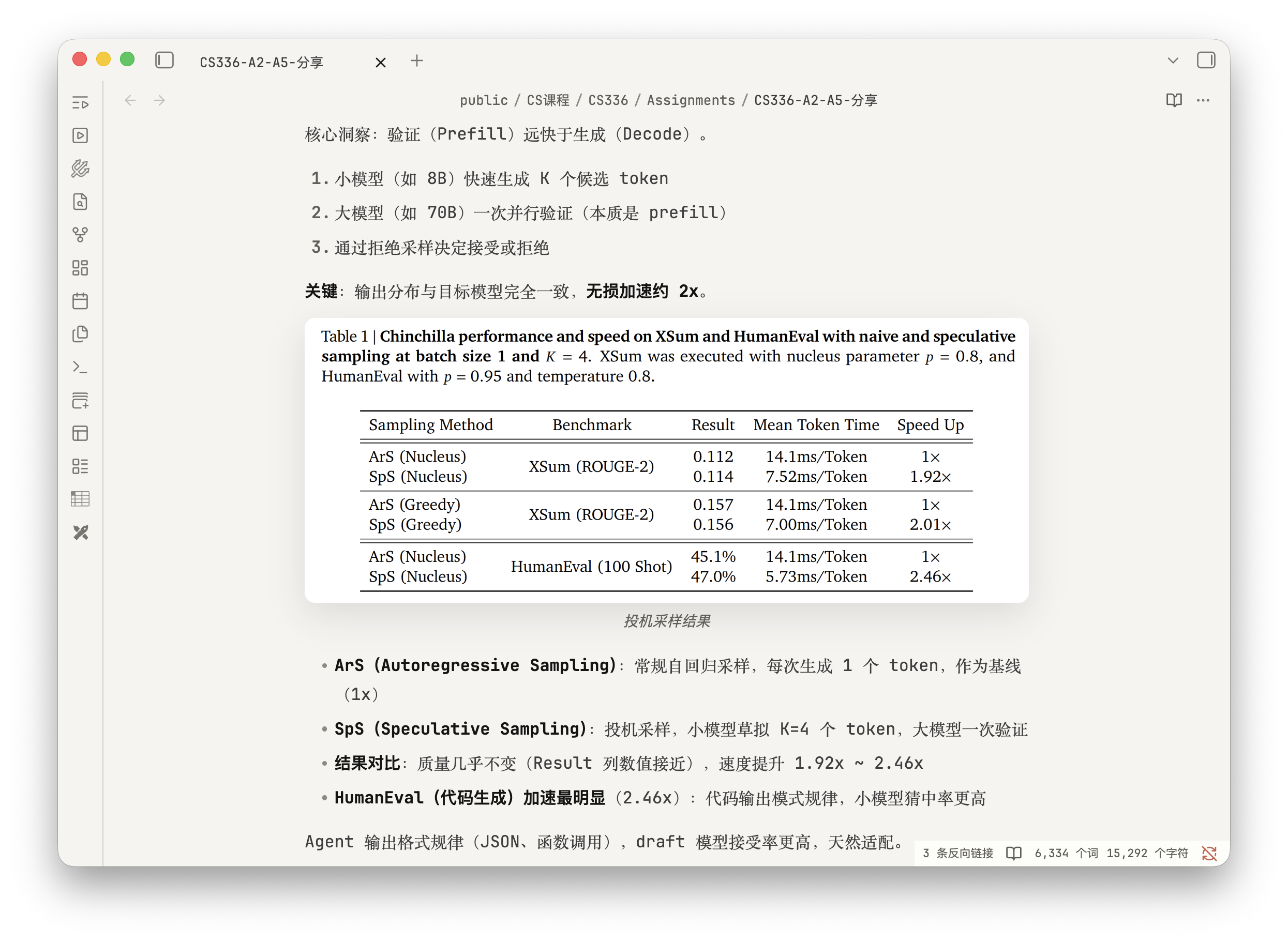
Danxia is an Obsidian theme for light and dark mode. It uses soft neutral colors across the interface, with Danxia orange for links, selections, and key states.
Danxia 是一款 Obsidian 主题,支持亮色和暗色模式。界面以低饱和中性色为主,链接、选中状态和重点内容使用丹霞橙。
Screenshots
Reading view
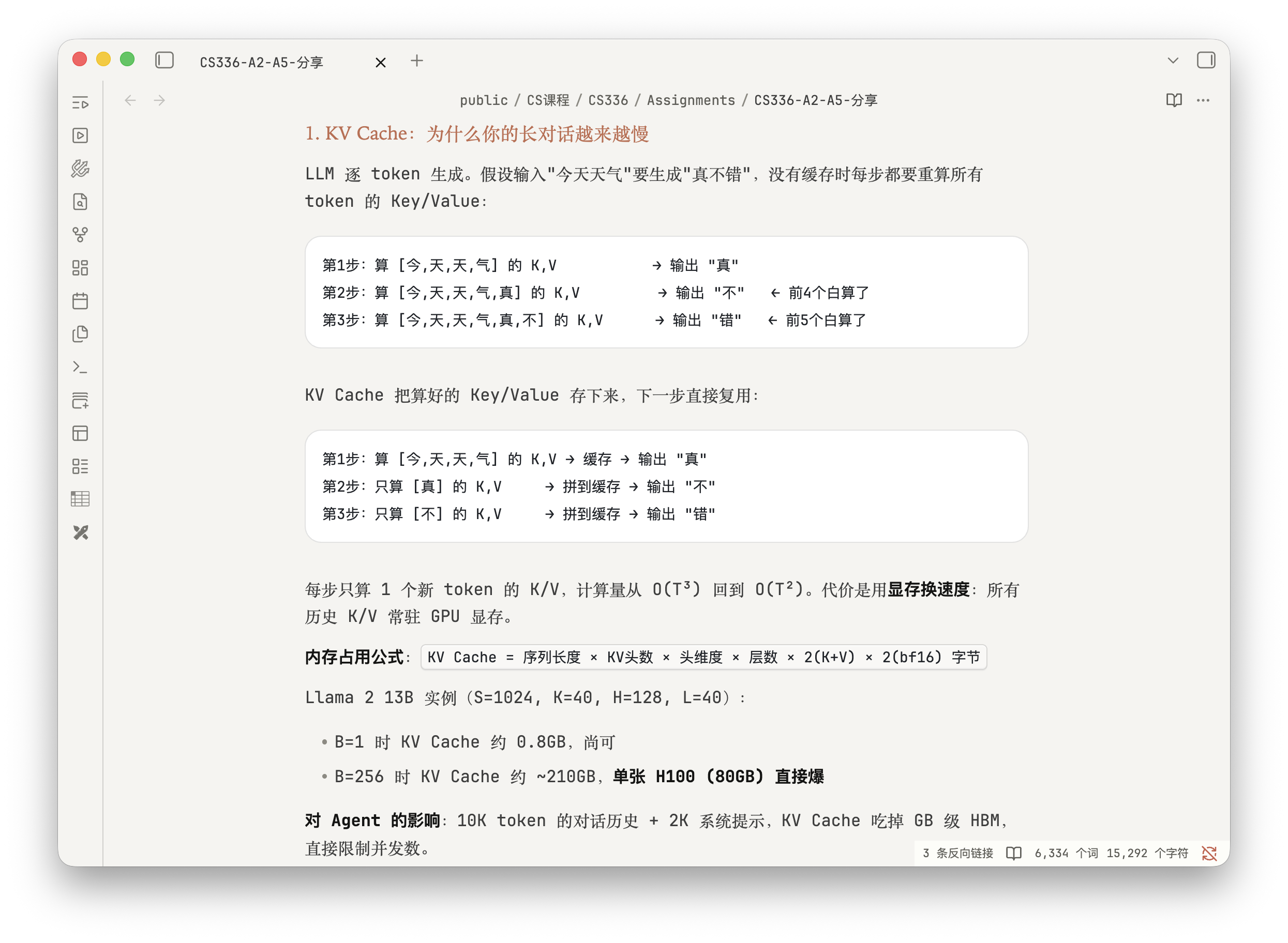
Appearance settings
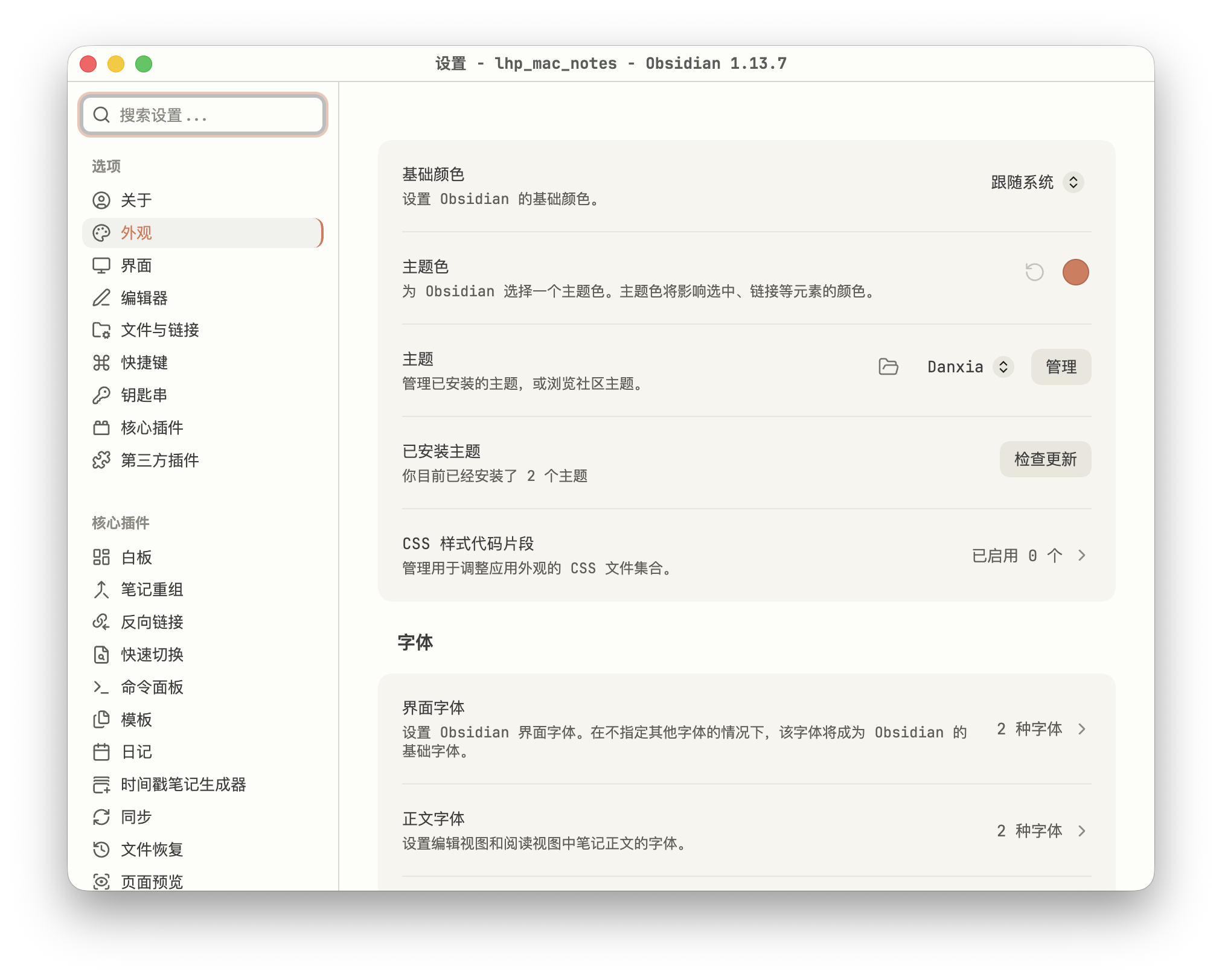
Features
- Light and dark mode
- Restyled text, headings, links, lists, code blocks, and tables
- Restyled tabs, sidebars, settings, and graph view
- No remote fonts or images
功能
- 支持亮色和暗色模式
- 调整正文、标题、链接、列表、代码块和表格的排版
- 调整标签页、侧边栏、设置页和图谱视图的样式
- 不引用远程字体和图片
Installation
After Danxia is listed in the community theme directory, search for Danxia under Settings > Appearance > Themes > Manage.
Manual installation:
- Download
manifest.jsonandtheme.cssfrom the latest GitHub Release. - Create a
Danxiafolder under.obsidian/themes/in your vault. - Copy both files into the folder.
- Restart Obsidian and select
Danxiain Appearance settings.
中文
主题收录后,在 Obsidian 的 设置 > 外观 > 主题 > 管理 中搜索 Danxia 即可安装。
手动安装:
- 从 GitHub Release 下载
manifest.json和theme.css。 - 在仓库的
.obsidian/themes/下创建Danxia文件夹。 - 将两个文件放入该文件夹。
- 重启 Obsidian,在外观设置中选择
Danxia。
Release
Update manifest.json and versions.json, then push a Git tag matching the version. GitHub Actions will create a Release with manifest.json and theme.css.
中文
发布新版本时,先更新 manifest.json 和 versions.json,再推送与版本号相同的 Git 标签。GitHub Actions 会创建 Release,并附上 manifest.json 和 theme.css。