
README file from
GithubKanagawa for Obsidian
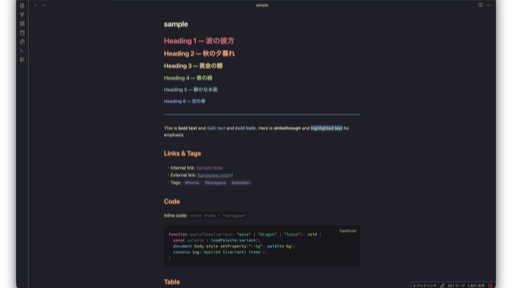
An Obsidian theme inspired by the colors of the famous painting by Katsushika Hokusai — The Great Wave off Kanagawa.
Color palette is based on kanagawa.nvim.
Variants
| Variant | Mode | Description |
|---|---|---|
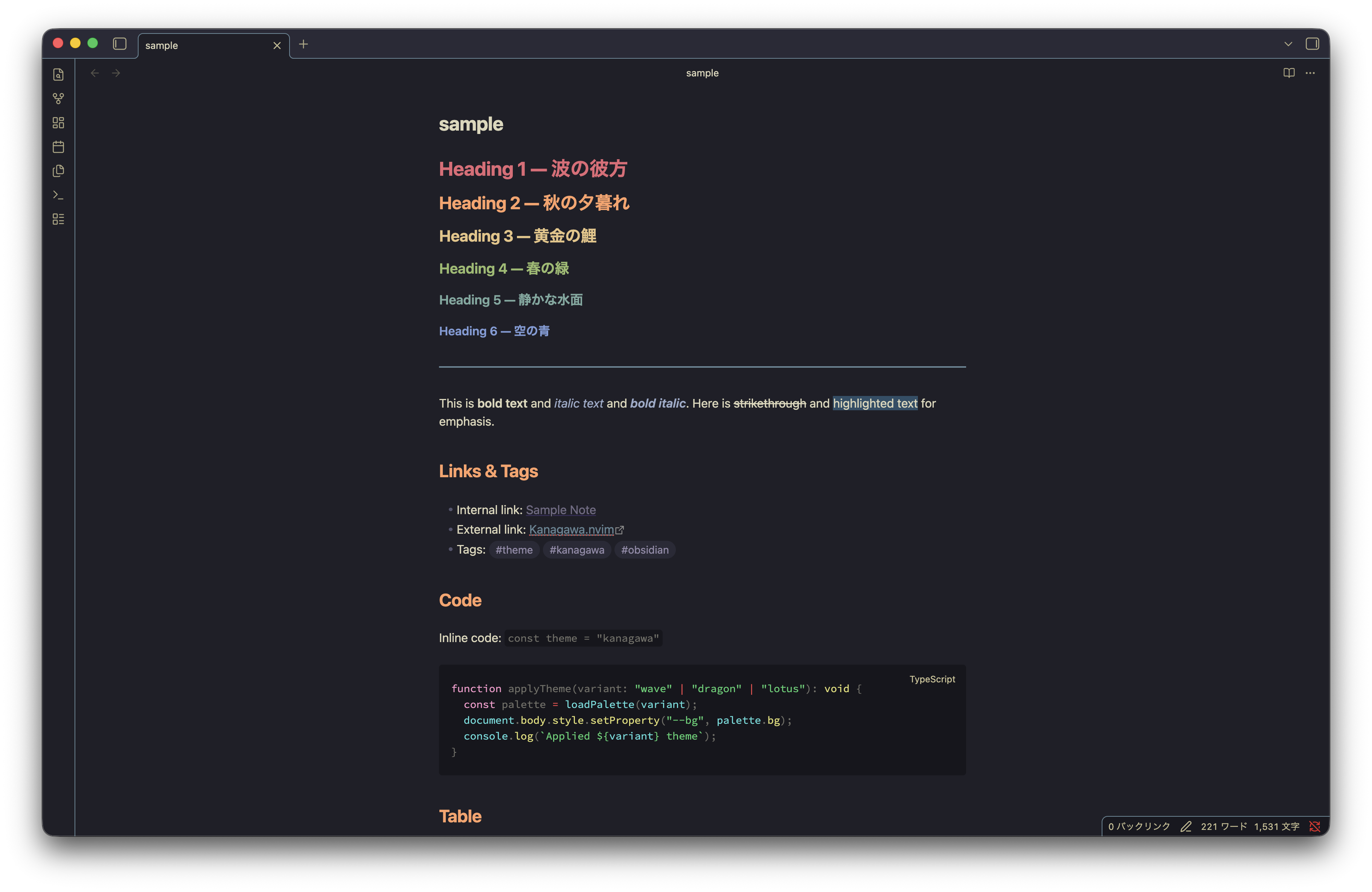
| Wave | Dark | Default dark theme with deep ocean tones |
| Dragon | Dark (alt) | Muted, warm dark theme (requires Style Settings) |
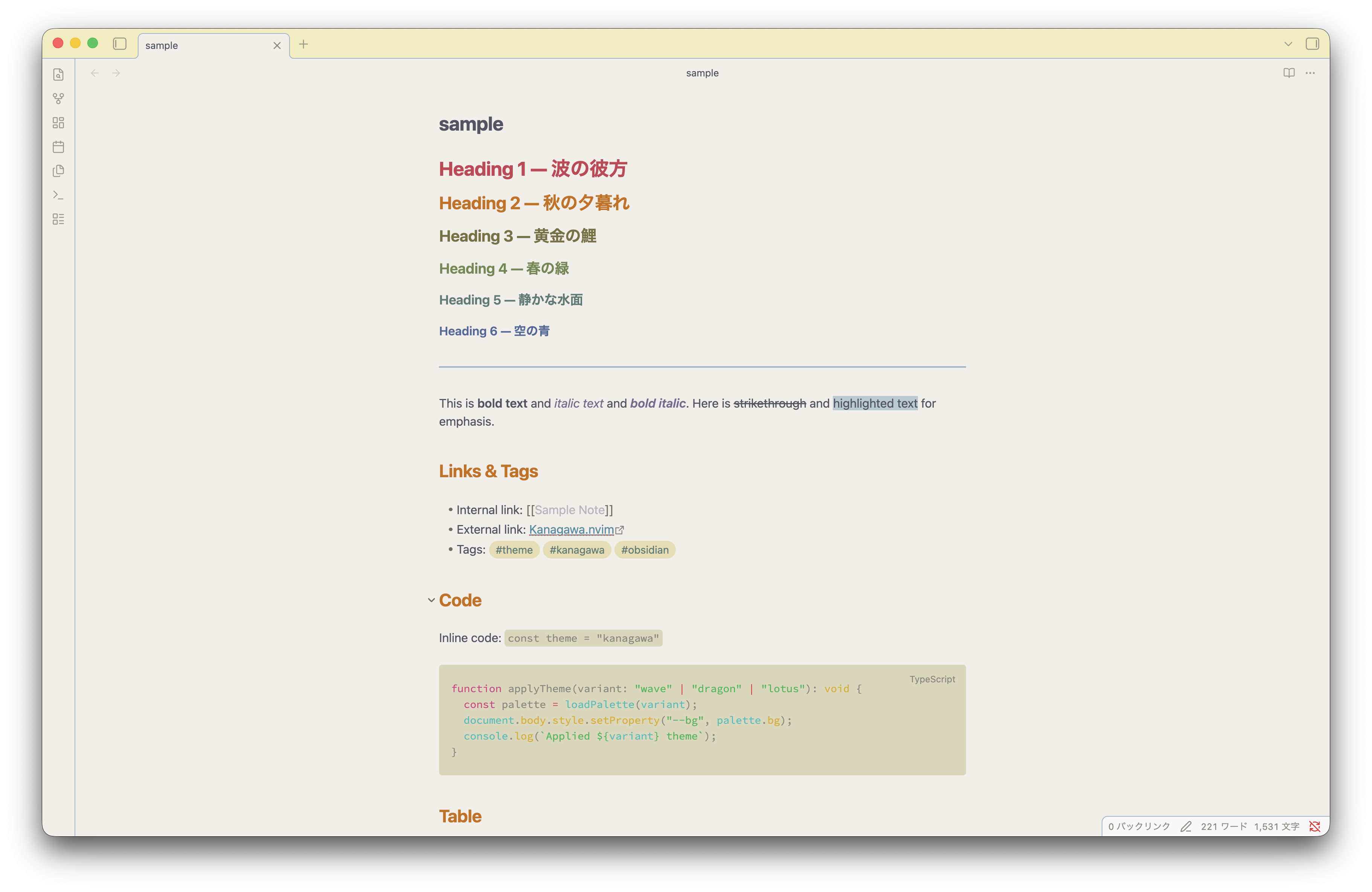
| Lotus | Light | Warm paper-like light theme |
Installation
From Community Themes
- Open Obsidian Settings → Appearance → Themes
- Click Manage and search for "Kanagawa"
- Click Install and use
Manual
- Download
theme.cssandmanifest.jsonfrom the latest release - Create a folder
Kanagawain<vault>/.obsidian/themes/ - Place both files inside the folder
- Open Obsidian Settings → Appearance → Themes and select Kanagawa
Style Settings
Install the Style Settings plugin for additional options:
- Dark theme variant — Switch between Wave and Dragon
- Text font — Custom text font family
- Monospace font — Custom monospace font family
Background
This theme was created because the original Obsidian Kanagawa theme (obsidian_kanagawa by @sspaeti) is no longer available (repository returned 404). This is a fresh rewrite based on the same kanagawa.nvim color palette, with modernized CSS and additional Dragon variant support.
Credits
- Color palette: kanagawa.nvim by @rebelot (MIT License)
- Original Obsidian port: obsidian_kanagawa by @sspaeti
License
The color palette used in this theme is derived from kanagawa.nvim, which is licensed under the MIT License. See the original LICENSE for details.