
README file from
GithubMono High Contrast Theme
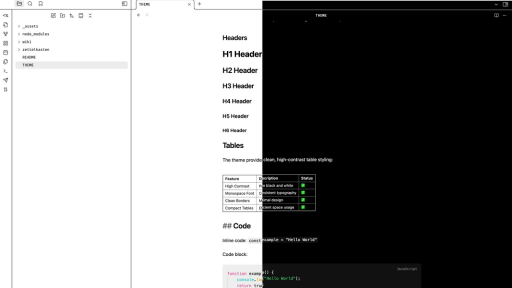
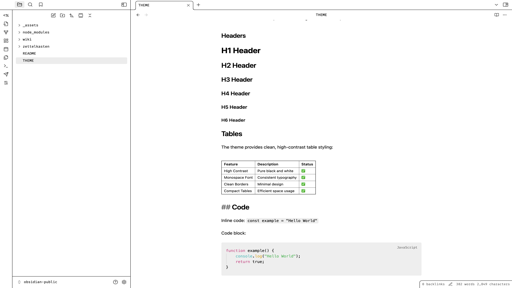
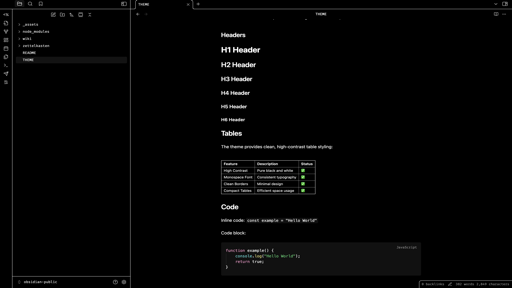
A high contrast theme for Obsidian, inspired by VS Code's default high contrast theme.
Features
- Clean and minimal design
- VSCode look and feel
Usage
- Open Obsidian
- Go to Settings > Appearance
- Under "Themes", click "Manage"
- Click "Browse" and search for "Mono High Contrast"
- Click "Install"
- Select the theme from the dropdown menu
License
MIT License - see LICENSE file for details