
README file from
GithubZen Forest
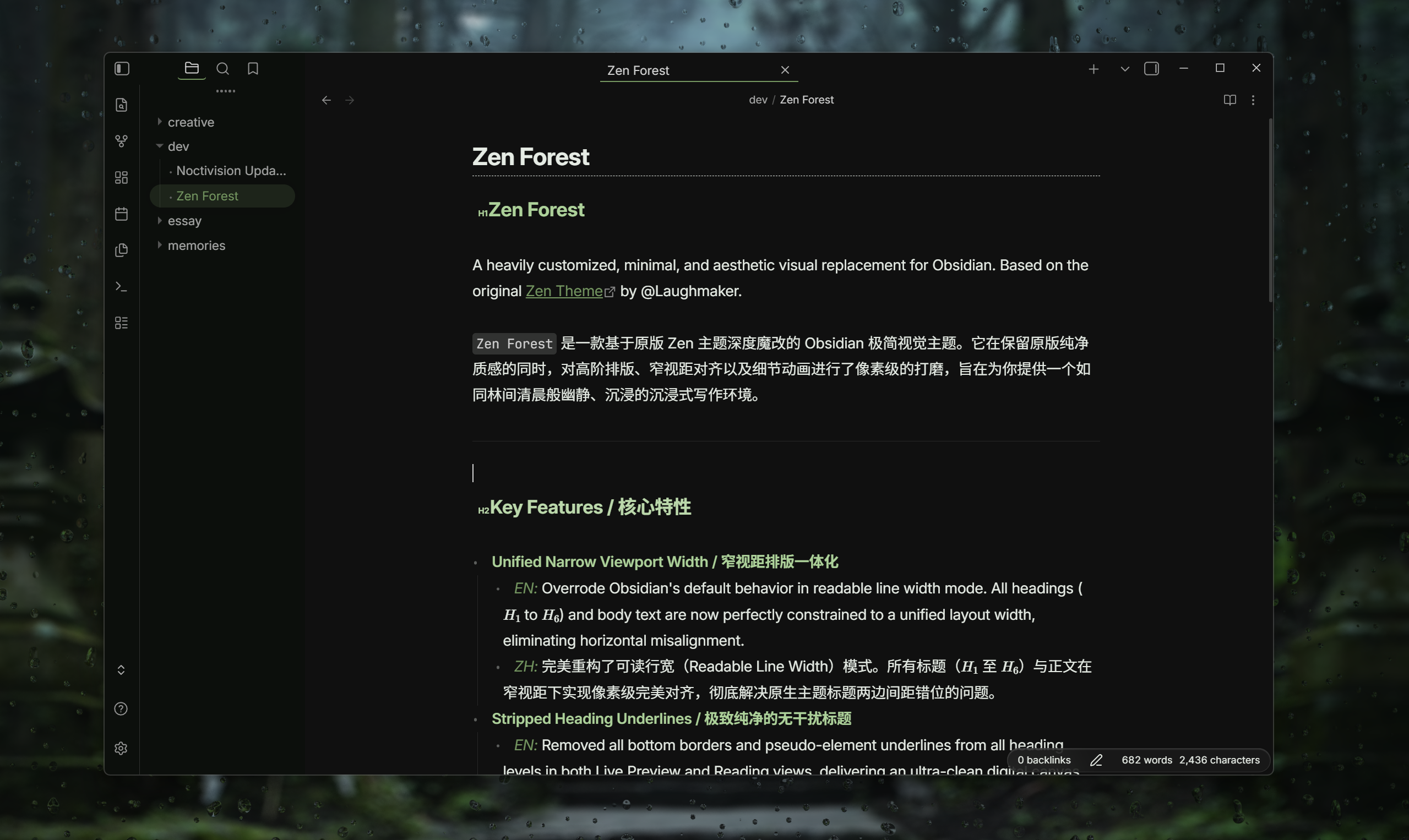
A heavily customized, minimal, and aesthetic visual replacement for Obsidian. Based on the original Zen Theme by @Laughmaker.
Zen Forest is a deeply modified minimalist theme designed to retain a pure typography essence. It features pixel-perfect alignment for narrow viewports, custom easing animations, and a curated color palette, aiming to provide a quiet, immersive, and cinematic writing environment.


Key Features
- Unified Narrow Viewport Width Overrode Obsidian's default behavior in readable line width mode. All headings (H1 to H6) and body text are now perfectly constrained to a unified layout width, eliminating horizontal misalignment.
- Refined Modal Animations
Replaced rigid transitions with a custom
cubic-bezierentrance animation for modals and dialogs, rendering fluid, cinematic window scaling. - Curated Forest-Vibe Palette Features a deeply customized, hardcoded forest color scheme across headings and core interfaces, deliberately tuned to deliver an immersive and relaxing editing experience.
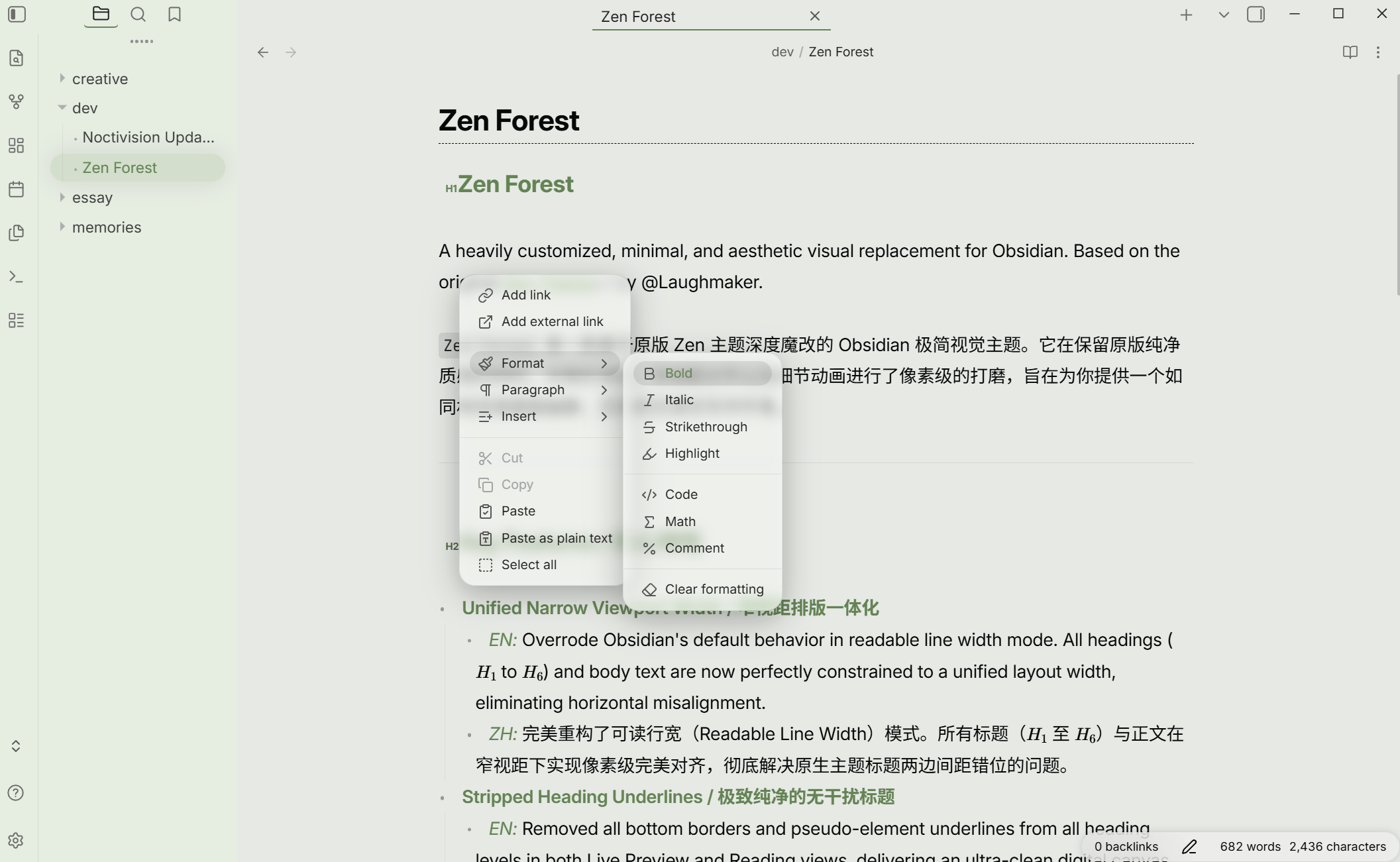
- Polished UI Components Redesigned primary interface elements, sidebar layouts, and active states with a pixel-perfect aesthetic, striking a flawless balance between form and function.
Mobile Compatibility
[!warning] This theme is primarily tailored and heavily optimized for Desktop (Windows / macOS / Linux) environments.
Layout adaptation for mobile devices (iOS / Android) is still a work in progress and may exhibit layout misalignment. Contributions, Bug Reports, or Pull Requests for mobile compatibility are highly welcome!
Installation & Customization
1. Style Settings Integration
This theme is fully compatible with the Style Settings plugin for minor workspace tweaks.
2. Manual Installation (Snippet)
If you prefer to use it as a CSS snippet:
- Download
theme.css. - Move it to your vault folder:
.obsidian/snippets/zen-forest.css. - Enable it under
Settings -> Appearance -> CSS snippets.
Important Palette & Style Notice
- Recommended Accent Color
For the best "Zen Forest" immersive experience, it is highly recommended to set your custom Accent Color to
#688958(RGB:104, 137, 88) underSettings -> Appearance -> Accent color. - Hardcoded UI & Heading Colors
Please note that the core forest-vibe color palette for headings (H1 - H6) and primary UI components is hardcoded at the root level. They cannot be modified via native appearance settings or the Style Settings plugin. If you wish to customize these colors, please open
theme.cssmanually and modify the variables like--h1-colorto--h6-colorunder the themed color tokens.
License & Credits
- Original Theme: Zen Theme by @Laughmaker.
- Modifications: Customized with ❤️ by @Noctivision.
This project is licensed under the MIT License. The full license text, including copyrights of both the original author and modifications, can be found directly in the header of theme.css.