Eleven Labs

by Mark Charles
5
4
3
2
1
Score: 43/100

Description

Category: 3rd Party Integrations

The Eleven Labs plugin integrates text-to-speech capabilities into Obsidian using the Eleven Labs API. Users can generate audio files directly from their notes by highlighting text, selecting the plugin from the context menu, and choosing a voice and model. The plugin supports multilingual output and allows customization of voice settings. Once generated, the audio files are saved in the user's vault, making it an excellent tool for those who want to convert written content into audio for accessibility, learning, or productivity purposes.

Reviews

No reviews yet.

Stats

17
stars
5,599
downloads
2
forks
935
days
876
days
876
days
7
total PRs
1
open PRs
3
closed PRs
3
merged PRs
6
total issues
3
open issues
3
closed issues
0
commits

Latest Version

2 years ago

Changelog

New Features:

  • Open the eleven labs modal using the Command Palette (CTRL + p)
  • Select which model to use when generating audio:
    • Multilingual v2
    • Multilingual v1
    • English v1
    • Turbo v1

README file from

Github

Eleven Labs text-to-speech Obsidian Plugin

This is a plugin for Obsidian (https://obsidian.md).

This project allows you to create text-to-speech audio files using the Eleven Labs api, straight from your Obsidian notes.

This requires an Eleven Labs (https://elevenlabs.io) account, and api key. You can retrieve your api key from "Profile Settings", when signed into the Eleven Labs web dashboard.

How to use

Once the plugin is installed, head to the plugin settings page in Obsidian and paste in your api key.
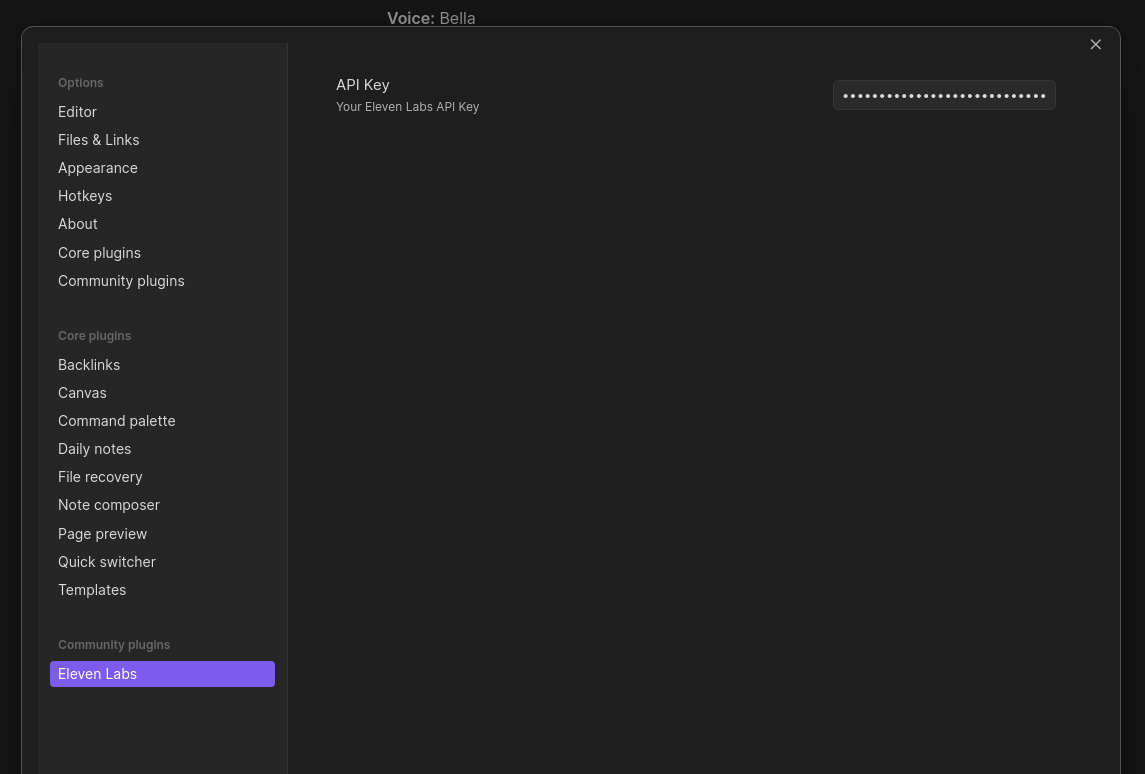
Settings Api Key

In your notes, when in edit mode, simply highlight the text you want to use, right click and select "Eleven Labs" from the context menu.
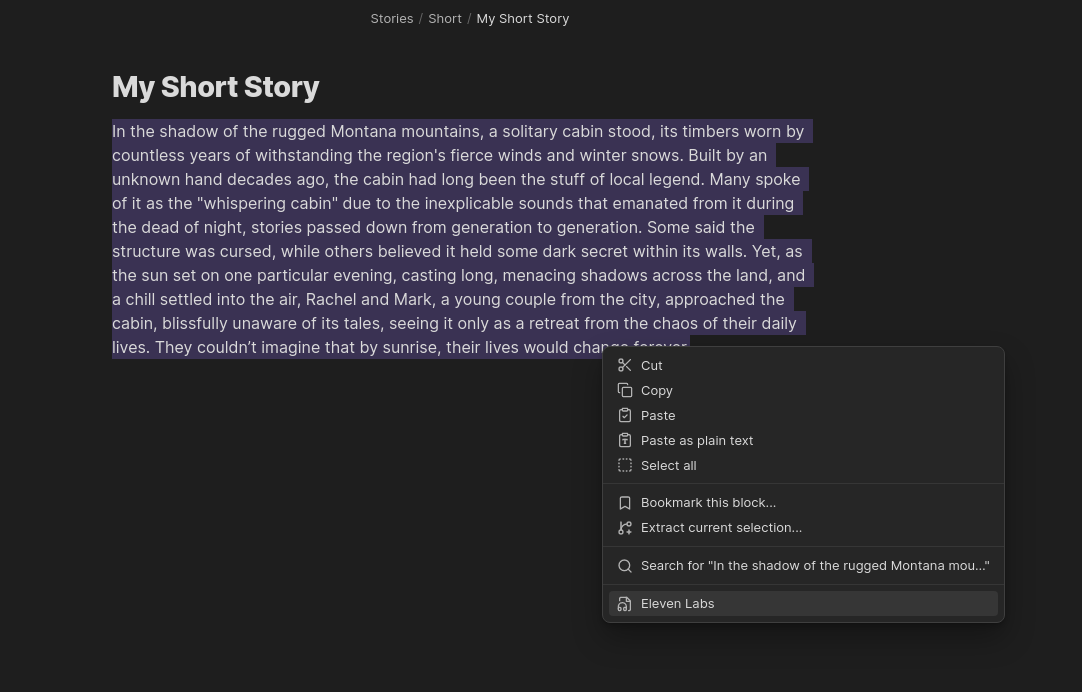
Highlight text

If you prefer, you can trigger the modal using the Command Palette (CTRL + p).
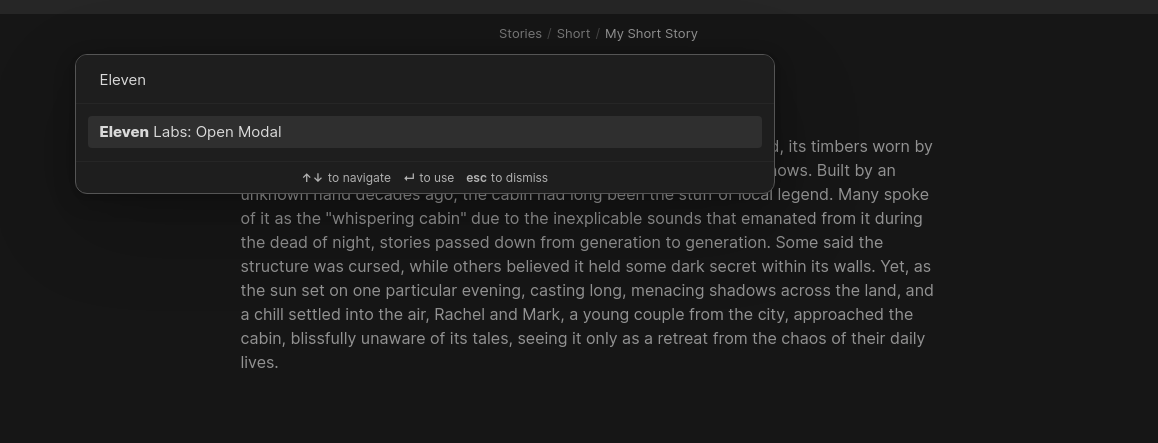
Commmand Palette

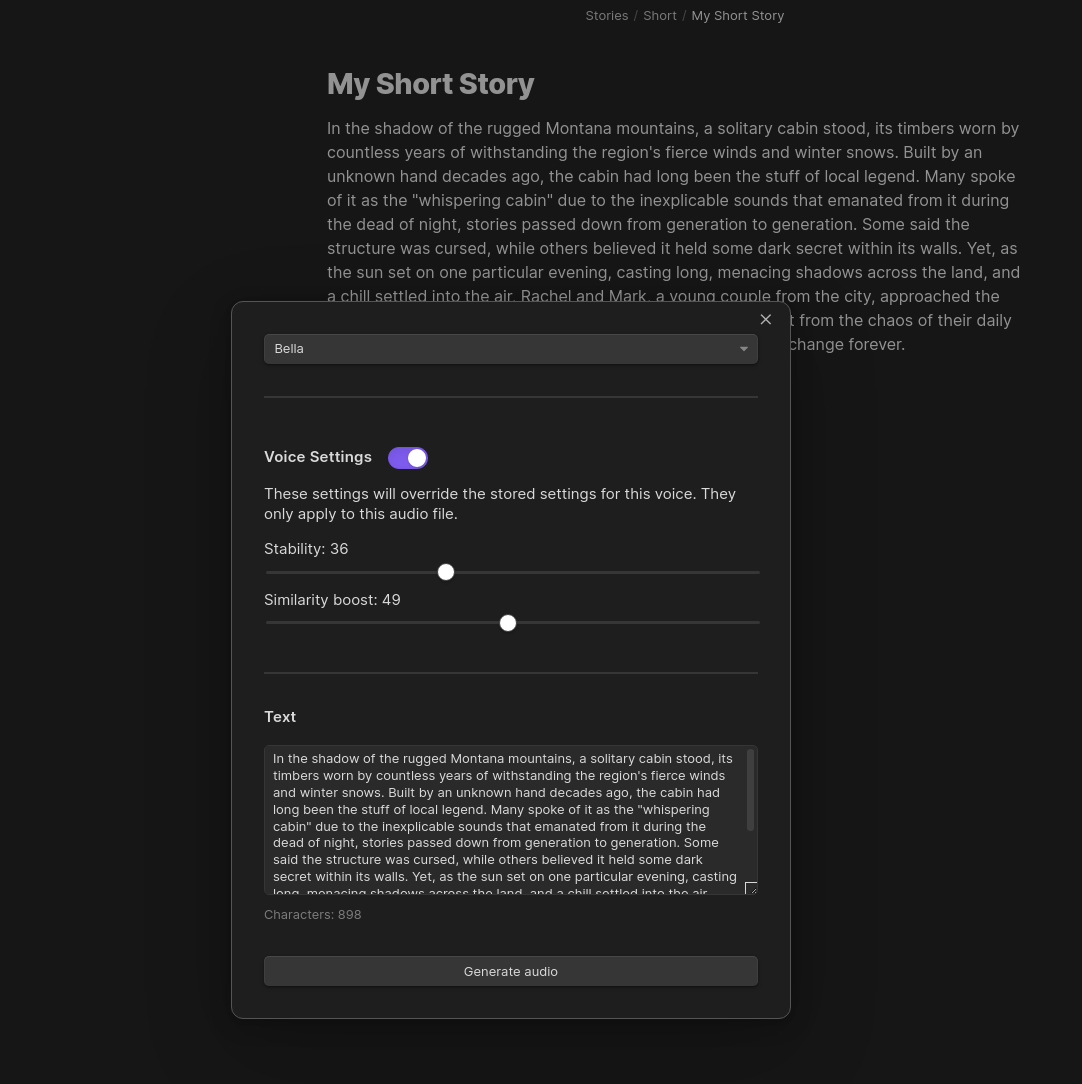
You'll then be presented with a modal, where you can select a voice to use from your Eleven Labs account:
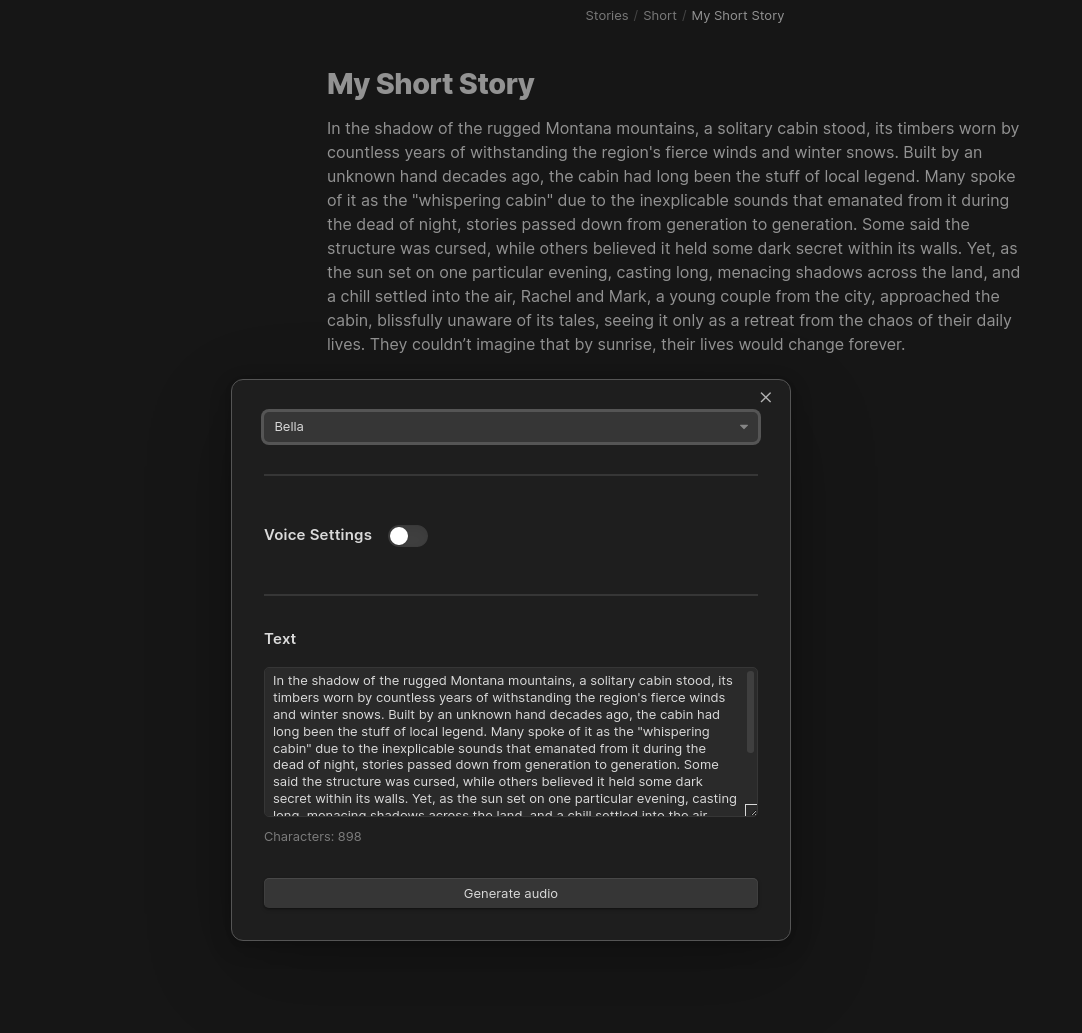
Modal

Override the voice settings:

Voice settings

Select which model to use, allowing multilingual output:
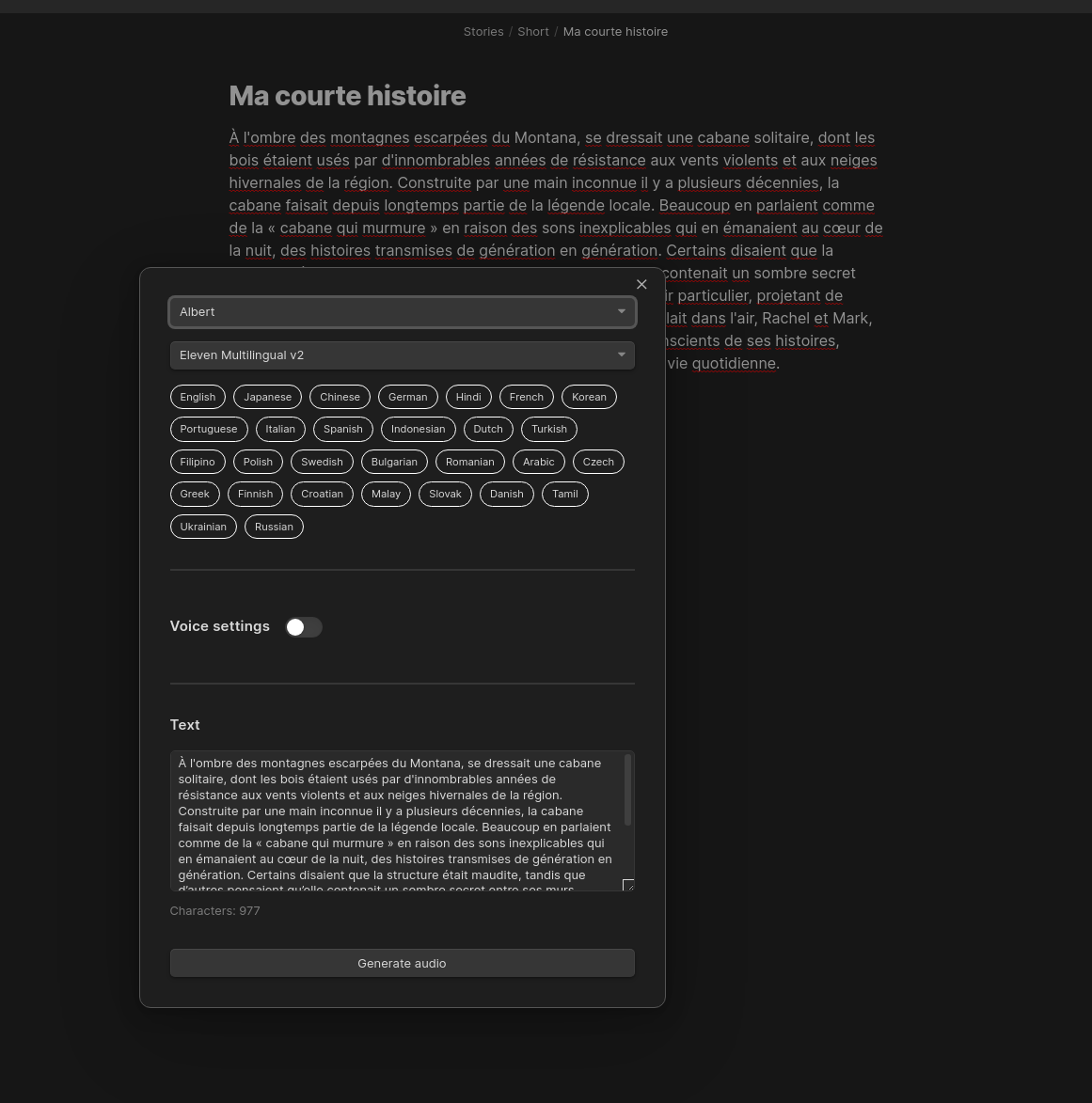
Model Select

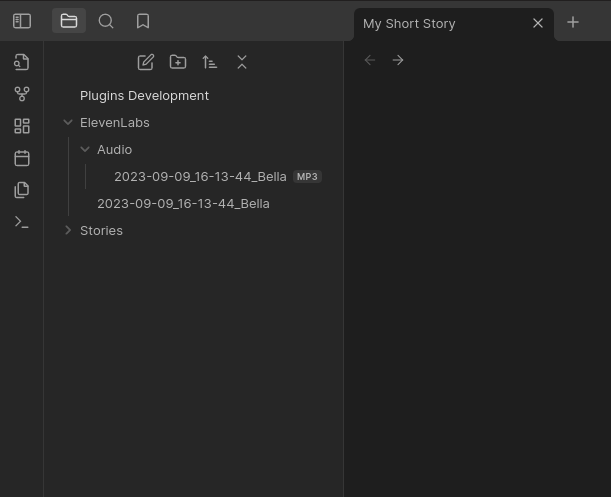
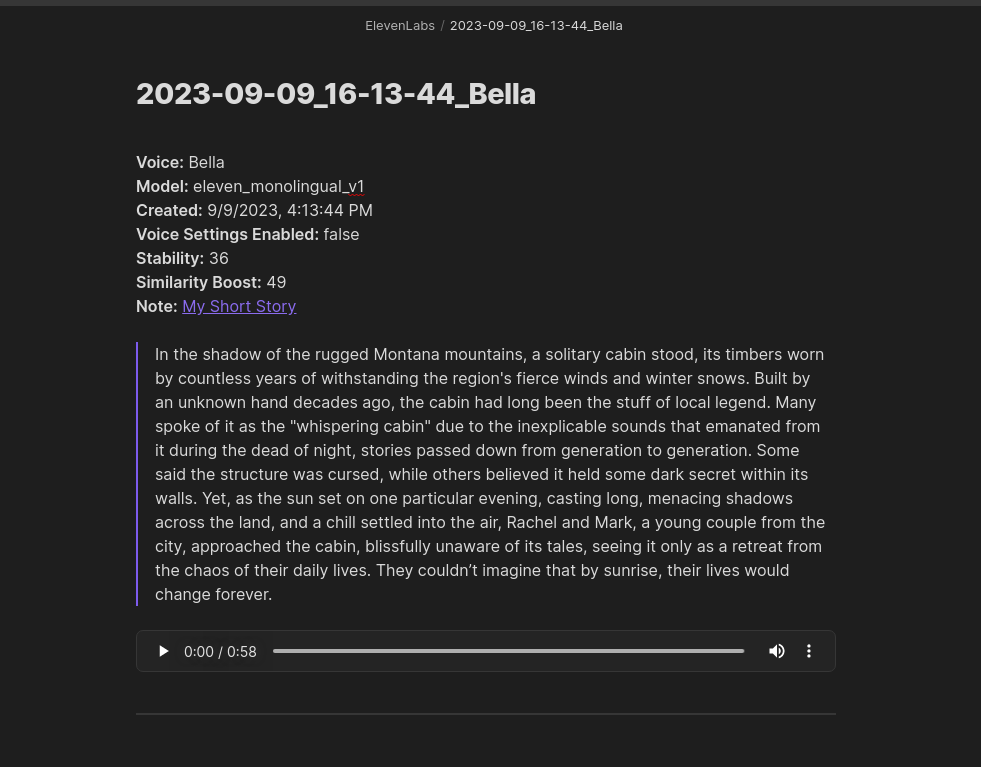
Now you can generate your audio, by pressing the "Generate audio" button. This will happen in the background and can take a few minutes depending on the number of characters being processed. You will get a notification once the audio has been generated and downloaded to your vault.
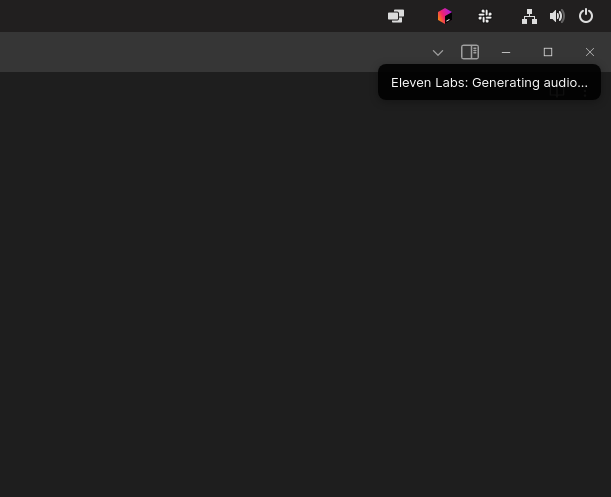
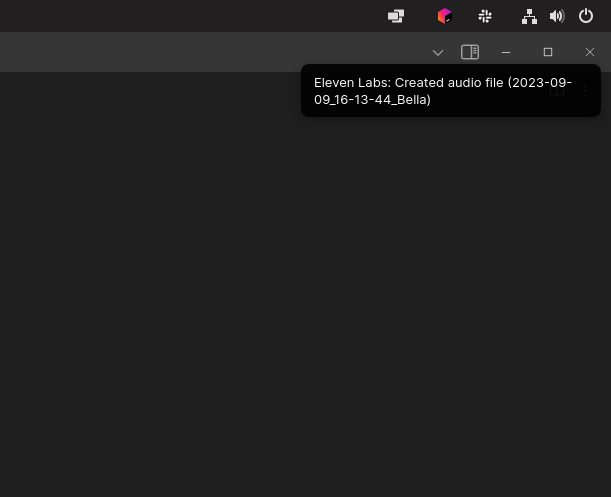
Generating notice Audio file complete notice File tree Generated note

Similar Plugins

info
• Similar plugins are suggested based on the common tags between the plugins.
Text to Speech
4 years ago by Johannes Theiner
Text to speech for Obsidian. Hear your notes.
Audio Notes
3 years ago by Jason Maldonis
Easily take notes on podcasts and other audio files using Obsidian Audio Notes.
Audio Player
3 years ago by noonesimg
audio player plugin with bookmarks for Obsidian.md
Cloudinary
3 years ago by Uday Samsani, Jordan Handy
Cloudinary plugin for content uploading and transformation.
Aloud
2 years ago by Adrian Lyjak
Obsidian TTS Plugin
Text2Audio
2 years ago by Haifeng Lu
Convert text to audio.
Voicenotes Sync
2 years ago by Andrew Lombardi
Official Obsidian plugin that syncs your notes from VoiceNotes.com into your vault
Super Duper Audio Recorder
2 years ago by Thiago MadPin
Ever felt like the core audio recorder in Obsidian was playing hard to get? Well, fret no more! Our Super Duper Audio Recorder is here to save the day (and your sanity)! This plugin enhances your audio recording experience in Obsidian by adding folder selection and audio source options.
Listen Up!
2 years ago by Tejas H
An Open source Obsidian plugin to listen to your notes
Media Extended
5 years ago by AidenLx
Transform your Obsidian into a powerful video note-taking tool. 🖇️🗂️⏯️
AutoPause
2 years ago by Chris Kephart
Allows only one audio track playing in Obsidian at a time, pausing the others.
Local Media Embedder
2 years ago by seyf1elislam
an obsidian plugin allows you to Embed videos and images and audios from your local device in your notes.
Edge TTS
a year ago by Travis
Free, high quality text-to-speech for your Obsidian notes, leveraging Microsoft Edge's Read Aloud API.
WHISPERER.md
a year ago by Falcion
A plugin for note-taking app Obsidian which allows you to play ambience music in vault and assign different tracks to files specifically
Memodack
a year ago by Pavlo Kobyliatskyi
Your second language memory tool
Waveform Player
a year ago by Zhou Hua
Student Repo
a year ago by Feirong.zfr
学生知识库助手(Student Repository Helper)是一个面向学生或学生家长的Obsidian 插件,这款插件旨在解决学生在学习阶段面临的资料管理难题,将学习过程中产生的各类重要资料,如试卷、笔记、关键文档、绘画手工作品等,进行系统性的数字化整合与管理,并利用 AI 助手定期进行学习分析总结。随着时间的推移,它将助力你逐步搭建起一座专属你自己的知识宝库,这座宝库将伴随你一生,成为你知识成长与积累的见证。
Annotate Audio
a year ago by VidE
Chatty
6 months ago by Sadnan Saquif
A simple plugin for Obsidian that allows you to listen to your notes using text-to-speech. Uses the browser's built-in speech synthesis capabilities and your default system voices.
AI Transcriber
3 months ago by Musashino Software
AI-powered speech-to-text transcription using OpenAI GPT-4o and Whisper APIs
Memories
3 months ago by DIMFLIX
Plugin to display a gallery directly in a note.