
README file from
Github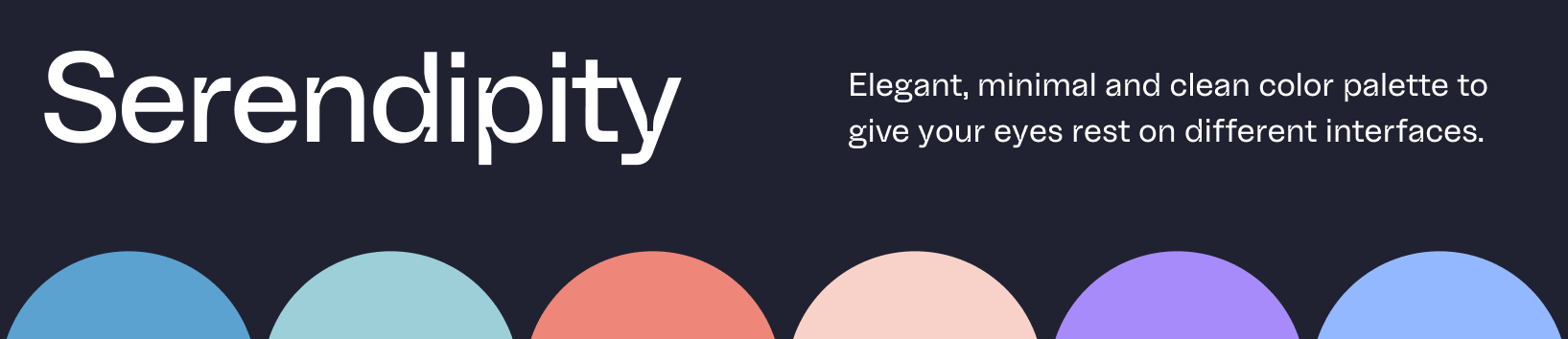
Serendipity for Obsidian
Elegant, minimal, and clean color palette for your tools.
See other interfaces at the official website.
Preview
| Serendipity Midnight | Serendipity Morning |
|---|---|
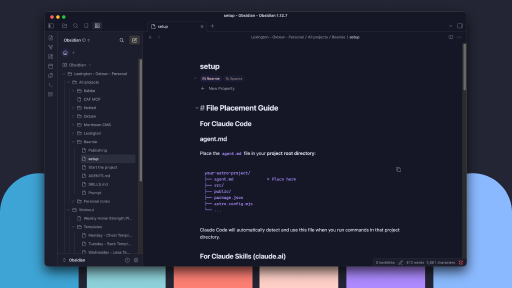 |
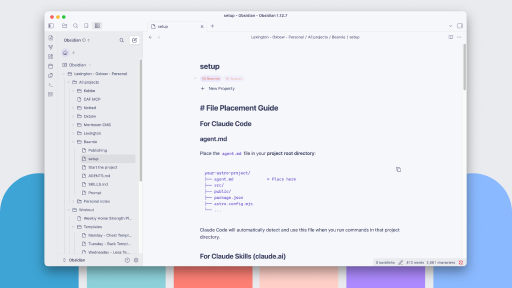 |
Available themes
- Midnight — dark
- Morning — light
- Sunset — dark
Installation
Community theme (recommended)
Install Serendipity from Obsidian Settings → Appearance → Manage → Community themes, or browse from community.obsidian.md.
The community theme ships Serendipity Morning (light mode) and Serendipity Midnight (dark mode) in theme.css.
Extra variants (CSS snippets)
Copy files from variants/ into .obsidian/snippets/ and enable in Appearance → CSS snippets. Only enable one dark snippet at a time.
Available: variants/serendipity-sunset.css.
CSS snippets (single variant)
Copy a CSS file into .obsidian/snippets/ and enable in Appearance → CSS snippets.
Available files: serendipity-midnight.css, serendipity-morning.css, serendipity-sunset.css.
See COMMUNITY.md for publishing and release steps.