
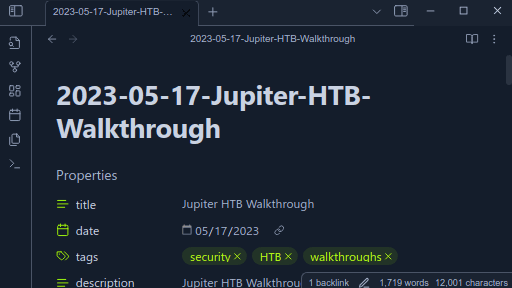
README file from
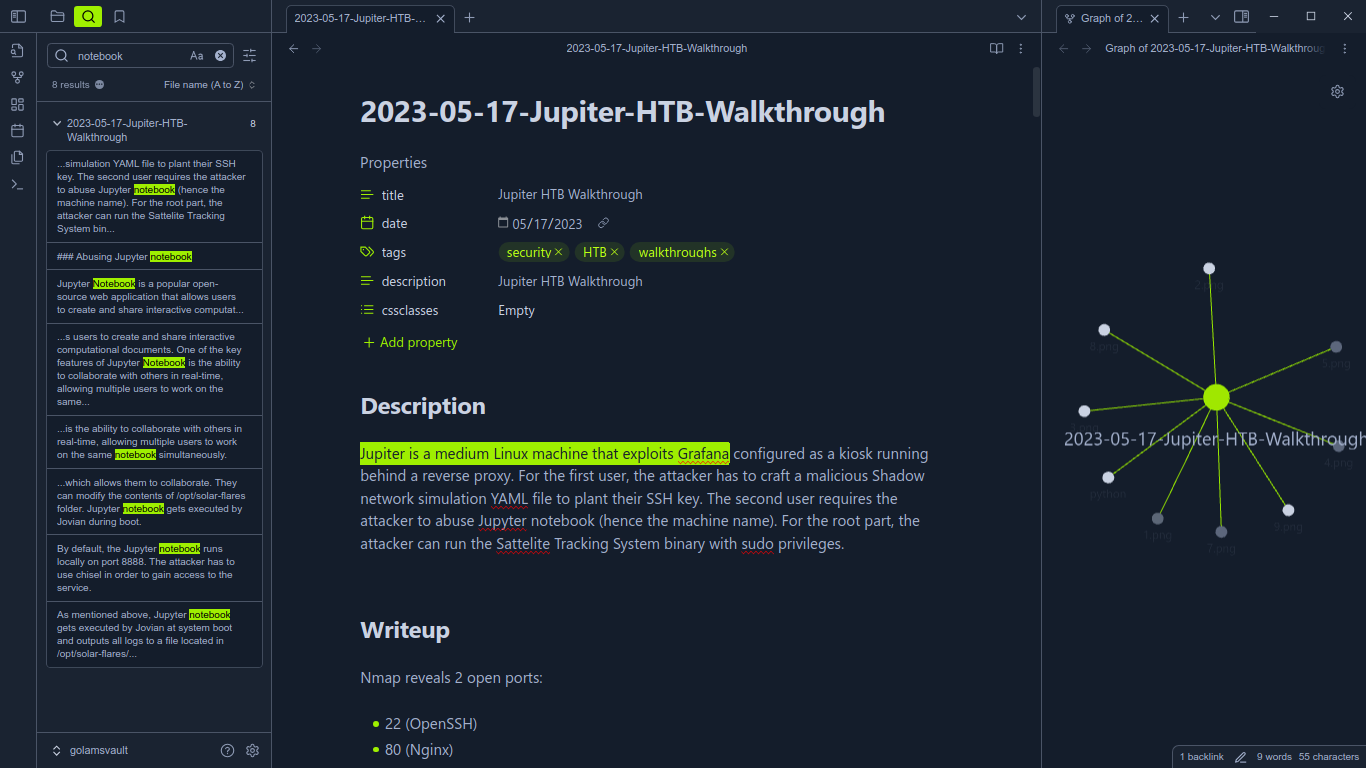
GithubObsidian theme for hackthebox
A Hackthebox Academy inspired theme for Obsidian.
Installation
Auto install
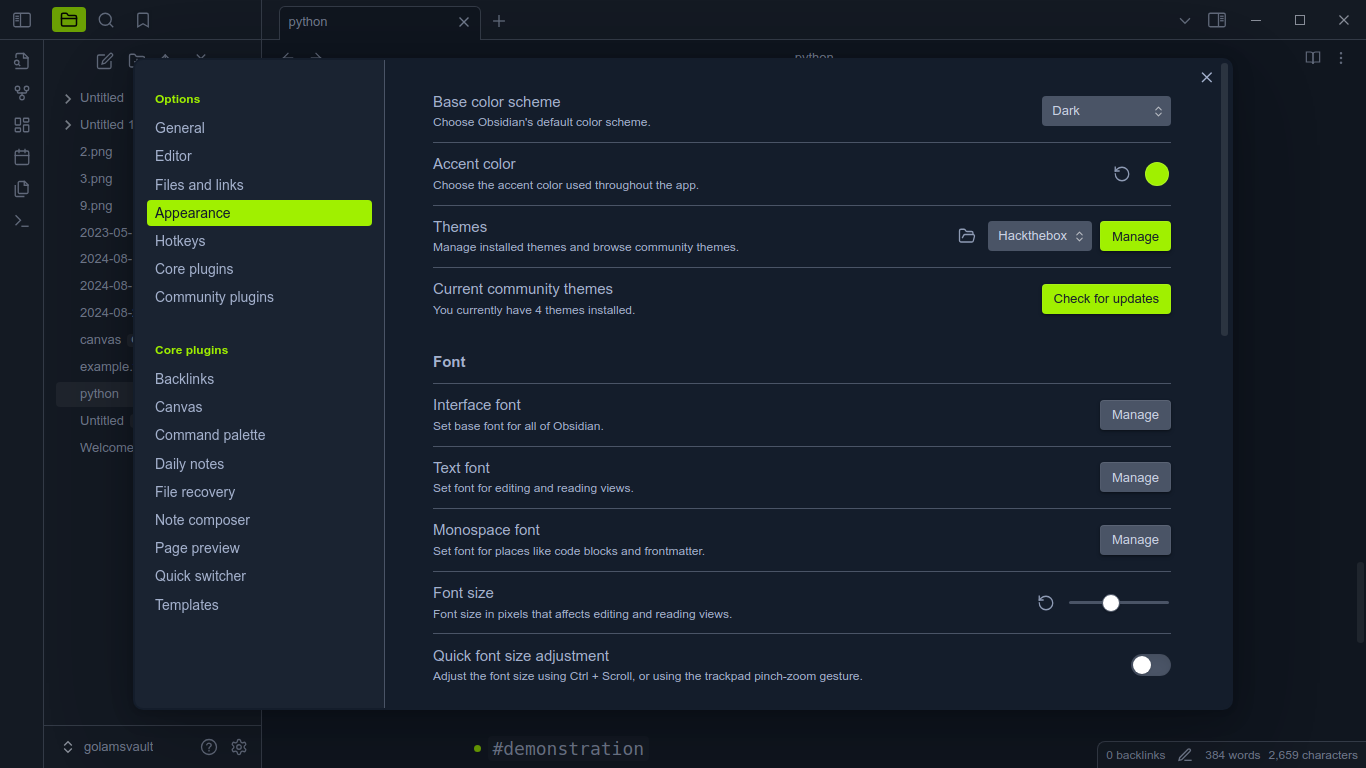
- Open Settings (bottom left corner ⚙️).
- Go to Appearance tab.
- Inside Themes click Manage.
- Search for
Hacktheboxin the Search field text. - Click
Install and useand then you're done! 🎉🥳
[!NOTE]
For the best academy like experience useNeue Haas Unica W1Gfor Text font andJetBrains Monofor Monospace font (optional)
Manual install
-
Move to the themes direcory of your vault.
cd path/to/vault/.obsidian/themes -
Clone the repo.
git clone https://github.com/golam71/obsidian-hackthebox Hackthebox -
Click the settings icon or press
Ctrl+,. -
Under
Optionsgo toAppearanceinThemesdropdown selectHackthebox. -
Enjoy! 🎉🥳
Additional information
- Any PR or contributions are welcome.
- Code documentation is here
- More images can be found inside images
Acknowledgement & Credits
- Hackthebox Academy
- HTB Vscode Theme
- mto, calc, bingbong, goblin, ippsec, sparkling, mickhat, 0xDTC (HTB discord memebers & staff)