
README file from
Githubobsidian-simplicity
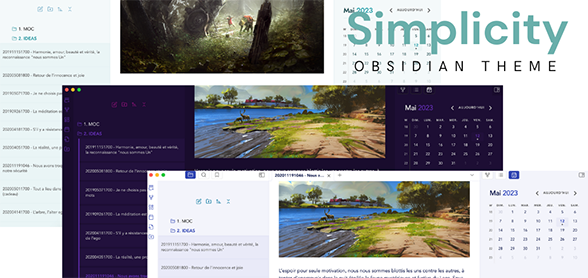
Simplicity is a minimal and highly customizable theme.
Support my work
If you like using the theme, you can :
How to install ?
- In your Obsidian go to
Settings>Appearance>Themes>Manage - Then browse for the Simplicity theme and click on
Use
How to customize ?
Firstly, install the Style Settings plugin :
- In your Obsidian go to
Settings>Community plugins>Browse - Then browse for the Style Settings plugin and click on
Installand then onEnable - You have now access to the customization panel by going to
Settings>Style Settings>Simplicity
What you can customize ?
Choose a title, an accent color, 2 different styles for menus
Choose a specific font for titles
Active a rounded style
Make bold and italic pop and customize links
Activate focus mode when writing
Make a page full width
Just write cssclass : full-width between two --- like this:
Give it a try and play with it !