
README file from
GithubLomes
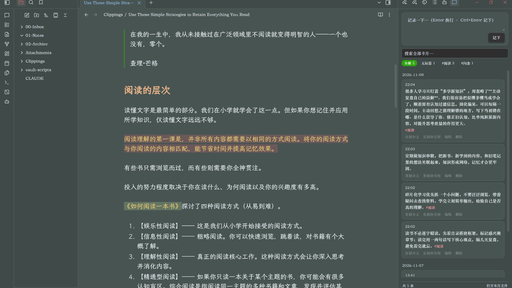
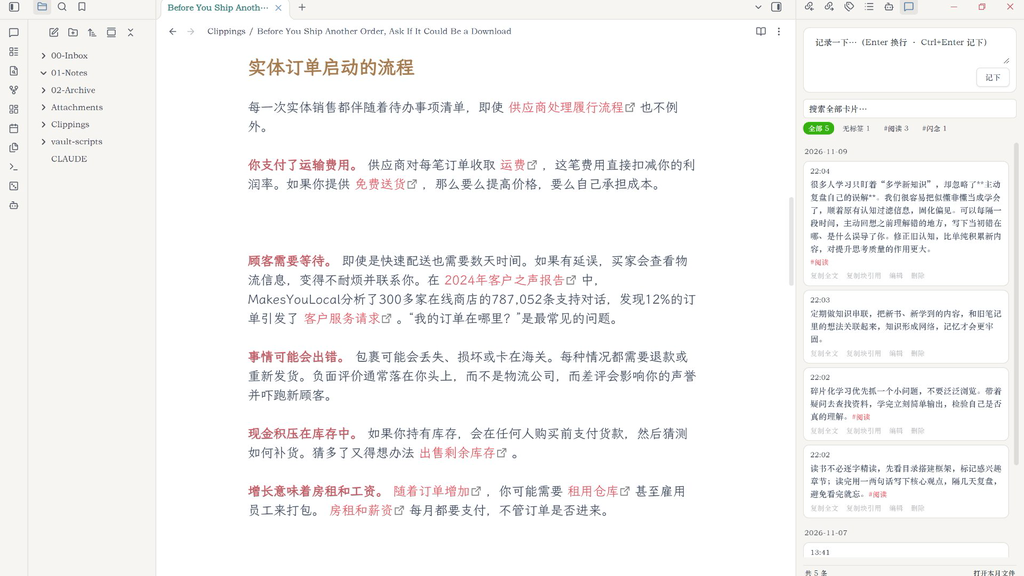
A calm, low-contrast appearance theme for Obsidian with green-grey surfaces, warm coral accents and teal highlights. Ships with both dark and light modes and exposes its palette through Style Settings.
Screenshots
Dark mode
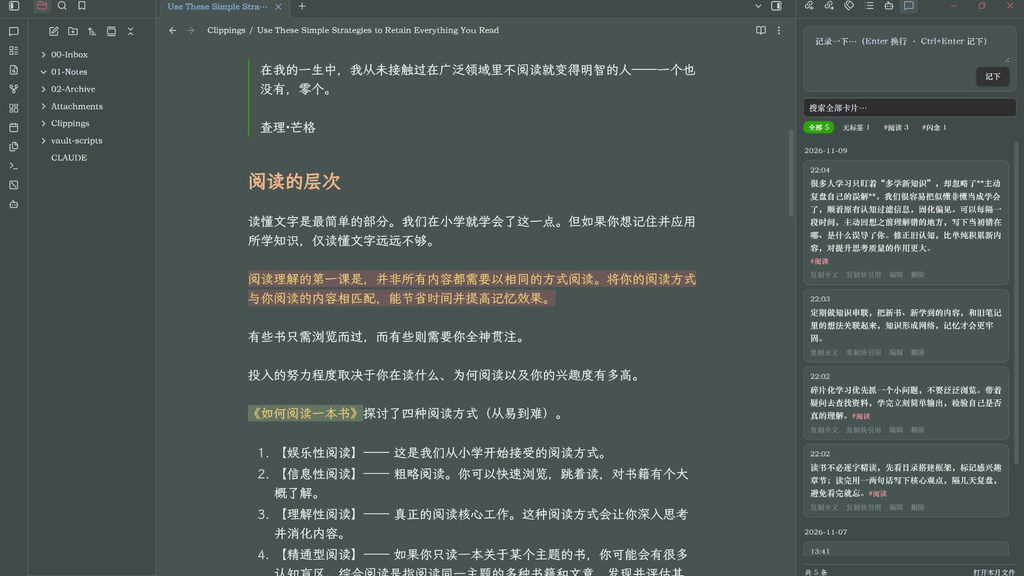
Light mode
How it is built
Lomes is generated from a single palette. Colors live in palette.json, src/mapping.json connects them to Obsidian's variables, and src/theme.template.css holds the layout rules. build.mjs combines them into the theme.css that Obsidian loads.
The palette is split into five semantic groups:
- surface - backgrounds, panels, tables, tags, code blocks and highlights
- ink - body text, headings, titles, inline code and emphasis
- accent - links, headings, calendar marks, icons and tabs
- state - checkboxes, selection, flashing, cursor line and Dataview fields
- chart - graph view and Mermaid diagrams
Every color for both modes is declared in palette.json. Nothing is fetched at runtime and the theme uses no external assets.
Change a color
Edit palette.json, then rebuild:
npm run build
Commit both palette.json and the regenerated theme.css. The build validates that dark and light declare the same tokens, that every mapped variable resolves, and that live-adjustable colors are plain hex.
If you use the Style Settings plugin, the most frequently adjusted colors can also be changed live under Settings → Style Settings → Lomes, without editing any file.
Publish a new version
- Bump
versioninmanifest.json(formatx.y.z). - Rebuild and commit.
- Create a GitHub release whose tag is exactly the new version, and attach
manifest.jsonandtheme.cssas release assets.
Obsidian reads the manifest at the HEAD of the default branch to find the version, then downloads those two files from the matching release.
Install
- From the community directory: Settings → Appearance → Themes → Browse, search for
Lomes, then install and activate. - Manually: create
<vault>/.obsidian/themes/Lomes/, copymanifest.jsonandtheme.cssinto it, then select Lomes under Settings → Appearance.
Files
| Path | Purpose |
|---|---|
palette.json |
All colors for both modes |
src/mapping.json |
Token → Obsidian variable mapping |
src/theme.template.css |
Layout and component rules |
build.mjs |
Generator and validator |
theme.css |
Generated stylesheet, loaded by Obsidian |
manifest.json |
Theme metadata and version |
screenshot.png |
Preview used by the community directory listing |
screenshots/ |
Dark and light mode previews |
License
MIT. See LICENSE.