
README file from
GithubNyan Theme for Obsidian
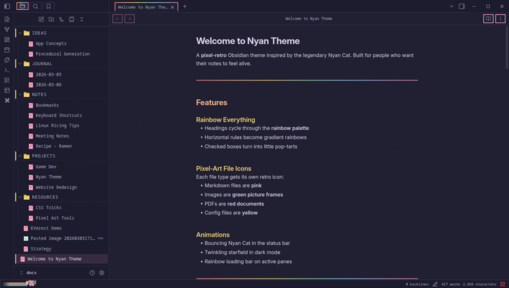
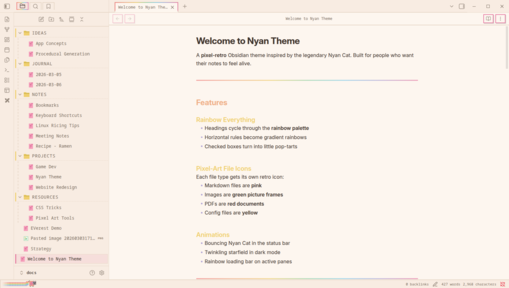
A pixel-retro theme inspired by Nyan Cat. Rainbow headings, pixel-art file icons, animated status bar cat, and a full retro UI overhaul.
Features
- Rainbow headings - each heading level gets a different pastel color
- Rainbow horizontal rules -
---becomes a gradient rainbow - Pop-tart checkboxes - checked boxes turn rainbow
- Pixel-art file icons - different icons for
.md, images, PDFs, audio, video, config files - Nyan Cat in status bar - bouncing pixel-art cat with rainbow trail
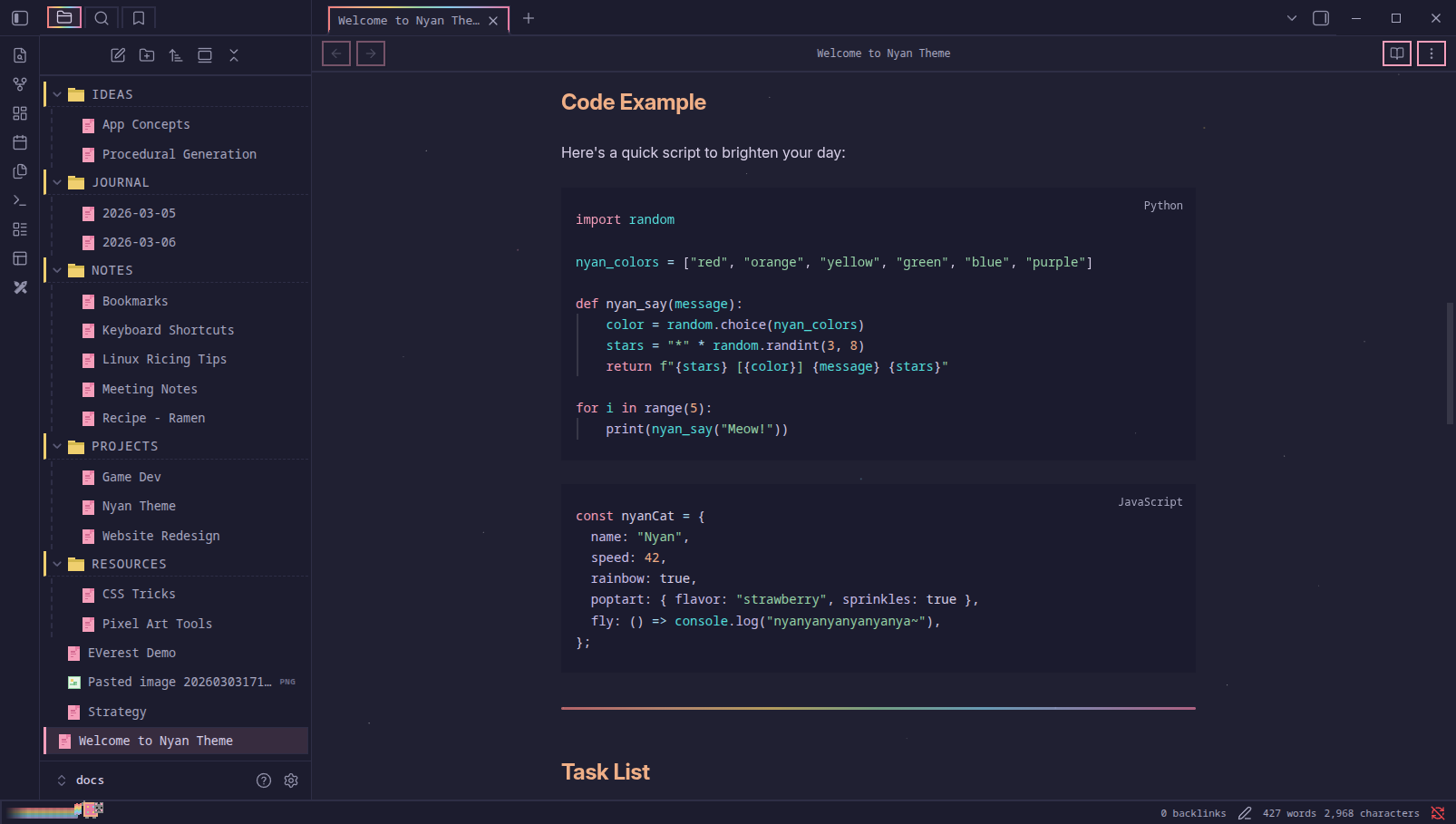
- Twinkling starfield - animated stars on dark mode background
- Rainbow loading bar - animated gradient on the active pane
- Retro pixel UI - square corners, chunky borders, drop shadow buttons
- Silkscreen pixel font - for UI elements, tabs, sidebar, and headings
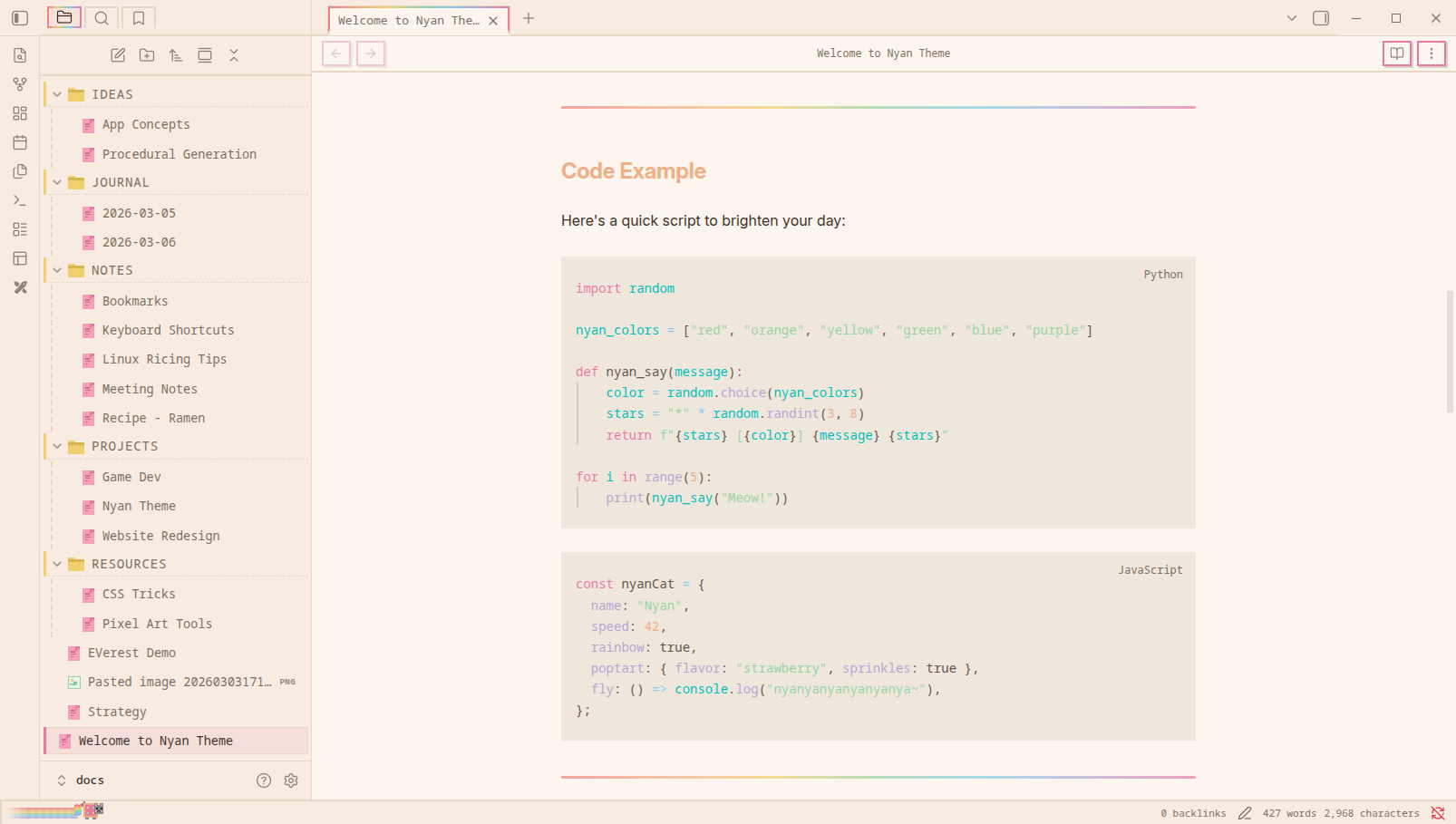
- Light and dark mode - warm cream tones and deep space navy
Screenshots
Dark Mode
Light Mode
Installation
From Obsidian Community Themes
- Open Settings > Appearance > Themes
- Click Manage and search for Nyan
- Click Install and use
Manual Installation
- Download
theme.cssandmanifest.jsonfrom the latest release - Create a folder called
Nyanin your vault's.obsidian/themes/directory - Place both files inside
- Go to Settings > Appearance > Themes and select Nyan
Style Settings
Install the Style Settings plugin to toggle individual effects:
- Rainbow headings
- Rainbow horizontal rules
- Rainbow scrollbar
- Rainbow active tab indicator
- Pop-tart checkboxes
- Nyan Cat in status bar
- Animated starfield (dark mode)
- Rainbow loading bar
- Sparkle on hover
- Custom accent/background colors
- Font and font size
Note on Network Usage
This theme loads two pixel fonts from Google Fonts: Silkscreen and Press Start 2P. This requires an internet connection on first load (fonts are cached by the browser afterward).