README file from
GithubNu Ayu Theme for Obsidian
Latest version: 1.7.2 Updated: 2026-07-02
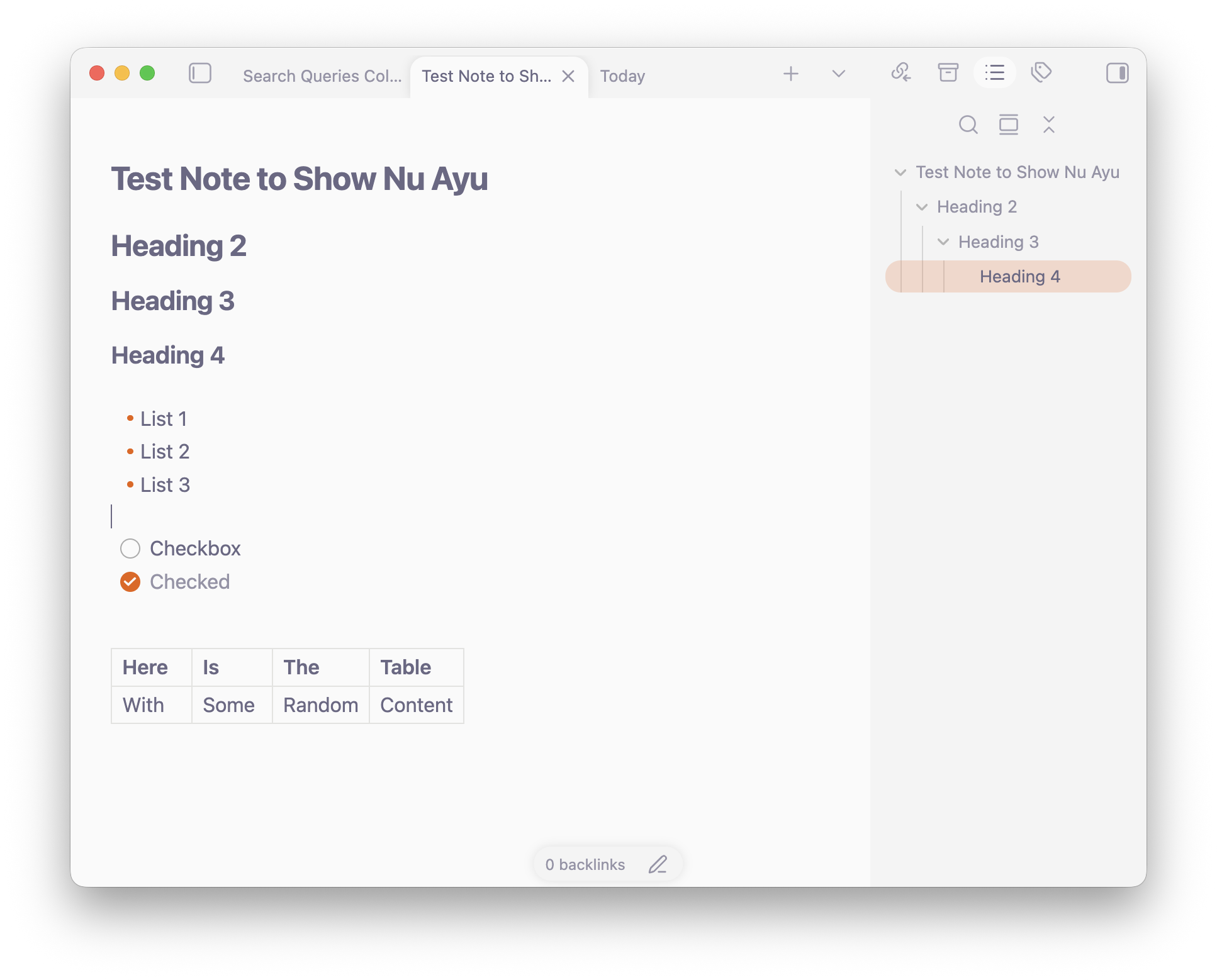
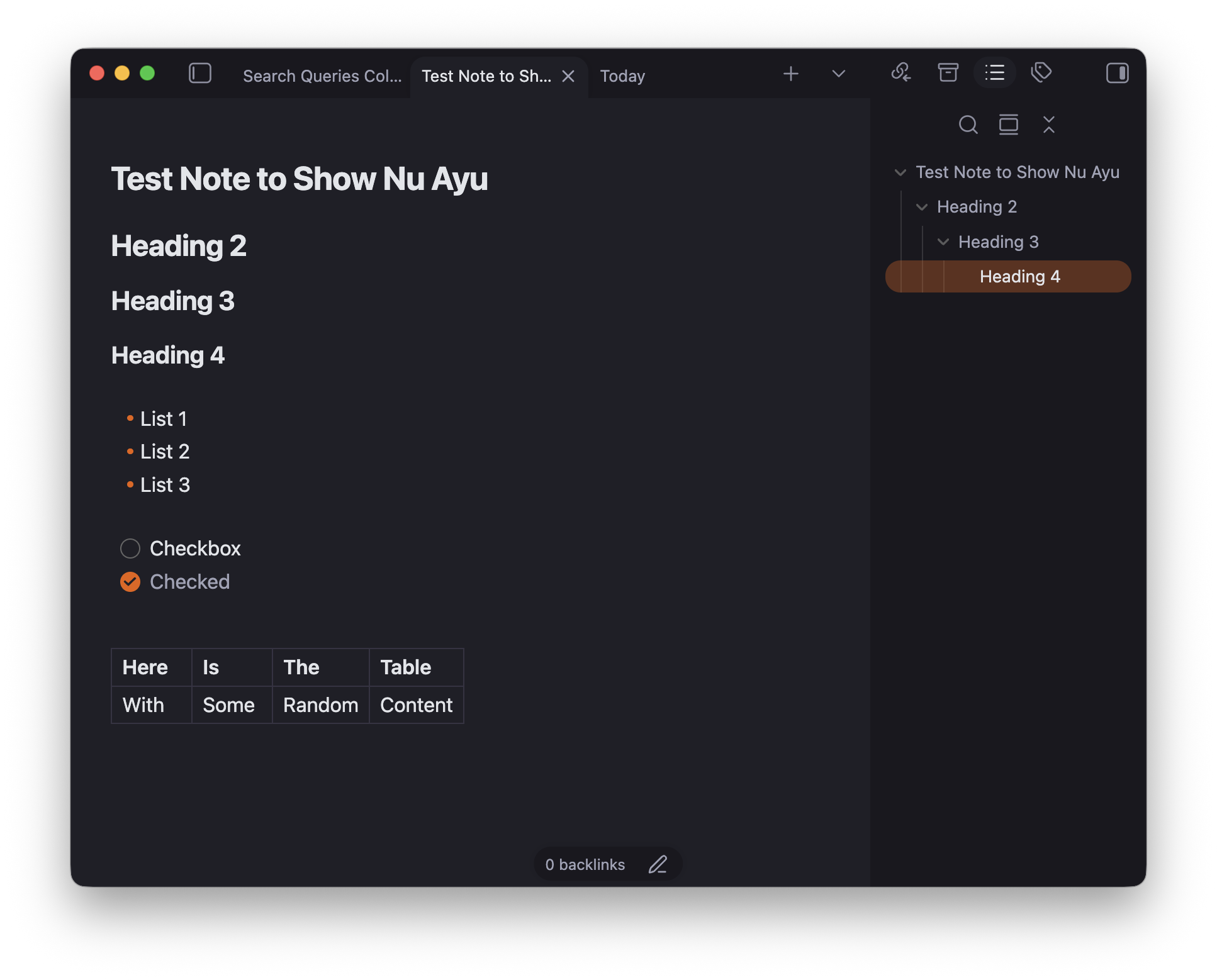
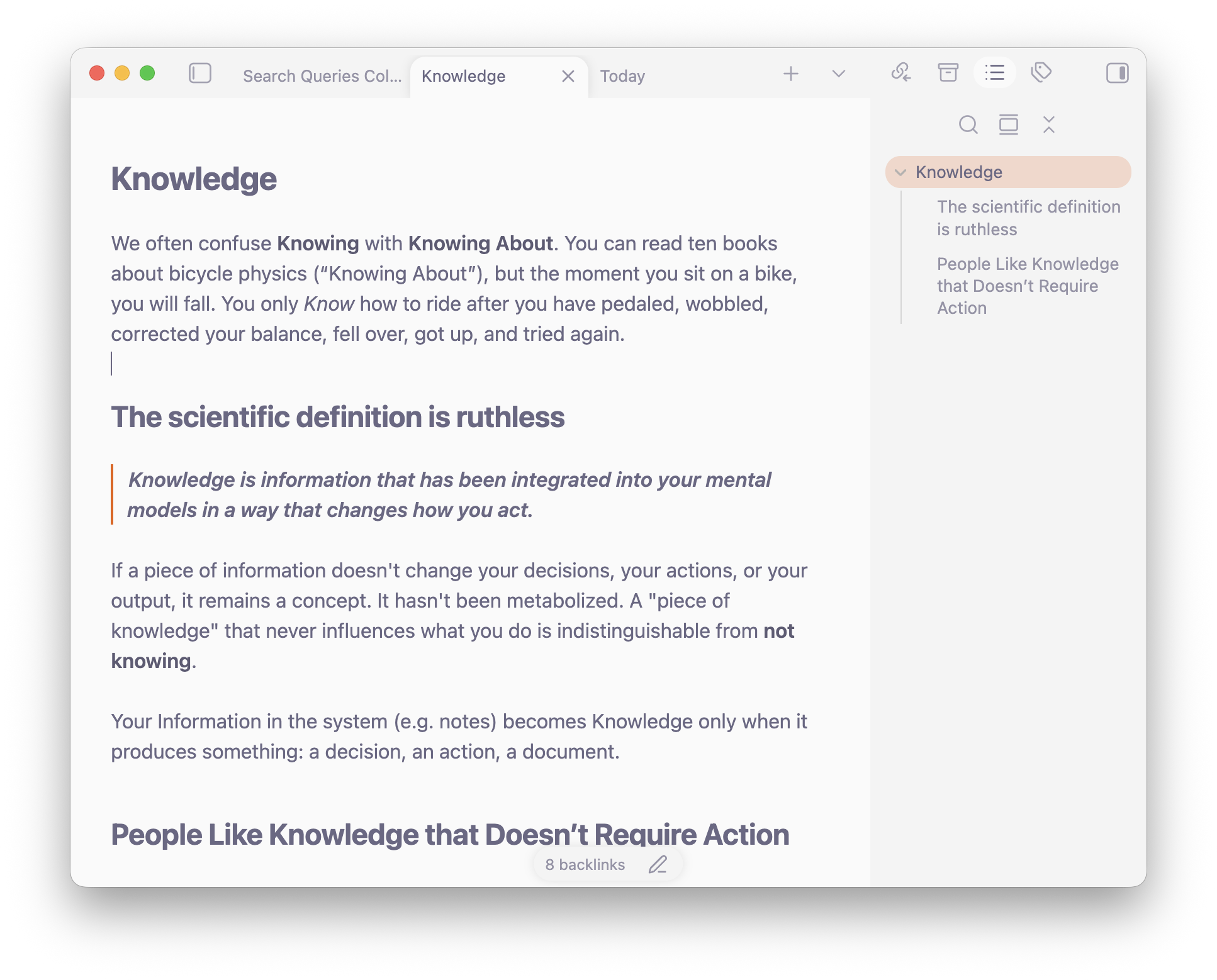
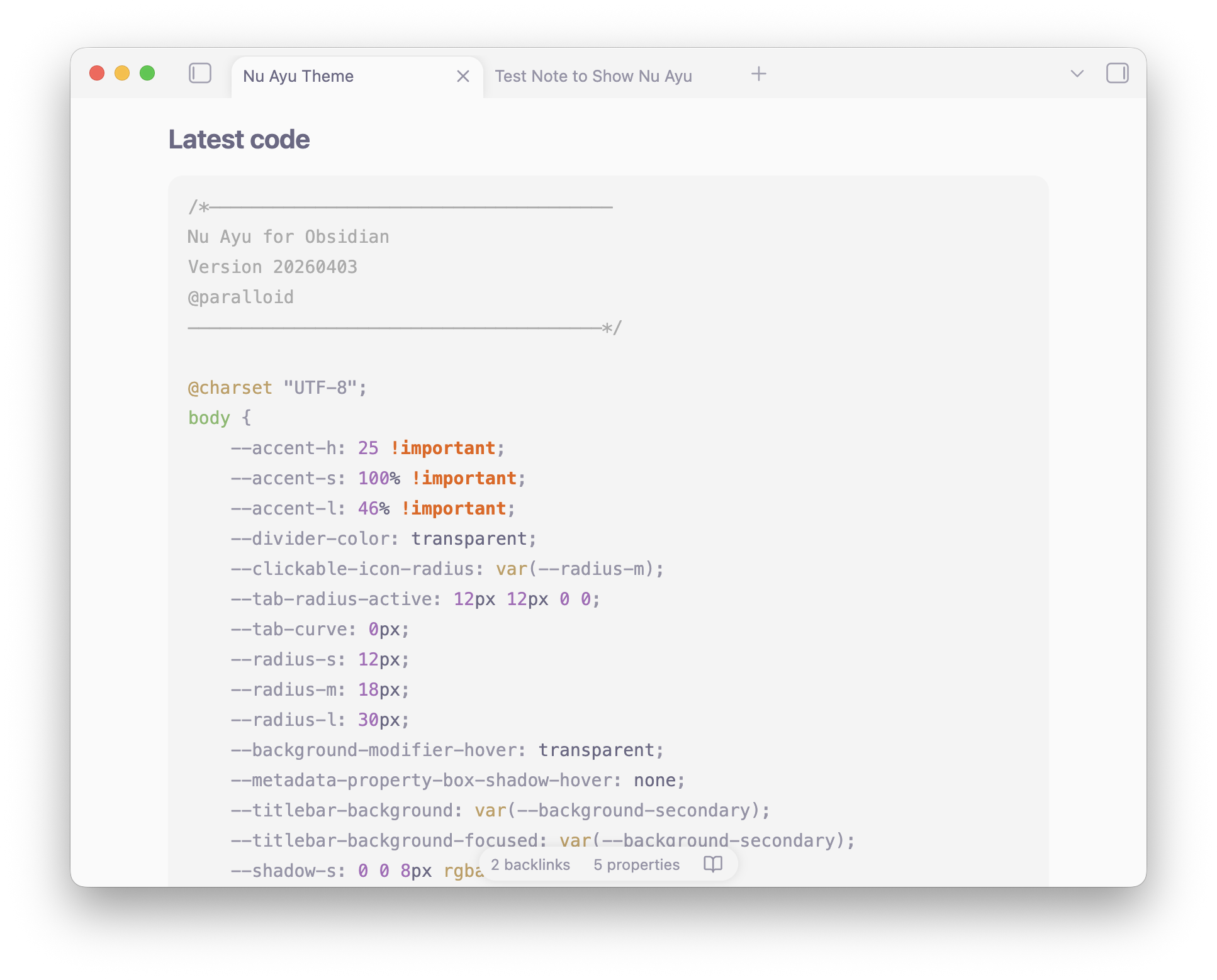
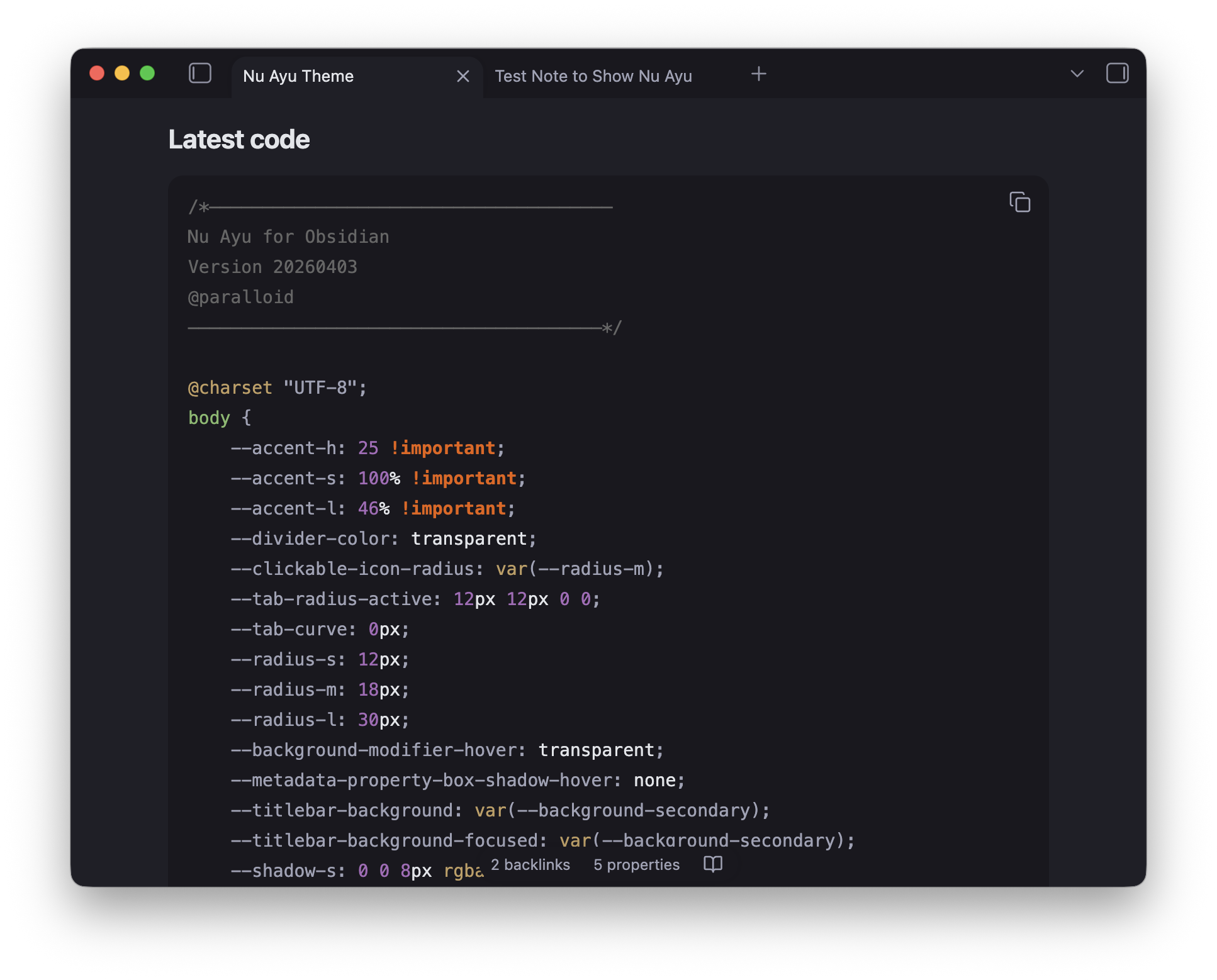
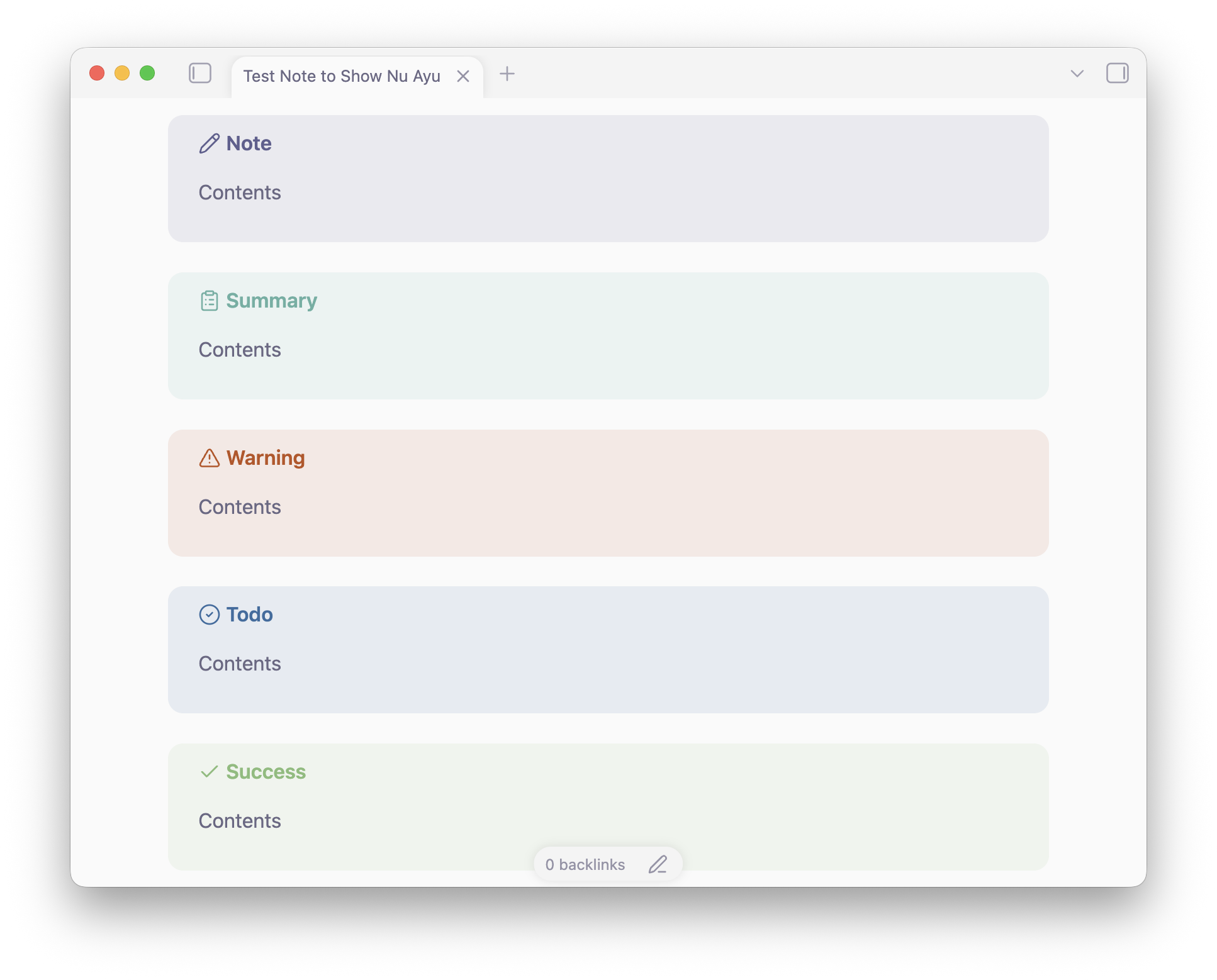
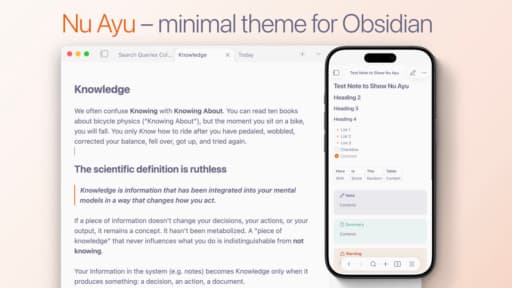
A minimal theme built around restraint. Soft, rounded surfaces, transparent dividers, and a deliberately muted text palette keep the interface quiet so your notes stay loud. Removed unnecessary hover effects, highlights, and other things that distract you from what's important – your thinking process.
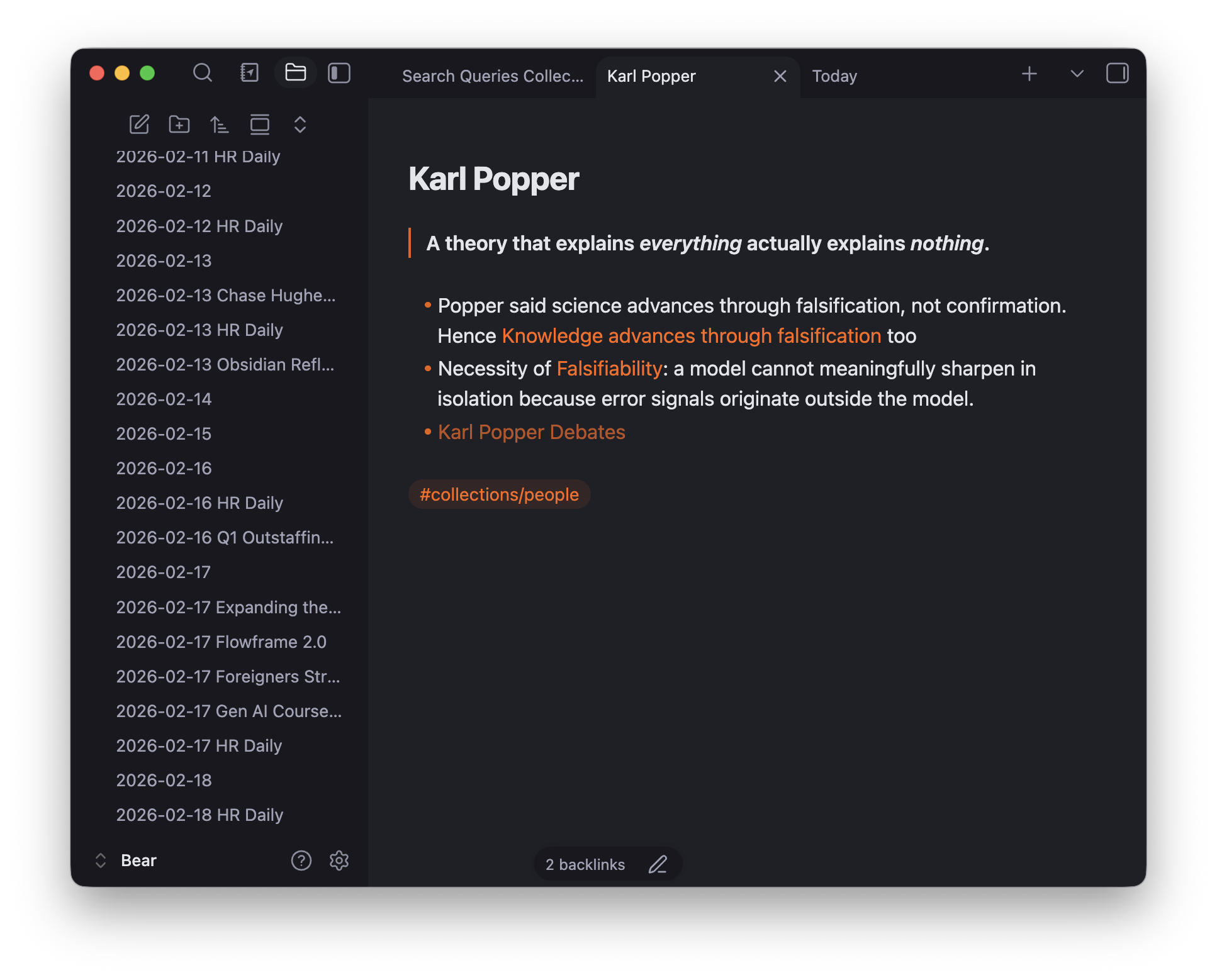
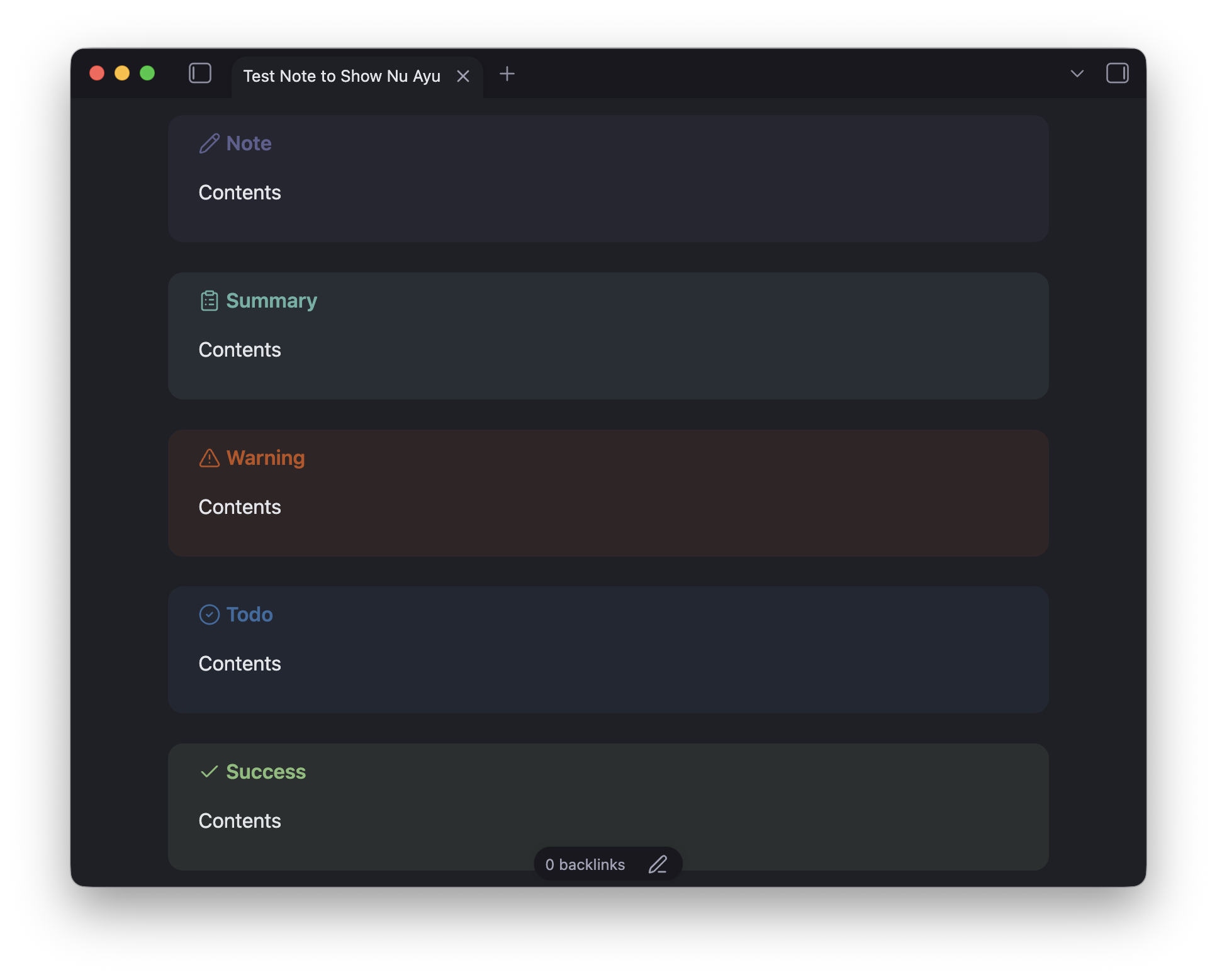
Light mode draws from the Ayu color tradition: warm off-whites and purple-grey text that reduce eye strain without feeling washed out. Dark mode is an original: deep violet-tinged backgrounds with a consistent warm orange accent throughout.
The approach was "future-proof changes" — change only where it matters for removing distractions, improving focus, and smoothing experience – all while keeping longevity in mind. This keeps the theme stable across Obsidian updates and avoids the visual debt.
Features
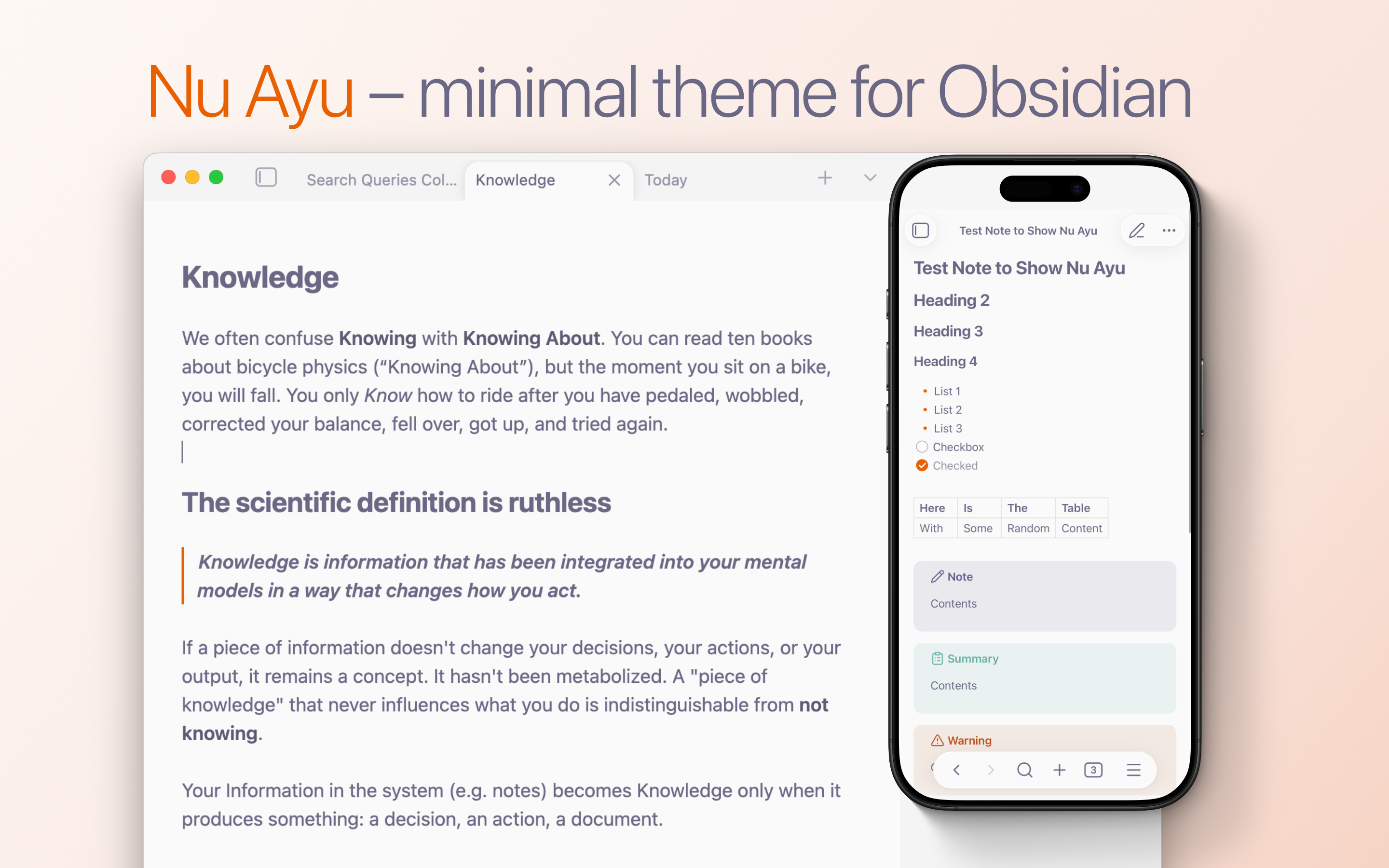
- Light & Dark modes
- Super clean minimal look
- Removed most of the borders, hover effects, highlights on hover, unexpected box-shadows, and other stuff that contributes to distraction
- Very nice looking Dark Mode crafted from scratch with optional full black backgrounds option for mobile devices
- Special attention to mobile devices – bigger tap areas, file tree, reduced animations, and more
- Full size sidebars on phones
- Meaningful padding for Bases embeds on phone screens
- Custom colors for Callouts
- Custom colors for Code Blocks
- Some love for Bases Cards appearance
- Dataview embeds and task lists now look much more "native" thanks to removing "foreign" animations and box-shadows effects
- Smooth fade-ins for the embedded content
- Smooth appearance for the Markdown syntax
- Style Settings support:
- Tab Close button on the left – native feel for macOS and iPadOS
- Thin Headers for cleaner look
- Accent Folders adds orange accent for visual hierarchy
- Removing Labels on Bases Cards
- Clean links – removing accents for notes heavy on internal links
- Full black backgrounds option for mobile devices
As a result you have much more fluid, cohesive, and less overwhelming experience, with less distractions and more space for meaningful work.
Manual Installation
Note: for now this theme is still under review to get to the official catalog. Once it is there – you'll be able to find it through standard Obsidian theme repo.
- Download the
theme.cssandmanifest.jsonfiles from the this GitHub page, or Download the latest release archive. - Open your Obsidian vault on your computer.
- Navigate to the hidden
.obsidian/themes/folder. Tip: If you don't see the.obsidianfolder, enable "Show hidden files" in your OS settings. - Create a new folder inside
themesand name it Nu Ayu. - Move the downloaded
theme.cssandmanifest.jsonfiles into this new folder. - Open Obsidian, go to Settings > Appearance, and select Nu Ayu from the Themes dropdown.
Screenshots