
README file from
GithubGrimoire App
A calm theme for Obsidian with warm neutrals, muted gold accents, and book-inspired headings. Built for everyday notes, project boards, and the worlds you create.
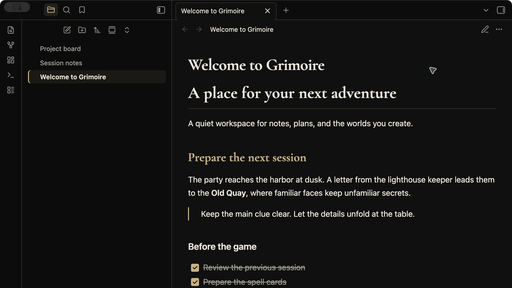
Grimoire App includes dark and light color schemes, sharing the visual language of Grimoire, the tabletop character app.
Design
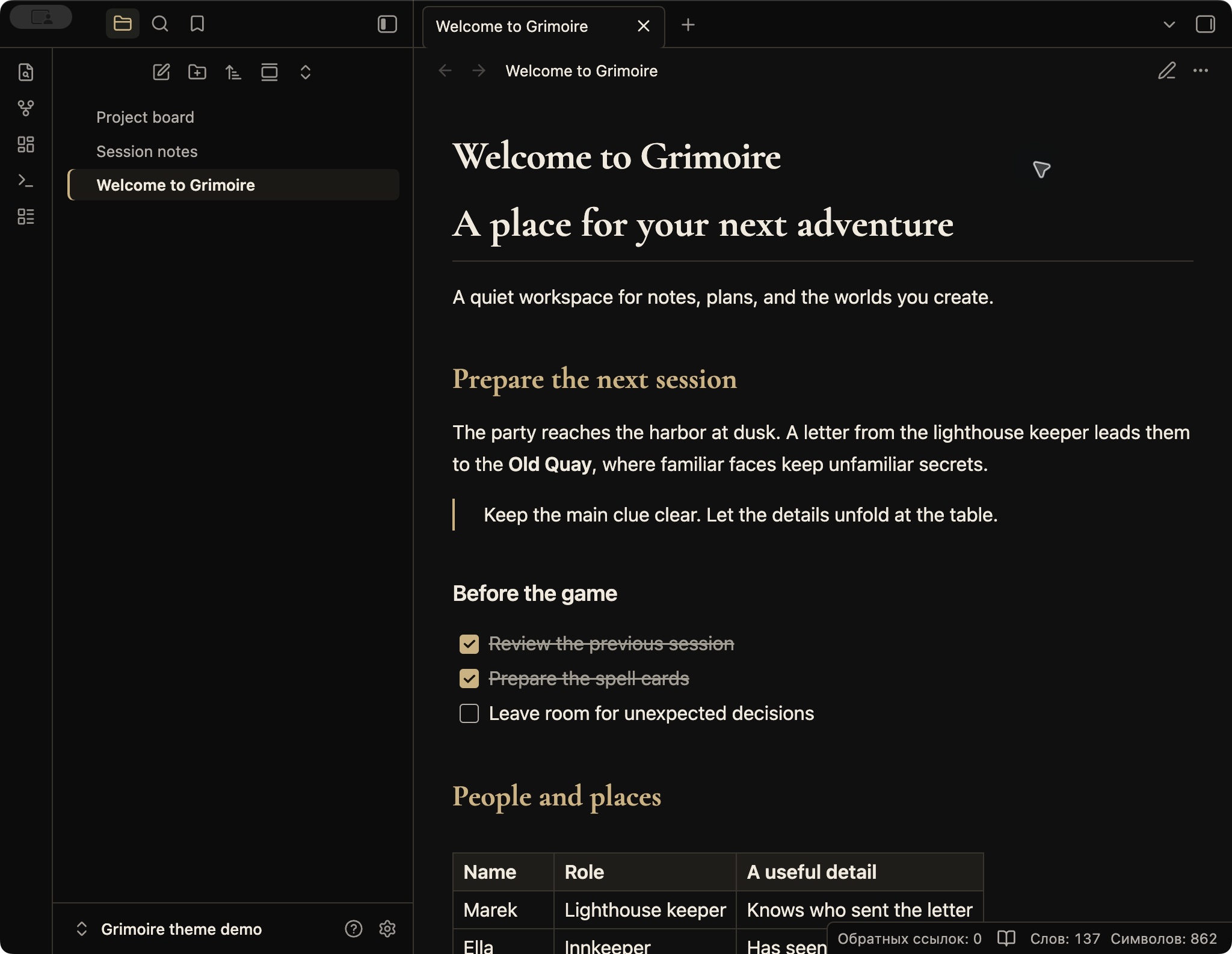
- Dark mode: near-black surfaces, warm white text, and soft gold accents.
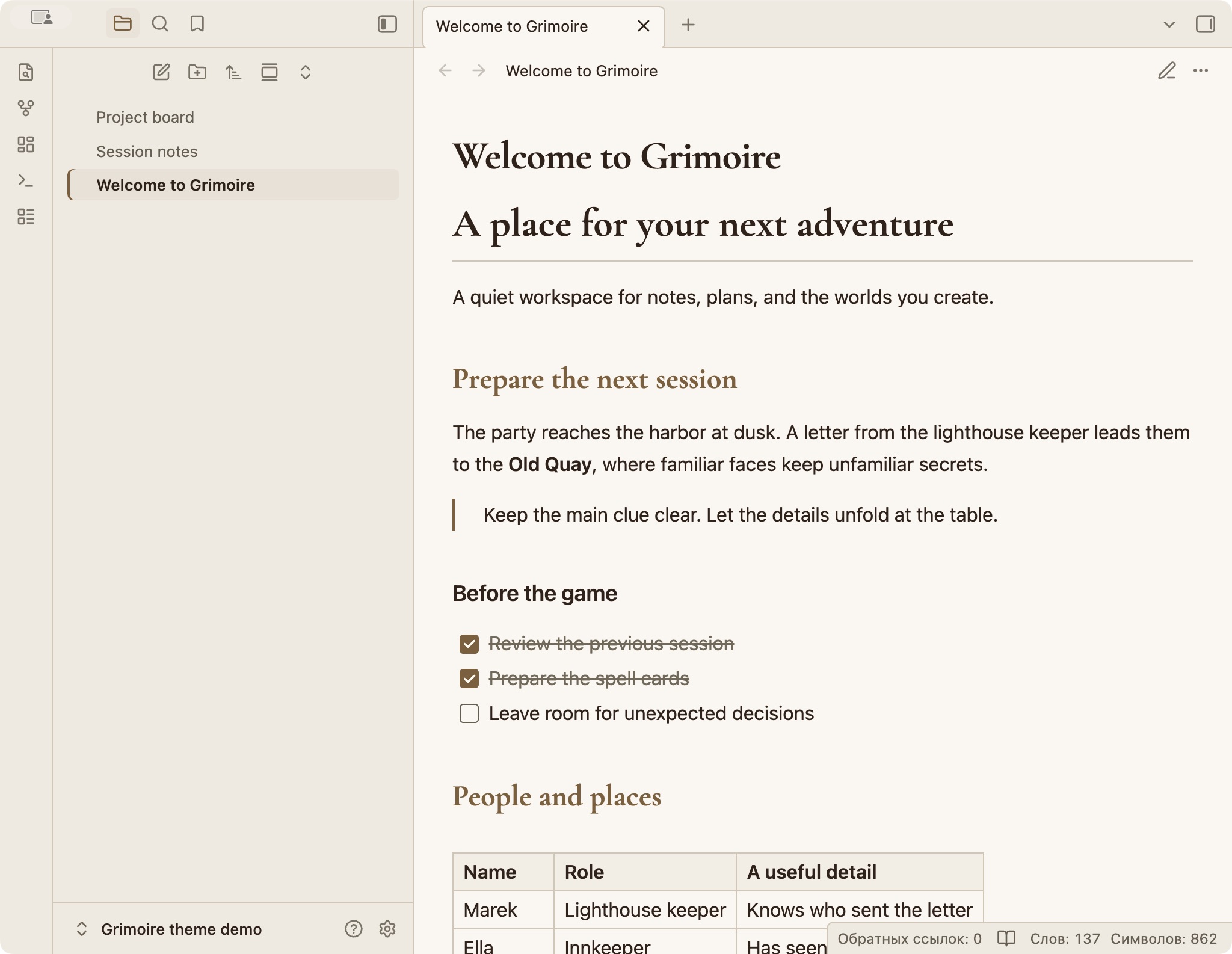
- Light mode: cream surfaces, dark brown text, and bronze accents.
- Grimoire Display in first- and second-level headings; system fonts for body text and controls.
- Thin dividers, readable tables, clear links, and modest corners.
- Embedded font for offline use. No remote assets, tracking, background images, or animations.
- Optional color adjustments for the community Kanban plugin.
The theme works without community plugins. A theme changes appearance; any task movement or other automation comes from your chosen plugins.
Requirements and testing
Requires Obsidian 1.14.0 or newer. Tested with Obsidian 1.14.5 on macOS, in dark and light modes. Other operating systems and the mobile app have not yet been verified.
Kanban color adjustments were checked with Kanban 2.0.51. Kanban is an optional third-party plugin and is not included with the theme.
Install
Until Grimoire App is available in the community directory, use manual installation:
- Download
manifest.jsonandtheme.cssfrom the same release. - Create a folder named
Grimoire Appin your vault's.obsidian/themes/directory. - Put both downloaded files in that folder.
- Open Settings → Appearance → Themes and select Grimoire App.
- Under Base color scheme, choose Dark, Light, or Adapt to system.
After the theme is listed in the community directory, it can also be installed from Settings → Appearance → Themes → Manage.
Feedback
Please open a repository issue with your Obsidian version, operating system, active color scheme, and a small example that shows the issue. If a plugin is involved, include its name and version. Remove private note contents from screenshots.
License and font attribution
The theme styling and documentation are available under the MIT License.
The embedded Grimoire Display typeface is derived from Cormorant Garamond, copyright 2015 the Cormorant Project Authors. The font remains under the SIL Open Font License 1.1, separately from the theme styling. The complete font license is included in LICENSES/CormorantGaramond-OFL.txt and in the header of theme.css, so it accompanies the font when the theme is installed.
Screenshots use fictional demonstration notes.
По-русски
Grimoire App — спокойная тема для заметок и рабочих досок: тёплые нейтральные цвета, приглушённые золотистые акценты и книжные заголовки. Есть светлый и тёмный варианты. Оформление связано с визуальным стилем приложения Grimoire.
Основной текст и элементы управления используют системный шрифт. Фирменный шрифт заголовков встроен в тему и работает без интернета. Фоновых изображений, текстур и анимации нет.
Для установки вручную положите manifest.json и theme.css из одного релиза в папку .obsidian/themes/Grimoire App вашего хранилища. Затем выберите Grimoire App в Настройки → Оформление → Темы. Светлый и тёмный варианты переключаются в пункте Основная тема.
Проверено в Obsidian 1.14.5 на macOS. Тема может работать самостоятельно; для доски Kanban нужен отдельный плагин. Лицензия оформления — MIT, встроенного шрифта — SIL OFL 1.1.