
README file from
Github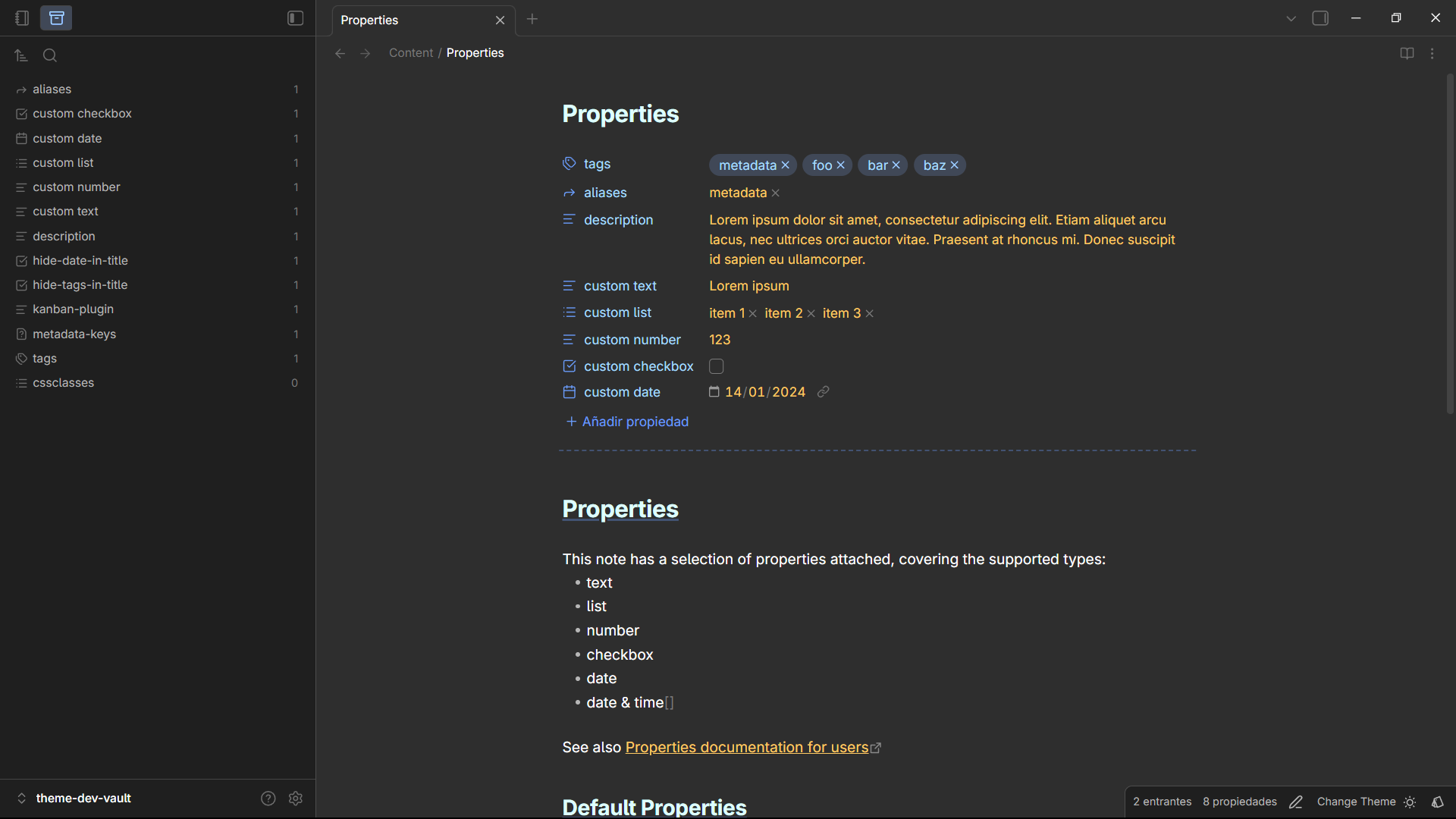
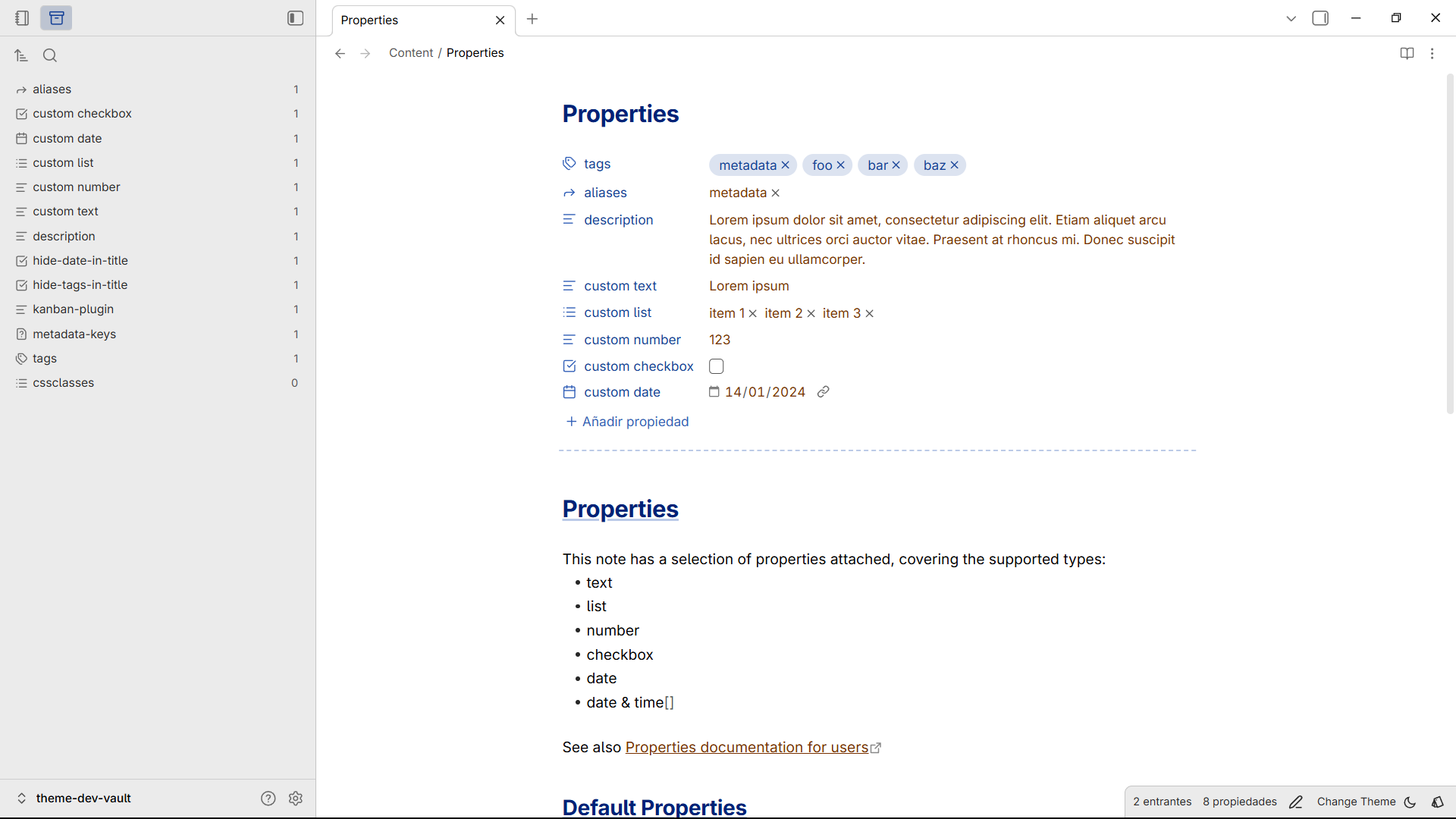
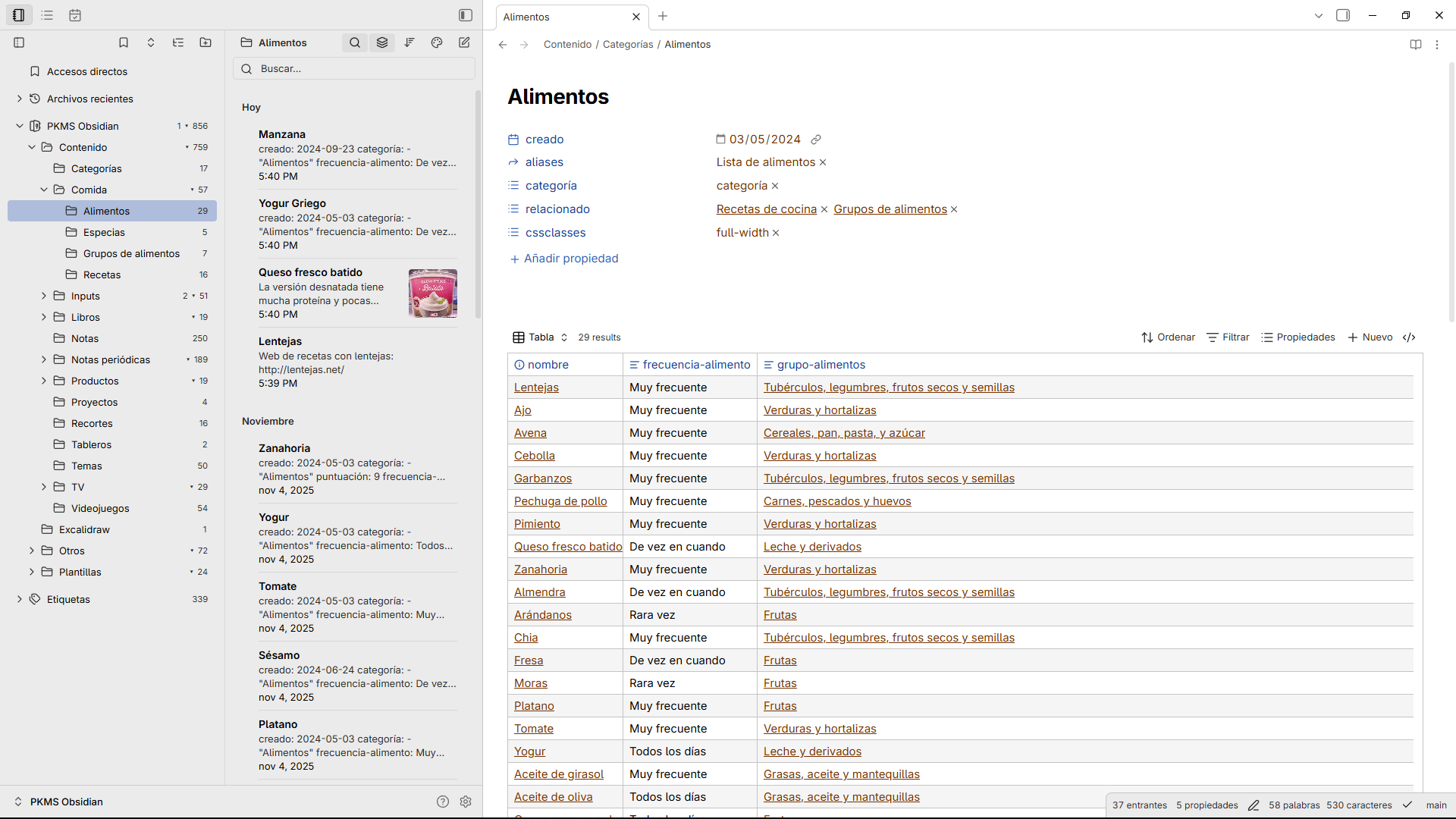
Important: Cosmical ignores the user accent color and uses it's own color-scheme, you need to install the "Style Settings" community plugin in order to select a diferent color-scheme.
Theme
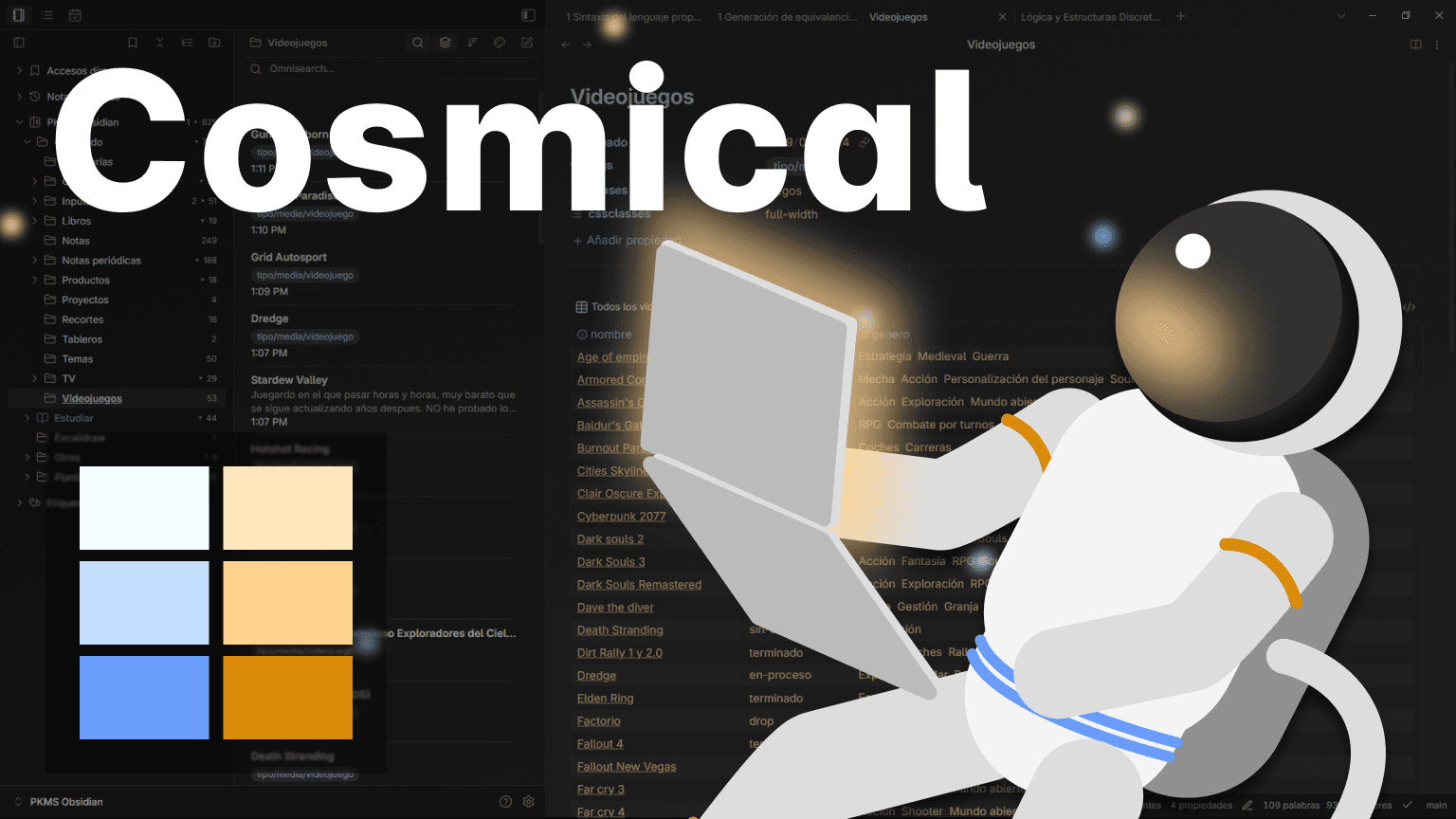
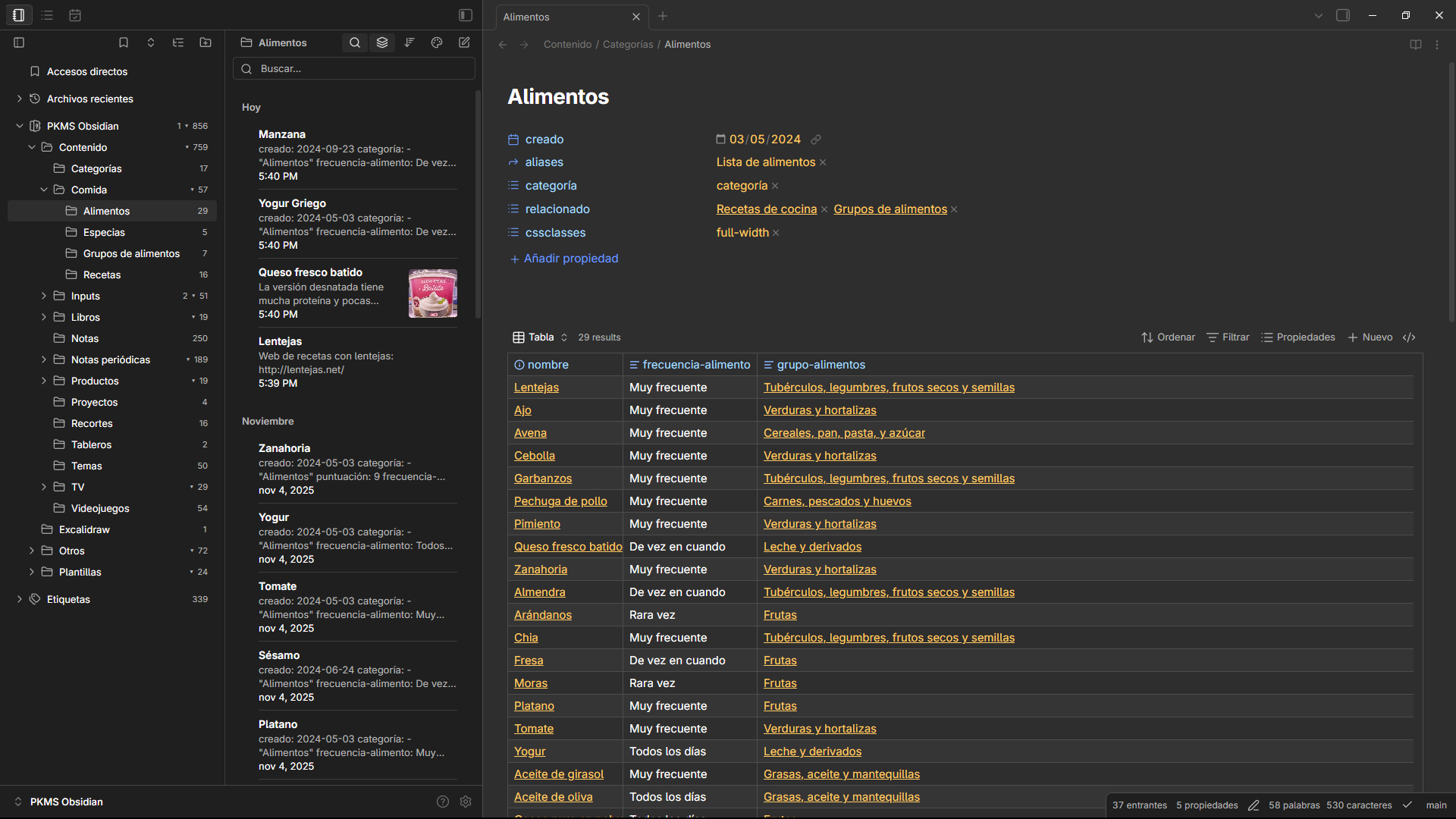
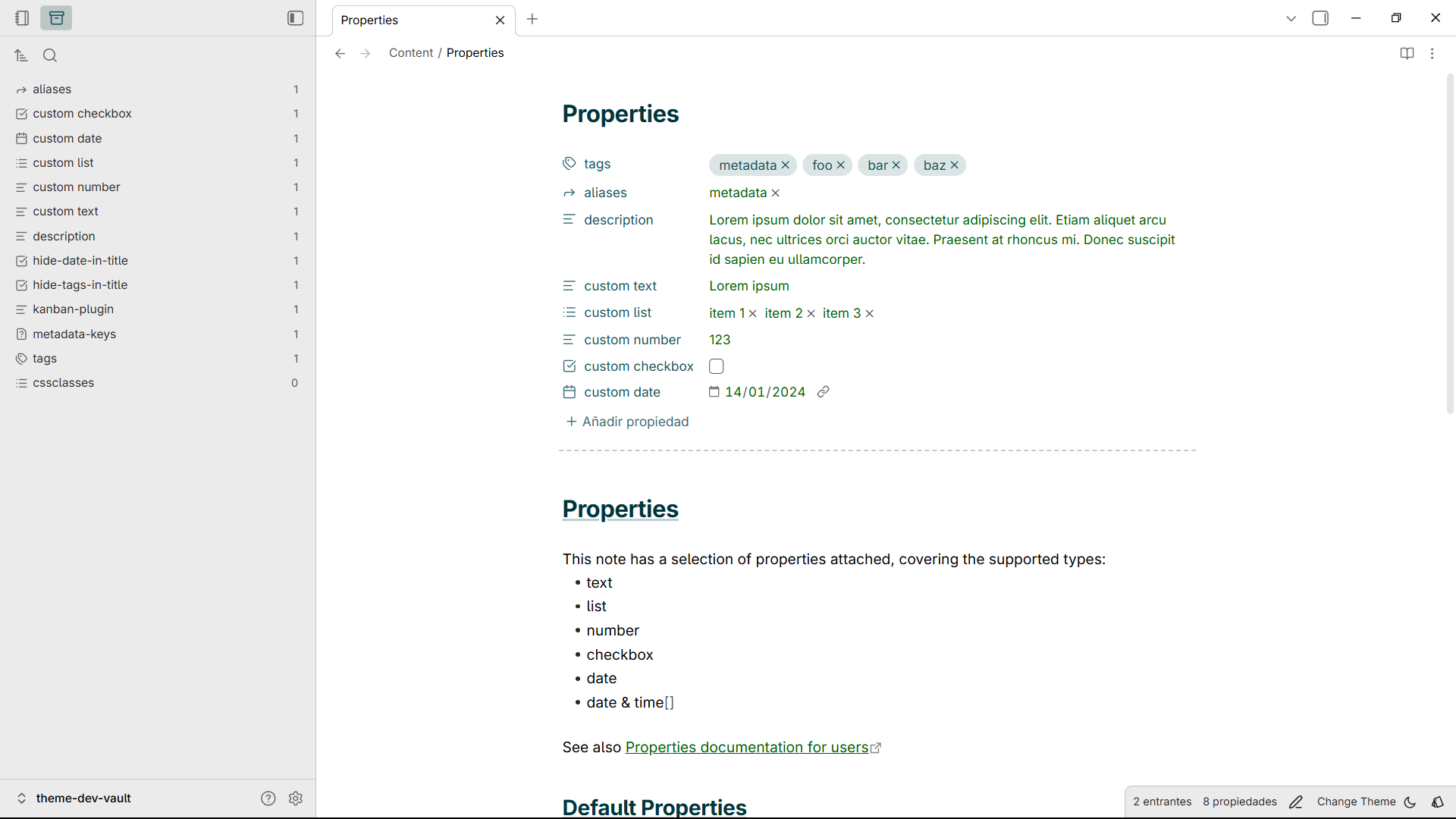
My main goal with Cosmical is to make Obsidian look more atractive while maintaining focus and not adding distractions.
Two main features:
- A neutral background inspired by Gnome
- Rich accents and vibrant colors inspired by coding editors
The plugin Style Settings is needed to pick a different subtheme.
Color Schemes
Ocean (Default)
Forest
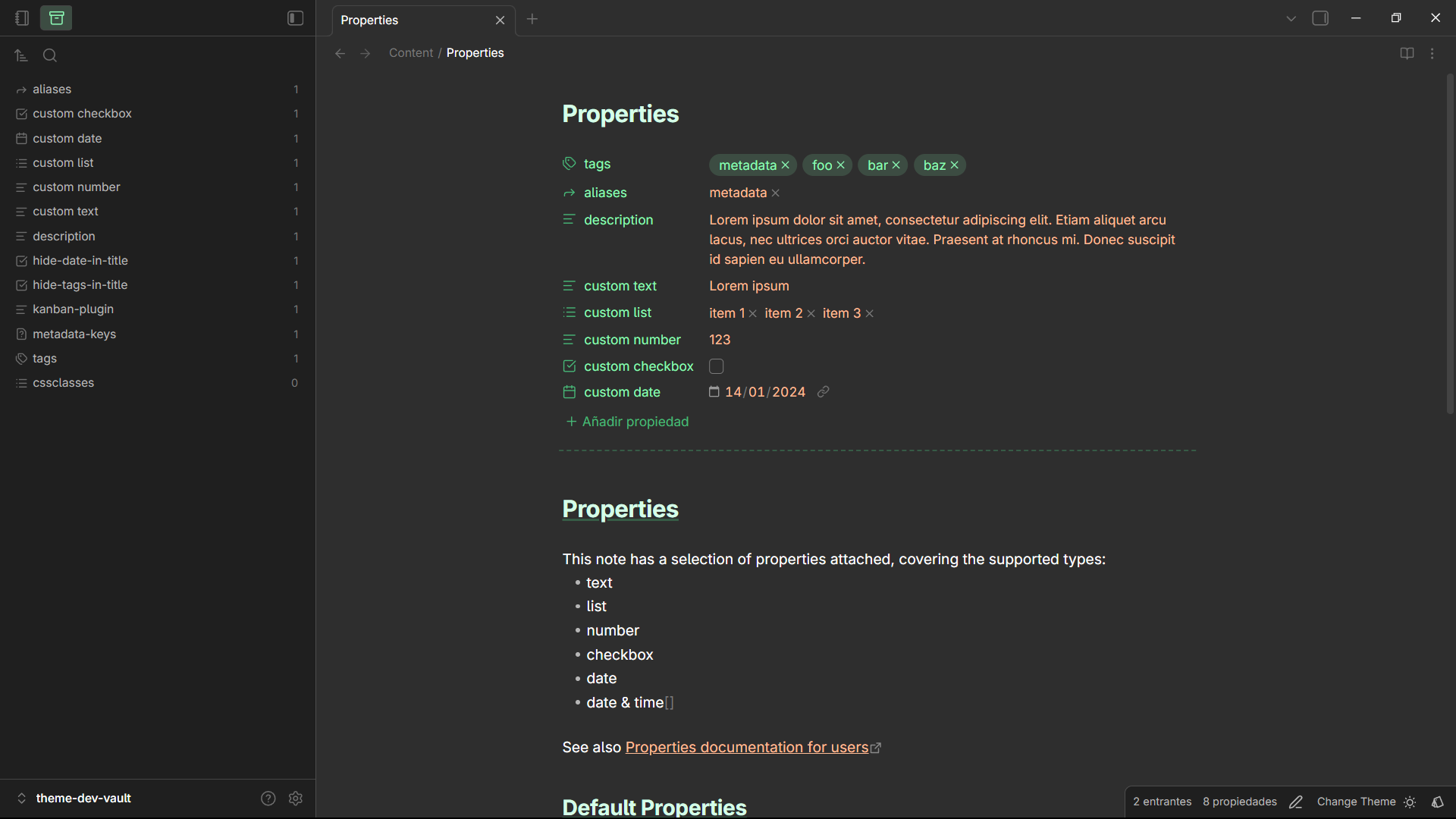
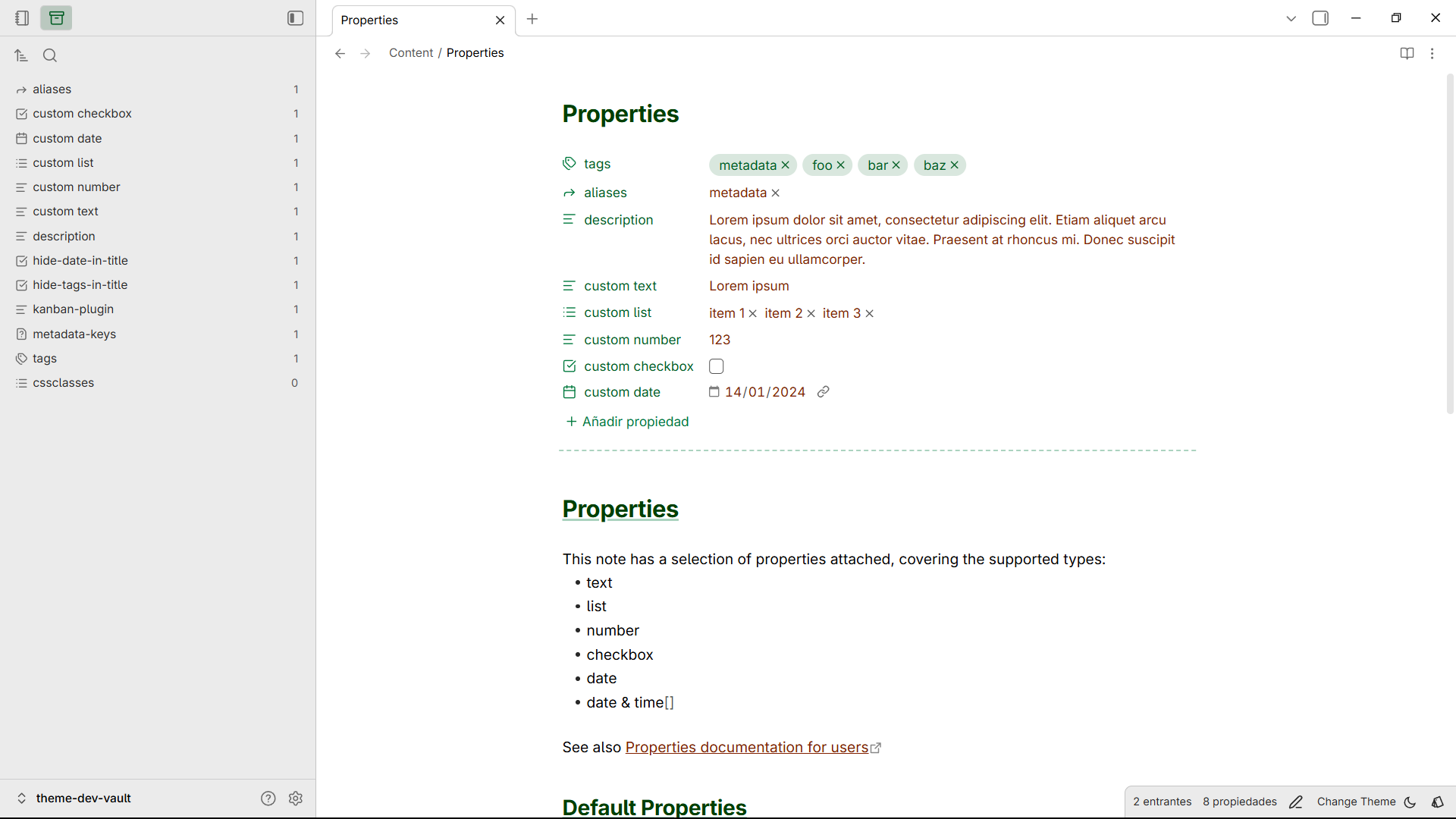
Twilight
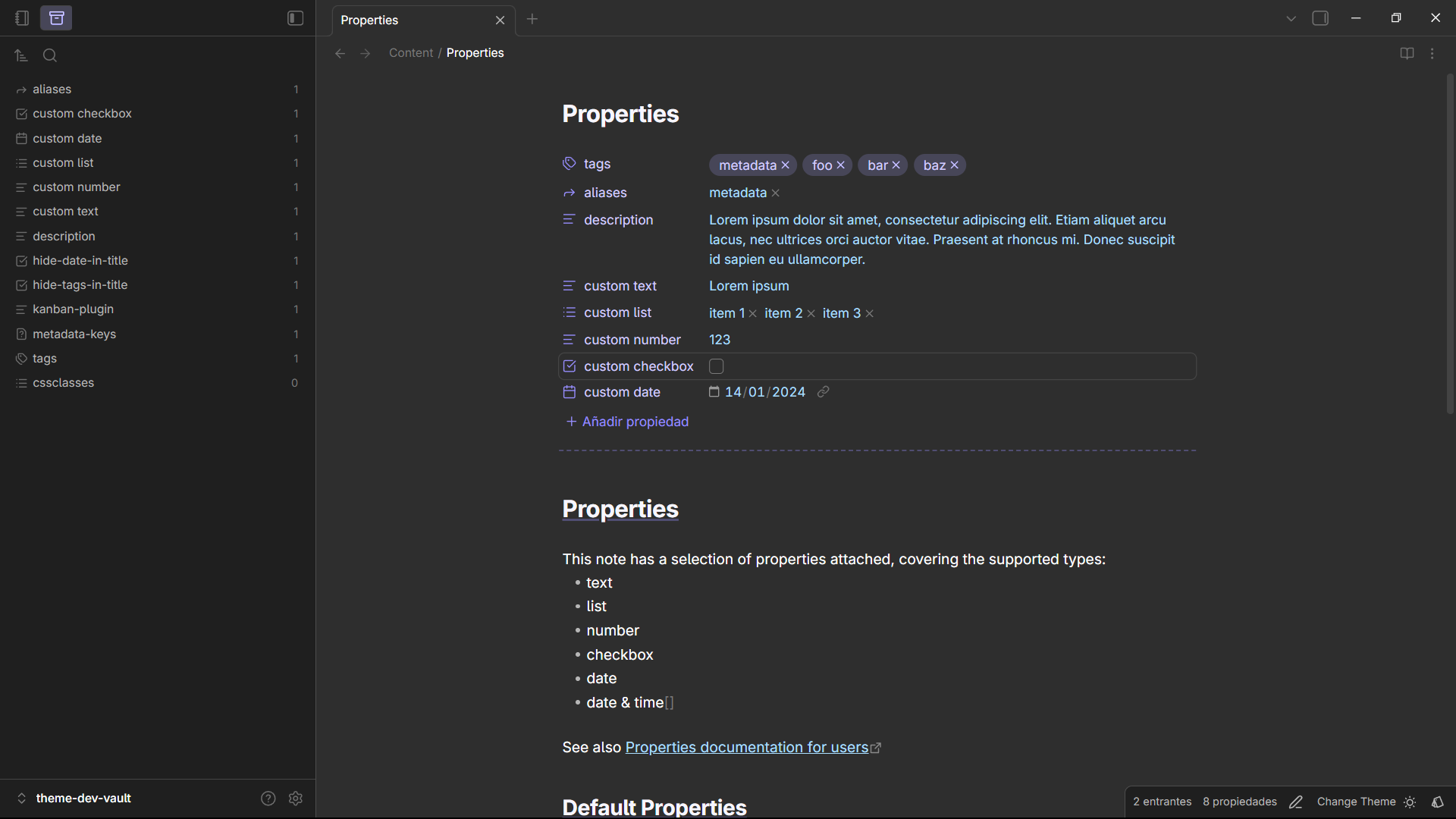
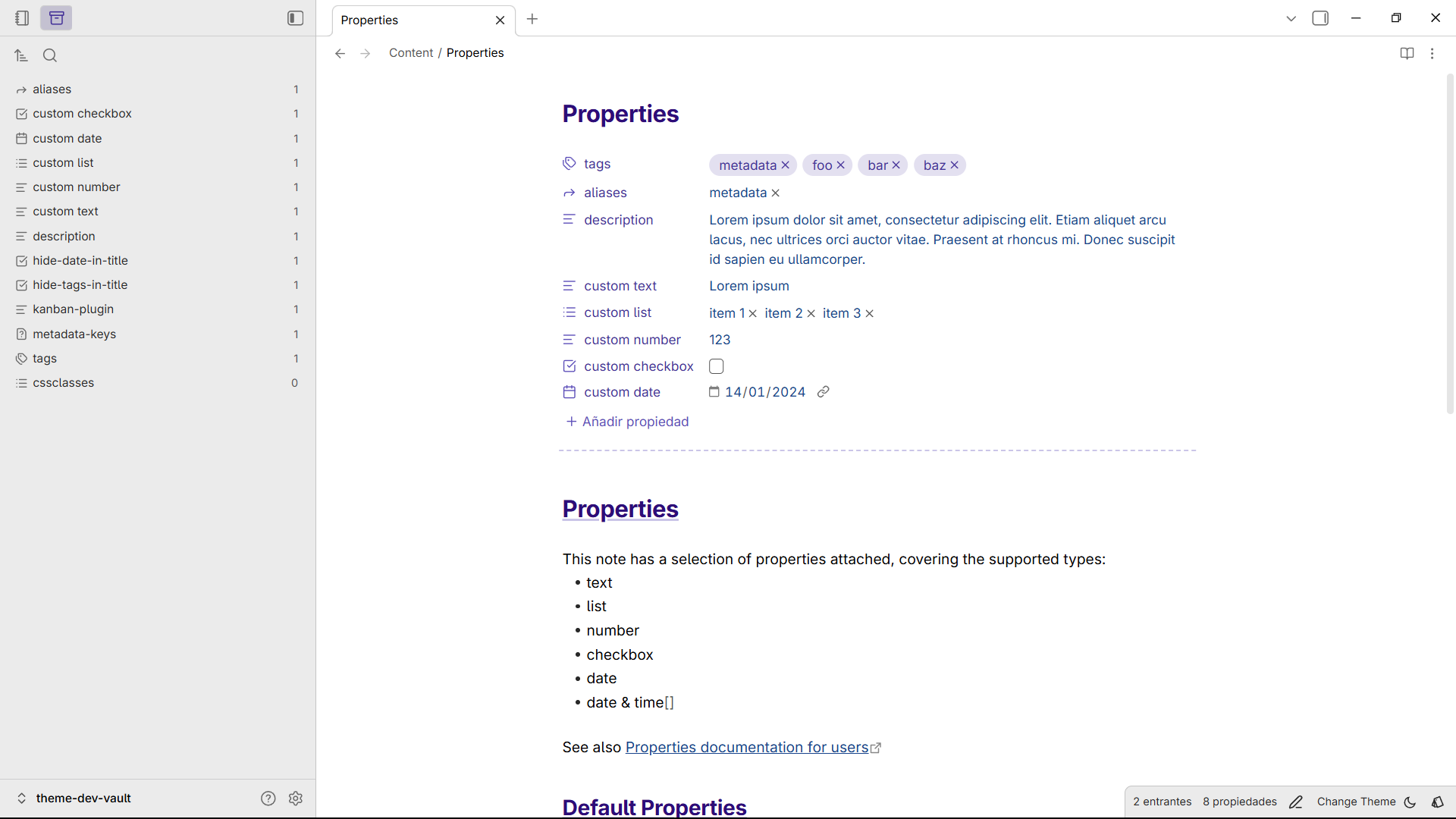
Sunset
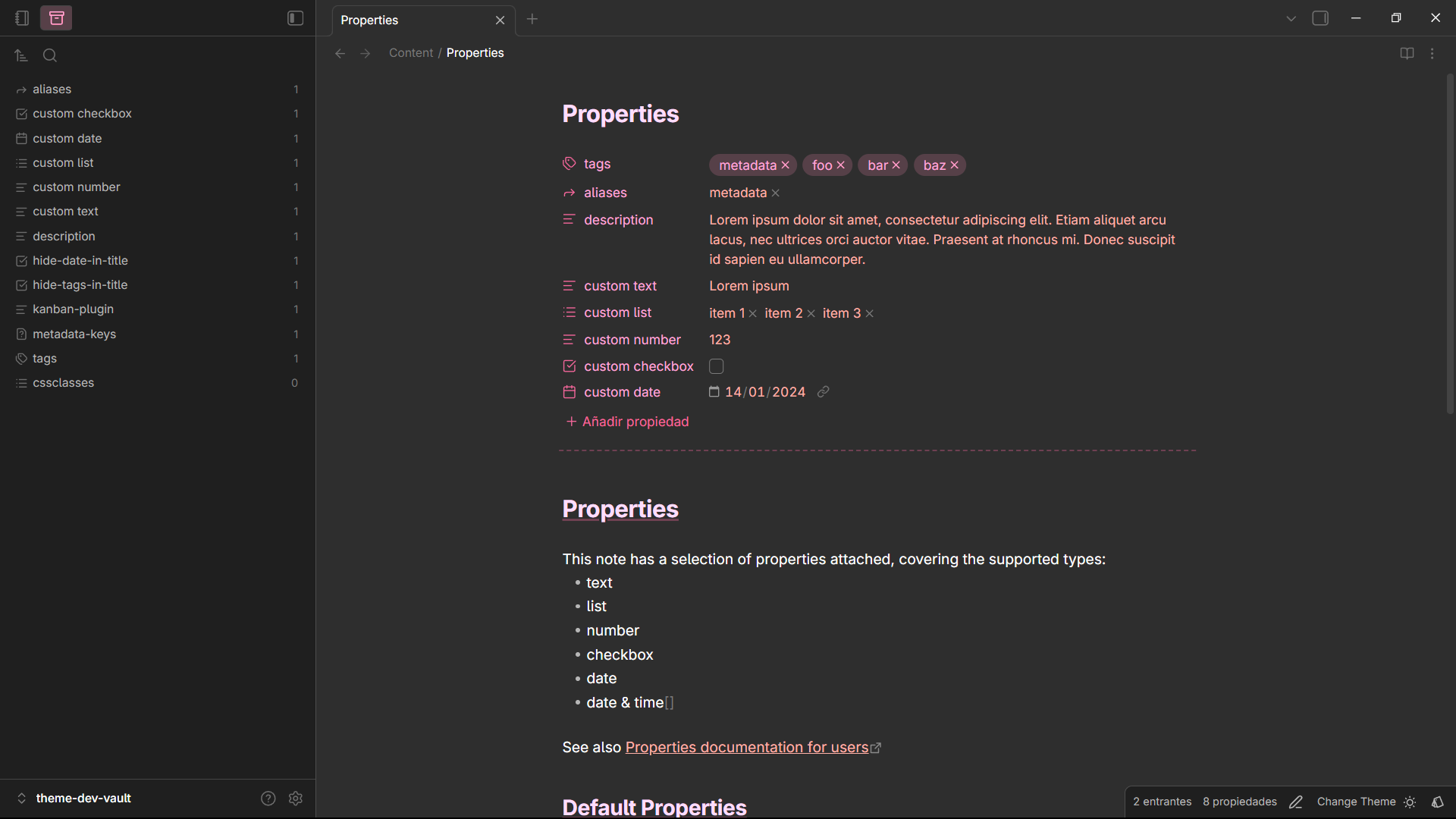
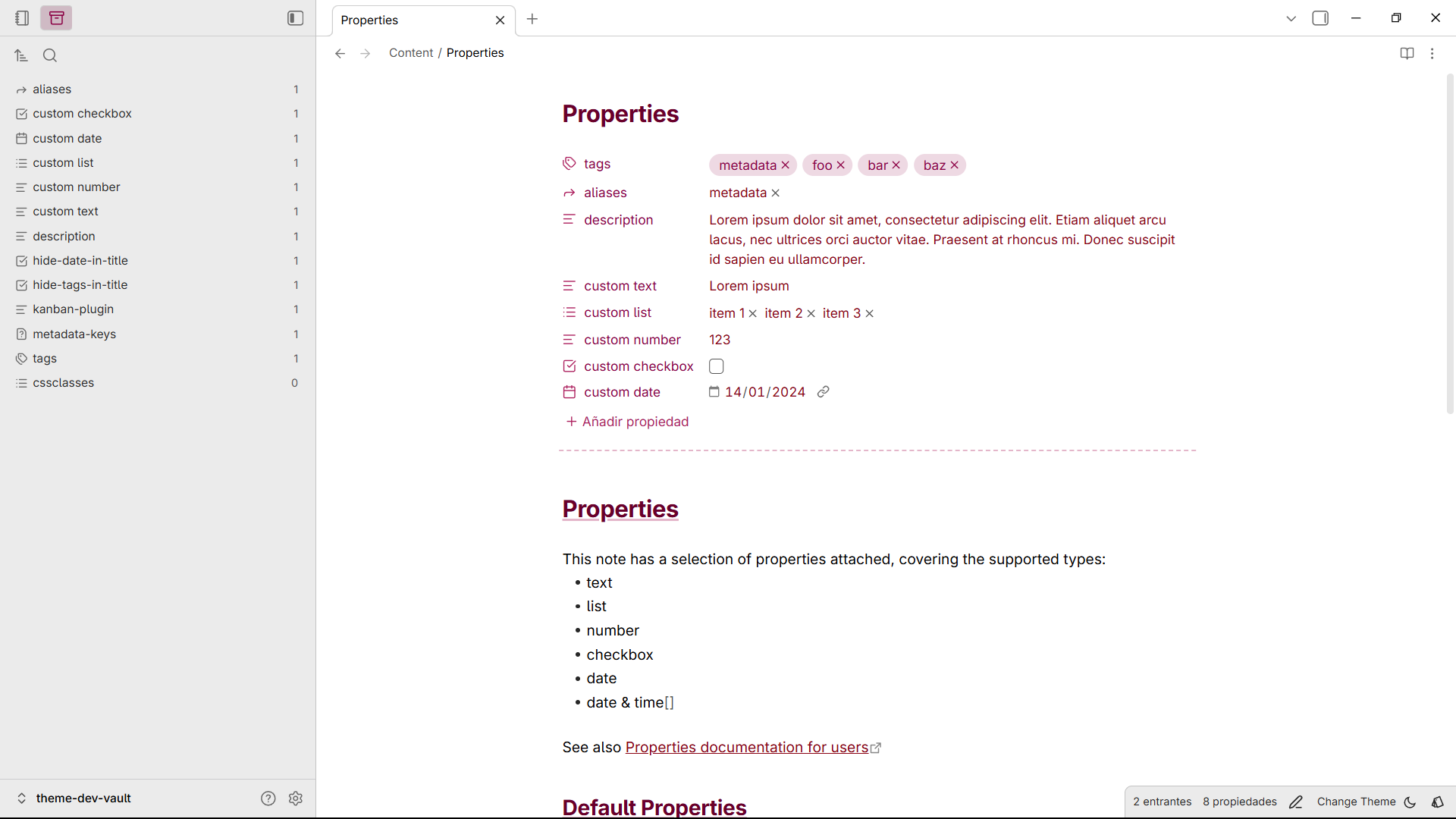
Night
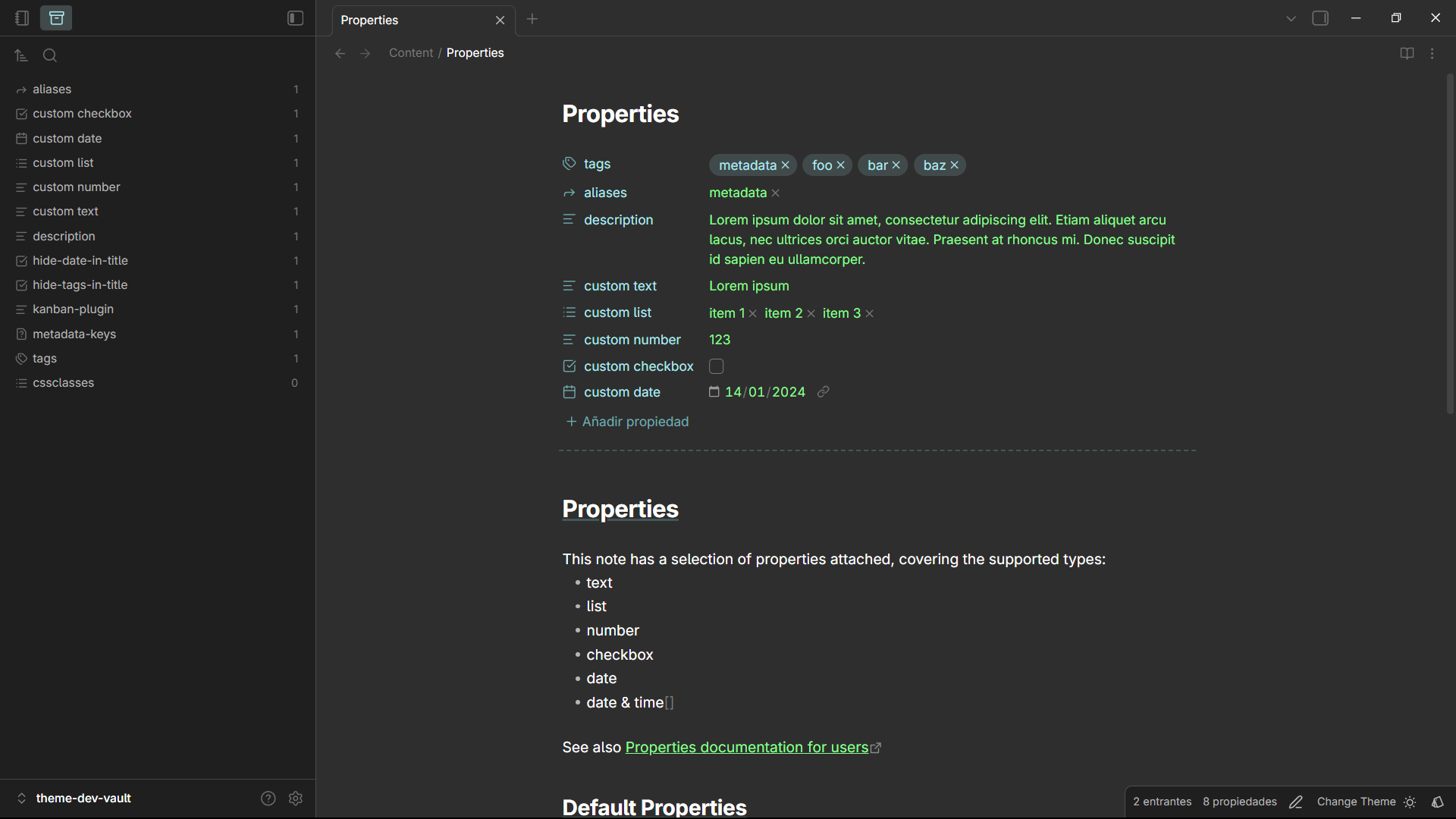
Snippets
Small features you can toggle on/off:
- Colored headings (with optional underlines)
- Hide or customize file titles
- Control sidebar toggle button visibility
- Improved multi-select list UX
Installation
Community themes (recommended)
- Open Obsidian Settings
- Navigate to Appearance → Themes
- Click Browse and search for "Cosmical"
- Click Install
Manual
- Open your system File explorer
- Navigate to the root folder of your vault
- Open ".obsidian/themes"
- Create new folder "Cosmical" and open it
- Copy manifest.json and theme.css
- Cosmical should now appear as an installed theme
Development
I used Vite + PostCss to help with the development workflow. I created this based on a legacy theme I had and divided it into different files to help with the chaos.
Commands
The theme.css is minified automatically
Setup
npm install
Automatic rebuilds
npm run dev
Build
npm run build
Release
git tag <version>
git push origin main --tags
Contributing
You can send suggestion using open an issue.
License
This theme is released under the Apache License 2.0. See LICENSE for details.
Other
Checkout my other theme for Visual Studio Code VSCode-Cosmical