
README file from
GithubCuriosity
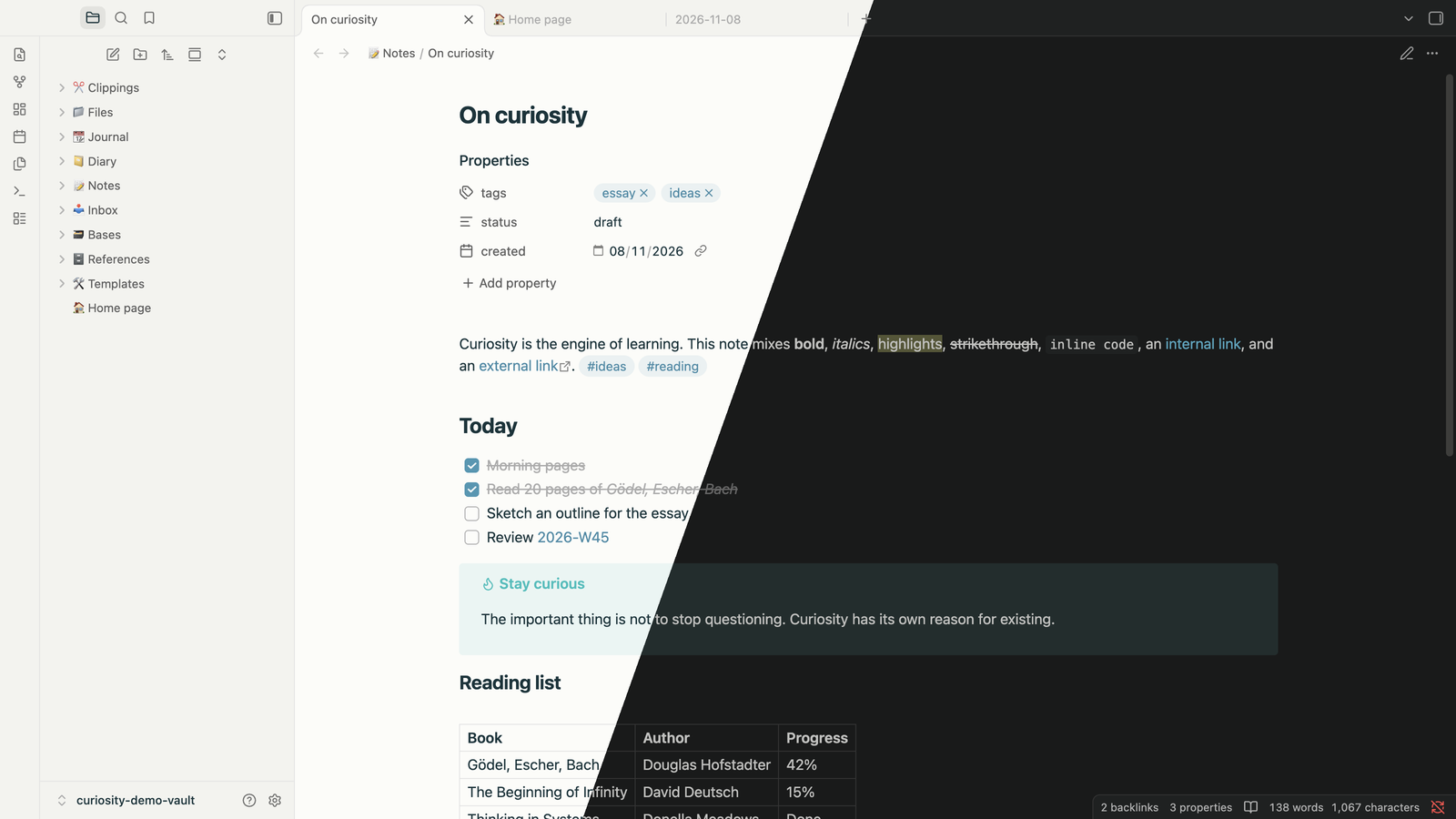
A calm, minimal theme for Obsidian.
Installation
- Open Settings → Appearance.
- Under Themes, click Manage.
- Search for Curiosity and click Install and use.
Manual installation
Copy theme.css and manifest.json into <your vault>/.obsidian/themes/Curiosity/, then select Curiosity in Settings → Appearance.