
README file from
GithubCloud Dancer — Obsidian Theme


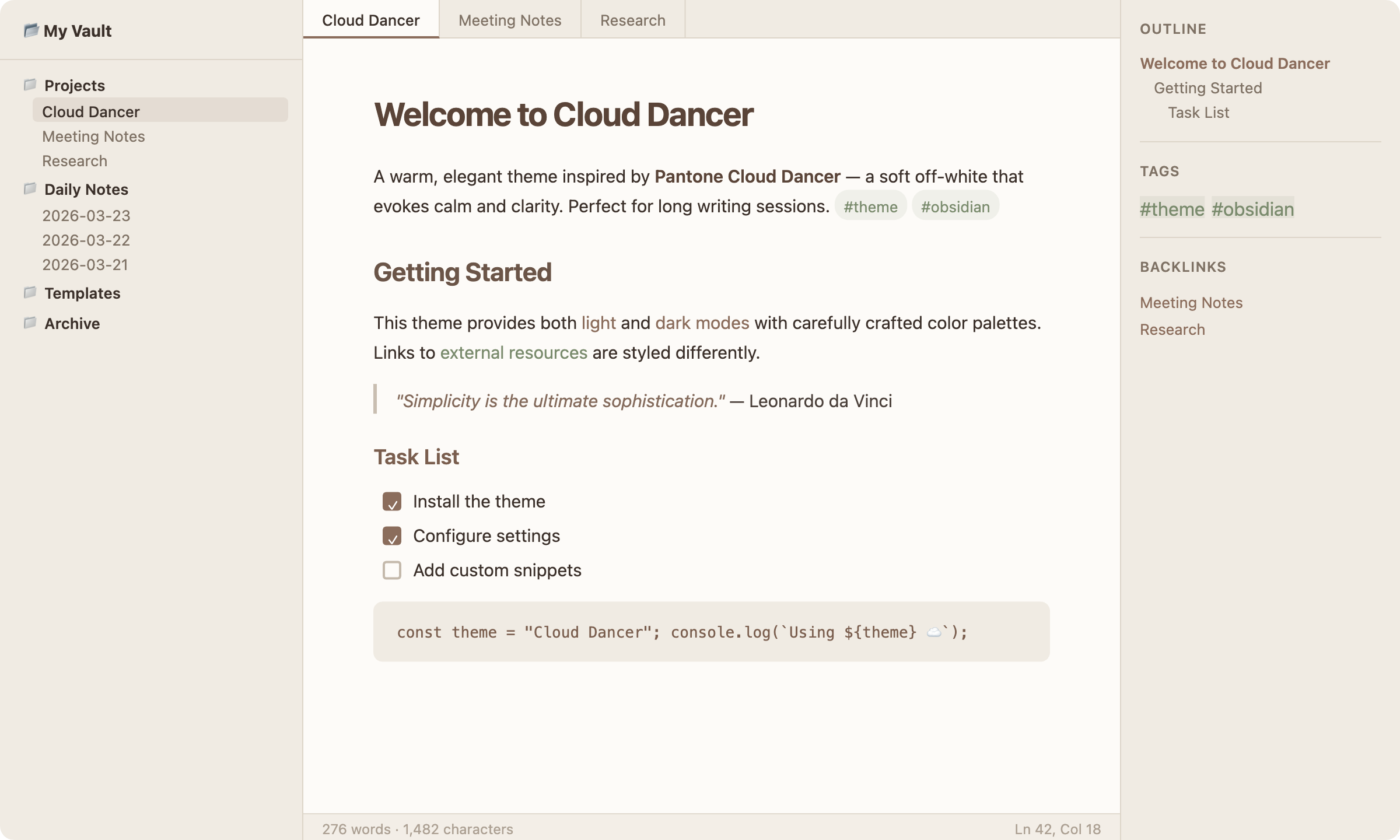
A warm, elegant theme for Obsidian inspired by Pantone Cloud Dancer (#F0EBE3) — a soft off-white that evokes calm and clarity.
Preview
Light Mode
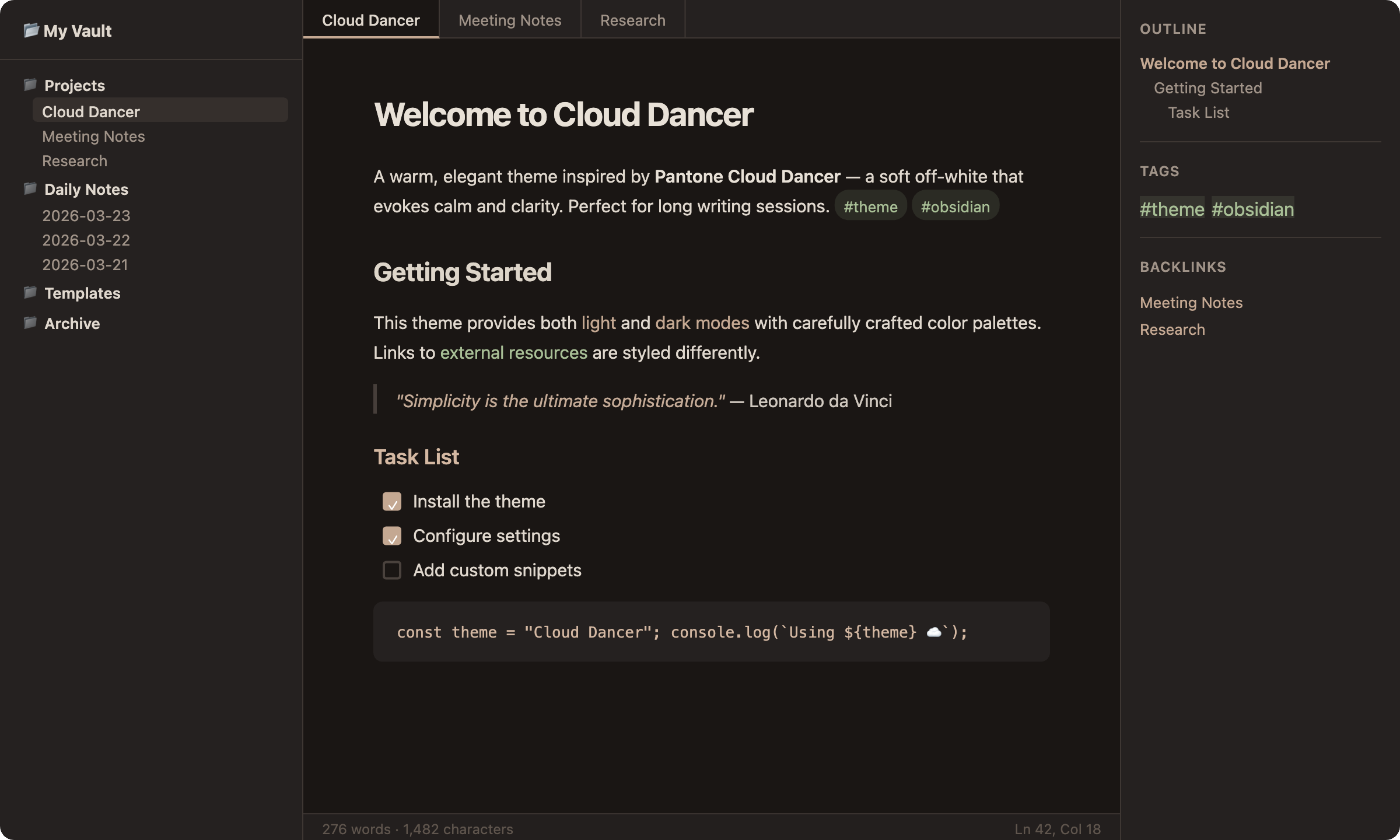
Dark Mode
Features
- Light mode built around Cloud Dancer's warm off-white palette
- Dark mode with deep warm charcoal tones that complement the light variant
- Warm terracotta accent colors for links, highlights, and interactive elements
- Clean typography with thoughtful heading hierarchy
- Subtle transitions and refined scrollbars
- Pill-styled tags with soft background colors
- Optimized for readability with carefully chosen contrast ratios
Installation
From Obsidian Community Themes
- Open Settings → Appearance
- Click Manage under Themes
- Search for Cloud Dancer
- Click Install and use
Manual Installation
- Download
theme.cssandmanifest.jsonfrom the latest release - Create a folder called
Cloud Dancerinside your vault's.obsidian/themes/directory - Move both files into that folder
- Open Settings → Appearance and select Cloud Dancer
Color Palette
| Role | Light | Dark |
|---|---|---|
| Background | #FDFBF8 |
#1A1614 |
| Surface | #F0EBE3 |
#252120 |
| Accent | #8B6D5C |
#C4A892 |
| Text | #3B302A |
#E0D8CE |
| Muted | #7F7265 |
#A09388 |
| Links | #8B6D5C |
#C4A892 |
| Tags | #7A8B6D |
#A8BF96 |
Contributing
Contributions are welcome! Please open an issue or submit a pull request.
- Fork the repository
- Create your feature branch (
git checkout -b feature/my-change) - Commit your changes (
git commit -m 'Add my change') - Push to the branch (
git push origin feature/my-change) - Open a Pull Request
License
This theme is released under the MIT License.
Made with care by Pierry Borges