
README file from
GithubAwareAI — Obsidian theme
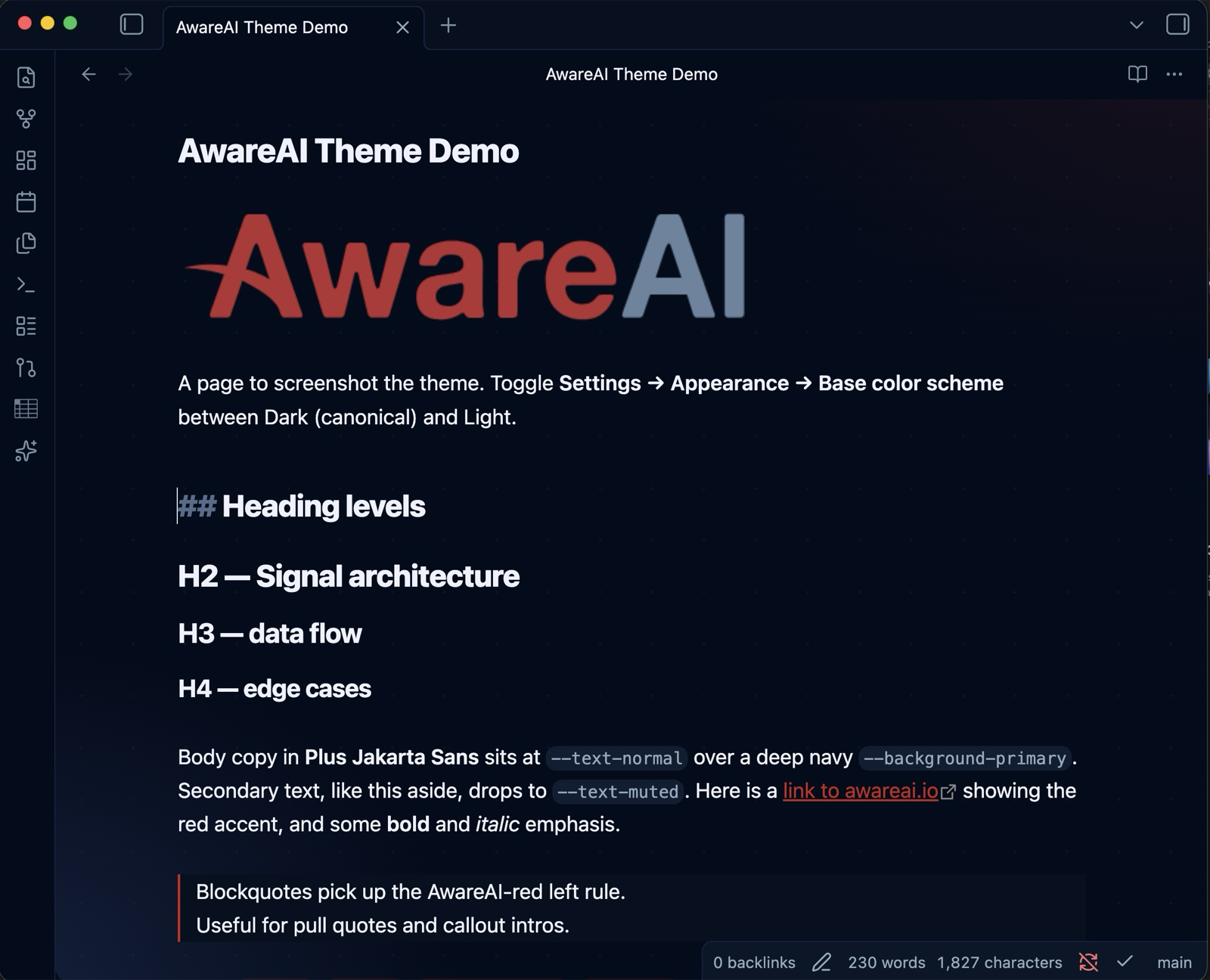
A dark-first Obsidian theme from AwareAI: deep navy surfaces, an AwareAI-red accent, and the "Signal" accent palette for callouts, tags, and syntax. A light variant keeps the red accent over warm off-white.
Install (manual)
- In your vault, create the folder
.obsidian/themes/AwareAI/. - Copy
manifest.jsonandtheme.cssinto it. - In Obsidian: Settings → Appearance → Themes → select AwareAI.
- Toggle Settings → Appearance → Base color scheme between Dark (canonical) and Light.
Fonts
The theme uses Plus Jakarta Sans for text and JetBrains Mono for code when installed, falling back to system fonts otherwise. To bundle Plus Jakarta Sans, drop its .ttf files into a fonts/ folder beside theme.css and uncomment the @font-face block at the top of theme.css.
Token mapping
| AwareAI token | Obsidian role |
|---|---|
--bg #020C1B |
--background-primary (dark) |
--surface #0A1628 |
--background-secondary |
--border #162342 |
--background-modifier-border |
--fg-secondary #94AABF |
--text-muted |
--fg-primary #EEF2FF |
--text-normal |
--aware-red #C4261F |
--interactive-accent / --text-accent |
| Signal green/blue/purple/yellow/red | --color-green / -blue / -purple / -yellow / -red |