
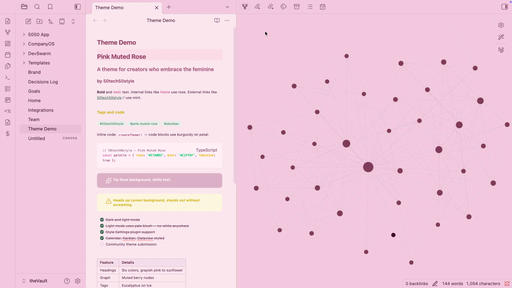
README file from
GithubPink Muted Rose
A theme for creators who embrace the feminine.
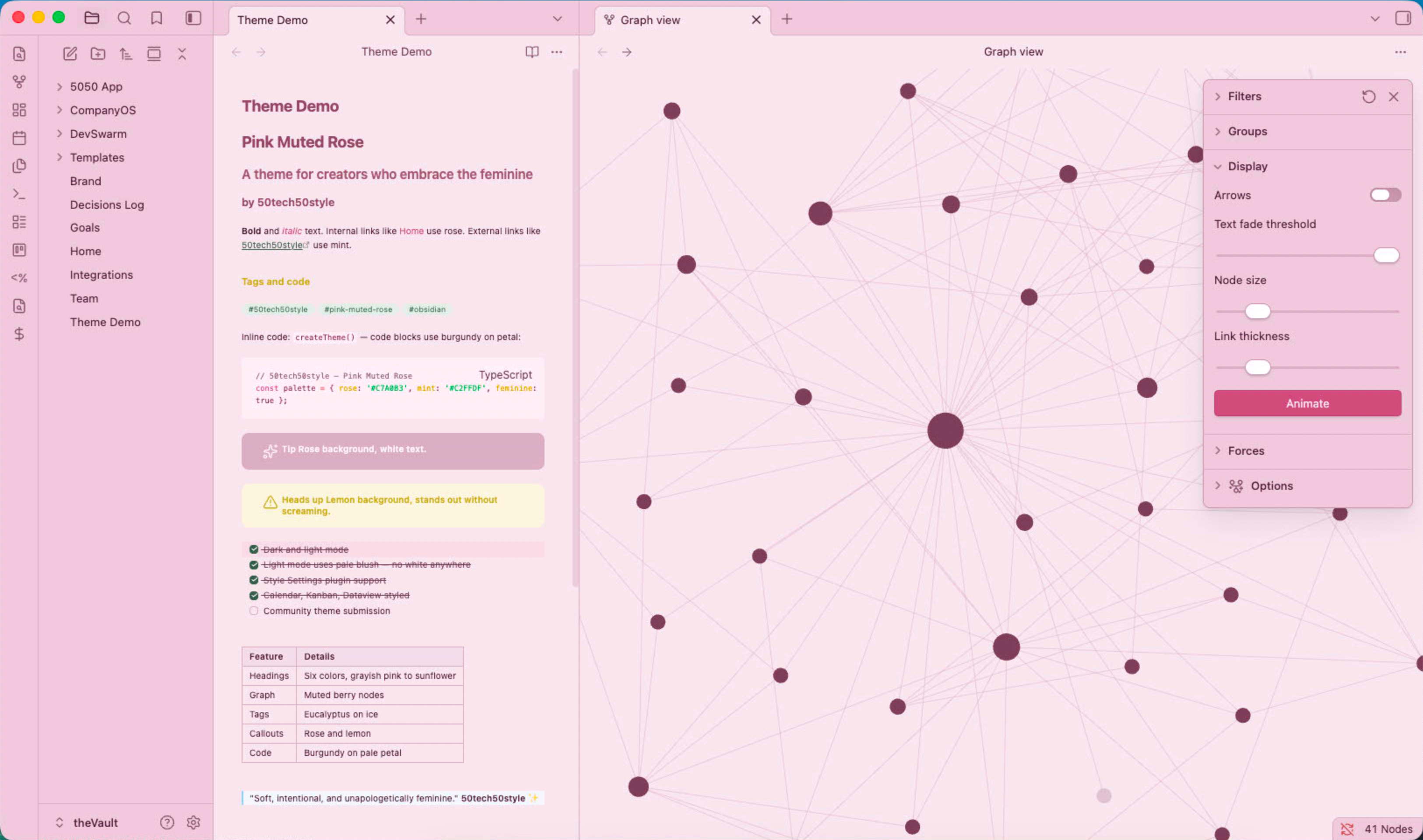
Light mode
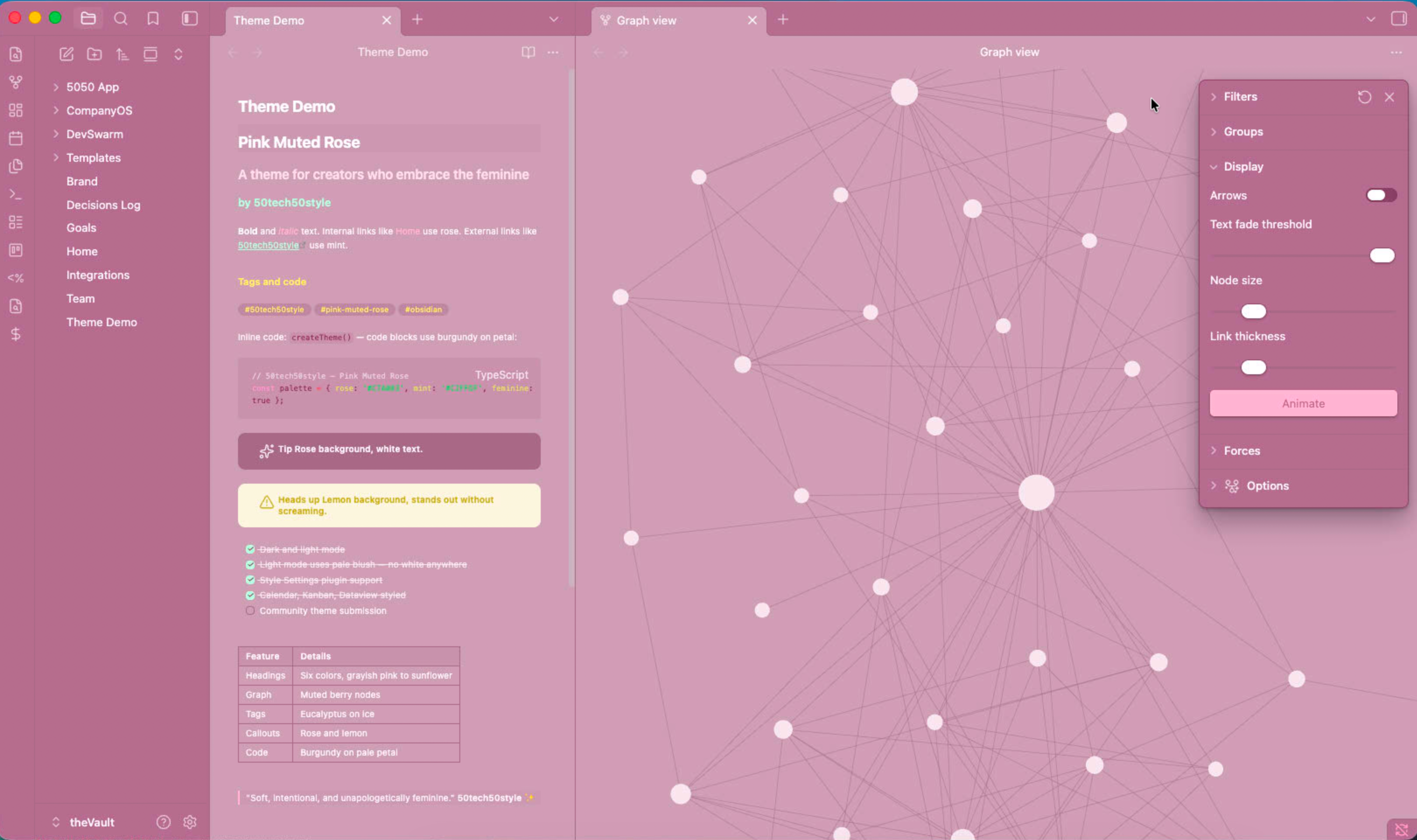
Dark mode
Features
- Dark mode — muted rose palette, no pure black
- Light mode — pale blush tint, no white anywhere
- Style Settings support — customize heading colors, fonts, accents, and more
- Plugin compatibility — styled for Calendar, Kanban, and Dataview
- Custom callouts — rose and lemon backgrounds, rounded corners
- Eucalyptus tags — green on ice pill styling
- Six heading colors — grayish pink through sunflower
- Burgundy code — deep rose on pale petal backgrounds
Installation
- Open Obsidian → Settings → Appearance → Themes
- Click Manage and search for Pink Muted Rose
- Click Install then Use
Style Settings
Install the Style Settings plugin to customize:
- All six heading colors
- Body and monospace fonts
- Font size and line height
- Content width
- Primary, secondary, and highlight accent colors
- Tag style (pill, square, or minimal)
- Rainbow folder icons
Credits
Fork of Fairyfloss by sailorhg, adapted for VS Code by nopjmp, ported to Obsidian by 50tech50style.
License
MIT © 50tech50style