
README file from
GithubAcovia Theme
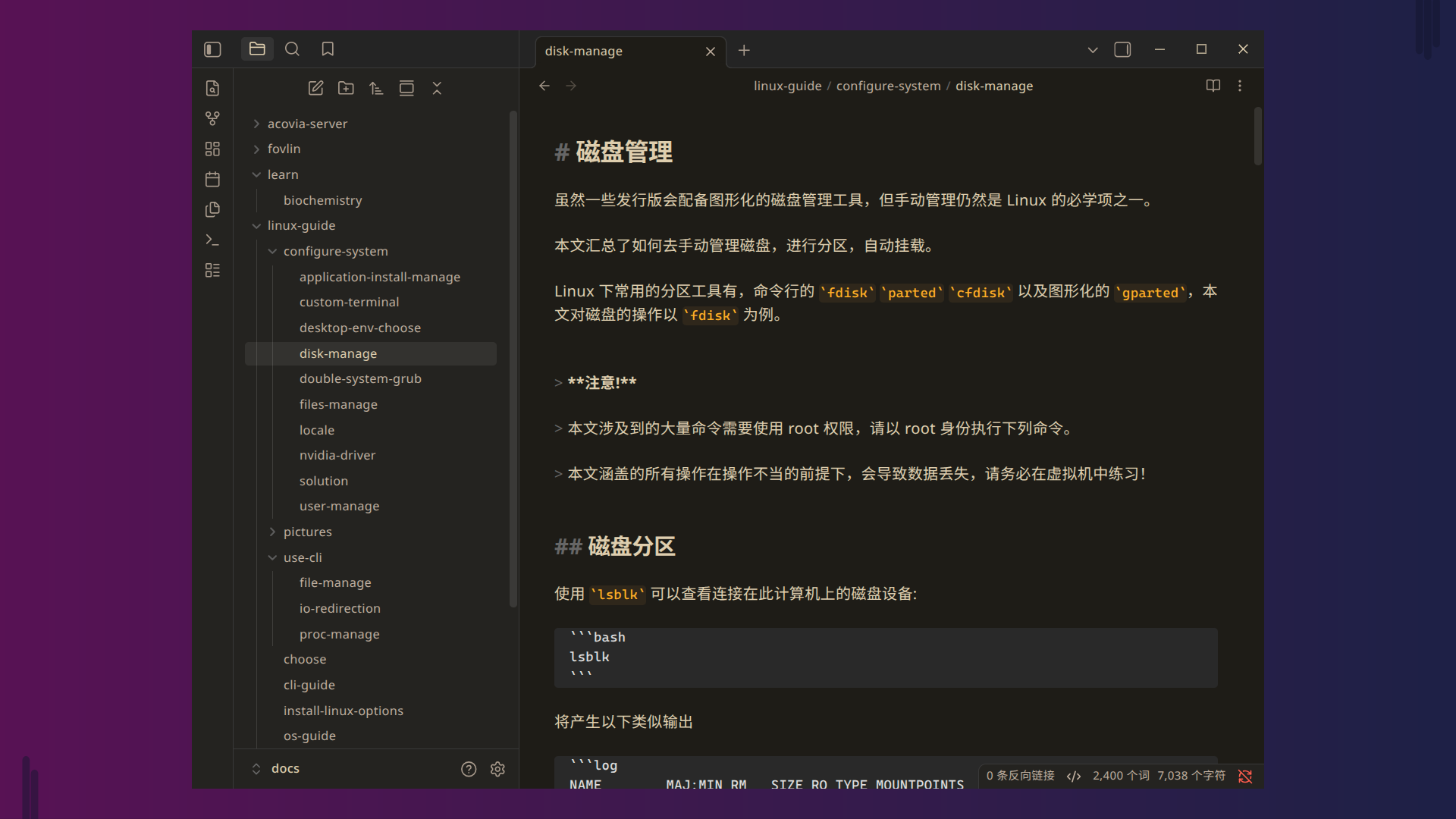
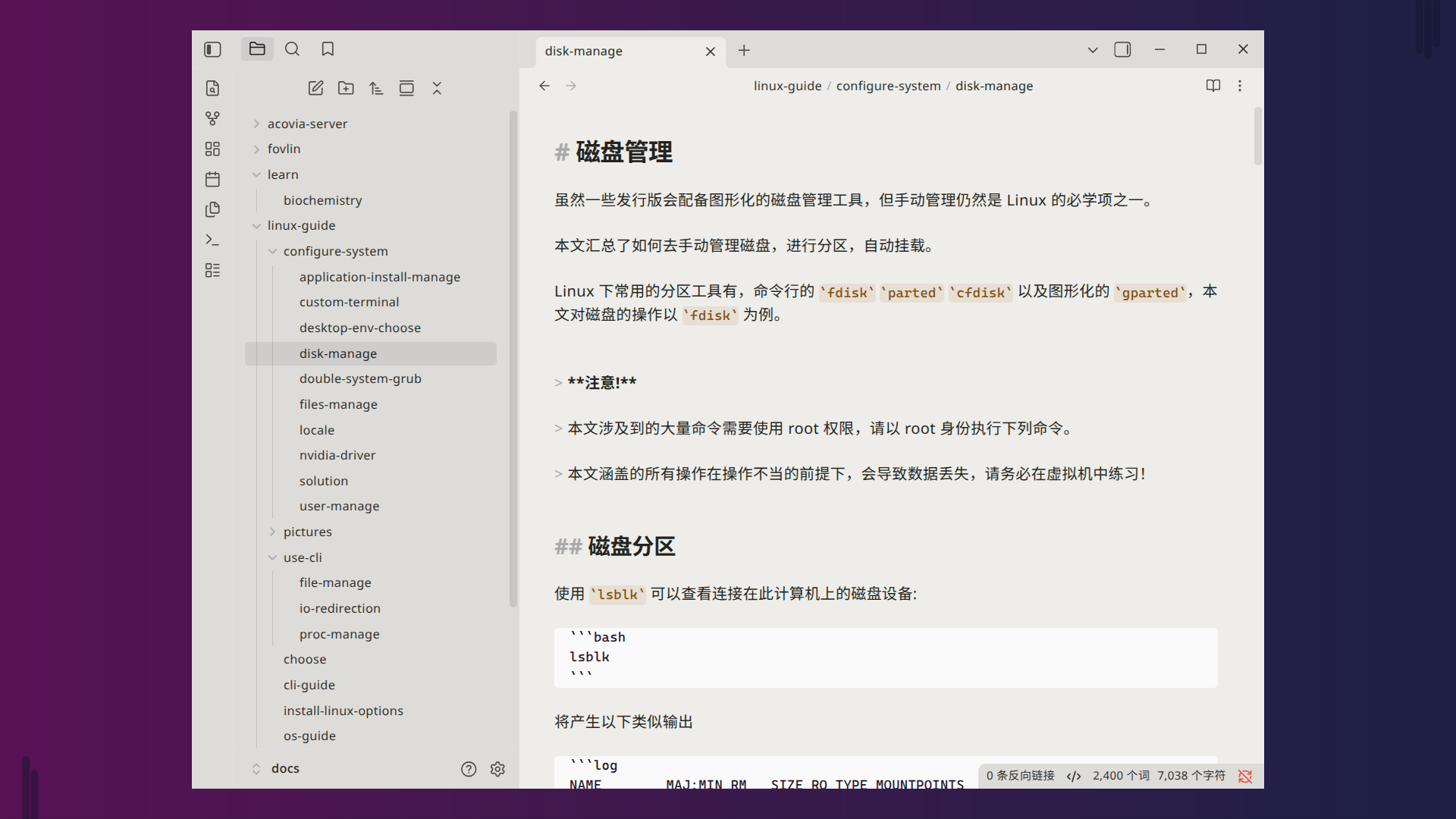
A warm-toned theme, gentle on the eyes — especially in dark mode.
Dark Example
Light Example
Installation
Via Community Themes Browser (Recommended)
- Open Obsidian and go to Settings → Appearance.
- Click the Manage button next to the theme dropdown.
- Search for Acovia in the community themes browser.
- Click Install and then Enable to apply the theme.
Via Git Clone (For Advanced Users)
cd /path/to/your/vault/.obsidian/themes
git clone https://github.com/fovlin/acovia-obsidian-theme.git
Then Enable to apply the theme.