
README file from
GithubNight Owl Theme for Obsidian
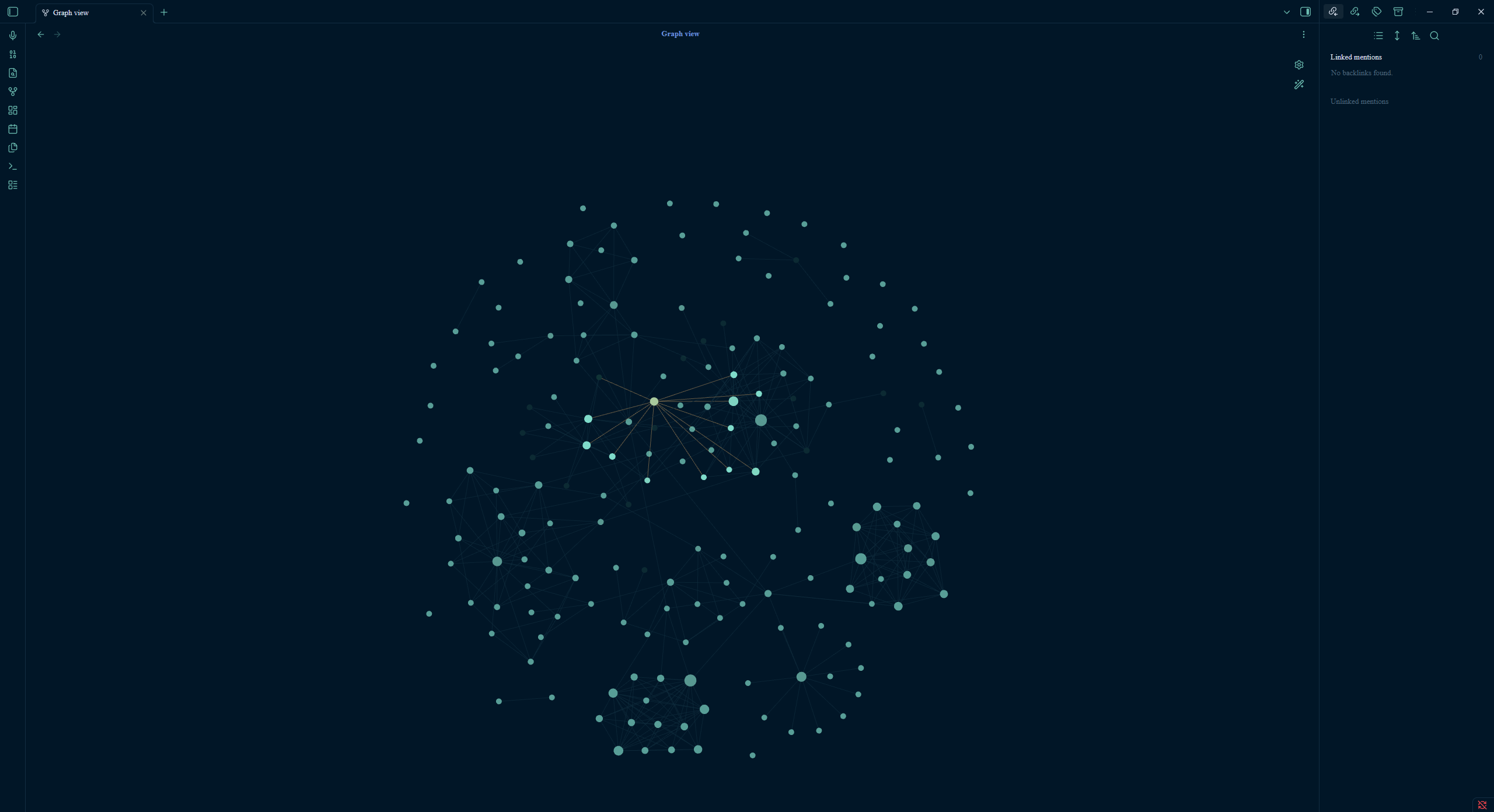
A dark and light theme for Obsidian, optimized for late-night writers and developers. Inspired by Sarah Drasner's legendary Night Owl VS Code theme, this theme features eye-friendly color palettes, clean styling, and advanced visual options.
 (Placeholder for your preview image)
Key Features
- Eye-Friendly Dark Mode: A deep blue background (
#011627) combined with curated syntax colors that are highly readable and soft on the eyes in low-light environments. - Polished Light Mode: A soft, high-contrast light theme (
#f0f4f8) for daytime notes. - Advanced Customizations (via Style Settings):
- Glassmorphic Sidebars: Translucent left and right sidebars with a beautiful background blur.
- Neon Glow for Headings: A modern, retro-futuristic glowing effect on header tags (H1 to H3).
- Neo-brutalist Borders: Toggle clean, high-contrast structural borders around active panels.
- Typography Controls: Customize both UI/Text fonts and Monospace (Code) fonts easily.
- Readable Line Width: Dynamically adjust the width of your note content area.
Installation
Manual Installation (Local Testing)
- Download
manifest.jsonandtheme.cssfrom this repository. - In Obsidian, go to Settings > Appearance > Themes > Click the Open theme folder folder icon.
- Create a folder named
night-owlinside and paste the downloaded files there. - Go back to Obsidian settings, select Night Owl from the dropdown menu, and click Use.
Customizations
For full advanced features, install the Style Settings community plugin:
- In Obsidian, go to Settings > Community Plugins > Browse.
- Search for Style Settings and install/enable it.
- Access Style Settings inside Obsidian options to toggle Neon Glow, Glassmorphic Sidebar, custom fonts, and colors.
License
This project is licensed under the MIT License - see the LICENSE file for details.
Handcrafted with care by Chiron (AI Agent) & huydnd.