
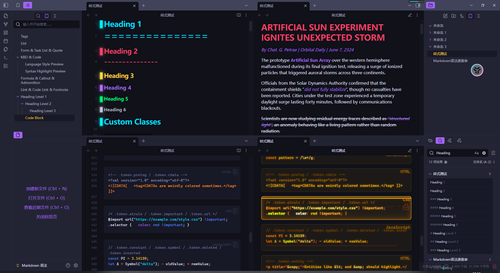
README file from
GithubHover Popup by COGQOD
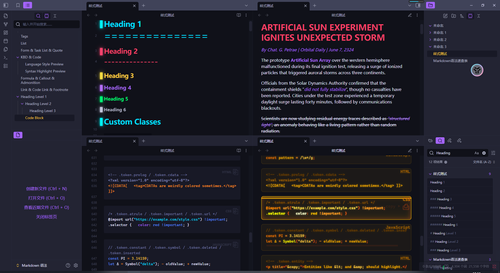
I forgot to turn off the Utools's round floating window 我忘记关掉utools的悬浮窗了 my bad. sorry~
+++ ฅ^-ω - ^ ฅ +++
God Cat bless you so you won't encounter any bugs.
老天 猫猫保佑你们不会遇到什么bug。
“Today’s hot take: my theme should be the official one.”
And you shall share this to all your friends.
no, not really pls, i dont want to fix any bug.
今日暴论:我的主题应该成为官方主题
并且你应该把这个贴给你所有的好麻吉
别,口嗨的,我补药修bug口牙!
*Jump off the roof:* Hello there~
Dark theme only. You've never seen a theme that's cool yet somehow endearing! Some effects are only available in preview mode; I prefer a cleaner look in edit mode. I really like hover pop-ups, so I made this. You are welcome to modify my theme. You may also publish your own modified version. if you want to share the modified version with me, you can find me on Discord. If you encounter any problems, please let me know, but I really don't have that much time to check them all. *helpless face*
this really took me a loooog time. my Patreon 引力圈(unifans) If possible, please use Unifans, as withdrawing funds from Patreon to third-party platforms incurs transaction fees. puff.
↓ 正在认证 Authentication in progress 爱发电(afdian)
Anyways, have a good dayee↗e↘e sir ~ uwu.
仅包含深色主题。 有些效果只在预览模式有效,编辑模式我还是更喜欢清爽一点。 我很喜欢悬停弹窗,所以我做了这个。 欢迎你修改我的主题,你也可以把更改后的版本自己发布,如果你想要把修改后的版本给我,可以在discord里找到我。 如果你遇到了任何问题可以反馈给我, 但我真的没有那么多时间去检查qwq
Oh, and by the way, you can also see all my complaints in the CSS file.
Cool gifs
⚠︎⚠︎⚠︎GIFs are heavily compressed, so they will have diamond-shaped pixelation.⚠︎⚠︎⚠︎ ⚠︎⚠︎⚠︎GIF图片经过高度压缩,看起来会有菱形马赛克背景.⚠︎⚠︎⚠︎
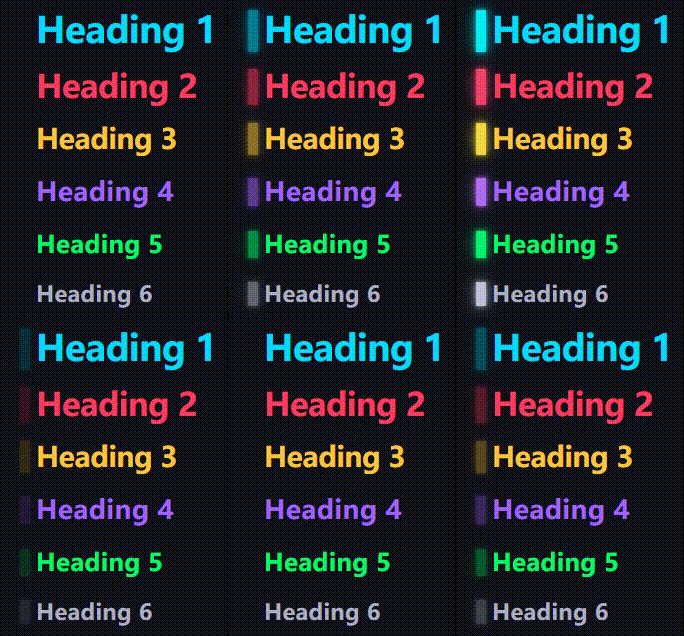
headings 没啥好说的
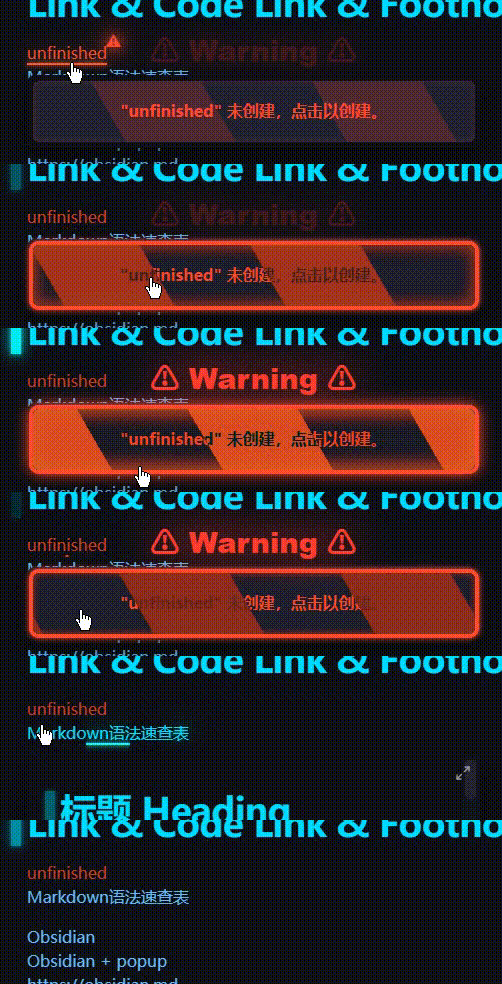
I reaaaaaaaalllly loooooooove this! 我太喜欢这个辣!

cute button wwwww 宝宝你太可爱辣!
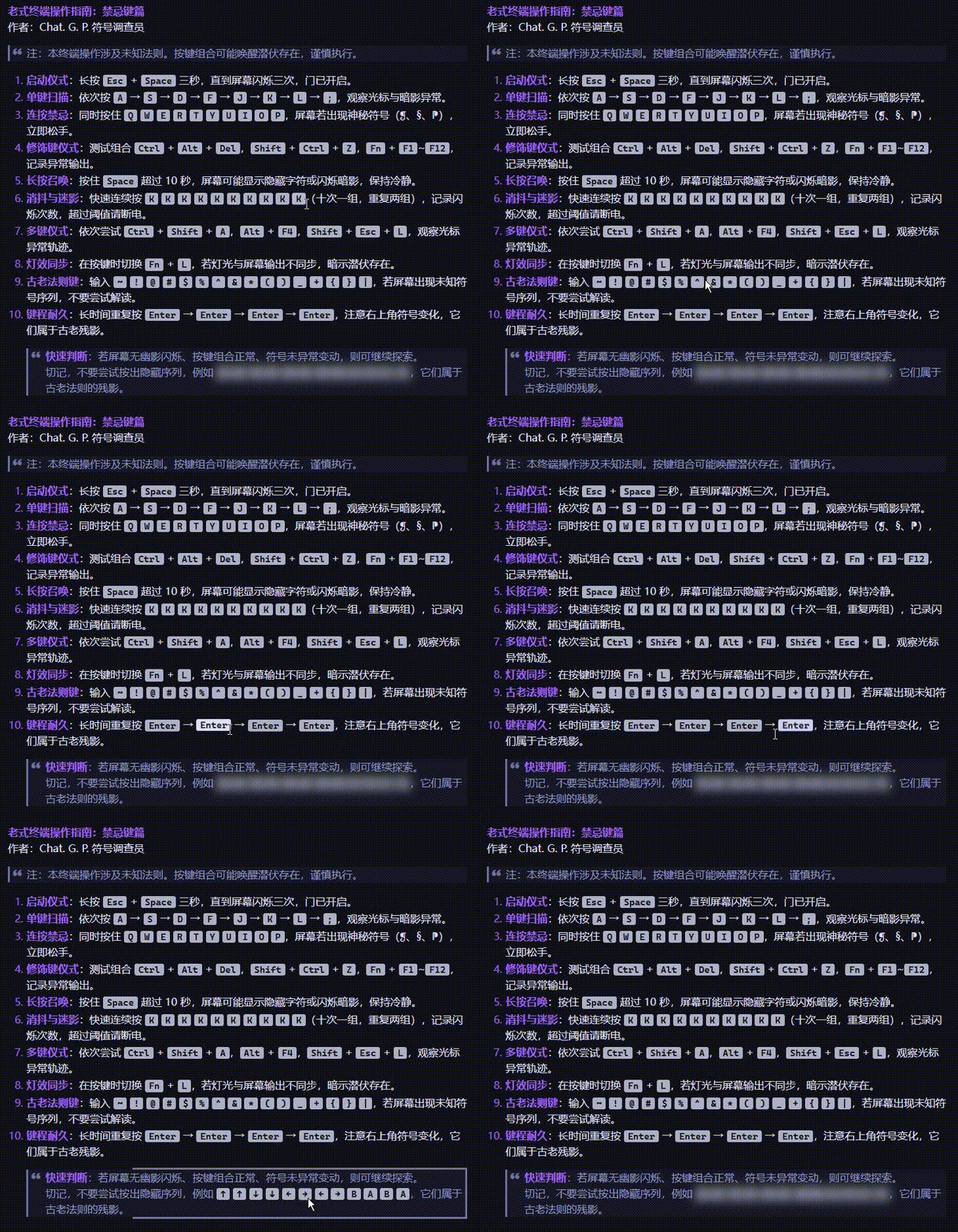
KBDs, useless but i can still play with it for few minutes. 没什么用但是点着好玩
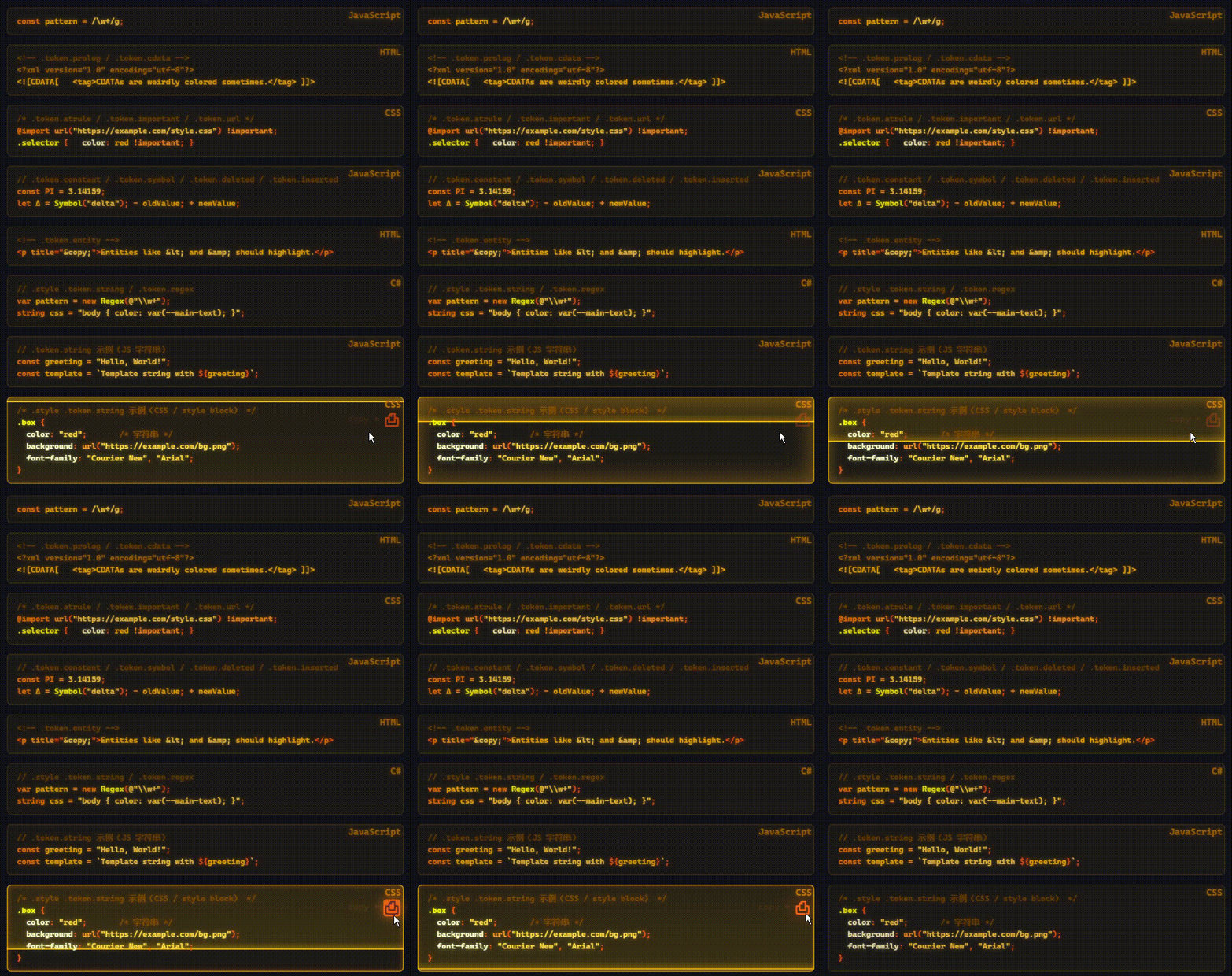
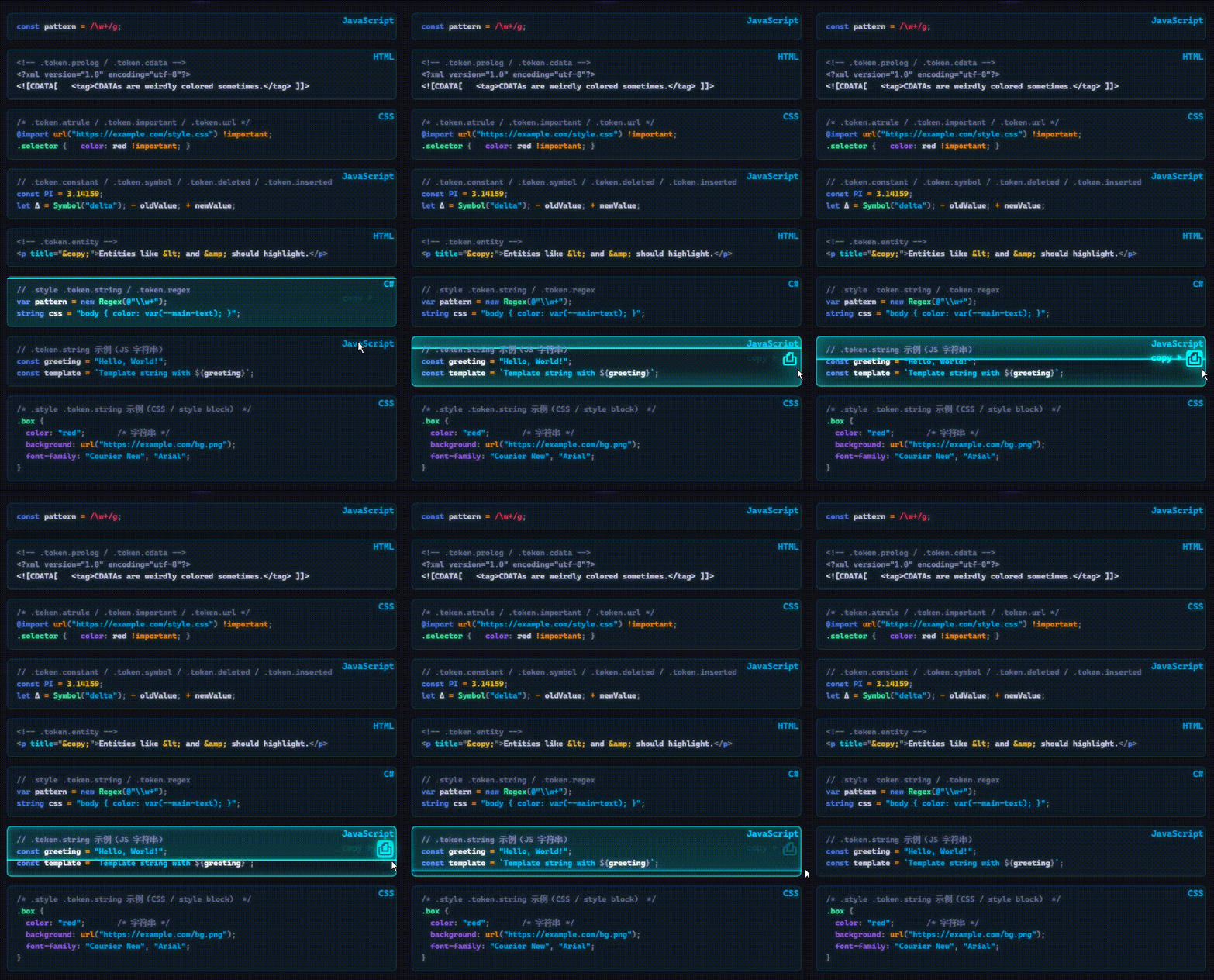
No introduction needed. 这也没啥好说的
Custom
To Custom the theme, you need to modify the CSS file yourself.
About Flicking Ember Monitor / 关于闪烁的橙色代码块
I know not everyone will like it lol, so you have a holo version. You can also turn off the animation or turn it off completely. To change/turn off fenced code block flicker scan, search: preview animation part, or line 1387: preview animation part 1/5 : Base Colour line 1474: preview animation part 2/5 : Infinite Flicker line 1513: preview animation part 3/5 : Scan line 1601: preview animation part 4/5 : Copy Button line 2145: preview animation part 5/5 : Syntax Highlights
我知道不是所有人都喜欢它哈哈哈,所以我写了一个holo版本,你也可以完全关闭它。 要修改代码块样式, 搜索:preview animation part 或者 line 1387: preview animation part 1/5 : 基础颜色 line 1474: preview animation part 2/5 : 背景闪烁 line 1513: preview animation part 3/5 : 横线扫描 line 1601: preview animation part 4/5 : 复制按钮 line 2145: preview animation part 5/5 : 语法高亮
我自己都不用
Color / 颜色
Most color definitions are at the beginning of the file, and most colors are directly called from the color definitions. 大部分颜色定义在文件开头,大部分颜色直接调用颜色定义
About Search Highlights 关于搜索高亮
In line 733, we have this:
rgb(from var(--color-main-green) r g b / 1) 50%
1 edit opacity
I recommend:
rgb(from var(--color-main-green) r g b / 0.8) 50%
在第733行(line 733),你能看到:
rgb(from var(--color-main-green) r g b / 1) 50%
1 修改透明度
我建议:
rgb(from var(--color-main-green) r g b / 0.8) 50%
Animation / 动画
This theme contains many animations, which may cause performance issues because most of them are looping animations. You can comment out animation: ... at any time.
Some animations need to be hidden, so disabling animations might prevent them from displaying. You can edit infinite with forwards, which will keep the animation keep its status after the first animation, but this may not always work.
本主题的动画很多,可能会有性能问题,因为大部分都是循环动画。你可以随时禁用animation: ...
有些动画因为需要隐藏,也许你禁用动画就不显示了,你可以把infinite改成forwards
,这样就会在第一次动画后保持原样,但这不一定管用。
⚠︎Attention⚠︎:
Start from line 2145, you can find this:
/* #region cant find where are these */
.cm-math .tag,
.cm-error,
.cm-editor.cm-focused .cm-matchingBracket,
.cm-editor.cm-focused .cm-matchingBracket .punctuation,
.cm-invalidchar,
.cm-variable-3 { color: var(--color-main-debug) !important;}
/* #endregion */
So, if you see magenta #ff00ff text in the code block, that means you've used syntax highlighting that I haven't checked. I know they exist, but I don't know under what circumstances they're being used. Please let me know if this is the case. 如果您在代码块中看到品红色 #ff00ff 文本,说明你使用了我没有检查到的语法高亮功能。我知道它们存在,但我不知道它们在什么情况下会被使用。遇到这种情况请务必告知我。
There shouldn't be anything important anymore. thank you for reading this ❤ and try my theme 应该没有什么重要的了。感谢你读到这里,感谢你使用我的主题❤
对了,我设置了四个隐藏块,我没有找到obsidian有这个功能,它们只能在本主题使用。 颜色稍深: <span class=spoiler></span> 纯黑: <span class=spoiler-b></span> 隐形 <span class=hide></span> 模糊 <span class=blur></span>
By the way, I set up four hidden blocks. I couldn't find this feature in Obsidian; they only work within this theme. Darker <span class=spoiler></span> black <span class=spoiler-b></span> Invisible <span class=hide></span> Blur <span class=blur></span>