

README file from
GithubClaude — Obsidian Theme
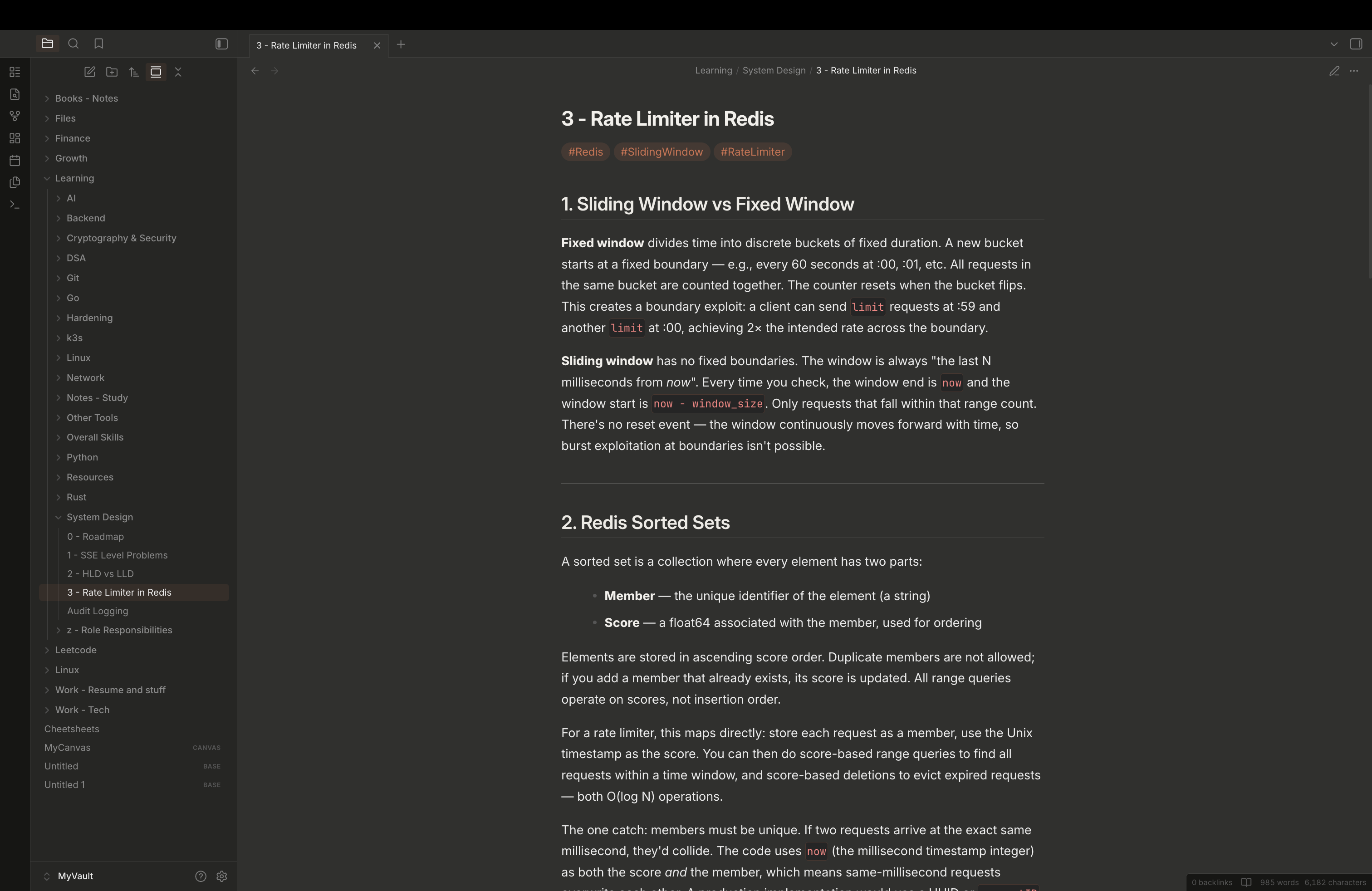
A dark theme for Obsidian inspired by the Claude AI chat interface. Clean, neutral dark tones with a focus on readability.
Features
- Neutral dark palette matching the Claude.ai interface
- Inter font for UI and body text; JetBrains Mono for code
- Syntax highlighting tuned for dark backgrounds (purple, green, blue, cyan, orange)
- Reading mode and live preview styled consistently
- Independent sidebar and editor background colors
- Inline code and code block colors distinct from body text
Installation
Via Community Themes (recommended)
- Open Obsidian Settings → Appearance → Themes
- Search for Claude
- Click Install, then Enable
Manual
- Download
theme.cssfrom this repository - Copy it to
.obsidian/themes/Claude/theme.cssinside your vault - Enable it in Settings → Appearance → Themes
Requirements
Obsidian 1.12.4 or later.