

README file from
GithubBorozdov Clipboard
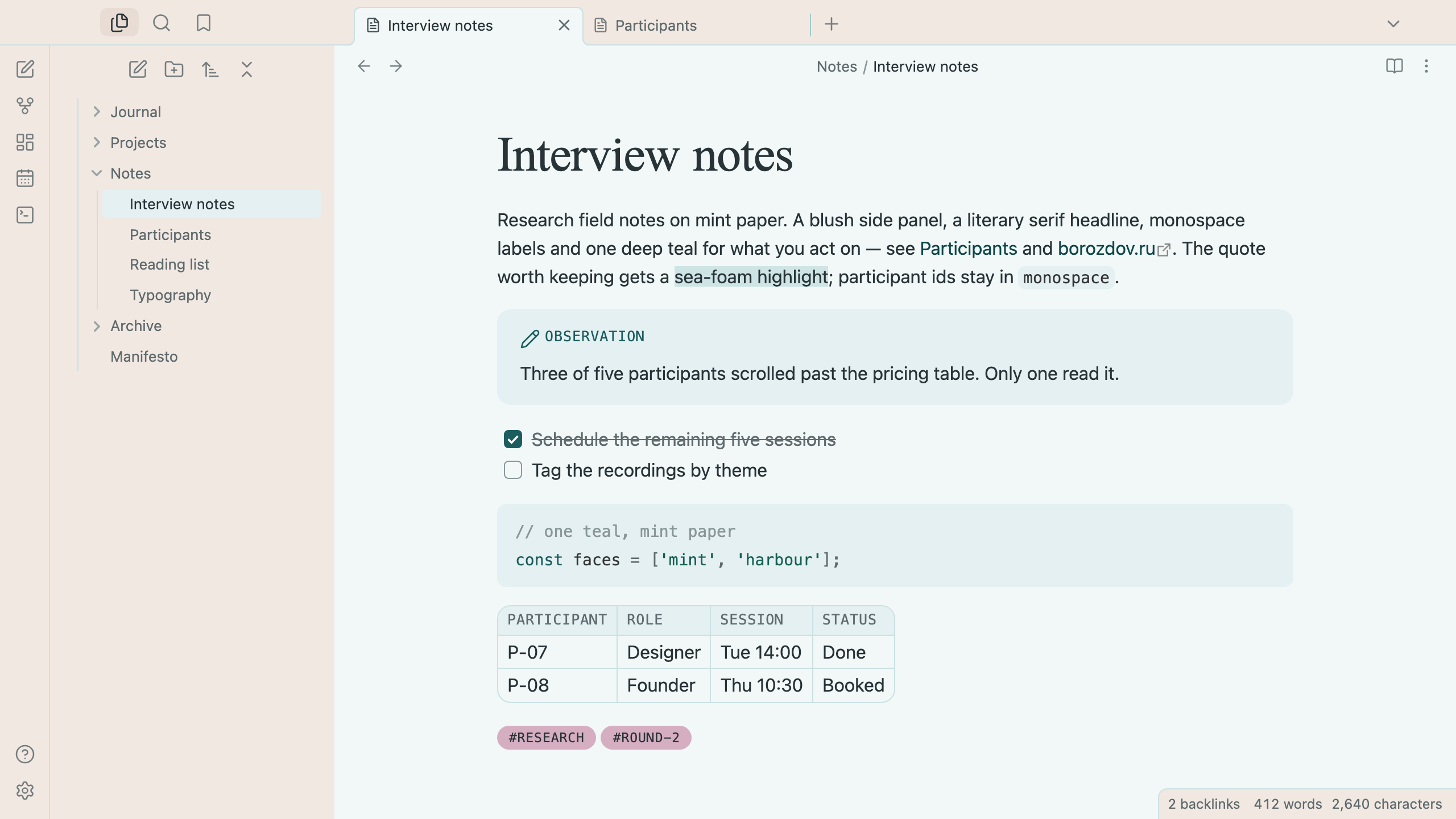
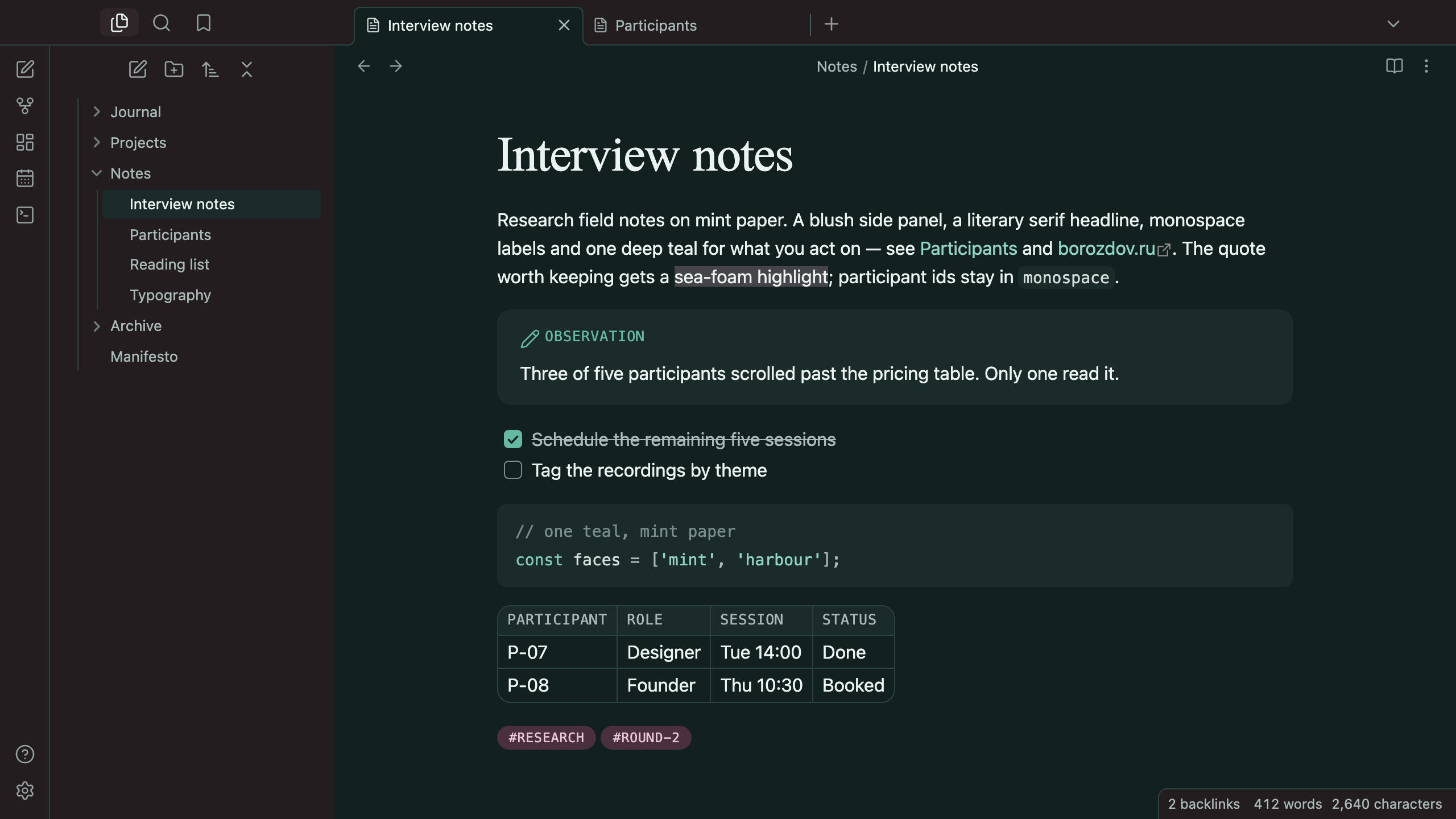
A theme from the Borozdov collection. Two faces — light Mint, research field notes on mint-tinted paper, and dark Harbour, the same notes by the water at night. A blush side panel beside a mint page, a literary serif headline, monospace labels and one deep teal for what you act on.
Principles
- Warm beside cool. The page is mint-tinted paper, never pure white; the side panels are blush sand. Cards are a deeper mint, defined by colour layering alone — nothing casts a shadow.
- Three voices. Clipboard Serif, a literary serif, for the title and the two largest headings; the platform's own sans for the text; a monospace in tracked capitals for section eyebrows — tags, table headers, callout titles, property names.
- One teal for actions. Deep teal fills the main button, a checked task and a toggle; pine carries links and the caret. Dusty rose washes tags, and sea foam is the highlighter.
- Pills and panels. Buttons and tags are pills; callouts, tables and embeds are 12px panels; fields keep 8px corners.
Features
- Light and dark modes, following Settings → Appearance → Base color scheme
- Callouts as mint panels with a monospace eyebrow in the type's colour
- Tables as stat strips with sea-foam rules and monospace column labels
- Pull quotes in the serif, a size up, behind a sage rule
- Quiet editing: no focus ring around the note, its title or form fields while you type; property names read as labels, not boxed fields
- Text colours meet WCAG contrast on both faces
- The phone layout keeps the same colours and shapes
- No
!important: every rule can be overridden with a CSS snippet
Installation
From the community directory: Settings → Appearance → Themes → Manage, search for Borozdov Clipboard, then Install and use.
By hand: download manifest.json and theme.css from the
latest release into
<vault>/.obsidian/themes/Borozdov Clipboard/, then choose Borozdov Clipboard under
Settings → Appearance → Themes.
Font
Clipboard Serif is embedded in theme.css as base64 WOFF2 under the SIL Open Font License
1.1 — see fonts/OFL.txt. It is a Latin and Cyrillic subset of Doulos SIL
(© 1994–2014 SIL International), renamed because a modified copy may not use the original's
Reserved Font Names. One weight, for the title, the two largest headings and pull quotes
only. The monospace is your platform's own.
License
MIT — see LICENSE.
По-русски. Тема из коллекции Borozdov. Два лика: светлый «Мята» — полевые заметки исследователя на мятной бумаге, и тёмный «Гавань» — те же заметки у воды ночью. Розоватая боковая панель рядом с мятной страницей, литературный заголовок с засечками (Clipboard Serif), моноширинные ярлыки и один глубокий бирюзовый для того, что вы делаете. Устанавливается из каталога: Настройки → Оформление → Темы → Настроить → Borozdov Clipboard → Установить и применить.