
README file from
GithubSoothe
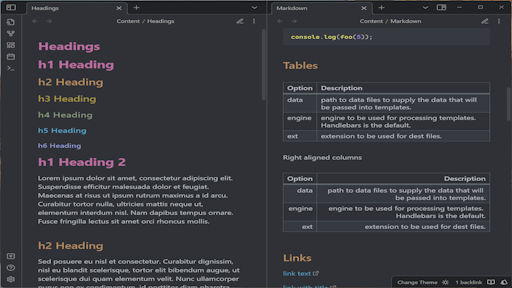
Tinge Obsidian with soothing colors, respect everything else Obsidian has to offer.
The theme is designed to feel less dazzling, while keeping the native feelings of Obsidian.
Support both dark and light themes across desktop, mobile and tablet.
Installation
Requires Obsidian 1.13.7 or later — Soothe targets the current release only.
- Open Settings > Appearance.
- Click Browse community themes.
- Search for Soothe.
- Click Use to activate.
Or install manually: clone this repo into your vault's .obsidian/themes/Soothe folder.
Sample
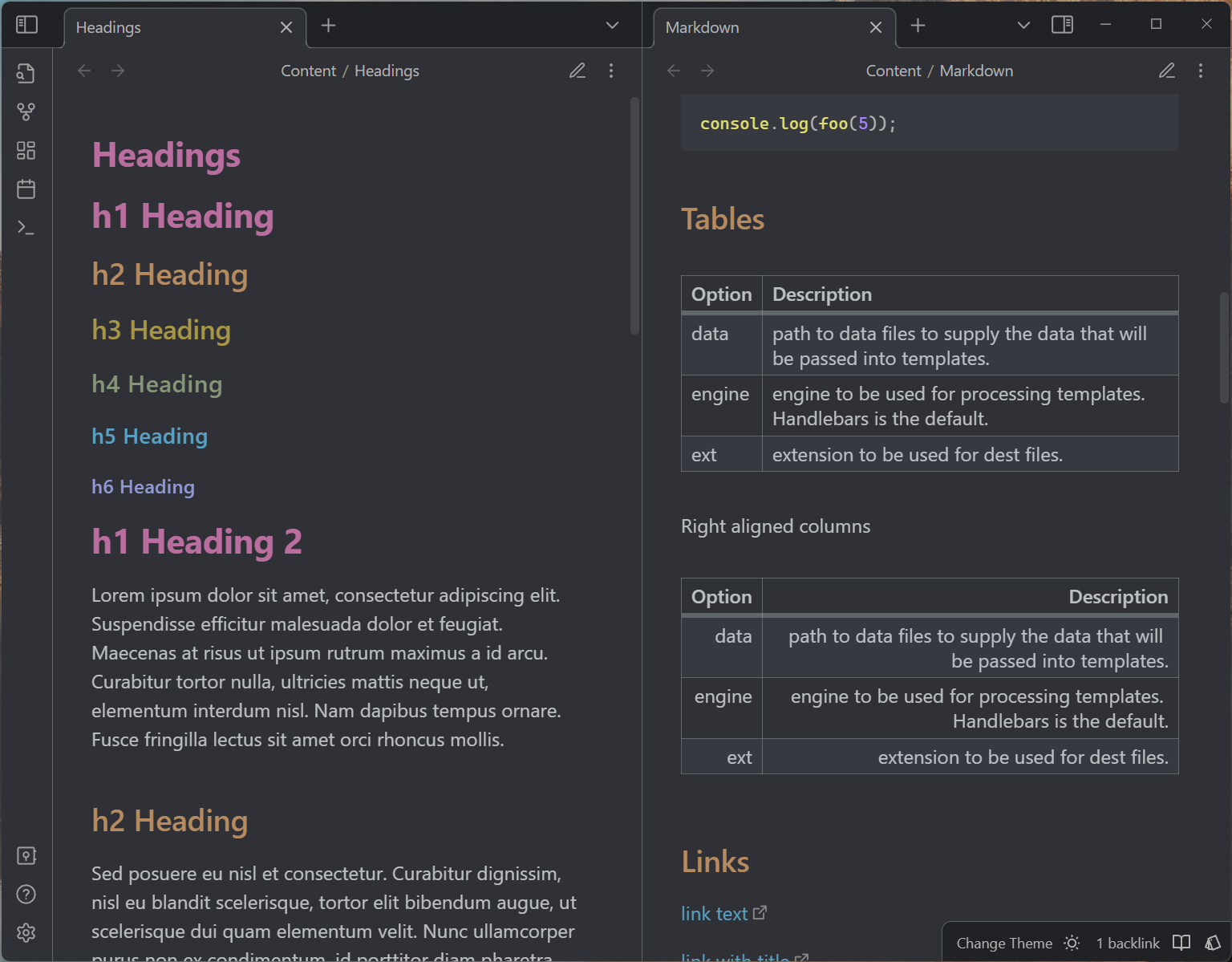
sample/Markdown-Sample.md covers every element the theme touches — headings,
emphasis, lists, tables, callouts, embeds, math, Mermaid, and long-form
typography. Copy it into a vault and open it with Soothe to check a change
against every element at once.
Customisation
Variables Soothe declares under .theme-dark / .theme-light need a class
selector to override — body { … } is not specific enough for those. Variables
declared under body can be overridden either way.
For everything else Obsidian exposes, see the CSS variables reference.
Development
To deploy the theme directly into an Obsidian vault, pass the vault path to the deploy command:
npm run deploy -- "/path/to/vault"
The command copies theme.css and manifest.json to
.obsidian/themes/Soothe — themes ship as plain CSS, so there is nothing to
build. After deployment, pick Soothe in Settings > Appearance >
Theme. Reload Obsidian (Ctrl/Cmd+R) after changing theme.css; restart it
after changing manifest.json.
Release
Use npm's version command to update package.json, manifest.json, and
versions.json, then push the generated commit and tag (tags intentionally have
no v prefix):
npm version patch
git push origin master --follow-tags
Pushing the tag starts the release workflow, which verifies that the tag matches
manifest.json, attests theme.css and manifest.json, and creates a draft
GitHub release with both files attached. Review the draft and publish it to
finish the release.