
README file from
Githubautotape-theme
A glowing retro-futurist terminal inspired theme for Obsidian
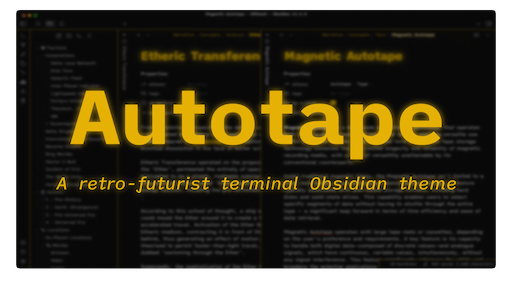
Autotape is a minimal Obsidian theme designed to invoke the feeling of old-style terminal interfaces without looking dated. Designed for Dark Mode, but compatible with either.
Bring your own typefaces, but the one shown in the screenshots is iA Writer Quattro by Information Architects, based on IBM Plex.
Autotape is fully compatible with the accent colour system. Simply select the colour you'd like in the Appearance section of Obsidian options and watch the theme change!
Thank you to the great Brutalism theme by abrahambahez for the inspiration.
https://i.imgur.com/pKPF758.png

https://i.imgur.com/Xqv5NZ0.png

Installation
- Open the Settings in Obsidian
- Navigate to
Appearanceunder Options - Under the
Themessection, click on theManagebutton across fromThemes - Search for
Autotapein the Filter text input - Click
Useand then you're done!