
README file from
GithubAurora Glass
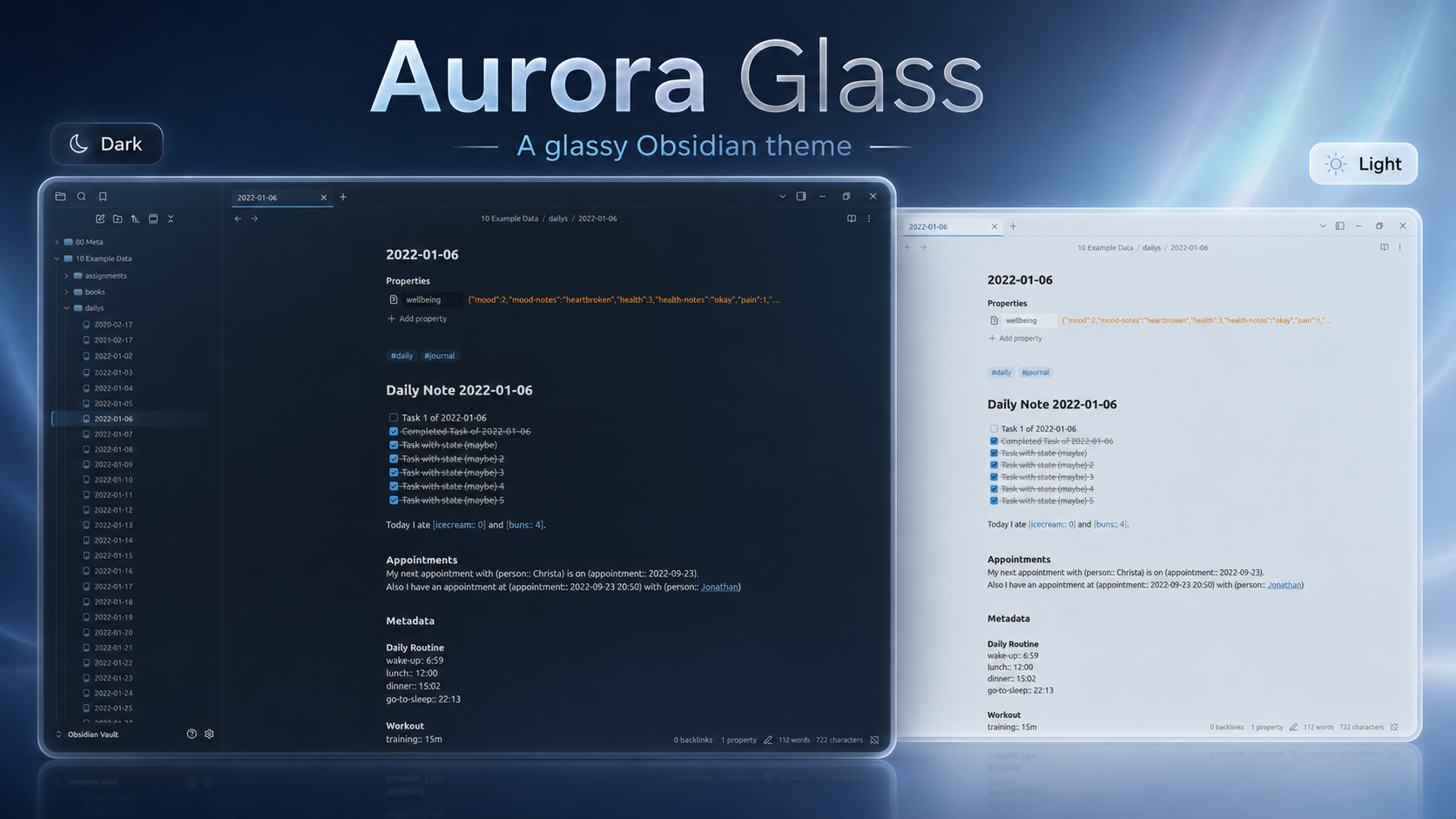
Aurora Glass is a graphite-blue glass theme for Obsidian, customized on top of Oczko24's Obsidian Transparent theme.
Repository: https://github.com/OtmiVi/aurora_glass
Highlights
- Dark and light graphite-blue glass palettes.
- Transparent, gradient, solid-color, and custom-image background modes.
- Tuned settings modal, community theme browser, tabs, file explorer, graph, canvas, callouts, code blocks, marks, and inline code.
- Compatibility fixes for Make.md, MySnippets, Day Planner, Remotely Save, Notebook Navigator, and Enchanted Animations.
Install
- In Obsidian, open
Settings -> Appearance -> Themes. - Click
Manage, search forAurora Glass, then clickInstall and use. - If it is already installed, select
Aurora Glassfrom the theme dropdown.
Credits
Based on Obsidian Transparent by Oczko24: https://github.com/Oczko24/Obsidian-transparent
Customized and assembled by OtmiVi.