
README file from
GithubPlagx Writer for Obsidian
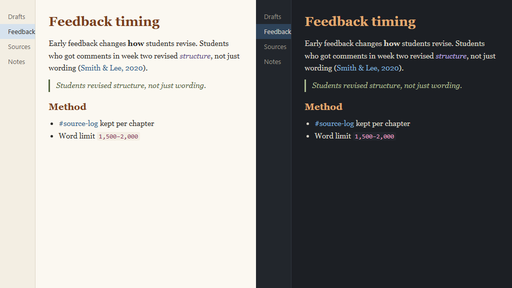
Calm light and dark themes for long-form writing in Obsidian. Plagx Writer is made for essays, theses, research notes and journals: a readable serif text font, warm headings, quiet links and dimmed Markdown syntax.
By Plagiarism Checker X. For full plagiarism checks and AI-generated text detection, visit Text Similarity Detector. This free theme only changes how Obsidian looks; it does not detect plagiarism or AI-generated text.
Features
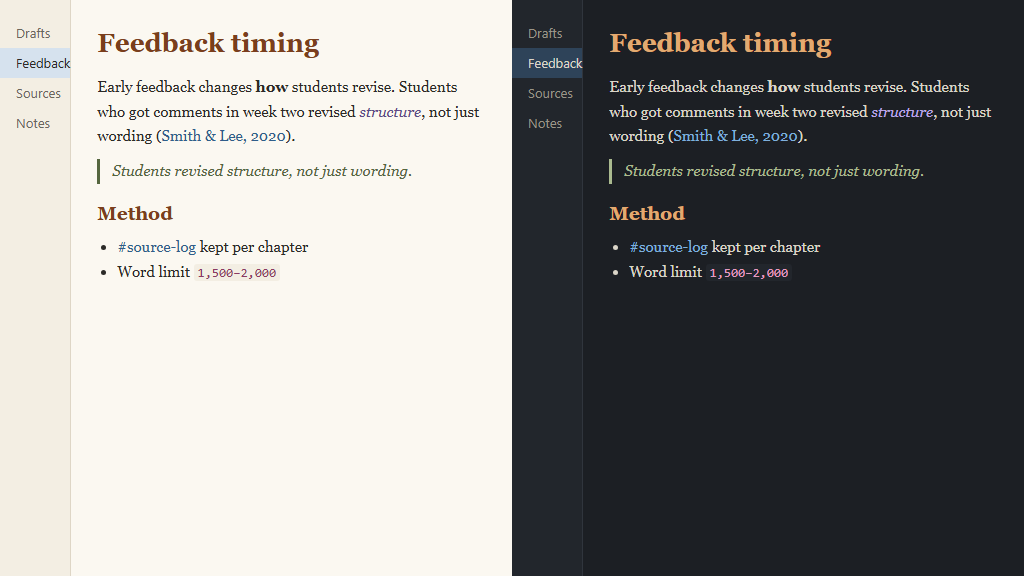
- Plagx Paper (light) and Plagx Ink (dark), following Obsidian's light/dark setting
- Serif reading font (Charter, Georgia) with a comfortable line height and line width
- Warm headings, italic quotes, and links that underline only on hover
- Dimmed Markdown syntax (
#,*,>) in Live Preview and Source mode - All text colours meet WCAG AA contrast (4.5:1 or more)
- Your own font size and font choices still apply
Install
From Obsidian: Settings → Appearance → Themes → Manage → search for Plagx Writer → Install and use.
Manually: copy theme.css and manifest.json into <your vault>/.obsidian/themes/Plagx Writer/, then choose Plagx Writer in Settings → Appearance → Themes.
Switch between light and dark in Settings → Appearance → Base color scheme.
Matching themes
The same colours are available for VS Code: Plagx Writer Theme.
Building from source
theme.css is generated from tokens/colors.json, which is shared with the other Plagx Writer themes:
node build.mjs
License
MIT © 2026 Plagiarism Checker X