
README file from
GithubAtom One Pro for Obsidian
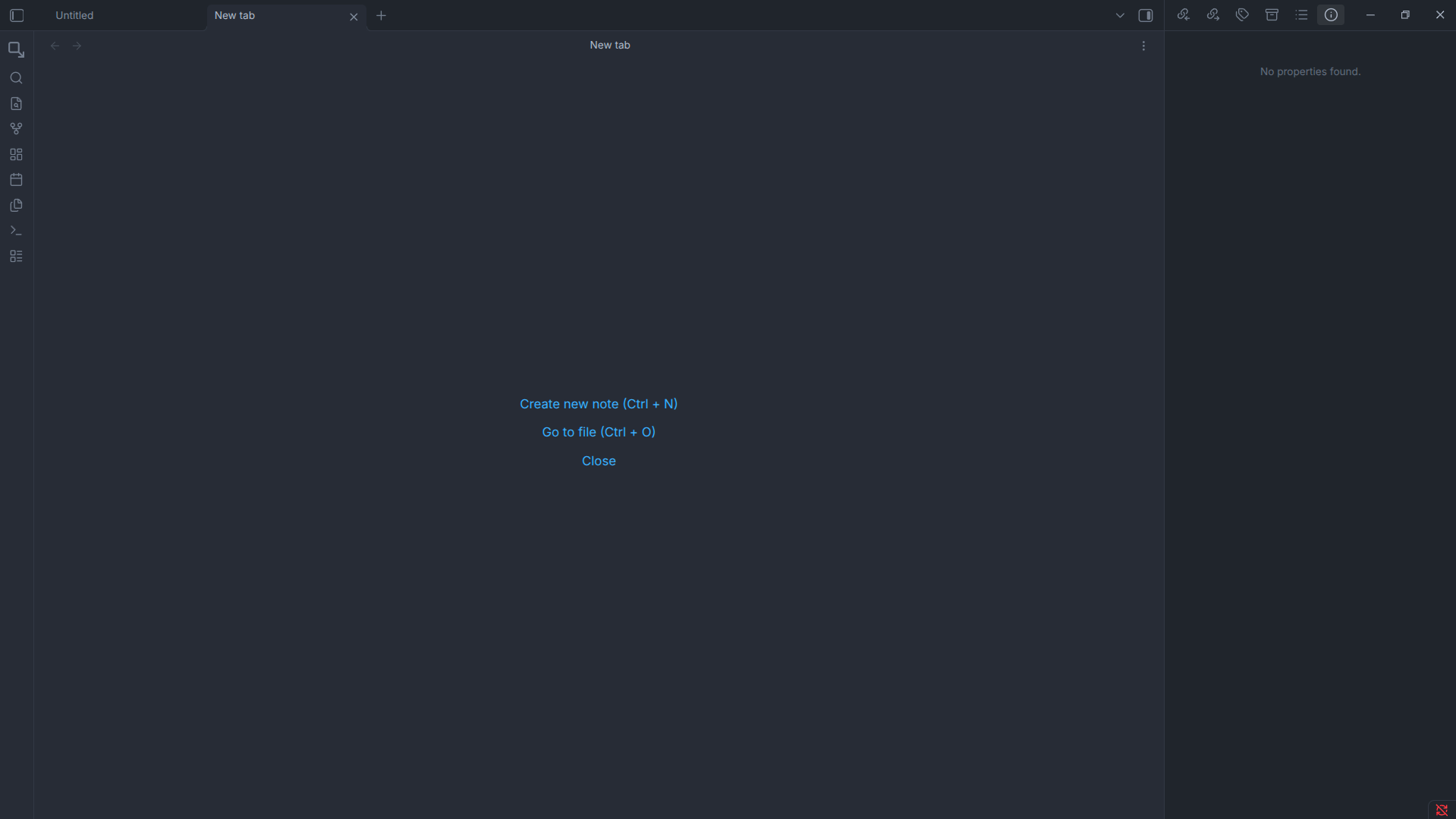
A clean, eye-friendly Atom One theme for Obsidian. Features dynamic & responsive settings layouts, soft balanced contrast for extended writing, and full Light/Dark mode support.
A sleek, modern, and eye-friendly theme for Obsidian, inspired by the iconic Atom One syntax palette. Designed with a focus on visual balance, readability, and a fully responsive interface.
✨ Features
- Dynamic & Responsive Settings Layout: Settings panels automatically wrap and adjust gracefully across all window sizes and zoom levels without overlapping controls or text clipping.
- Soft & Eye-Friendly Palette: Replaced harsh neon accents with balanced, muted slate blues to reduce strain during late-night writing and research sessions.
- Full Light & Dark Support: Custom-tuned Atom One Light and Atom One Dark palettes with high-contrast text and code blocks.
- Polished File Explorer & Syntax Highlighting: Optimized sidebar hierarchy and crisp Markdown syntax styling.
📸 Screenshots
Dark Mode
preview
setting
Light Mode
preview
setting
🚀 Installation
Manual Installation
- Download
theme.cssandmanifest.jsonfrom the latest release or repository root. - Open your Obsidian Vault folder and navigate to
.obsidian/themes/. - Create a folder named
Atom One Themeand paste both files inside. - In Obsidian, go to Settings > Appearance > Themes, and select Atom One Theme.
🛠️ Built With
- Pure CSS (Vanilla Obsidian CSS Variables)
- Flexbox & Dynamic Responsive Rules
📄 License
Distributed under the GNU General Public License v3.0 (GPL-3.0). See LICENSE for more information.