
README file from
GithubVision
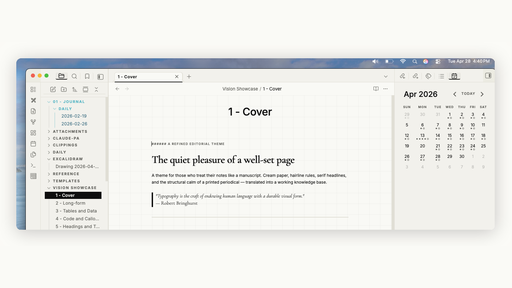
A refined editorial theme for Obsidian. Cream paper with a subtle grid, elegant serif headings, crisp ink accents — built to make notes feel like a structured manuscript rather than a scratchpad.
About Vision
Screenshots
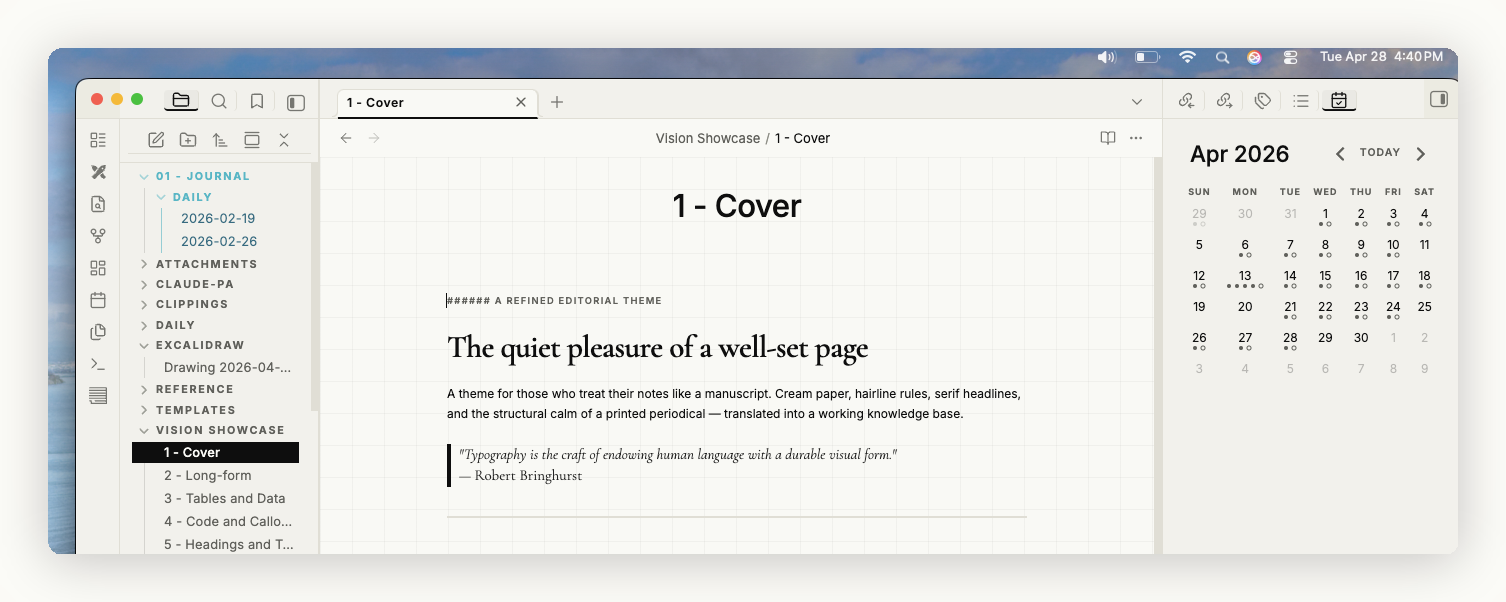
Code and callouts stay legible without disrupting the page.
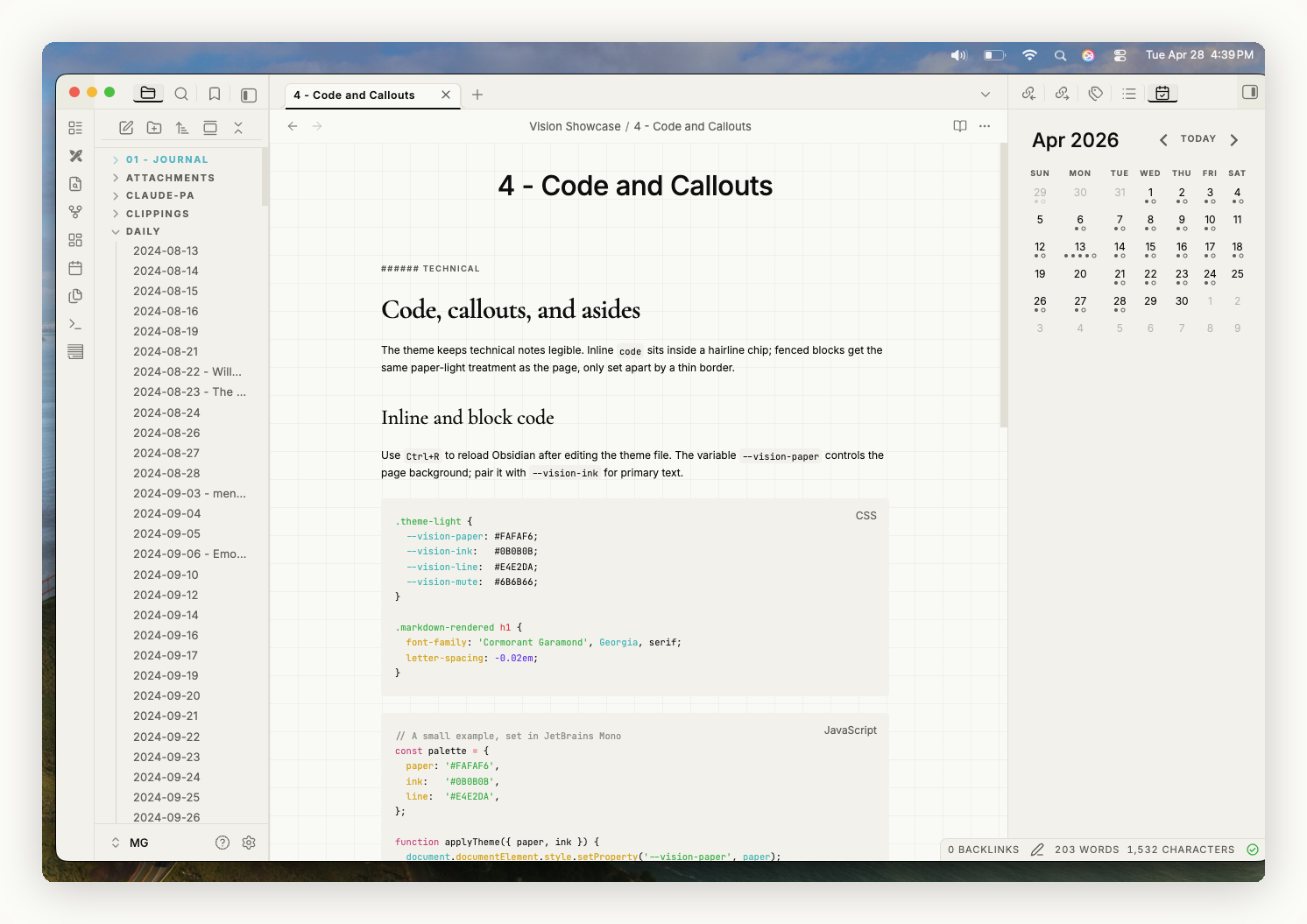
Tables render as structured grids — uppercase tracked column headers, hairline row dividers.
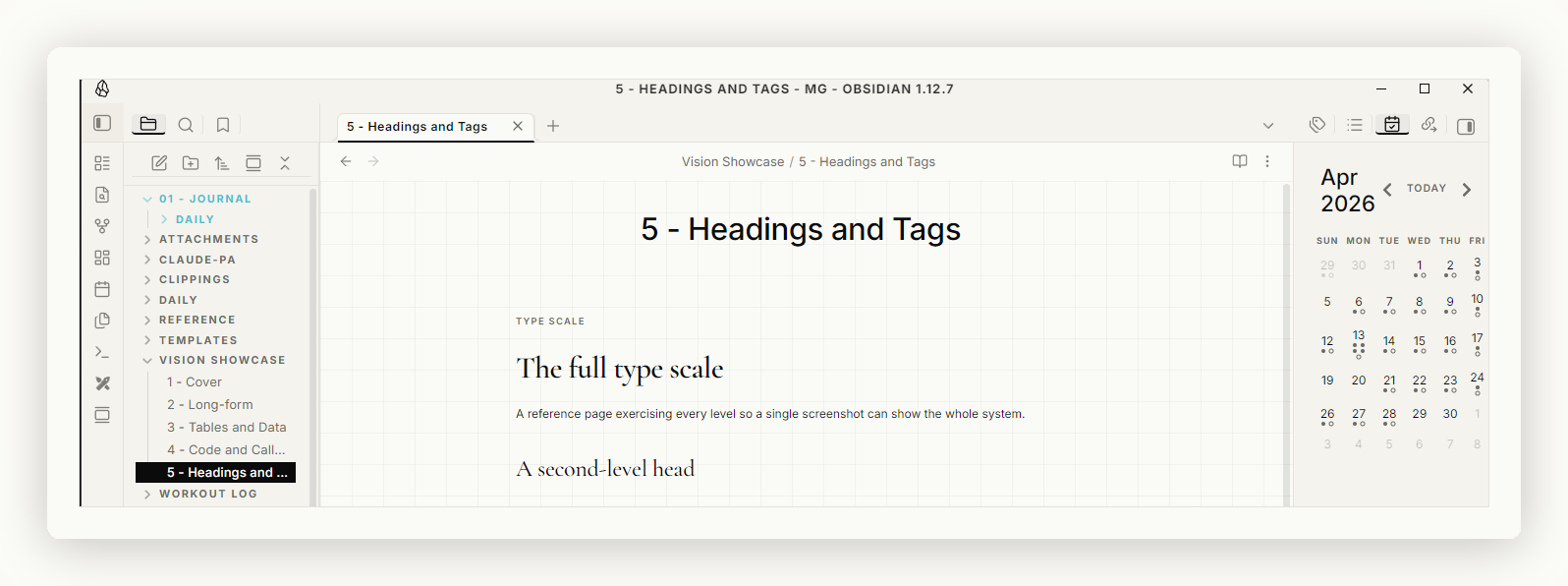
The full type scale, H1 through H6, exercising headings, body, and inline elements.
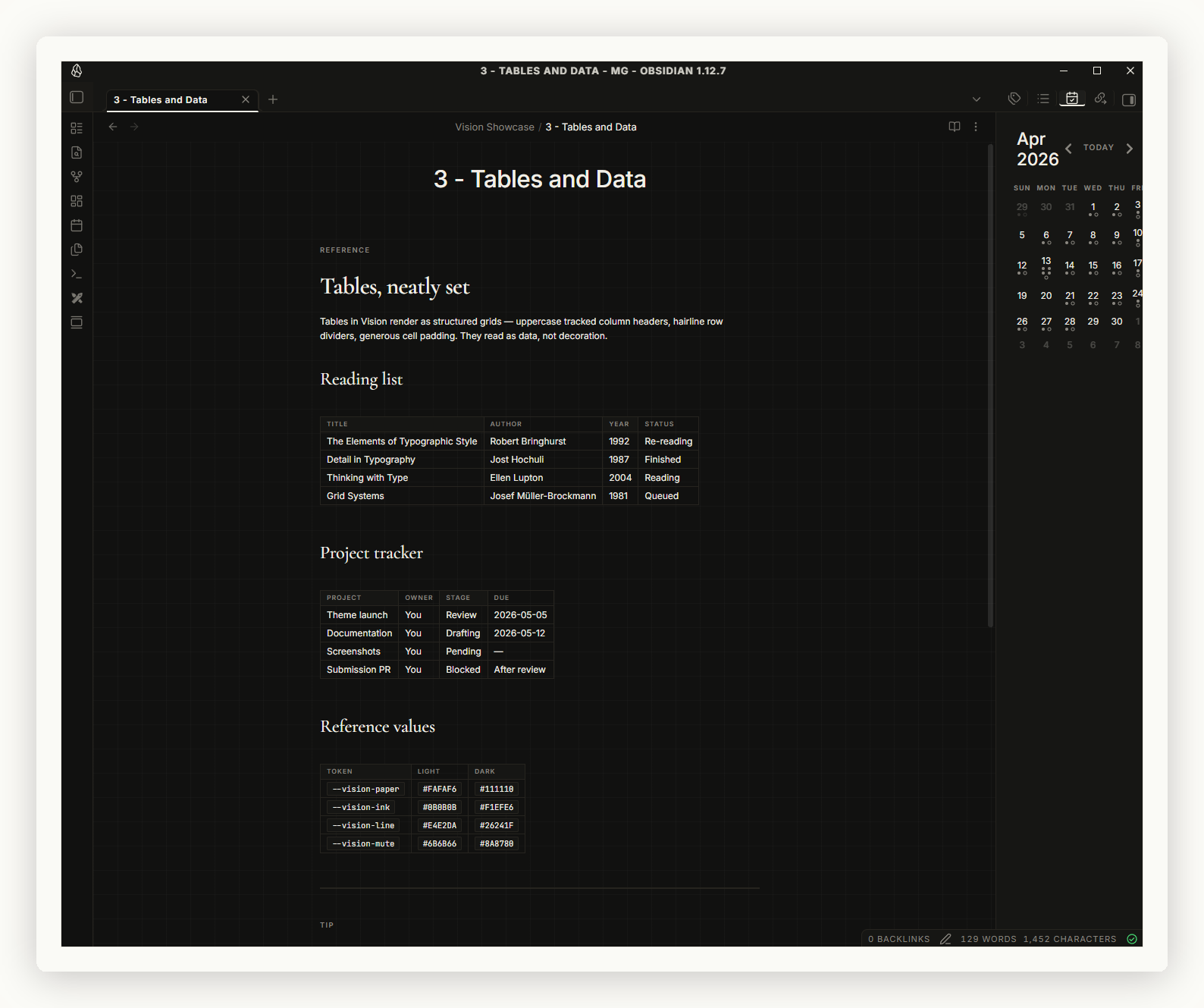
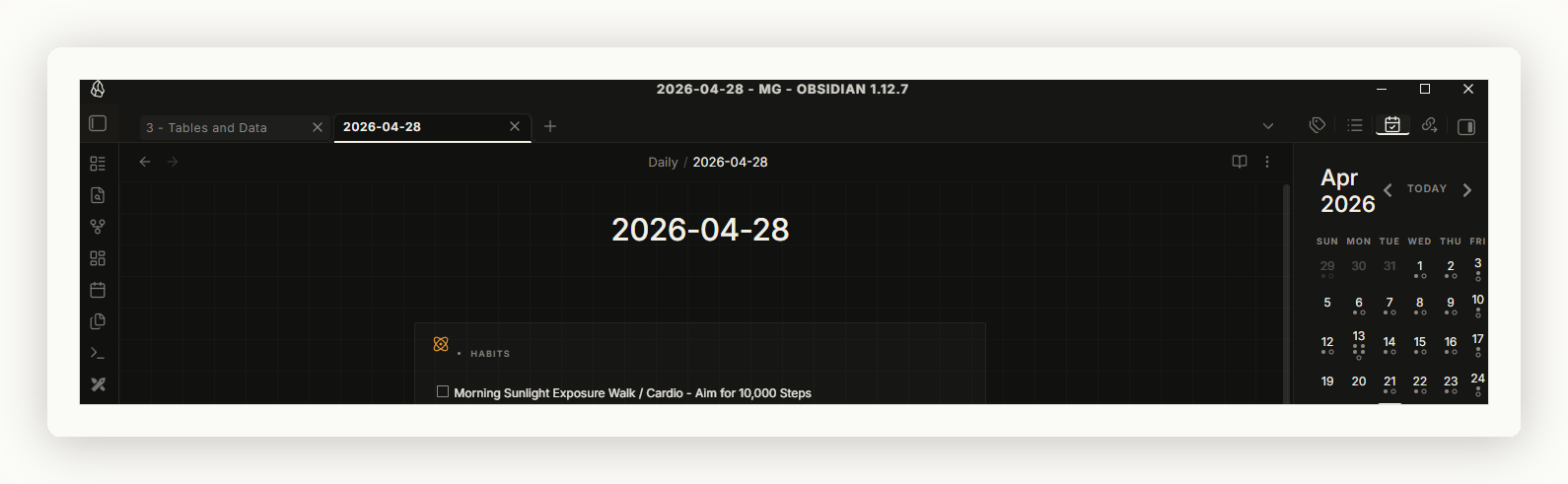
Companion dark mode — ink-on-paper inverted.
Installation
From the Obsidian community gallery
Pending submission. Once accepted:
- Open Obsidian → Settings → Appearance
- Under Themes, click Manage and search for "Vision"
- Click Use
Manual install
- Download
manifest.jsonandtheme.cssfrom the latest release - Place them in
<your-vault>/.obsidian/themes/Vision/ - Open Obsidian → Settings → Appearance → select Vision
Via git (for contributors)
git clone https://github.com/Mukhil-G/obsidian-vision.git "<your-vault>/.obsidian/themes/Vision"
Features
- Light and dark variants — cream paper for light, ink-on-paper inverted for dark
- Subtle 32px grid background — gridded-paper texture without distracting from text
- Editorial typography — Cormorant Garamond serif for H1–H3, Inter sans for body
- Eyebrow labels — H4–H6 render as uppercase, tracked-out small caps
- Pull-quote blockquotes — italic serif, indented with a hairline rule
- Structured tables — uppercase tracked column headers, hairline row borders
- Section-divider rules — horizontal rules render with a centered
§glyph - Outlined tag chips — squared, uppercase, monospace tracking
- Pure-ink CTAs — squared 2px corners, no rounded buttons
Typography
| Use | Font | Source |
|---|---|---|
| Headings (H1–H3) | Cormorant Garamond | Google Fonts |
| Body | Inter | Google Fonts |
| Code | JetBrains Mono | Google Fonts |
Fonts load from Google Fonts at runtime. Internet required on first load; cached after that. Replace the @import line at the top of theme.css to self-host or swap fonts.
Customization
The theme exposes its core palette as CSS variables prefixed with --vision-. Override them in a CSS snippet (Settings → Appearance → CSS Snippets) to retune without forking:
.theme-light {
  --vision-paper:  #FAFAF6;   /* page background */
  --vision-ink:    #0B0B0B;   /* primary text + accents */
  --vision-line:   #E4E2DA;   /* hairline borders */
  --vision-mute:   #6B6B66;   /* muted text */
}
Want a different accent color, a wider reading column, or no grid? Open an issue with what you'd like.
Contributing
Pull requests welcome. The theme is a single theme.css — no build step.
- Fork and clone into your vault's themes folder
- Make changes; reload Obsidian (
Ctrl+R) to see them - Bump
manifest.jsonversion (semver) before opening a PR
License
MIT © 2026 Mukhil-G