
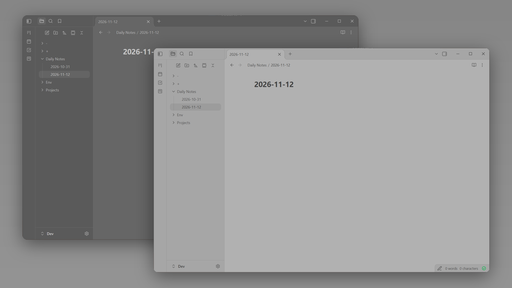
README file from
GithubTwoShadesOfGrey
A flat, quiet theme for Obsidian built from two greys and one blue.
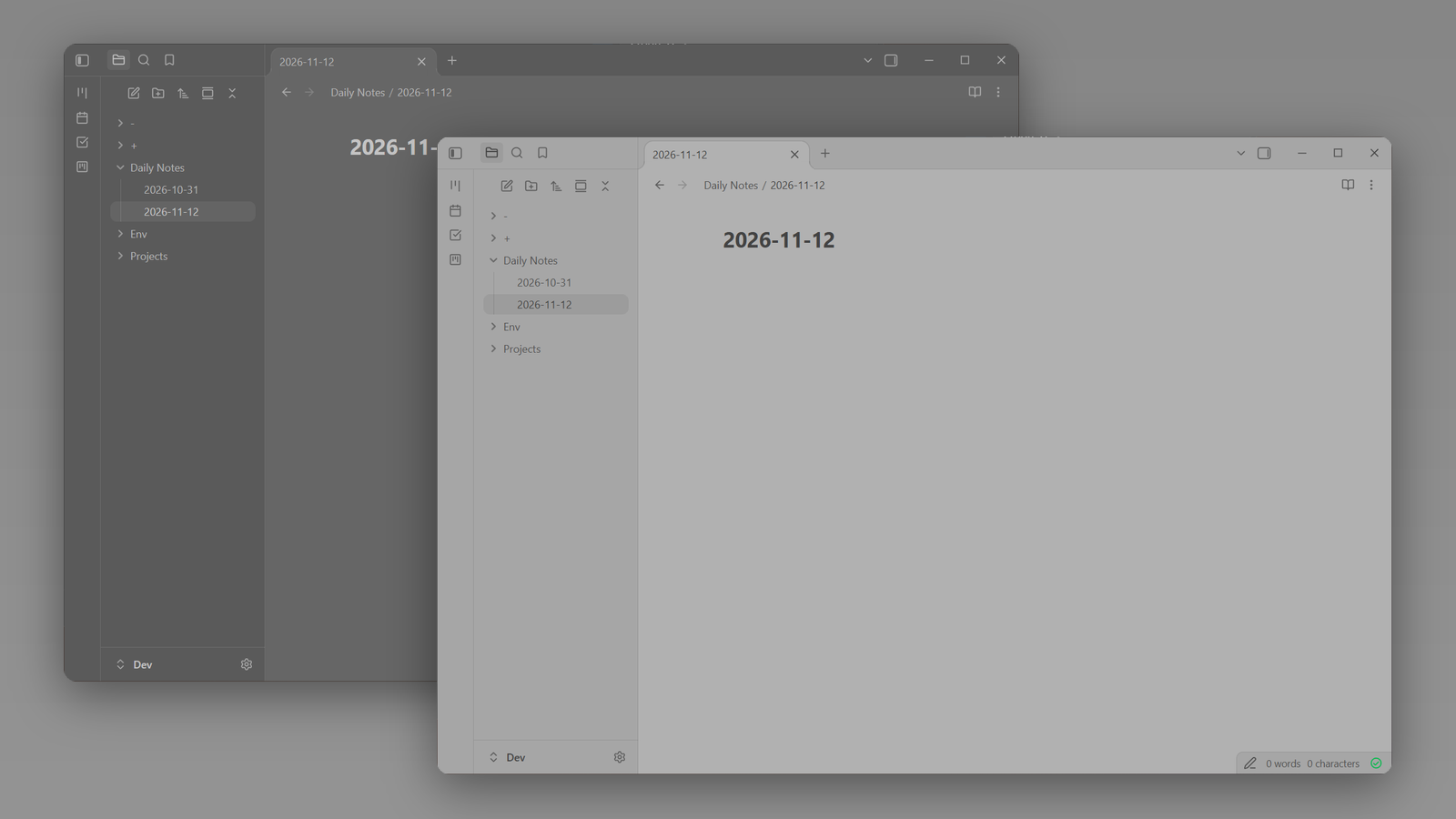
- Dark mode is a mid-dark grey (
#666666) with soft, toned-down text rather than stark white. - Light mode is a mid-light grey (
#b1b1b1) with charcoal text, so there is no bright white anywhere on screen. - Sidebars, ribbon, tab bar and title bar sit one step darker than the note in both modes.
- A single blue accent for links, tags, bullets and selection.
- No glow, no glass, no textures, no extra fonts.
Both modes are low-contrast by design, for people who find pure black or pure white backgrounds tiring.
Install
Once the theme is listed in the community directory:
- Open Settings → Appearance.
- Under Themes, select Manage.
- Search for TwoShadesOfGrey and select Install and use.
Manual install
- Download
manifest.jsonandtheme.cssfrom the latest release. - Put both files in
<your vault>/.obsidian/themes/TwoShadesOfGrey/. - Open Settings → Appearance and choose TwoShadesOfGrey under Themes.
Notes
- The Help button at the bottom of the left sidebar is hidden.
- Requires Obsidian 1.5.0 or later.