Edit mode switch

by Mara-Li
5
4
3
2
1
Score: 52/100

Description

Category: Customization & UI

The Edit mode switch plugin adds a convenient button to the file header in Obsidian's edit mode, enabling users to toggle seamlessly between source mode and live-preview mode. It also supports a 'three-mode toggle' feature that allows switching between read mode, source mode, and live-preview mode in a specified order. This functionality replaces the default Obsidian button and offers a streamlined experience for managing editing and viewing preferences. Users should note potential visual 'blinks' when switching modes, particularly with live-preview.

Reviews

No reviews yet.

Stats

9
stars
3,157
downloads
0
forks
591
days
43
days
390
days
1
total PRs
0
open PRs
0
closed PRs
1
merged PRs
8
total issues
1
open issues
7
closed issues
25
commits

Latest Version

a year ago

Changelog

0.0.8 (2025-04-06)

Features

  • disable tab title warning (afc8f7f), closes #8

README file from

Github

File Header Shortcuts: Edit Modes

Add a button to the file header in edit mode to switch between Source and Live Preview.

Doesn't work if Live Preview or the file header is disabled.

There are three settings:

  • Reverse button icons — Display the next mode button instead of the current one. For example, if you are in Live Preview, it will display the Source icon instead of the Live Preview icon.
  • Include reading mode — Include Reading mode in the switch. One button will cycle through a configurable order.
  • "All button" mode — Each mode (Source, Live Preview, and Reading) is separated. This mode is not compatible with the two other options.

All button mode

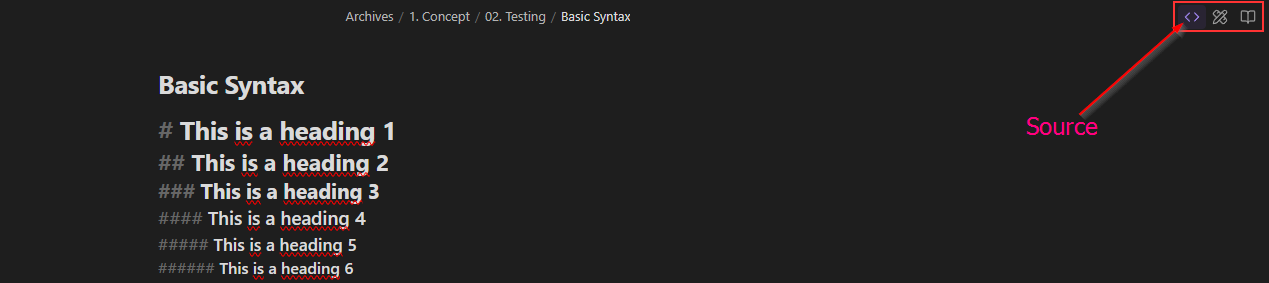
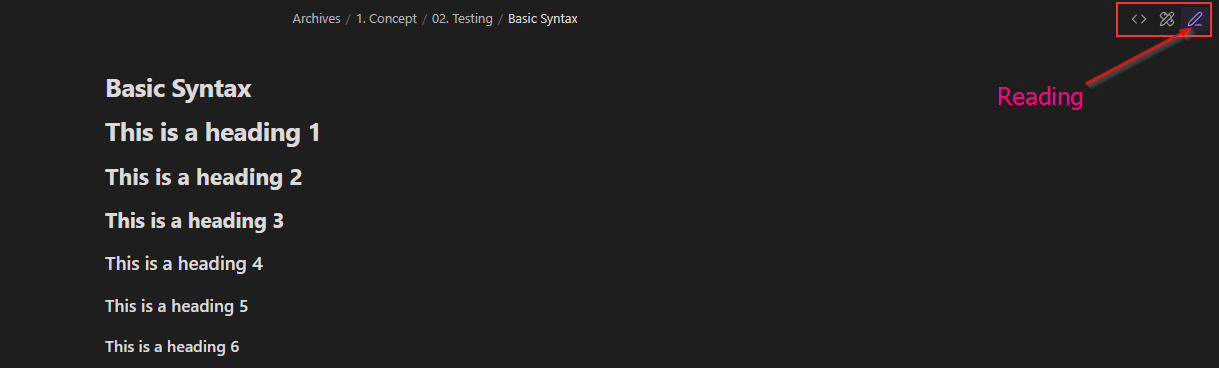
All icons will be displayed for each mode in the file header, like this: Obsidian file header with the default theme displaying the three icons for each mode

The active mode will be highlighted, and the highlight will move when switching modes: Obsidian file header in Live Preview mode, displaying the three icons where the active mode is highlighted with the is-active class. Obsidian file header in Source mode, displaying the three icons where the active mode is highlighted with the is-active class. Obsidian file header in Reading mode, displaying the three icons where the active mode is highlighted with the is-active class.
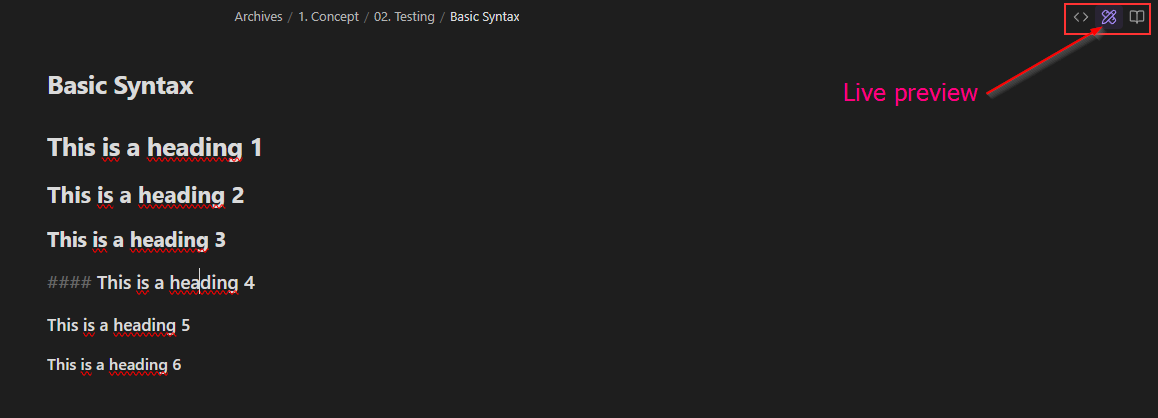
[!note] The Reading button is the default button. Its icon will change when switching to one of the edit modes.

Styling

The plugin uses the following CSS classes:

  • .edit-mode-button: Button added in the file header
  • .edit-mode-hide: Class used to hide the Reading button
  • .edit-mode-default-button: Reading button in the three-mode behavior

Buttons in the three-mode layout will get the is-active class when necessary.

📥 Installation

  • From Obsidian's community plugins
  • Using BRAT with https://github.com/Mara-Li/obsidian-shortcuts-LP_Source
  • From the release page:
    • Download the latest release
    • Unzip shortcuts-edit-mode.zip into the .obsidian/plugins/ path
    • In Obsidian settings, reload the plugin
    • Enable the plugin

Similar Plugins

info
• Similar plugins are suggested based on the common tags between the plugins.