Stack Overflow Answers

by bramses
5
4
3
2
1
Score: 36/100

Description

Category: Coding & Technical Tools

The Stack Overflow Answers plugin streamlines the integration of Stack Overflow answers into Obsidian notes. With a default hotkey (cmd+shift+v) that can be customized, users can quickly insert answers from Stack Overflow, enhancing the accessibility of coding solutions and reference material within their note-taking workflow. The plugin simplifies the process of fetching and embedding answers directly, saving time for developers and technical professionals. By leveraging an efficient URL and cursor replacement mechanism, this tool ensures a seamless user experience for managing external coding resources.

Reviews

No reviews yet.

Stats

31
stars
4,259
downloads
0
forks
1,421
days
1,442
days
1,442
days
1
total PRs
0
open PRs
0
closed PRs
1
merged PRs
9
total issues
7
open issues
2
closed issues
0
commits

Latest Version

4 years ago

Changelog

init release of https://github.com/bramses/obsidian-stack-overflow

Fetch Stack Oveflow answers and copy paste them directly into Obsidian

README file from

Github

Watch This video to See The Plugin in Action (Click the Thumbnail)
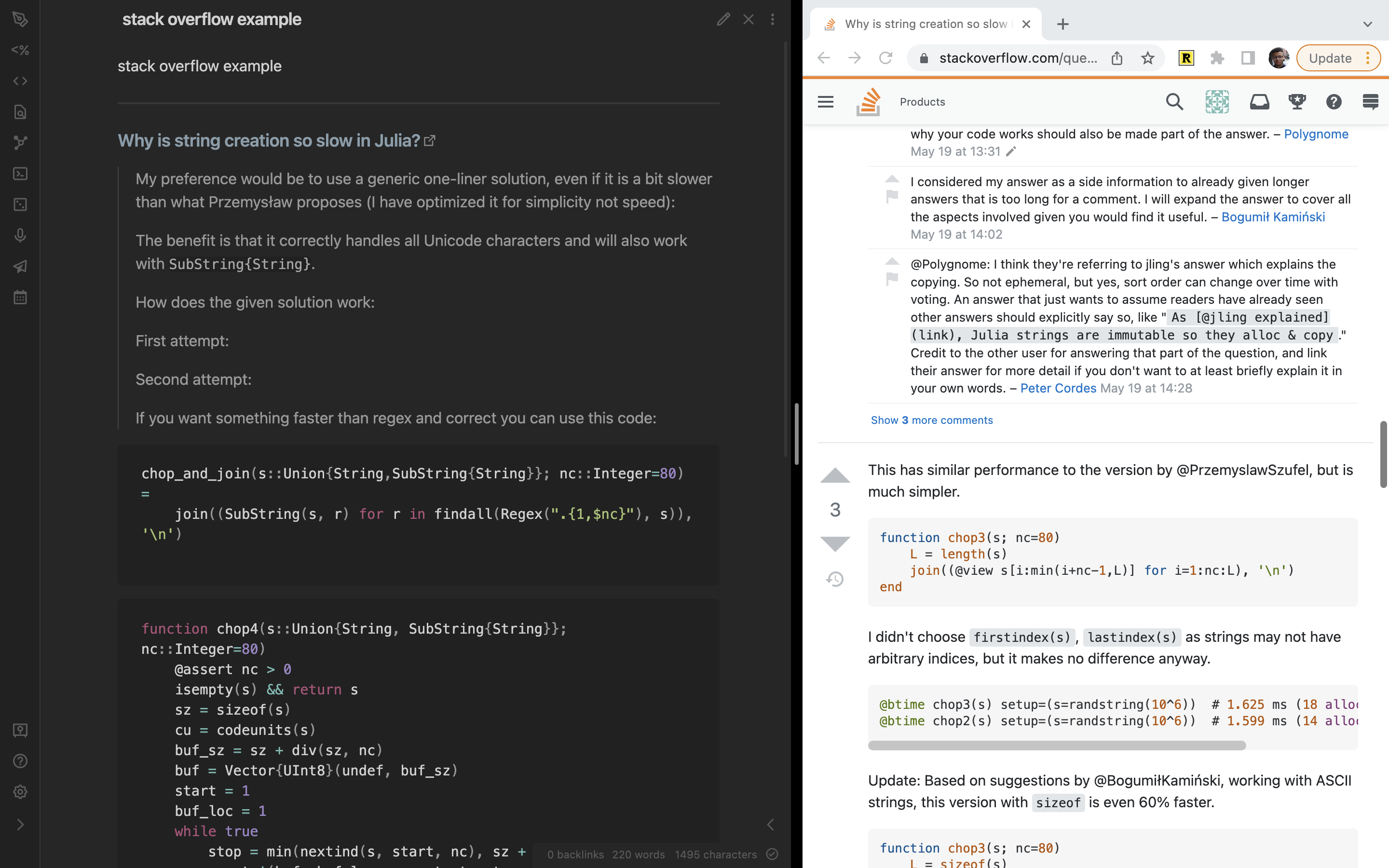
thumbnail

Installation

Search Stack Overflow Answers in the Obsidian Community Plugins section

Manual Installation

Clone this folder into your obsidian .plugins folder, then:

  1. run npm i or yarn to install dependencies.
  2. run npm run dev to start compilation in watch mode.

Usage

The default hotkey to insert a Stack Overflow answer is cmd+shift+v. This can be changed in the community plugins section.


settings 1 settings 2

Thanks To

Similar Plugins

info
• Similar plugins are suggested based on the common tags between the plugins.