Nomnoml Diagram

by Daeik Kim
5
4
3
2
1
Score: 38/100

Description

Category: Data Visualization

The Nomnoml Diagram plugin is a game-changer for Obsidian users who need to create diagrams quickly and easily. With this plugin, you can draw nomnoml diagrams directly inside your notes using fenced code blocks or the auto-generated command. The plugin supports nomnoml directives to customize diagram styles, and all diagrams are generated as SVG files that can be exported to PDF. This means you can annotate text nodes in your PDF exports! The plugin is compatible with Obsidian desktop and mobile versions and has been tested on v0.12.15+. Overall, this plugin makes it simple to add professional-looking diagrams to your notes and enhance your workflow.

Reviews

No reviews yet.

Stats

59
stars
10,487
downloads
4
forks
1,698
days
976
days
976
days
3
total PRs
1
open PRs
0
closed PRs
2
merged PRs
7
total issues
5
open issues
2
closed issues
0
commits

Latest Version

3 years ago

Changelog

  • Updated nomnoml version for the new parser: 1.4.0 → 1.6.2
  • Error messages are displayed when there are syntax errors.

README file from

Github

Obsidian nomnoml Diagram

An example of nomnoml diagram

This Obsidian plugin lets you draw nomnoml diagrams inside of Obsidian notes.

Drawing a nomnoml diagram

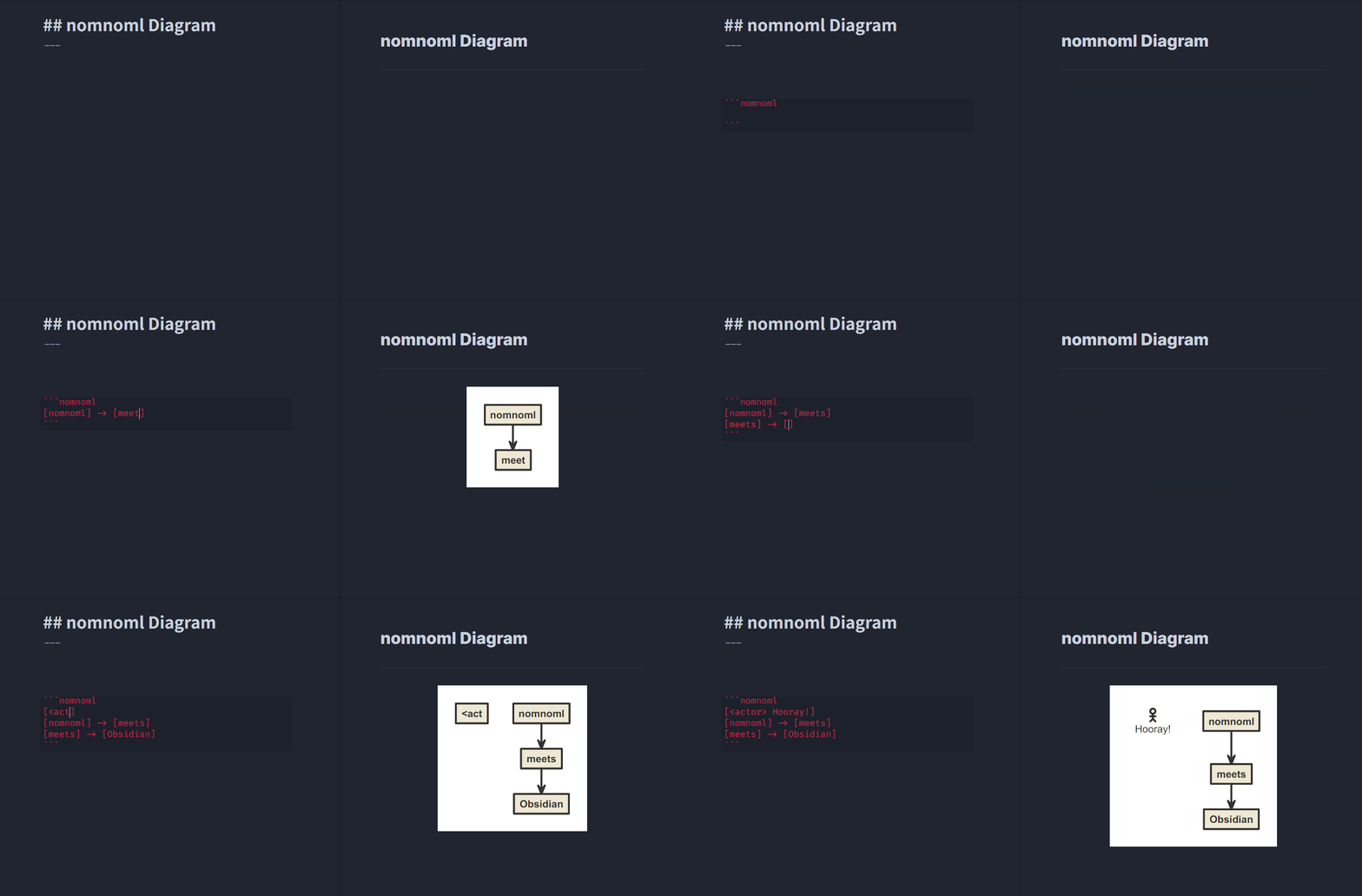
To draw a nomnoml diagram inside of a note, you can simply use fenced code block syntax with nomnoml keyword. (Or use [Nomnoml Diagram: New Diagram] command to insert auto-generated fenced code block)

```nomnoml
[Example] -> [Diagram]
```

nomnoml directives are also supported to set diagram styles per diagram.

(Default directive settings can be set in [Plugin Options > Nomnoml Diagram].)

```nomnoml
#background: #000000
#arrowSize: 0.5

[Example] -> [Diagram]
```

Please check nomnoml's official website and GitHub repository for the full syntax references and more examples!

Notes

  • All diagrams are generated as SVG(Scalable Vector Graphics)
  • Obsidian's default "Export to PDF" includes generated SVG diagrams (and each text node is PDF annotatable!)
  • Inserting new diagrams will be much easier using [Nomnoml Diagram: New Diagram] command by a hotkey or / slash command (v0.12.17+)

Compatibility

  • Supports Obsidian desktop and mobile versions
  • Tested for Obsidian v0.12.15+

License

MIT

Similar Plugins

info
• Similar plugins are suggested based on the common tags between the plugins.