
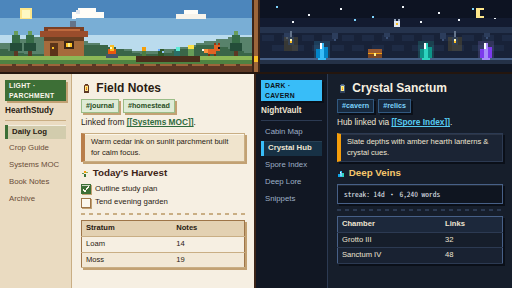
README file from
GithubVaultVale Hearthwood — 16-Bit Pixel Timber & Subterranean Slate Theme for Obsidian
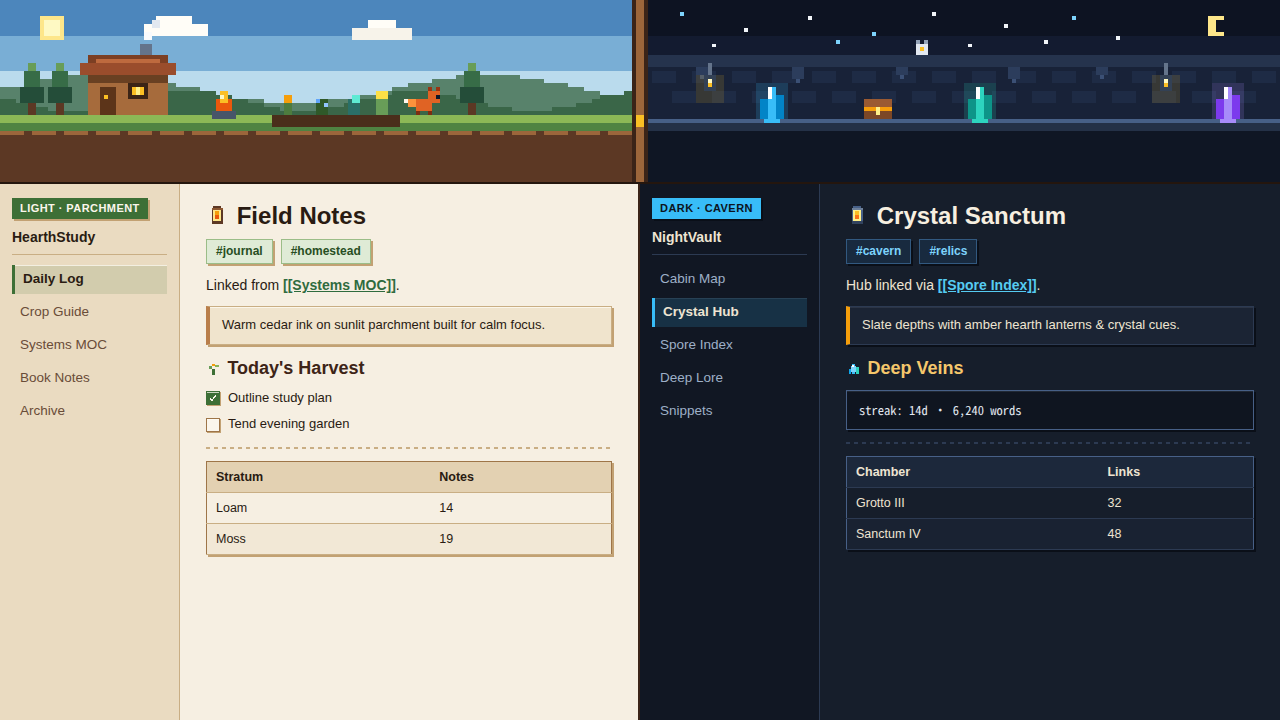
A high-contrast, cozy 16-bit pixel timber & subterranean crystal slate theme crafted by HearthCraft Lab for calm, distraction-free writing — designed to pair seamlessly with the VaultVale Community Plugin.
- Light Mode (Hearthwood Parchment): Crisp cedar ink (
#291b12) on sunlit parchment (#f6efe2), stepped pixel oak bevel cards, green RPG inventory#tagbadges, pixel hearth-lantern H1 icons, clover-sprout H2 markers, and pixel task checkboxes. - Dark Mode (Subterranean Cavern Slate): Warm ivory text (
#eee4d2) on calm deep slate (#161e2b), amber lantern H1 emblems, cyan crystal cluster H2 icons, amber torch borders, and crisp bevel data tables. - Zero External Assets: Pure CSS variables and inline crisp-edge SVG pixel motifs, tabular numerals in tables, zero remote font requests, and readable measure (
44rem) for long writing sessions.
Installation
From Obsidian Community Themes
- Open Settings -> Appearance -> Themes -> Manage.
- Search for VaultVale Hearthwood (or open VaultVale Hearthwood in the Community Directory).
- Click Install and use.
Manual Installation
- Download
manifest.jsonandtheme.cssfrom the latest GitHub release. - Create the folder
<your-vault>/.obsidian/themes/VaultVale Hearthwood/and place both files inside it. - Reload themes in Settings -> Appearance -> Themes and select VaultVale Hearthwood.
Usage & Customization
- Switch between Light (Hearthwood Parchment) and Dark (Subterranean Cavern Slate) under Settings -> Appearance -> Base color scheme.
- To customize accent colors or reading width via an Obsidian CSS snippet (Settings -> Appearance -> CSS snippets), override theme variables cleanly:
.theme-light {
  --interactive-accent: #3d6f36;
  --file-line-width: 48rem;
}

.theme-dark {
  --interactive-accent: #f2aa48;
  --background-primary: #161e2b;
}
Companion Plugin
Pair this theme with the VaultVale Obsidian Plugin to turn your daily notes, tasks, and folder backlinks into an interactive 16-bit pixel homestead and clickable subterranean knowledge cavern.
- Live Playable Web Sandbox (No Install Needed): https://vaultvale.pages.dev/
- Optional Pro Upgrade: VaultVale Pro on Gumroad