
README file from
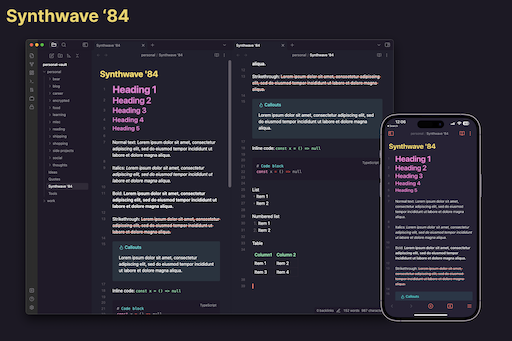
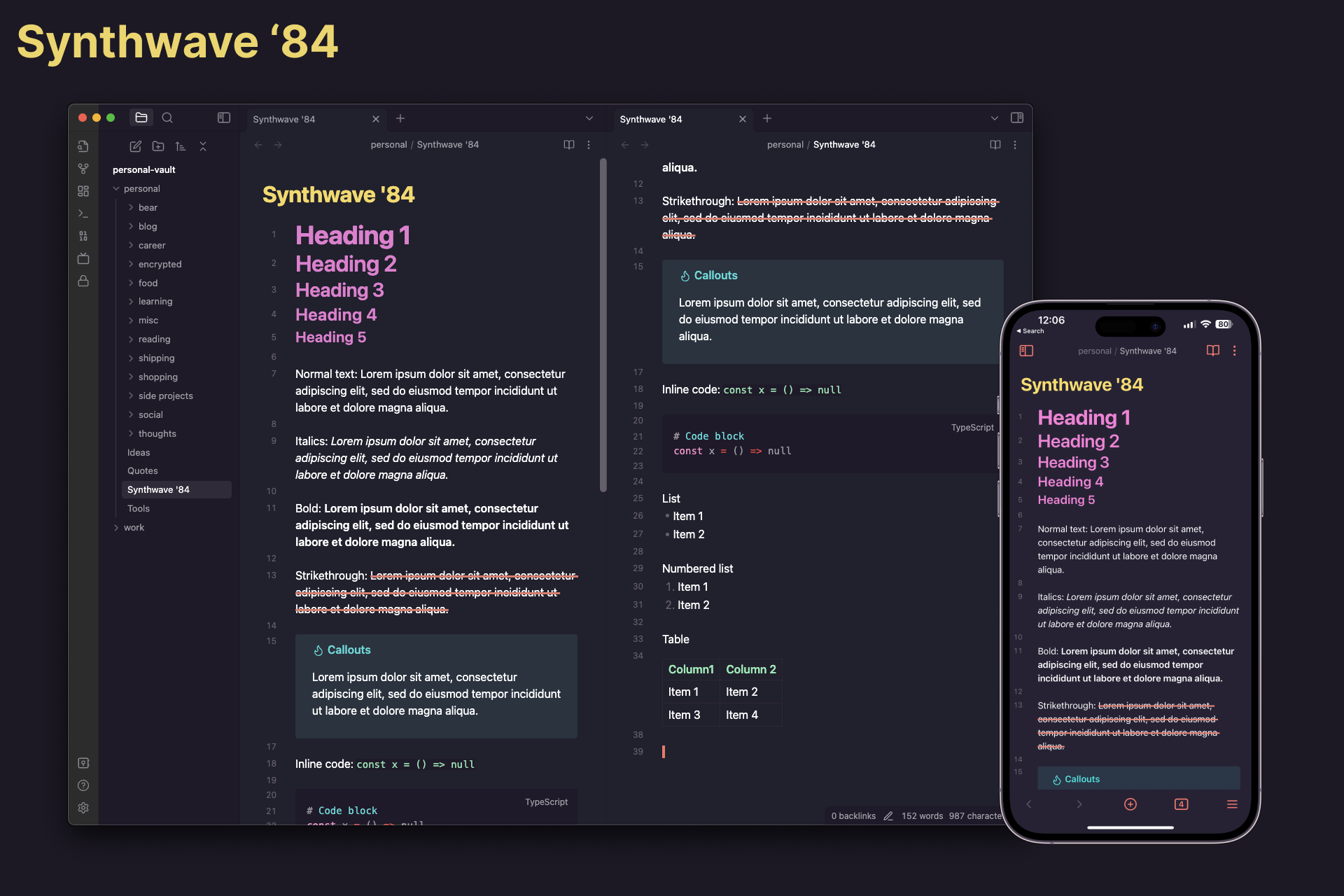
GithubSynthwave '84 theme for Obsidian
How to install
From Obsidian (Recommended)
- Go to Obsidian Settings.
- Go to
Appearance -> Themes -> Manage - Search for
Synthwave '84 - Click on
Install and use
From source
- Clone this repo
git clone https://github.com/G2Jose/synthwave-84-obsidian-theme.git
- Copy theme file to your vault
cp synthwave-84-obsidian-theme/theme.css YOUR_VAULT_DIRECTORY/.obsidian/themes/synthwave-84.css
- To use the new theme, open Obsidian and go to
Settings -> Appearance -> Themes -> synthwave-84
Acknowledgements
Inspired by Rob Owen's synthwave-vscode and Marco Luzi's obsidian-synthwave