
README file from
GithubAmber Cathode
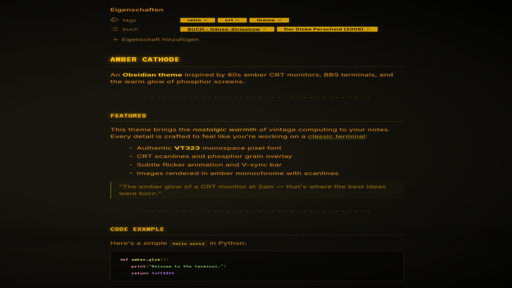
An Obsidian dark theme inspired by 80s amber CRT monitors and BBS (Bulletin Board System) aesthetics.
Features
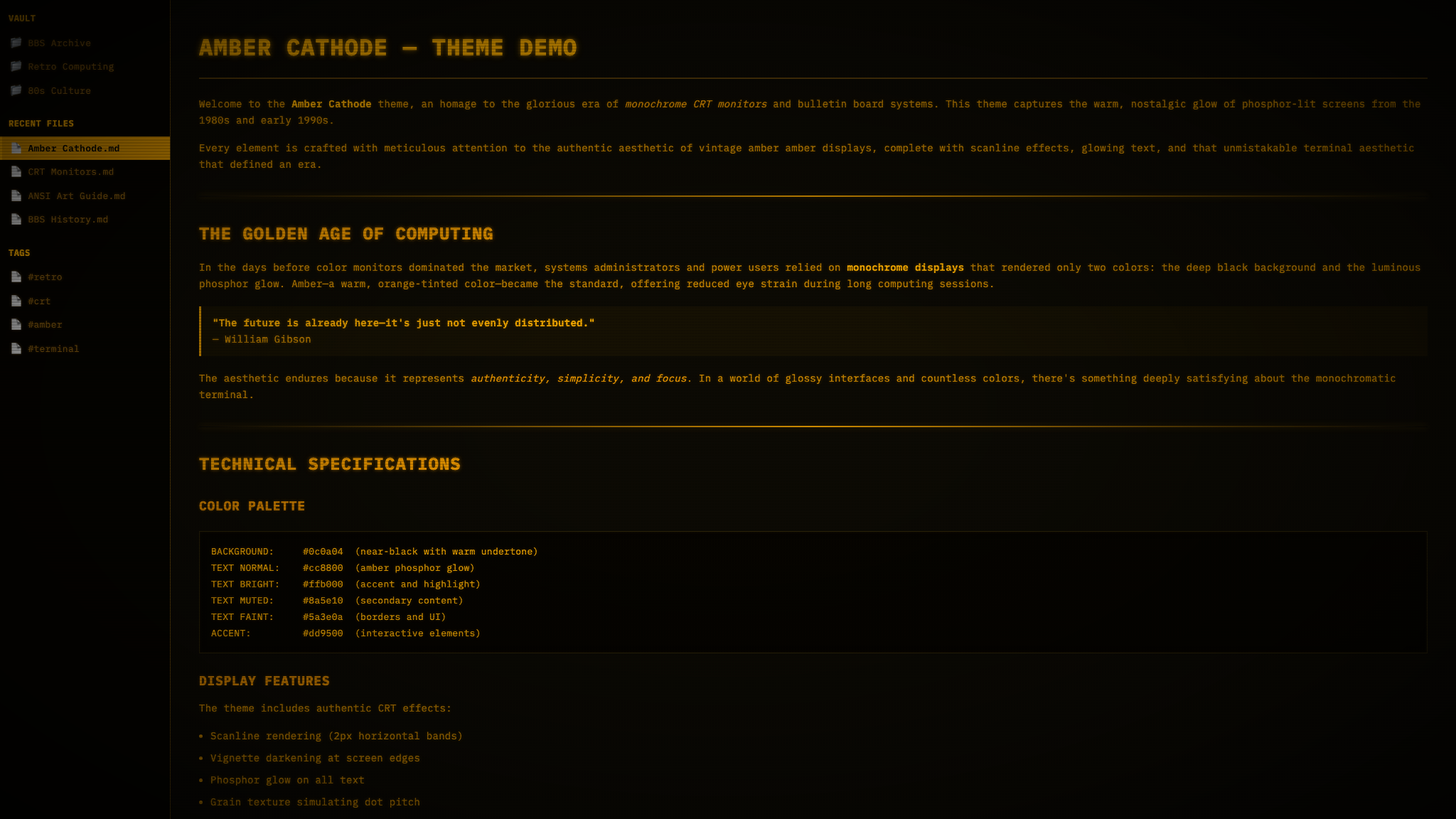
- Amber phosphor palette — authentic monochrome CRT colour scheme
- CRT scanlines — horizontal line overlay simulating electron beam raster
- Phosphor glow — text-shadow on all elements for that warm glow
- Screen vignette — heavy edge darkening simulating barrel distortion
- Phosphor grain — subtle SVG noise simulating dot pitch structure
- Full monospace — IBM Plex Mono / JetBrains Mono throughout
- Sharp corners — zero border-radius for a true terminal feel
- Subtle CRT flicker — barely perceptible animation for immersion
- BBS-themed demo — includes a showcase file with ASCII art, BASIC code, and retro content
Installation
- Open Obsidian Settings → Appearance → Themes
- Click "Manage" and search for Amber Cathode
- Click "Install and use"
Manual Installation
- Download
theme.cssandmanifest.json - Create a folder called
Amber Cathodein your vault's.obsidian/themes/directory - Place both files inside
- Activate the theme in Settings → Appearance
Colour Palette
| Role | Hex |
|---|---|
| Phosphor Bright | #ffb000 |
| Phosphor Normal | #cc8800 |
| Phosphor Muted | #8a5e10 |
| Phosphor Dim | #5a3e0a |
| Screen Black | #0c0a04 |
| Sidebar | #060400 |
| Border | #2a2208 |
Credits
Created by Björn Kindler
License
MIT License — see LICENSE