
README file from
GithubWorkbench for Obsidian


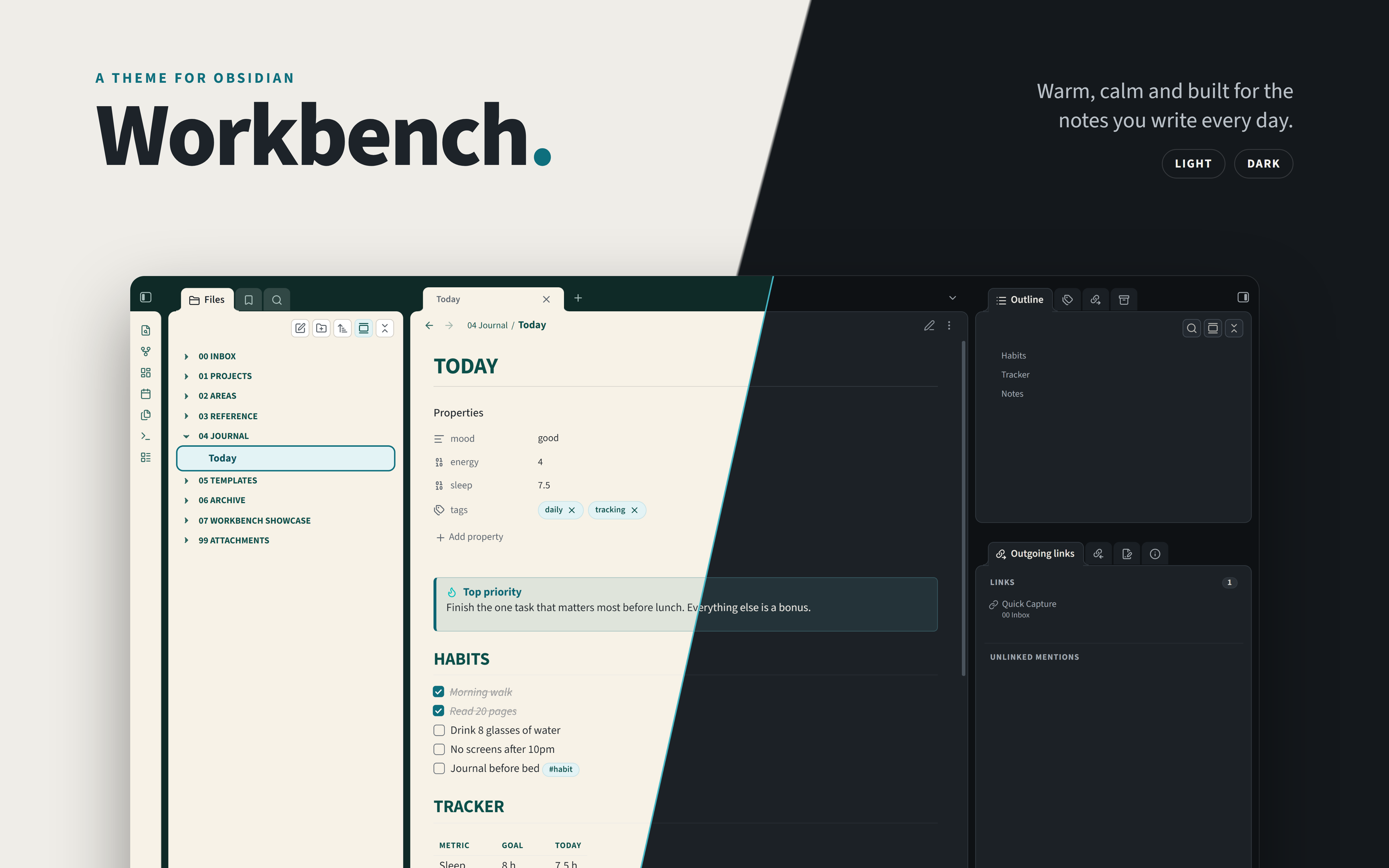
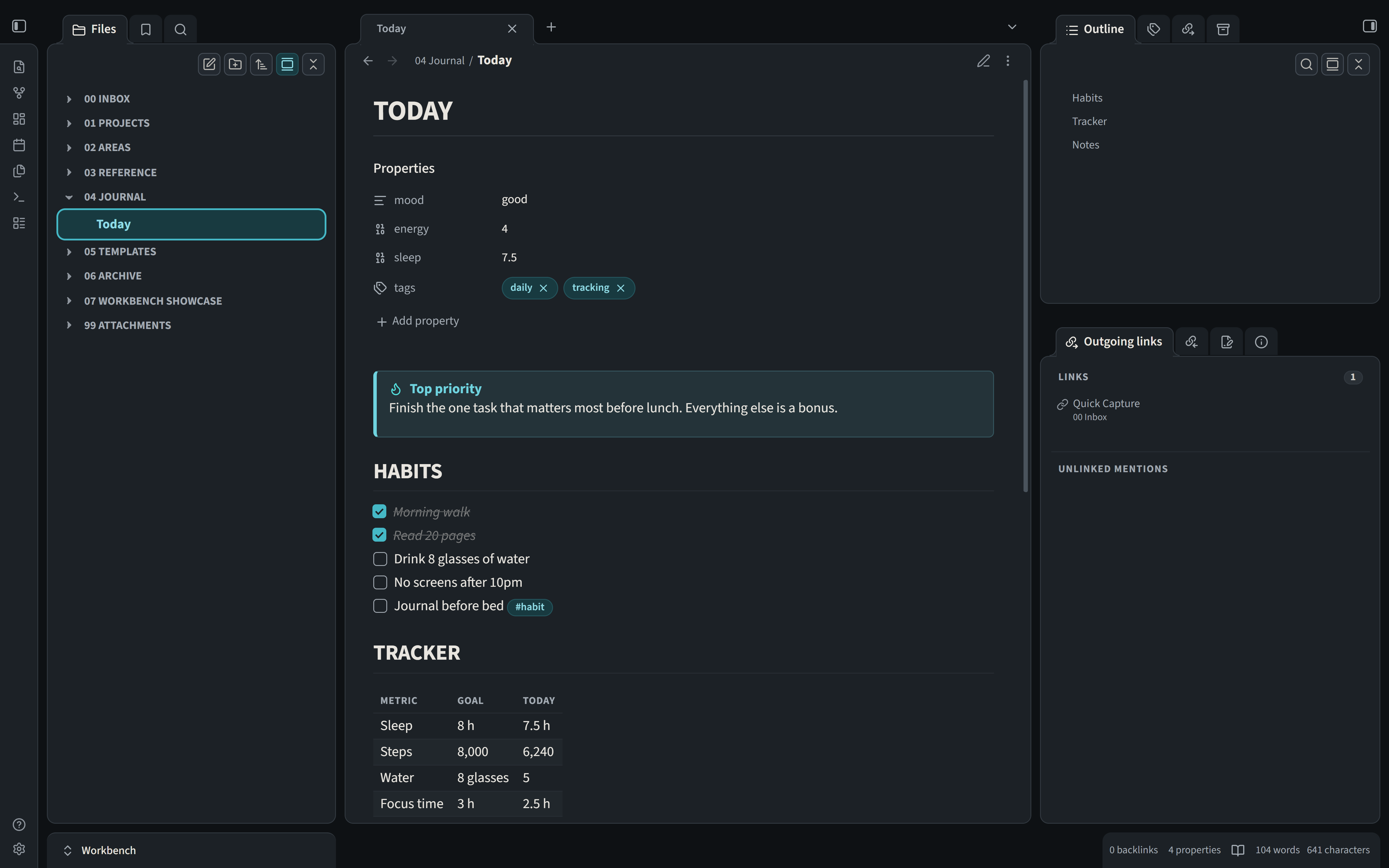
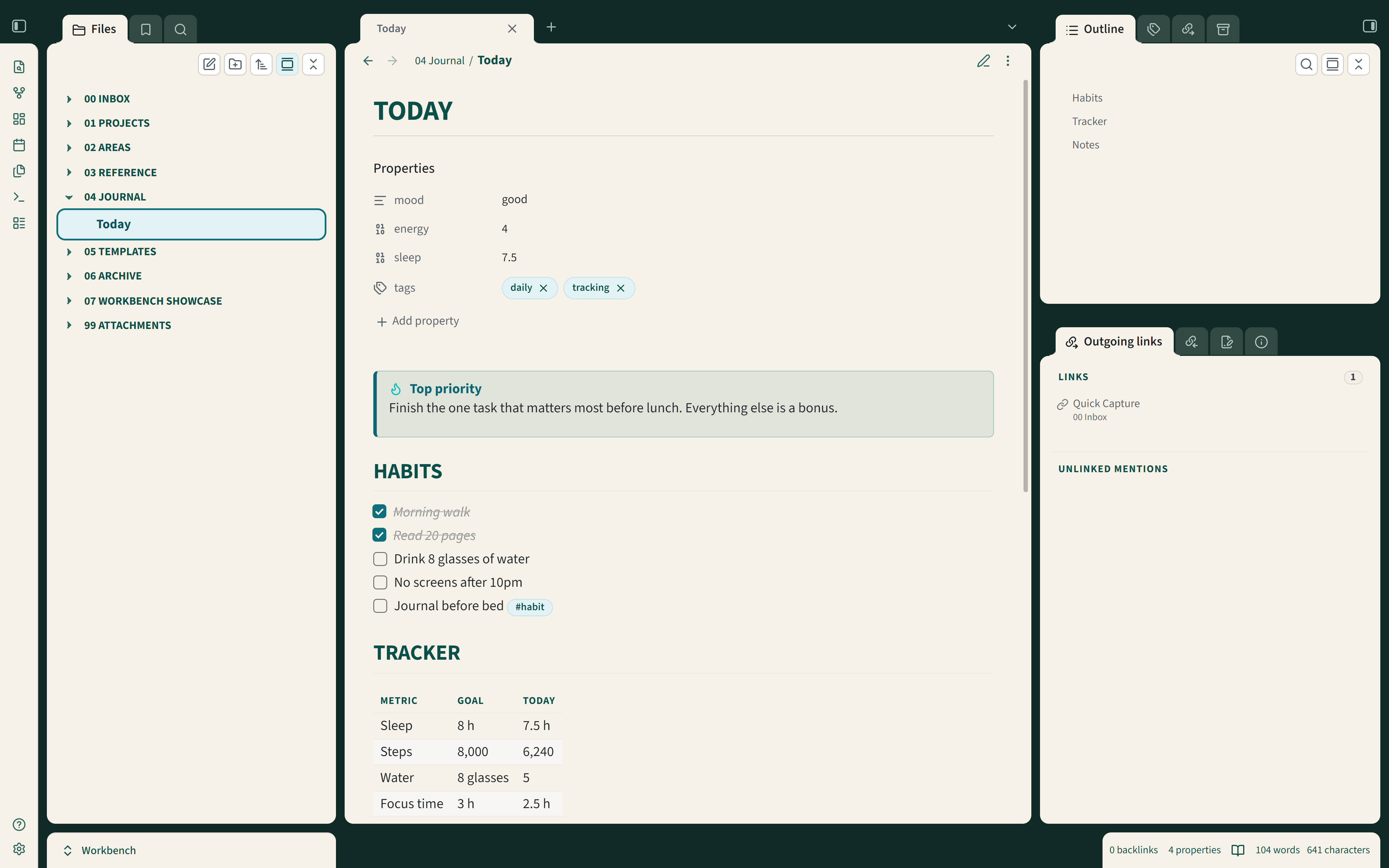
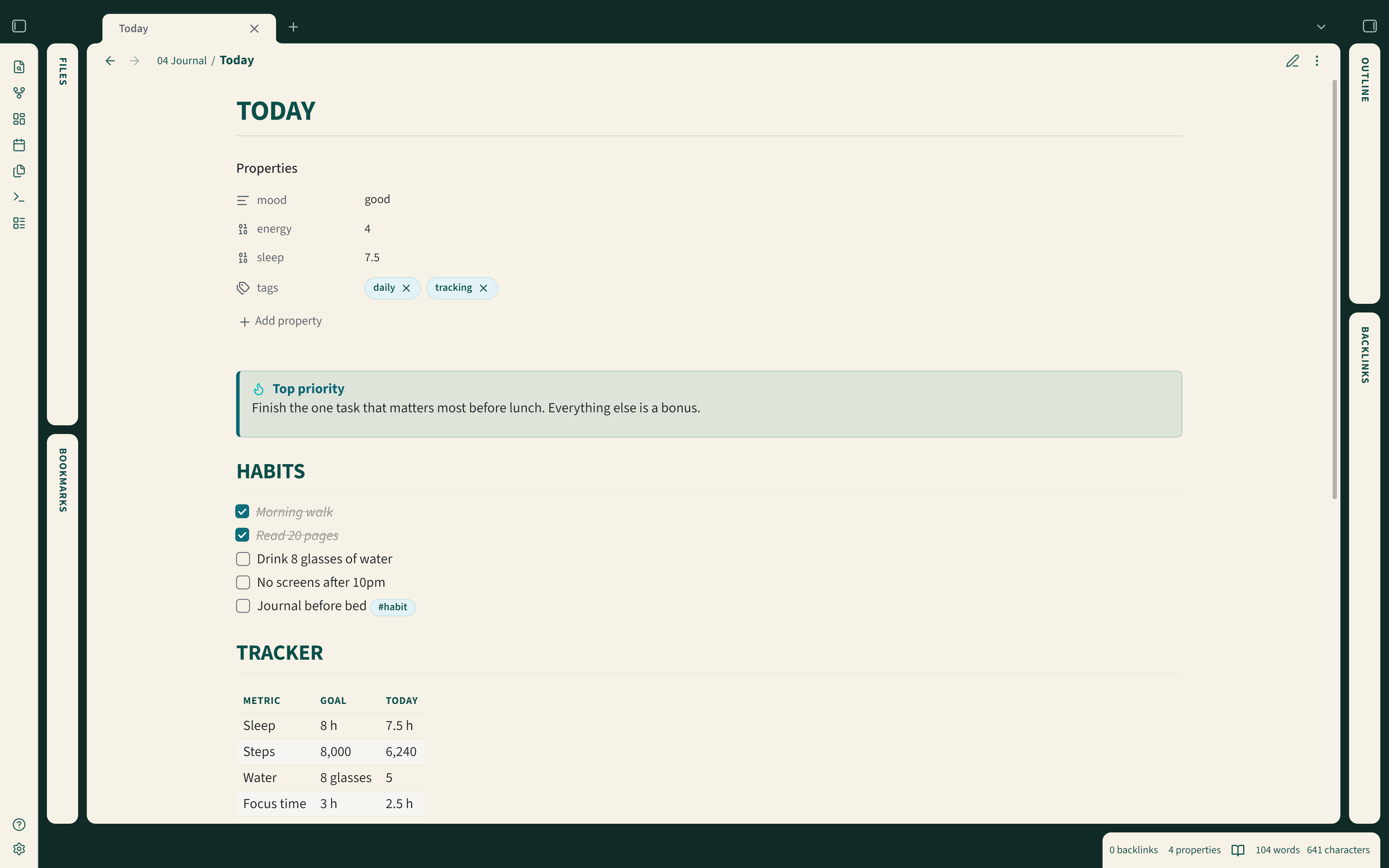
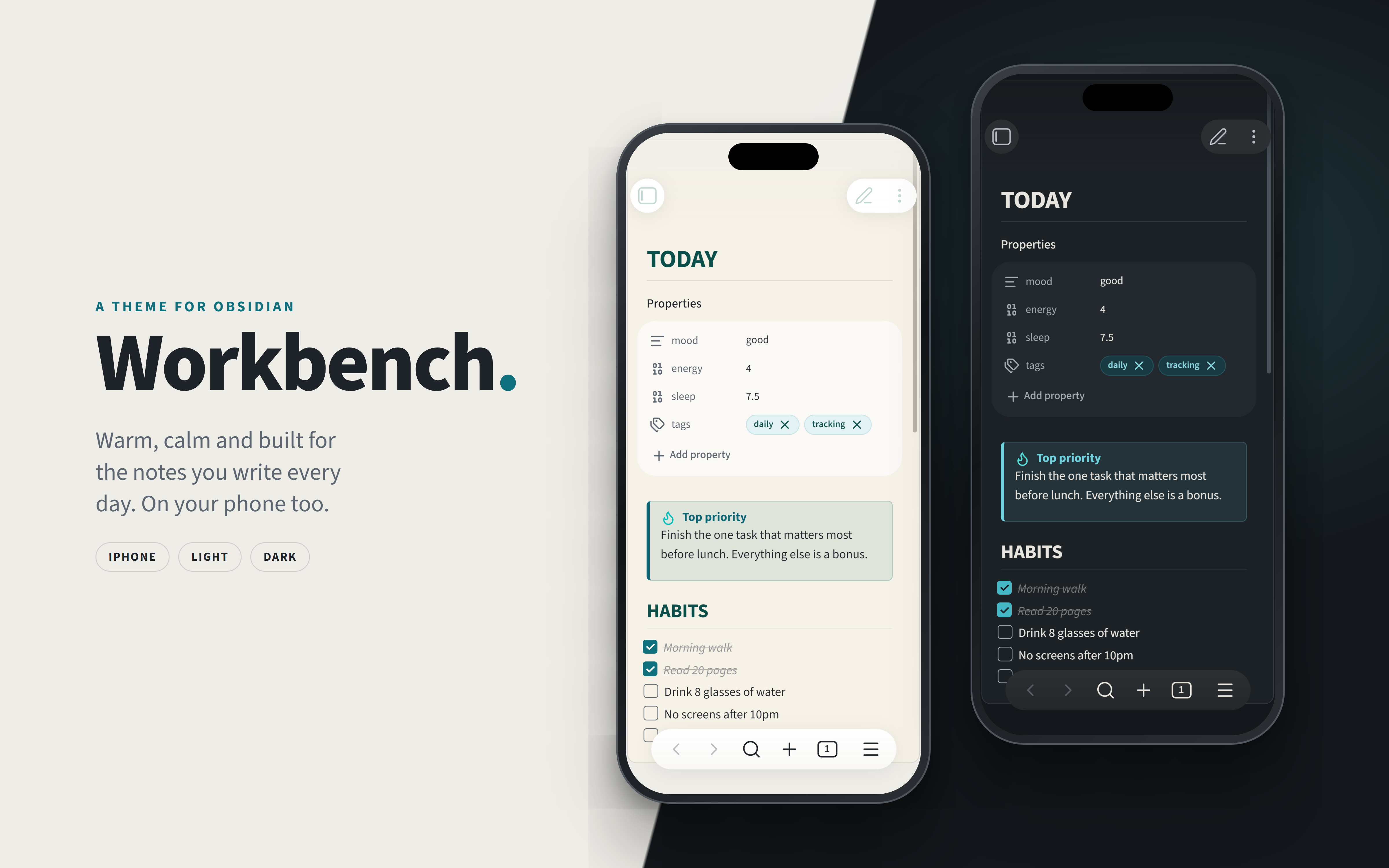
A calm, tidy theme for Obsidian. Workbench gives your notes warm parchment panels, deep green headings and a dark top bar, and it looks just as good in dark mode. It's designed for Windows, macOS, iPad and iPhone. Android devices should work too, but I haven't tested on those.
It's based on Workbench UI, so if you use that elsewhere, Obsidian will feel right at home.

Getting started
Workbench isn't in Obsidian's theme gallery just yet, so for now you'll add it by hand. It only takes
a minute:
1. Open your vault's folder and find the hidden .obsidian folder inside it. In there, open (or
create) a themes folder, then make a new folder inside that called Workbench.
2. Download theme.css and manifest.json from this page and drop them into the Workbench
folder.
3. In Obsidian, go to Settings → Appearance → Themes and pick Workbench.
In Obsidian, go to Settings → Appearance → Themes → Manage, search for Workbench, then click Install and use.
That's it! 🎉
Light or dark?
On the same Appearance page, use Base color scheme to choose light or dark. Or pick Adapt to system and Workbench will follow whatever your computer or phone is set to.
Fonts
Workbench comes with Source Sans 3 for your notes and menus and Source Code Pro for code, both built in, so everything looks right straight away with nothing to install.
To-Do
- Build the Workbench Companion plugin
The Companion is a small plugin that will add settings, plus a few things a theme can't do on its own:
- Fold and unfold code blocks
- Show or hide the icons in the file list
- Show or hide the level lines in the file list
- Choose the folder label style and size
- Switch between floating cards and flat, edge-to-edge panels
- Choose compact, comfortable or roomy spacing
- Adjust the heading style, including underlines and capitals
- Switch between light and dark in one click
- Pick from more color palettes
- Click anywhere on a minimized sidebar to open it again
☕ Support
Workbench is free and always will be. If it makes your notes a nicer place to be and you'd like to say thanks, you can buy me a coffee. It's never expected, but always appreciated!
Spotted a problem? The issue tracker is the best place for it, so nothing gets lost. For a quick chat or a question, I'm on the Obsidian Discord too, as MartynKeigher.
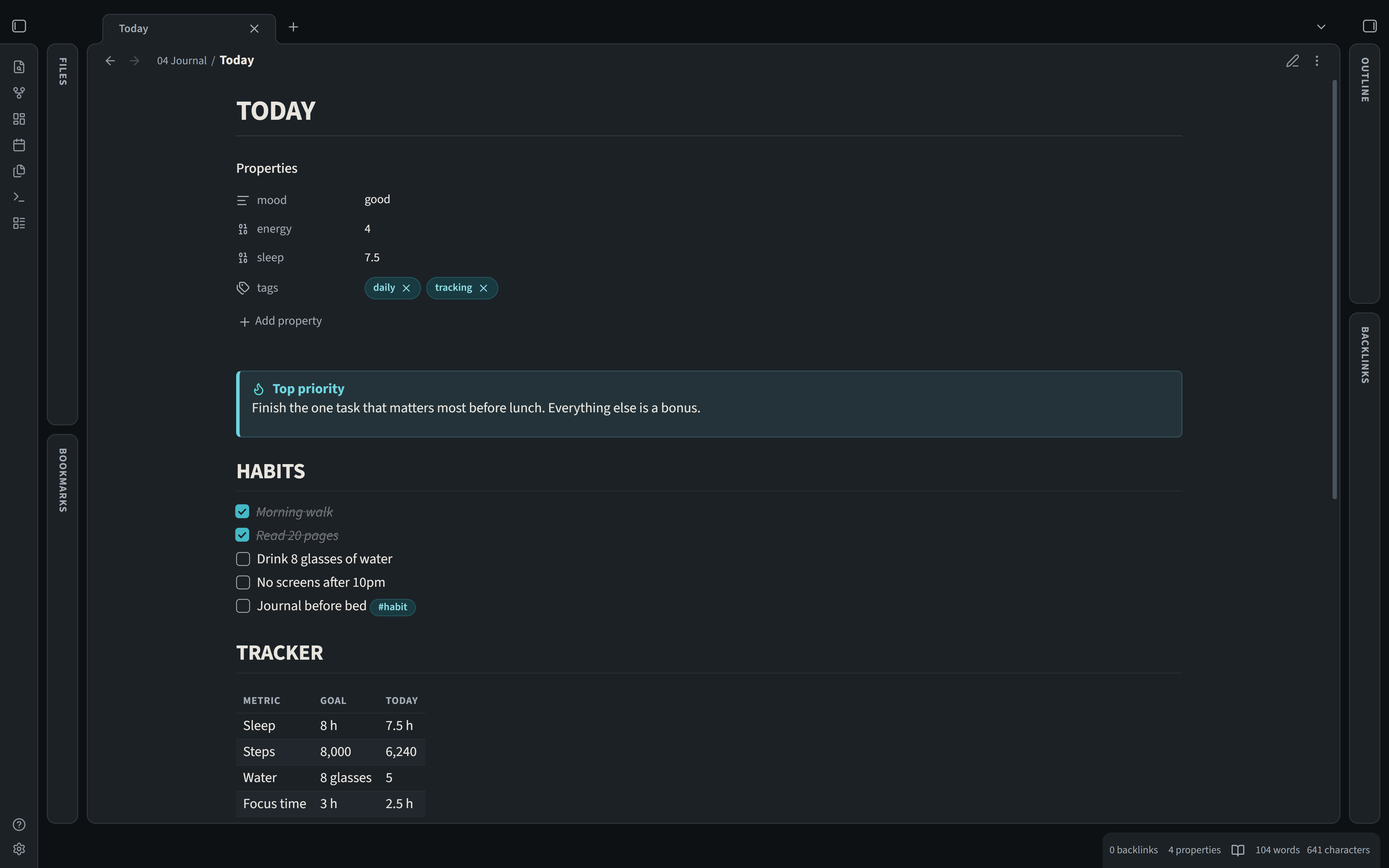
Screenshots
Contributing
Want to tinker with the theme? Everything you need is in CONTRIBUTING.md.
License
MIT, so you're free to use it however you like. The built-in Source Sans 3 and Source Code Pro fonts are © Adobe and come under the SIL Open Font License (Source Sans 3, Source Code Pro).